
How do I adjust the chest size for a booth avatar past its limit?
-
Title says it all, I'm totally new to unity and 3D model editing, so a lot of terms go a bit over my head, such as "blendshapes" or "physbones".
My goal is to make a custom Miltina avatar, and I'd like to make her fairly busty. I'm taking a lot of inspiration from twitter user @Iris_Rybrant (reference of her model posted below). Could someone explain to me common methods for adjusting the size of breasts, and other body parts?
https://x.com/Iris_Rybrant/status/2039267329847275587/photo/1

@akanelex once you make it could you share it with me? I've been looking for avis like this and cant really find any unless i wanna give up 30-40$ and for and digital item that's insane.
-
and the Hips?
-
how can I make the hips bigger
-
Oh, I think I've figured it out! You just go to the Amature and adjust the scale on the breasts!
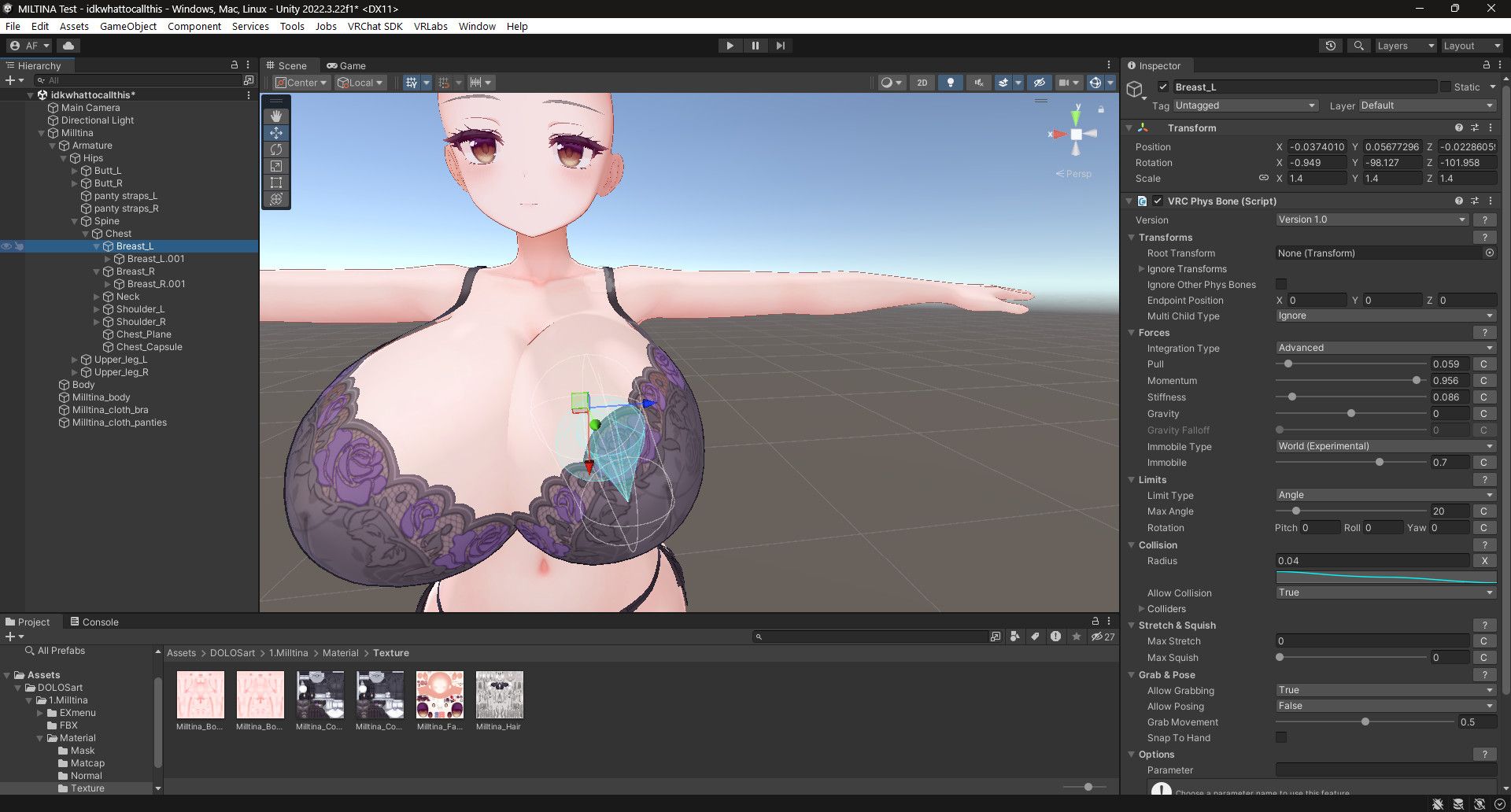
@akanelex Try not to rely on this. When things have bones that are weighted to have physbones, messing with the raw scale can sometimes break how that physbone will function in game. Its better to use blender or unity only tools to break the limits of premade shape-keys instead.
I collect shit and I share shit, lets all shit together :D
-
@akanelex Try not to rely on this. When things have bones that are weighted to have physbones, messing with the raw scale can sometimes break how that physbone will function in game. Its better to use blender or unity only tools to break the limits of premade shape-keys instead.
-
@akanelex Try not to rely on this. When things have bones that are weighted to have physbones, messing with the raw scale can sometimes break how that physbone will function in game. Its better to use blender or unity only tools to break the limits of premade shape-keys instead.
@TyeXO Instead of using the bone scaling specifically you can try Modular Avatar scale adjuster, it scales the mesh without messing with the bone itself, I use it for making fatter thighs or slimming down certain parts often and it works perfectly, it also gets around SPS non-uniform scaling issues if thats a concern!
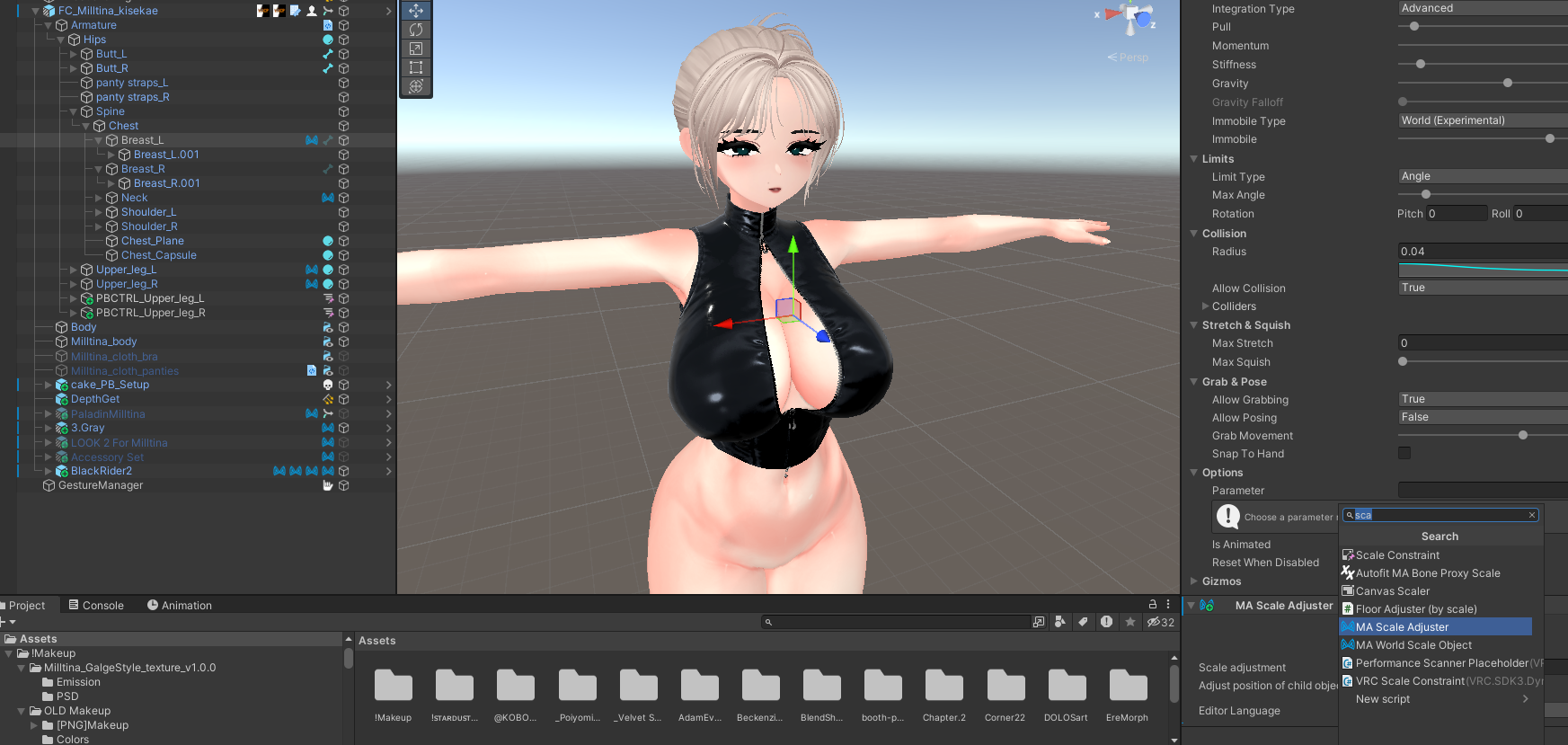

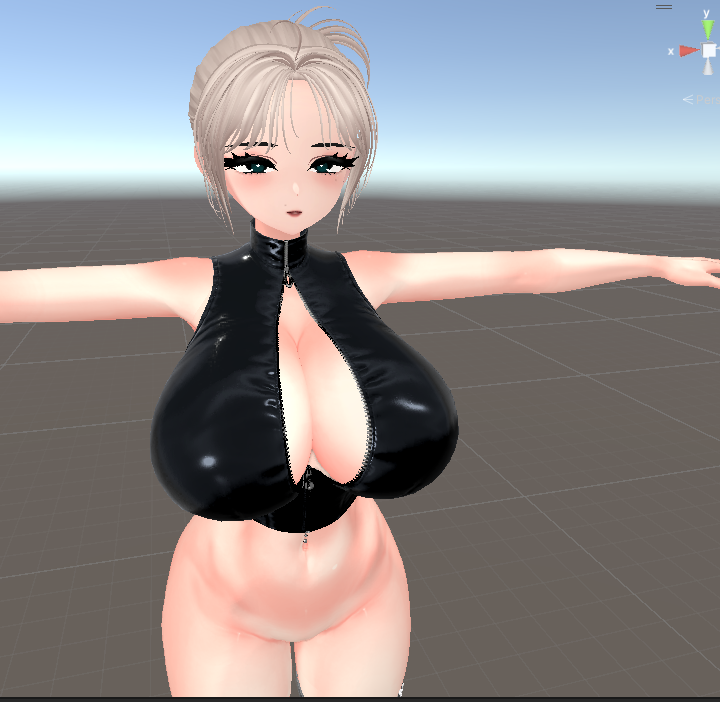
nobody can match my swag
-
@TyeXO Instead of using the bone scaling specifically you can try Modular Avatar scale adjuster, it scales the mesh without messing with the bone itself, I use it for making fatter thighs or slimming down certain parts often and it works perfectly, it also gets around SPS non-uniform scaling issues if thats a concern!
@dripsupplier This is also a option, one that I've been a aware of for a good while now lol. However, I try to avoid using unity tools for major base edits as they can always fail to comply and now you have to redo everything, but it is good for light tweaks, such as making legs longer or thighs thicker. In that we are agreed.
-
-
https://payhip.com/b/NZ1zh?ref=jinxxy there is this, I can get the file for it uploaded to here if anyone would want this, I love using it and its super simple
-
There's this tool you could use but 5.0.2 is kinda messed up with it's UI and isn't the most recent version
-
@TyeXO Instead of using the bone scaling specifically you can try Modular Avatar scale adjuster, it scales the mesh without messing with the bone itself, I use it for making fatter thighs or slimming down certain parts often and it works perfectly, it also gets around SPS non-uniform scaling issues if thats a concern!
@dripsupplier OMG i need that head ur using i would lit pay for it pleeeasseee
-
its an old milltina i made, dont have the project anymore but i just mess with the blendshapes a shit ton






Hello! It looks like you're interested in this conversation, but you don't have an account yet.
Getting fed up of having to scroll through the same posts each visit? When you register for an account, you'll always come back to exactly where you were before, and choose to be notified of new replies (either via email, or push notification). You'll also be able to save bookmarks and upvote posts to show your appreciation to other community members.
With your input, this post could be even better 💗
Register Login