
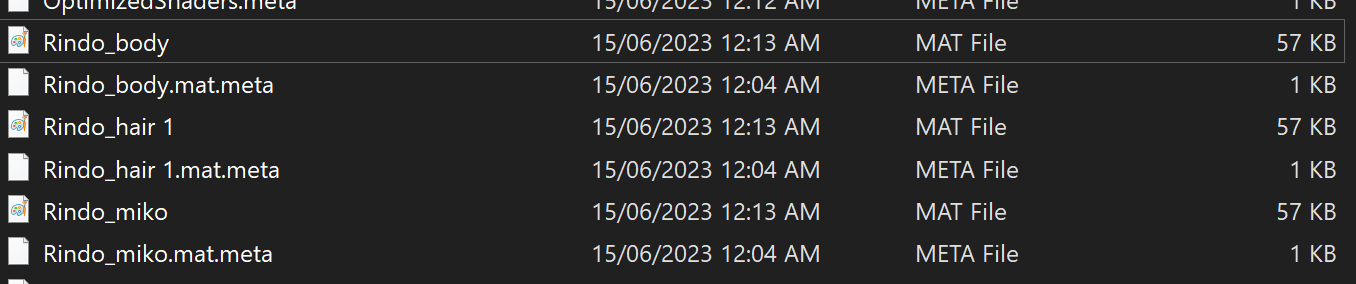
How would i edit or open MAT Files? or unlock? it was png at first and then it just changed..
-
-
put .png in the search bar for the asset folder to see if it's still there, and after that you can find out what folder it is in.
or you could get the tex files from the psd's and drop them in the texture folder in unity. it'll if you don't already have the psd's you should be able to find them on the forum. just put rindo into the search bar -
put .png in the search bar for the asset folder to see if it's still there, and after that you can find out what folder it is in.
or you could get the tex files from the psd's and drop them in the texture folder in unity. it'll if you don't already have the psd's you should be able to find them on the forum. just put rindo into the search bar -
System moved this topic from Support on

Hello! It looks like you're interested in this conversation, but you don't have an account yet.
Getting fed up of having to scroll through the same posts each visit? When you register for an account, you'll always come back to exactly where you were before, and choose to be notified of new replies (either via email, or push notification). You'll also be able to save bookmarks and upvote posts to show your appreciation to other community members.
With your input, this post could be even better 💗
Register Login