
Help with Avatar Upload for Zaza by Acee
-
Official Page: https://payhip.com/b/5DBXz?ref=jinxxy
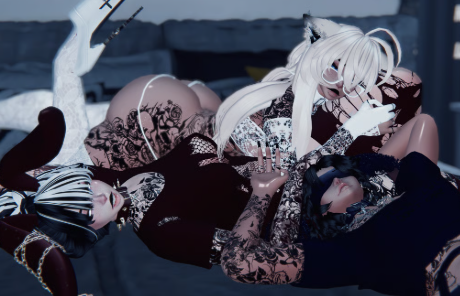
Download: https://vrmodels.store/avatars/26322-zaza.htmlThe avatar file is too big uncompressed about 600(100 over the maximum)
I've tried reducing all textures, deleting random stuff but i cant get the size down enough to get it uploaded.
Is there anything else i am missing or something else i can do to reduce the uncompressed size? Looking at the comments on VRModels, i tried not including pretty much any repositories but it still would not reduce the size. -
Official Page: https://payhip.com/b/5DBXz?ref=jinxxy
Download: https://vrmodels.store/avatars/26322-zaza.htmlThe avatar file is too big uncompressed about 600(100 over the maximum)
I've tried reducing all textures, deleting random stuff but i cant get the size down enough to get it uploaded.
Is there anything else i am missing or something else i can do to reduce the uncompressed size? Looking at the comments on VRModels, i tried not including pretty much any repositories but it still would not reduce the size. -
@Jayying Try adding Blendshape Optimizer, if that doesnt work then i would just add you rq on discord or so to help.

Hello! It looks like you're interested in this conversation, but you don't have an account yet.
Getting fed up of having to scroll through the same posts each visit? When you register for an account, you'll always come back to exactly where you were before, and choose to be notified of new replies (either via email, or push notification). You'll also be able to save bookmarks and upvote posts to show your appreciation to other community members.
With your input, this post could be even better 💗
Register Login