
How to swap out fully made avi's clothes with another clothing set
-
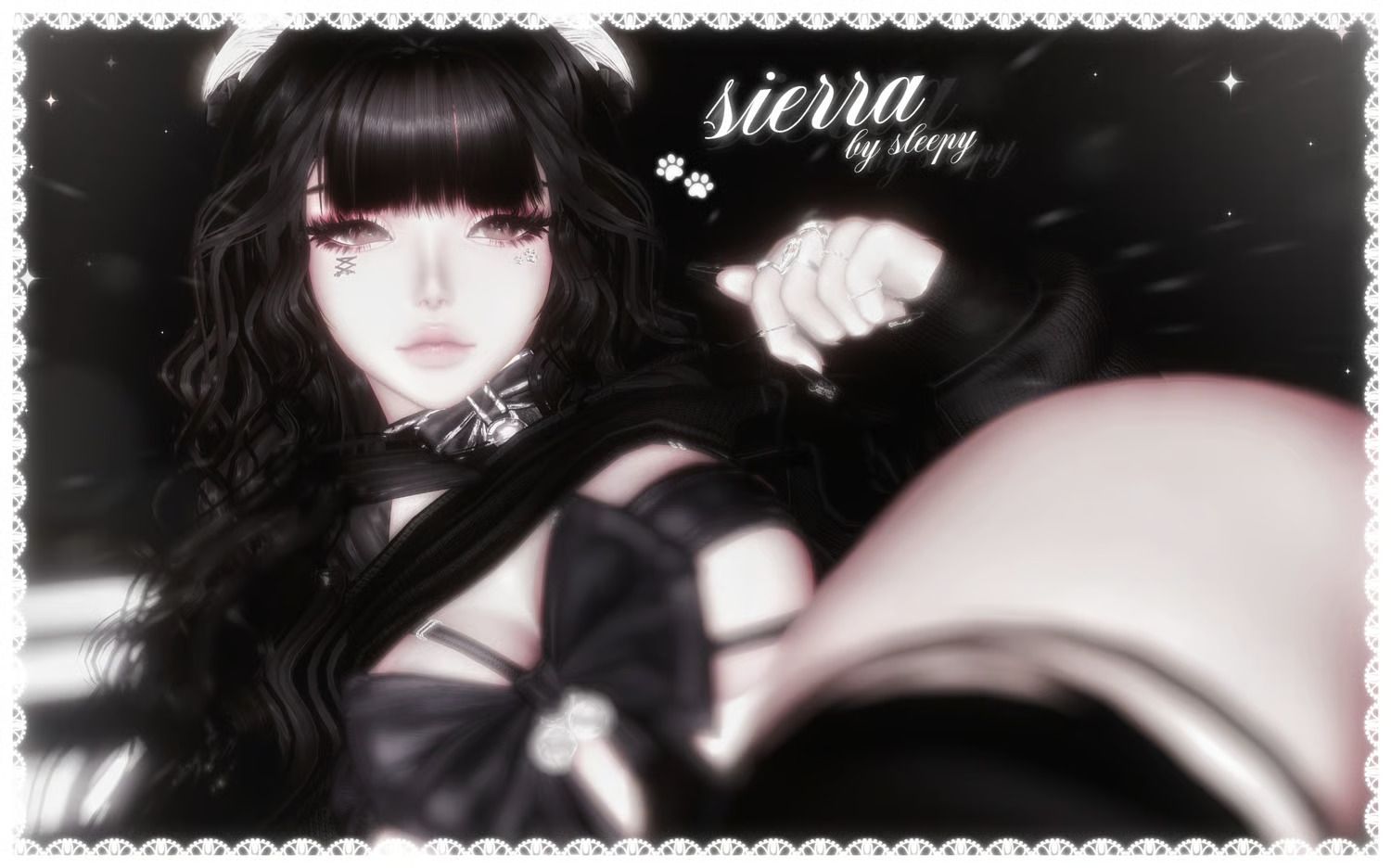
I am trying to put this avatar clothing set by Cringy on Sierra by sleepy.
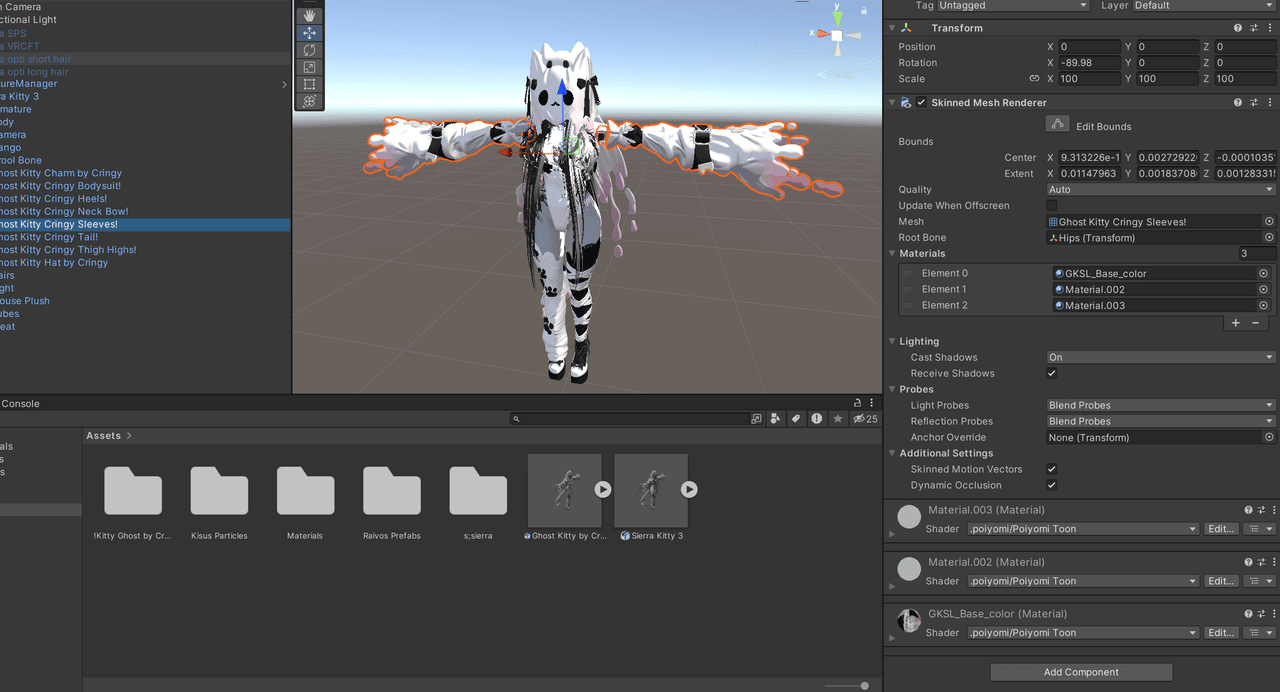
Sierra uses the same egirl heeled base that the avi outfit pack is made for, but i cannot get it to work. it just stays T-Posed. I have used vrcfury armature link and the most that I could get it to do was to link to the hips so it follows when i crouch up and down. But it has absolutely no physics in terms of the flowy cloth effect or anything of that nature. it stays completely static and just follows as a tpose as i crouch up and down.
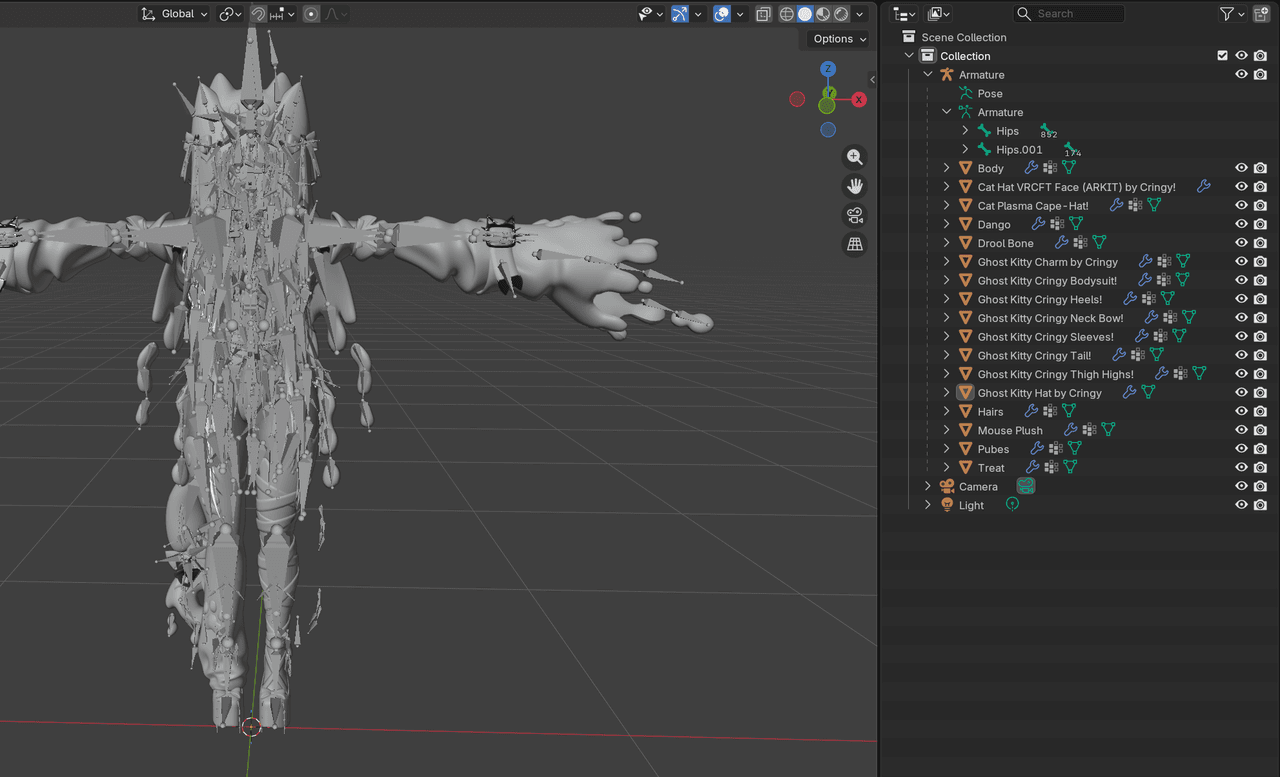
I have looked for tutorials and found none. Asked ai for help and you can imagine how that went. Even went to blender to try and manually link the armature. I do not wanna build an entirely new avi to do this bc i am not an avi creator and am new to all of this. I really just wanna swap the fit of sierra out for this/any other outfit.
If anyone could help I would be so appreciative.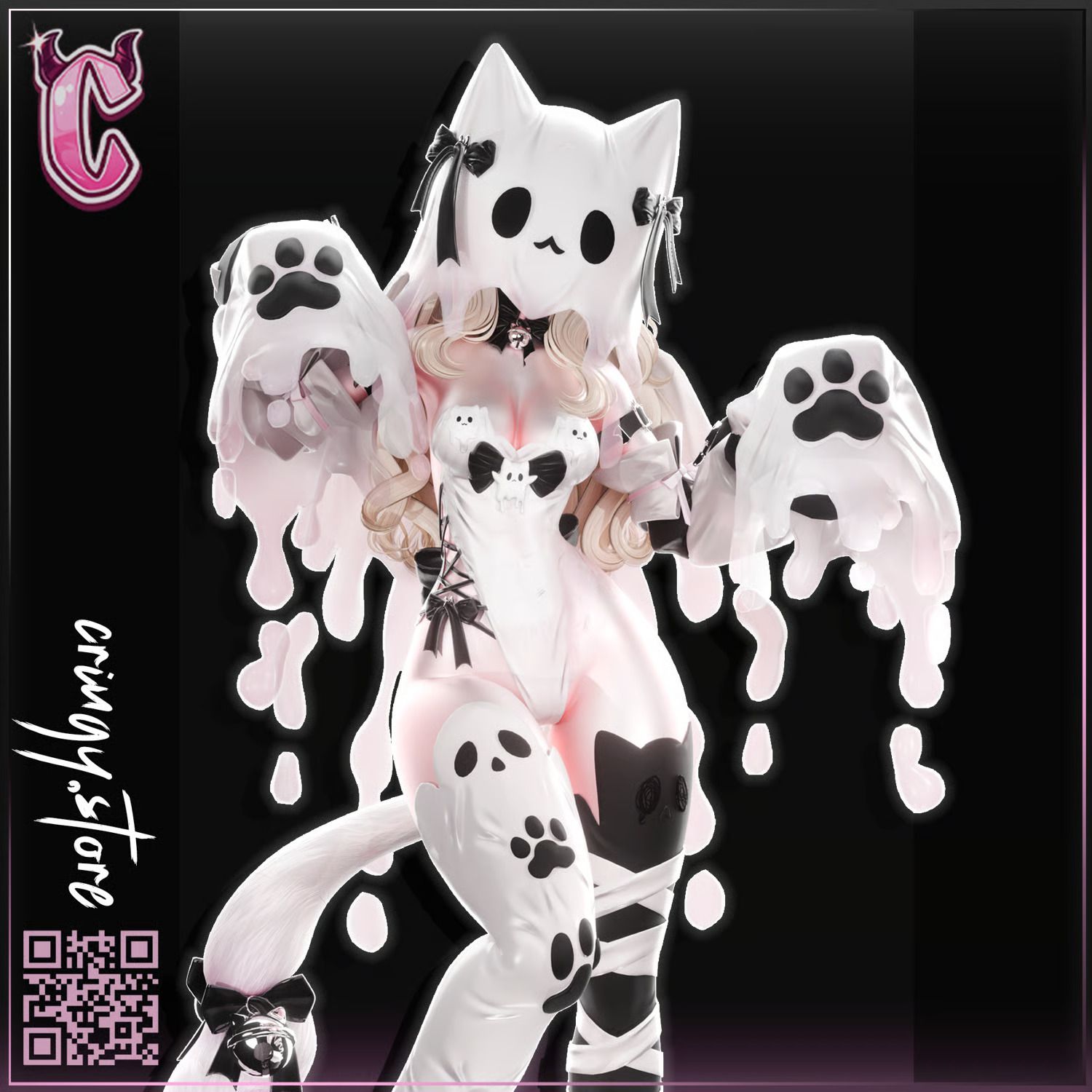
-
Have you taken a look at VRCFury's Armature Link Documentation? As long as both the avatar's and the clothes' armatures are organized and named in the same way, it should work once you follow the steps in the documentation. If it doesn't work, you can assemble it manually by putting each Object of the clothes' armature directly underneath its identically named Object on the avatar's armature (as a Child Object, not on the same level).
-
-
@ilovehim it's not an avi. it's just an outfit. the avi you're seeing it on was built by the creator of the outfit to show it off, but never publicly released it. trust me, I went to them myself and asked bc I had genuine intents of buying it for myself. that's why I made this post bc I have the outfit and an Avi with the proper base model, but combining them and ensuring working toggles/etc just isn't working
-
Have you taken a look at VRCFury's Armature Link Documentation? As long as both the avatar's and the clothes' armatures are organized and named in the same way, it should work once you follow the steps in the documentation. If it doesn't work, you can assemble it manually by putting each Object of the clothes' armature directly underneath its identically named Object on the avatar's armature (as a Child Object, not on the same level).
@ChicTac I tried using the link for the armature and I was able to get the tracking to work. so the clothes to move with the arms/legs. but it had no physics and it was clipping through. so at that point I figured it was an issue with the proportions. the idea of having to go into blender and reshape certain elements as a beginner is incredibly overwhelming

Hello! It looks like you're interested in this conversation, but you don't have an account yet.
Getting fed up of having to scroll through the same posts each visit? When you register for an account, you'll always come back to exactly where you were before, and choose to be notified of new replies (either via email, or push notification). You'll also be able to save bookmarks and upvote posts to show your appreciation to other community members.
With your input, this post could be even better 💗
Register Login