Skip to content
  • Categories
  • Recent
  • Tags
  • Popular
Skins
  • Light
  • Brite
  • Cerulean
  • Cosmo
  • Flatly
  • Journal
  • Litera
  • Lumen
  • Lux
  • Materia
  • Minty
  • Morph
  • Pulse
  • Sandstone
  • Simplex
  • Sketchy
  • Spacelab
  • United
  • Yeti
  • Zephyr
  • Dark
  • Cyborg
  • Darkly
  • Quartz
  • Slate
  • Solar
  • Superhero
  • Vapor

  • Default (Zephyr)
  • No Skin
Collapse
RipperStore Logo
  1. Home
  2. Assets
  3. Looking for...
  4. NSFW
  5. (Convert request) Discord Chan by Bom39 - help convert this to FBX format.

(Convert request) Discord Chan by Bom39 - help convert this to FBX format.

Scheduled Pinned Locked Moved Unsolved NSFW
unityfbxnsfwbom39convertfurryport
29 Posts 8 Posters 602 Views 11 Watching
  • Oldest to Newest
  • Newest to Oldest
  • Most Votes
Reply
  • Reply as topic
Log in to reply
This topic has been deleted. Only users with topic management privileges can see it.
  • Yakov JackY
    Yakov JackY
    Yakov Jack
    wrote last edited by Yakov Jack
    #1

    Hey everyone!

    Please help me convert the DCChan model from unitypackage to fbx format.

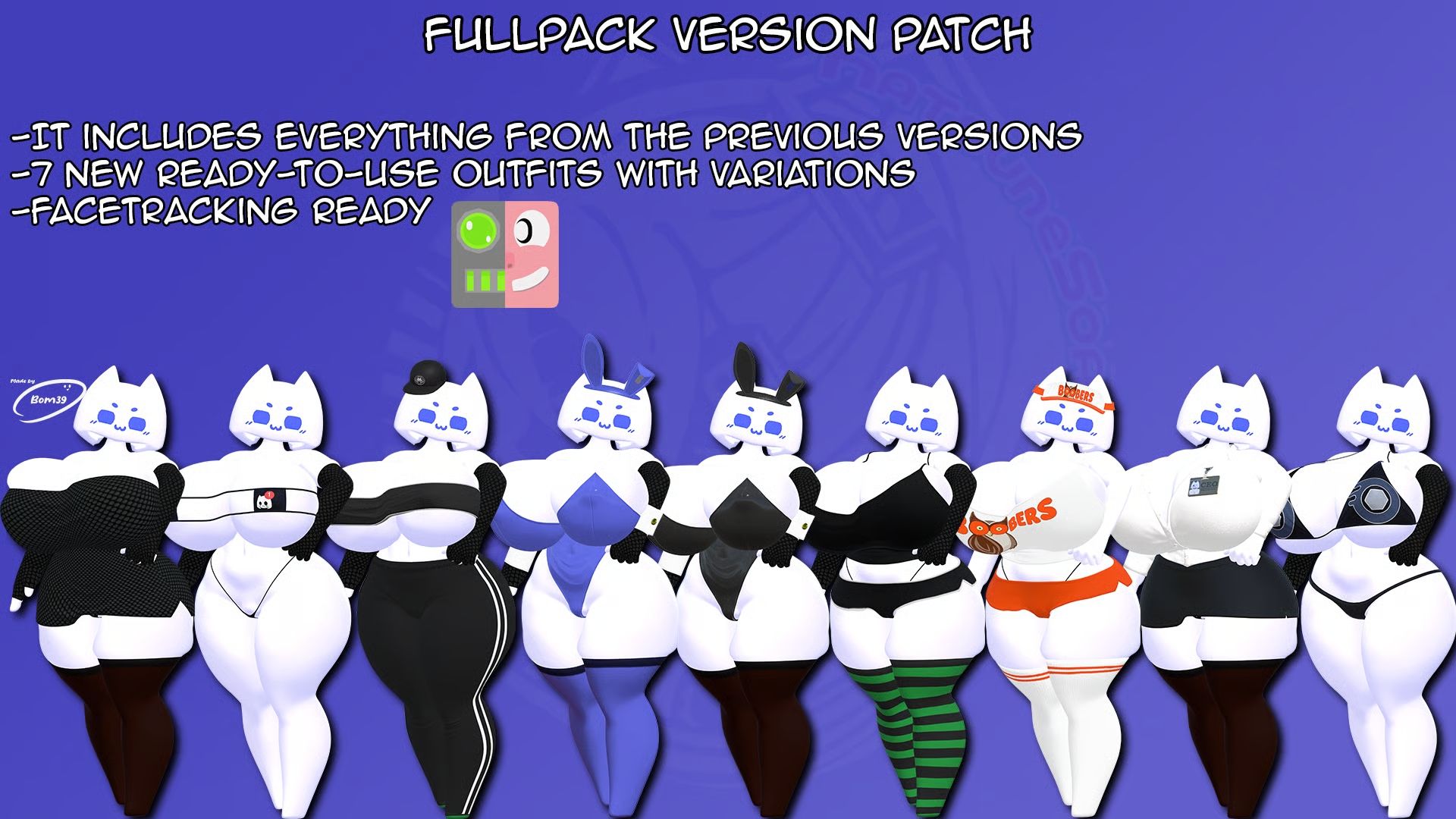
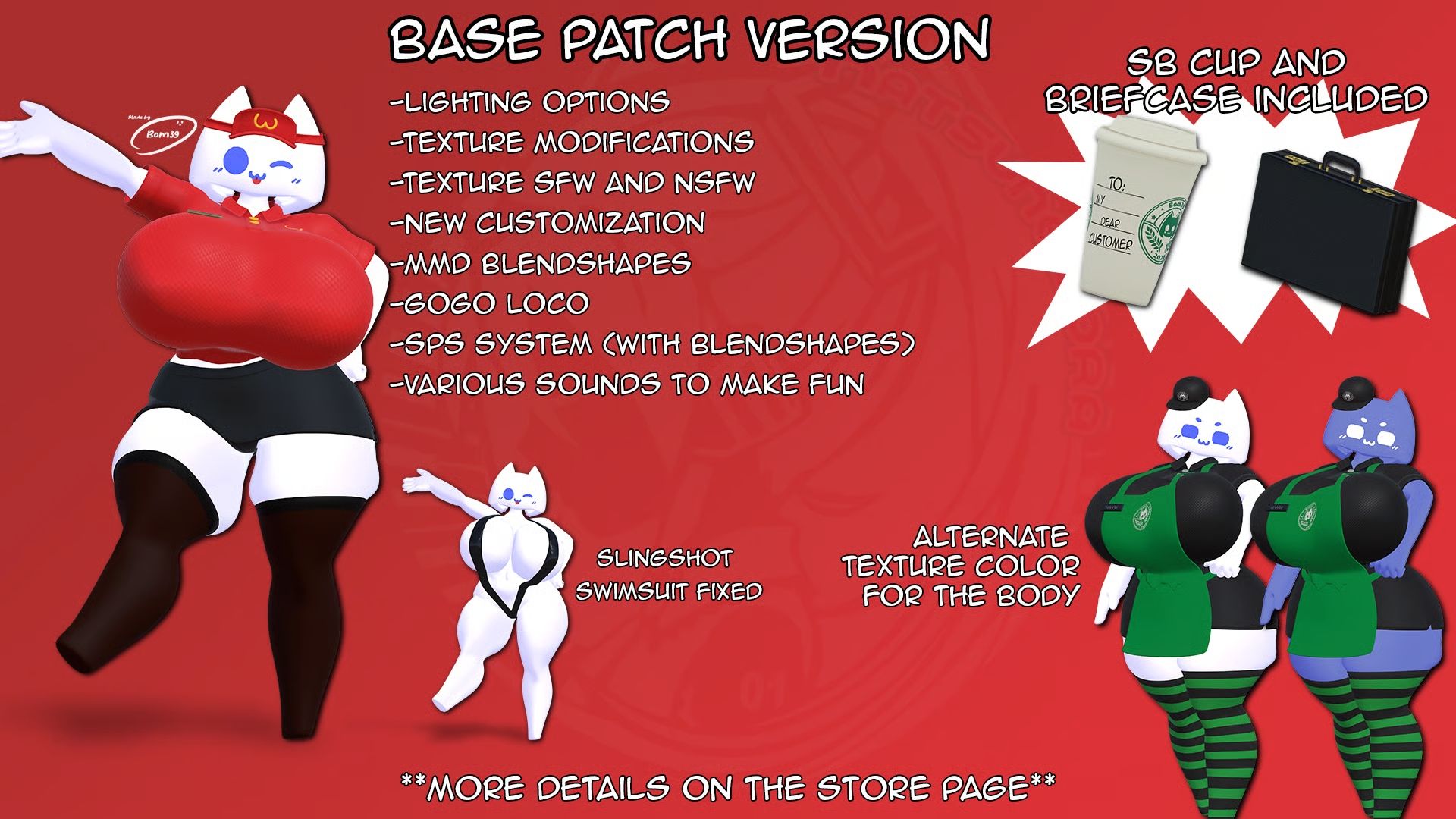
    Below I'll provide a download link for the pack and the forum where I found it. When unpacking, the fbx folder contains clothing and accessory models, but when importing them into blender, all the clothing appears, but the model body itself is missing.
    Maybe it's in the unitypackage? If so, why is it set up this way?
    It's strange...

    982523611827984384 (1).jpg
    982529288869635072.jpg
    982529292976141312.jpg


    [register or login to view this hidden content]


    https://forum.ripper.store/topic/114224/found-bom39-discord-chan-hs-full-version-patch/39


    1 Reply Last reply
    0
    • Yakov JackY
      Yakov JackY
      Yakov Jack
      wrote last edited by
      #2

      Bump

      1 Reply Last reply
      0
      • Yakov JackY
        Yakov JackY
        Yakov Jack
        wrote last edited by
        #3

        Bump

        1 Reply Last reply
        0
        • LunaFloraL
          LunaFloraL
          LunaFlora
          wrote last edited by
          #4

          bp

          1 Reply Last reply
          0
          • HELIOs_E6H
            HELIOs_E6H
            HELIOs_E6
            wrote last edited by
            #5

            you know unity has an fbx exporter right? built in

            1 Reply Last reply
            0
            • Ender_JE
              Ender_JE
              Ender_J
              wrote last edited by
              #6

              Bump

              1 Reply Last reply
              0
              • Yakov JackY
                Yakov JackY
                Yakov Jack
                wrote last edited by
                #7

                @helios_e6 I know, but I have no desire or opportunity to work with Unity just to extract a model from there...

                1 Reply Last reply
                0
                • Yakov JackY
                  Yakov JackY
                  Yakov Jack
                  wrote last edited by
                  #8

                  Bump

                  1 Reply Last reply
                  0
                  • Yakov JackY
                    Yakov JackY
                    Yakov Jack
                    wrote last edited by
                    #9

                    Bump

                    1 Reply Last reply
                    0
                    • Yakov JackY
                      Yakov JackY
                      Yakov Jack
                      wrote last edited by
                      #10

                      Bump

                      1 Reply Last reply
                      0
                      • Helixshade2H
                        Helixshade2H
                        Helixshade2
                        wrote last edited by
                        #11

                        bump bump

                        1 Reply Last reply
                        0
                        • Yakov JackY
                          Yakov JackY
                          Yakov Jack
                          wrote last edited by
                          #12

                          Bump

                          1 Reply Last reply
                          0
                          • Yakov JackY
                            Yakov JackY
                            Yakov Jack
                            wrote last edited by
                            #13

                            Bump bump

                            1 Reply Last reply
                            0
                            • Yakov JackY
                              Yakov JackY
                              Yakov Jack
                              wrote last edited by
                              #14

                              Bump

                              1 Reply Last reply
                              0
                              • Yakov JackY
                                Yakov JackY
                                Yakov Jack
                                wrote last edited by
                                #15

                                Bump

                                1 Reply Last reply
                                0
                                • Yakov JackY
                                  Yakov JackY
                                  Yakov Jack
                                  wrote last edited by
                                  #16

                                  Bump

                                  1 Reply Last reply
                                  0
                                  • SrchAvS
                                    SrchAvS
                                    SrchAv
                                    wrote last edited by SrchAv
                                    #17

                                    What exactly do you want, or do?
                                    Because essentially, what’s being posted here is a patch; you just need to apply it to bom39's original model and use the new FBX file generated by the patch—no conversion or complex process is required. It doesn't need an "FBX extractor" or "FBX exporter."

                                    Yakov JackY 1 Reply Last reply
                                    0
                                    • Dane_x3D
                                      Dane_x3D
                                      Dane_x3
                                      wrote last edited by Dane_x3
                                      #18

                                      SO heres a lil tutorial just because i hate how hard it can be to learn these fuck ass programs:

                                      IN UNITY youll have your model loaded into your project and youll go to services at the very top of your window, youll select Explore and itll pull up a new window, the package manager. youll want to be on the All tab and scroll down to Fbx Exporter in the Packages dropdown. once you have that installed you can export your model as an fbx with all your added prefabs and such. FOR BLENDER SPECIFICALLY make sure you export as the BINARY format as blender will make a big stink if you leave it as ASCII

                                      Edit- Apparently i cant read but ill leave the tut there anyways, im a bit busy with my own stuff but i hope you figure out the exporting issue

                                      woof woof!

                                      1 Reply Last reply
                                      0
                                      • SrchAvS SrchAv

                                        What exactly do you want, or do?
                                        Because essentially, what’s being posted here is a patch; you just need to apply it to bom39's original model and use the new FBX file generated by the patch—no conversion or complex process is required. It doesn't need an "FBX extractor" or "FBX exporter."

                                        Yakov JackY
                                        Yakov JackY
                                        Yakov Jack
                                        wrote last edited by
                                        #19

                                        @SrchAv The method is as follows: use the clothing set from the patch as an FBX and apply it to the original FBX model in Blender. However, the problem is that the clothing set has a model skeleton, but not the character itself. How can you combine completely different skeletons into one in Blender? Oh, and by the way, in my case, by "original model," I mean DCChan from Sketchfab.

                                        And answering your question: how to do it correctly?

                                        SrchAvS 1 Reply Last reply
                                        0
                                        • Yakov JackY Yakov Jack

                                          @SrchAv The method is as follows: use the clothing set from the patch as an FBX and apply it to the original FBX model in Blender. However, the problem is that the clothing set has a model skeleton, but not the character itself. How can you combine completely different skeletons into one in Blender? Oh, and by the way, in my case, by "original model," I mean DCChan from Sketchfab.

                                          And answering your question: how to do it correctly?

                                          SrchAvS
                                          SrchAvS
                                          SrchAv
                                          wrote last edited by SrchAv
                                          #20

                                          @Yakov-Jack Alright, okay.
                                          The file being shared here is a Unity patch; it doesn't contain the original DiscordChan model itself. What the patch does is take the original model, apply the modified data from the patch, and transform it into a new copy of DiscordChan that includes those modifications—essentially creating a new FBX file. However, to do this, you need to acquire the original DiscordChan model by bom39. I know the package includes a .blend file and other FBX files, but those are just extra additions not found in the original model. So, to get the actual character along with all the extras, you need to apply the patch; this creates a new FBX file in your Unity folders, which you can then import into Blender and do whatever you like with.

                                          The original model seems to be floating around on this page too.

                                          Yakov JackY 1 Reply Last reply
                                          0

                                          Hello! It looks like you're interested in this conversation, but you don't have an account yet.

                                          Getting fed up of having to scroll through the same posts each visit? When you register for an account, you'll always come back to exactly where you were before, and choose to be notified of new replies (either via email, or push notification). You'll also be able to save bookmarks and upvote posts to show your appreciation to other community members.

                                          With your input, this post could be even better 💗

                                          Register Login
                                          Reply
                                          • Reply as topic
                                          Log in to reply
                                          • Oldest to Newest
                                          • Newest to Oldest
                                          • Most Votes


                                          • Login

                                          • Login or register to search.
                                          • First post
                                            Last post
                                          0
                                          • Categories
                                          • Recent
                                          • Tags
                                          • Popular