
Help. Adding new clothes to Papillon avatar
-
Hi! I been looking for new avatars to see and try to learn how to add clothes using vrcfury and modular avatar. But with Papillon is different. I Tried adding and the arms don't follow the avatar movement and on first import, the clothes mark this error on modular avatar
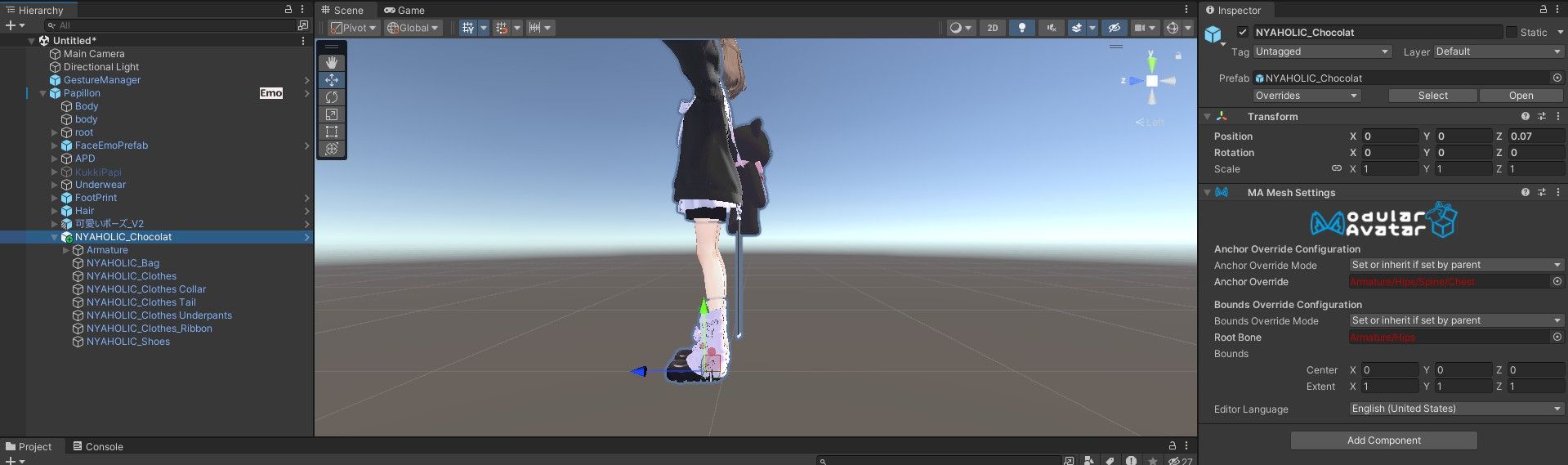
After setup outfit, the names change, but arms still don't follow the avatar. I tested with gesture manager emulator. Here is with the default outfit and the one I try to add

Looking the hierarchy this avatar have an extra bone called spine_02.x aI don't know if it's ok only remove it and add the outfit
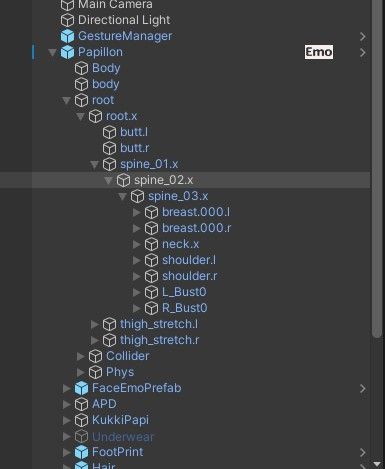
Can I get some help, please?
-
Well, after a while, I found how to add new clothes that is not designed for Papillon. You need a script to convert clothes to fit in Papillon. It's here and it's free
https://booth.pm/en/items/6029814
Also you need scripts for clothes, they are in the link too. With this, you can make clothes for the following models make compatible with Papillon
Chiffon
Kikyo
Lime
Manuka
Minase
Sophia
ShinraYou'll have to do extra adjust, because the script make compatible, but some clothes clip off. Modular Avatar Merge Armature and Scale Adjuster can make this more easily. Here is with clothes and bones right, also I changed the default hair with shota hair
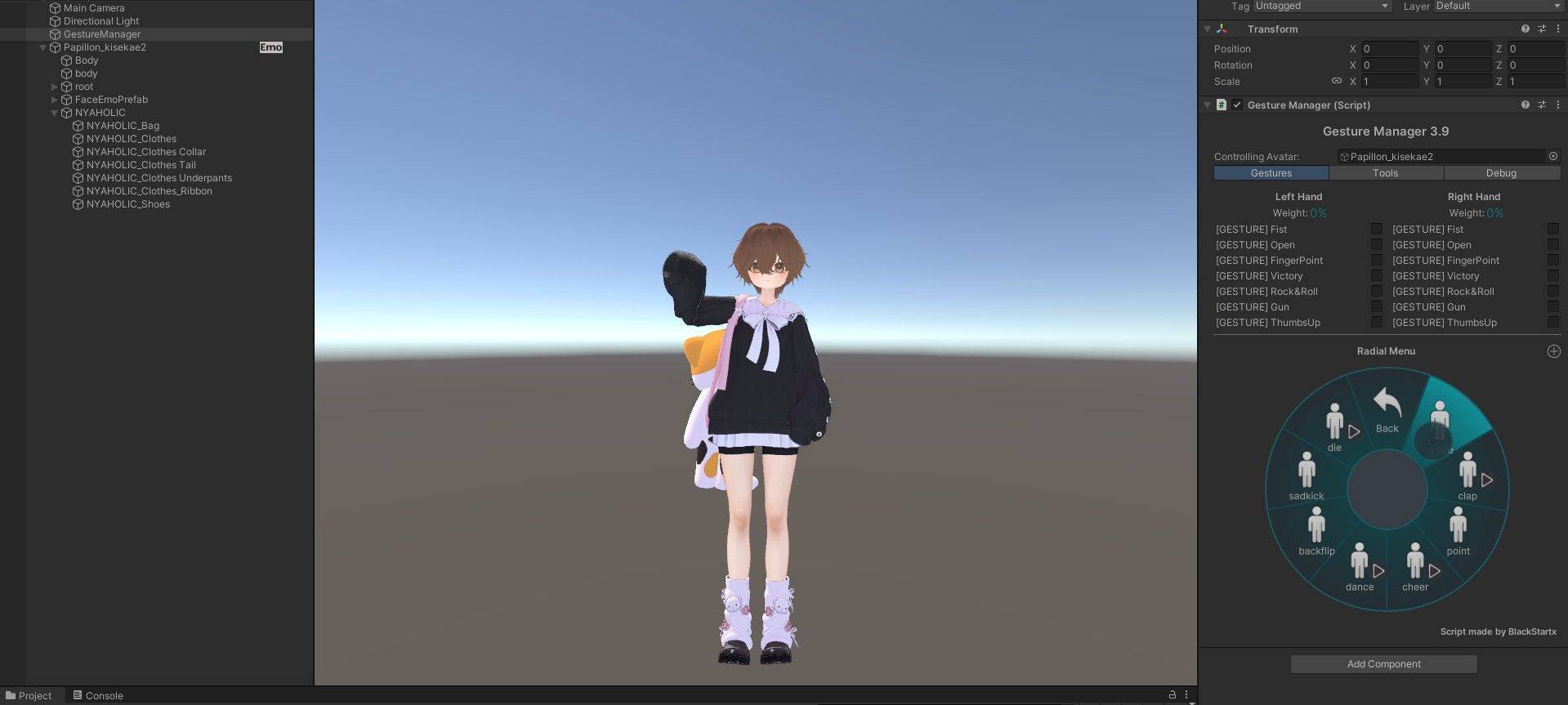
Hope this help anyone who want to custom a Papillon avatar
-
You can also use Mochifitter since Papillon has her own Mochifitter compatible profile. It helps with clothes that need the weight to be adjusted the same as Papillon's since the non-compatible clothing don't actually fit her, Mochifitter is a great tool to solve that problem.
https://booth.pm/zh-tw/items/7657840
Hello! It looks like you're interested in this conversation, but you don't have an account yet.
Getting fed up of having to scroll through the same posts each visit? When you register for an account, you'll always come back to exactly where you were before, and choose to be notified of new replies (either via email, or push notification). You'll also be able to save bookmarks and upvote posts to show your appreciation to other community members.
With your input, this post could be even better 💗
Register Login