
Is this MMD tools problem?
-
I was try to apply this tool on my avatar, following all the step.
It was great until my friend told me that my avatar's head is gone in their view, but in my view it still there.
Was it the tools or i might havent missed some steps?
https://booth.pm/en/items/3696116
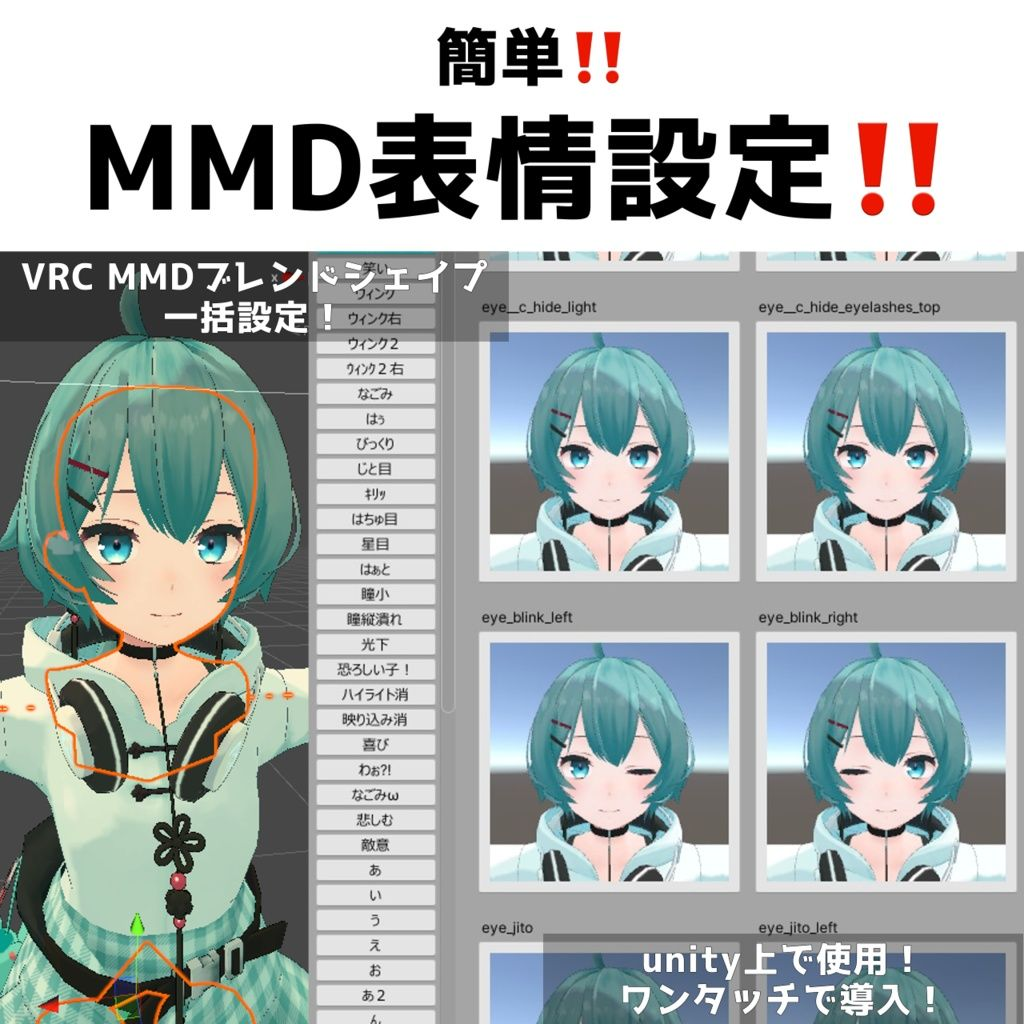
I was try to apply this tool on my avatar, following all the step.
It was great until my friend told me that my avatar's head is gone in their view, but in my view it still there.
Was it the tools or i might havent missed some steps?
https://booth.pm/en/items/3696116
-
-
Sorry for bumping an old post. I just wanted to send some updated file links in case anyone is having problems using the tool.
-
-
-
-
Bump
-
Hello Hello me nations who appear to have the same problem with the MMD issue. Im kinda surprise this ancient post somehow still get ppl bumping on it.
Through 3 years, i had found some way to fix the MMD option for model myself, so i think i'd share for you all and anyone who come to this post in the future.
The avatar that used to have the problem in this post was Sagara by RabiShop: https://booth.pm/en/items/3856749
Imma place my boy pic here (just to flex bc i got the creator of his follow me >:))))) )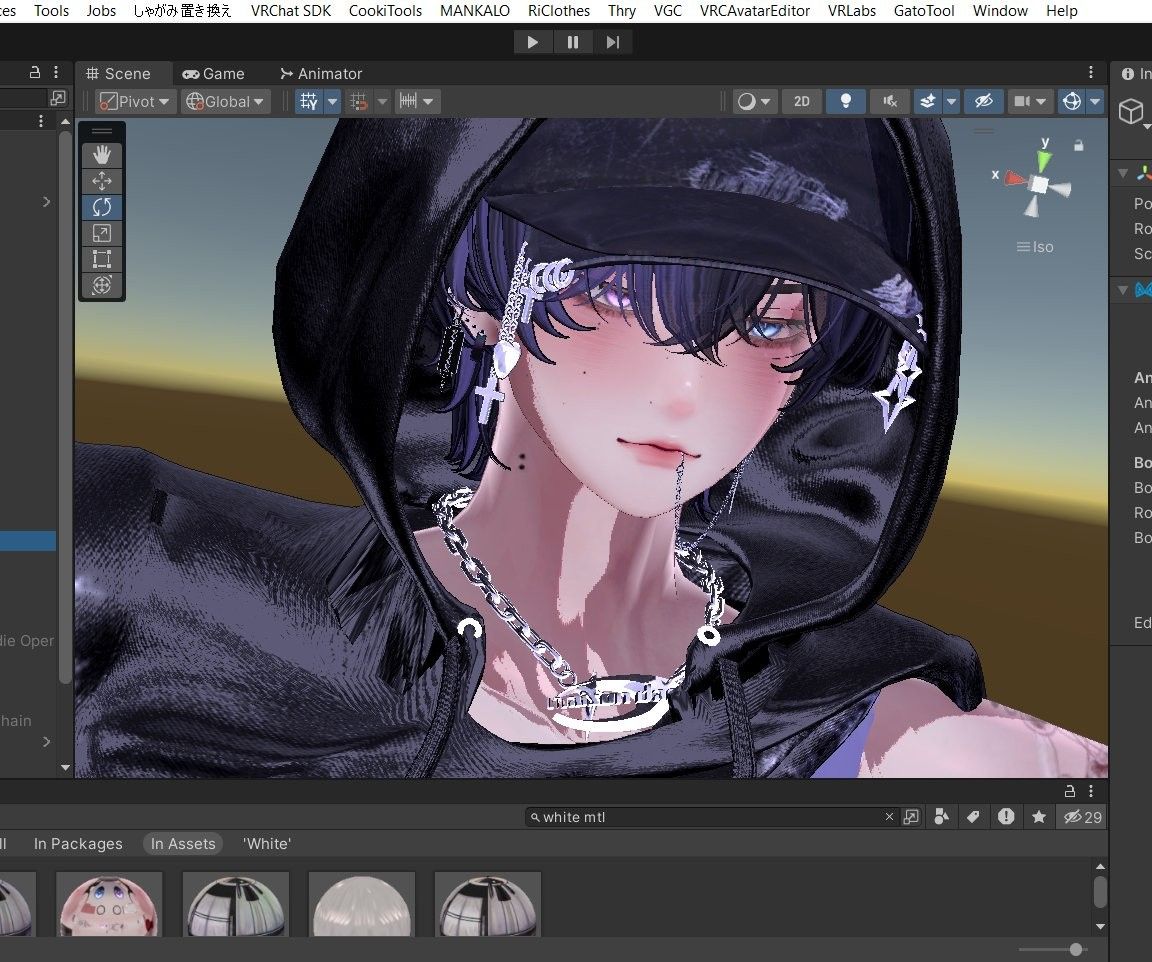
Disclaim: This rep is just for ppl who want to find another way to make the model MMD, i no longer use the tool mention in this post to make my model MMD )
Step 1: Check for your model Blendshape for if the model have blendshape for MMD already, because in MMD world, the script there call up for those blendshape to be turned on, if your model have none, then the Script simply cannot meet the Blendshape it need. I advice you check follow this MMD chart: https://www.deviantart.com/xoriu/art/MMD-Facial-Expressions-Chart-341504917
Step 2:
In case your model already have the Blendshapes => Your model Write default on for MMD shape is not on, create a toggle option to turn this on/off when you come to MMD world will help.
Use this tools for the On/Off Switch: (The creator of this tools used to be up here but they are no longer here now and i cannot find the og post for this )
In case your model do not have any Blendshapes => You gotta create them.
Using the tools i provide next and the chart up there, copy the name of Blenshapes in the chart and create them from the blendshapes that is already exist in the model. (My boi sadly is from this case, so i gotta create all his MMD shapes by myself)
Tools use for them:
https://booth.pm/ja/items/5530958
Since Make it MMD often conflict with the some unity script, you can also use the tools below:
https://booth.pm/ja/items/3703888Im sorry for any grammartical or silly mistake i made you catch while scrolling down this rep, for English is not my mother tongue.
This is all my understanding on MMD shapes and stuff up til now, if any of you know another better way, please feel very free to guide us.



Hello! It looks like you're interested in this conversation, but you don't have an account yet.
Getting fed up of having to scroll through the same posts each visit? When you register for an account, you'll always come back to exactly where you were before, and choose to be notified of new replies (either via email, or push notification). You'll also be able to save bookmarks and upvote posts to show your appreciation to other community members.
With your input, this post could be even better 💗
Register Login