
Customizable Vtuber Model By Suiika (1)
-
@imkulomi1 changing your screen name does not help
-
@yippeeeeeeeee i dm
-
Bump pls help us

-
-
-
@15euroformodel messaged me about 2 hours with some sob story that they got "suspended" but here they are still posting. The retard also sent me screenshots of them paying themselves.
Don't ever pay for shit on this forum and downvote the scammers
My drops are only up for 5 days.
Don't ask me to reupload something if I look at your profile and you contributed nothing to the site. Nothing includes items that you got from someone else are are just using to leech more paid items.
-
-
@raiyaki I guess I'll kinda make my own really quick and hope that it helps.
To edit the model, double click in VTube Studio so that the UI appears. Go to the 4th tab at the top left of the screen. Press "Expression Editor" and press "Create new expression". Here are all of your customization sliders.
Note: To edit Hue, you need some Saturation.When you are done, make sure to NAME and SAVE your customization.
To apply this customization, scroll to the bottom of the 4th tab and there should be a big + in a circle. Press that.
For "Hotkey Action", select Set/Unset Expression. For "Expression", scroll to the bottom and select the customization you named earlier.Set a hotkey under "Key Combination". Press it, bam.
If you go to the third tab, you can press "Save active Expressions" so that you don't have to press the hotkey every time you open VTube Studio. This option is directly above "AUTO SETUP" at the top of the tab.On that rep grind.
-
If you have the user manual then please add it here ^_^

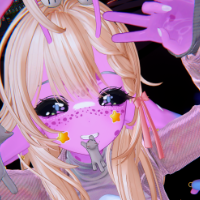

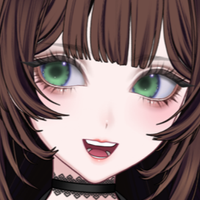






 im stupid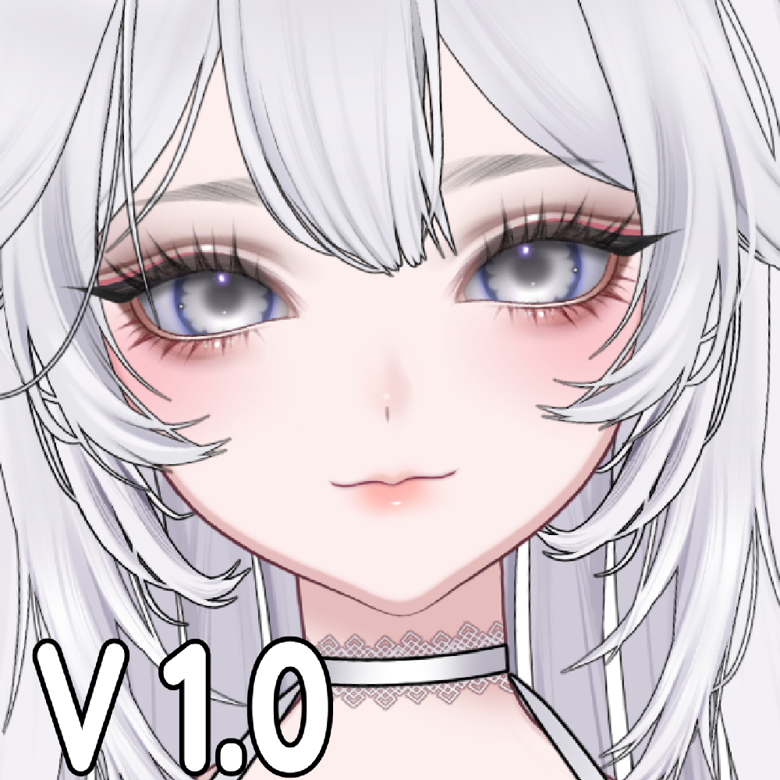



Hello! It looks like you're interested in this conversation, but you don't have an account yet.
Getting fed up of having to scroll through the same posts each visit? When you register for an account, you'll always come back to exactly where you were before, and choose to be notified of new replies (either via email, or push notification). You'll also be able to save bookmarks and upvote posts to show your appreciation to other community members.
With your input, this post could be even better 💗
Register Login