
Stelle (Honkai Star Rail) NSFW model by SegsUltimate (VRC Ready)
-
Hi everyone! I’d like to present my first fix of this kind specifically, exporting a rig from Blender and adapting it for VRChat. This is my first time doing something like this, so it took about a week of my spare time to complete, involving a more detailed study of both Blender and Unity.
Original rig model by SegsUltimate: https://smutba.se/project/9d944220-3ab3-4455-b9a5-f264d14ce6ba/
Fix VRC Ready By: VV1nTer__ (V1.5.1)(The folder contains a Unity package and my Blender file, in case you want to make any changes yourself.)
Since this is my first project of this kind, I’m sure there are flaws I might have overlooked during development. I would really appreciate it if anyone who tests it in detail could point out specific issues and ideally suggest how to fix them, this would be incredibly helpful for me when working on future fixes.
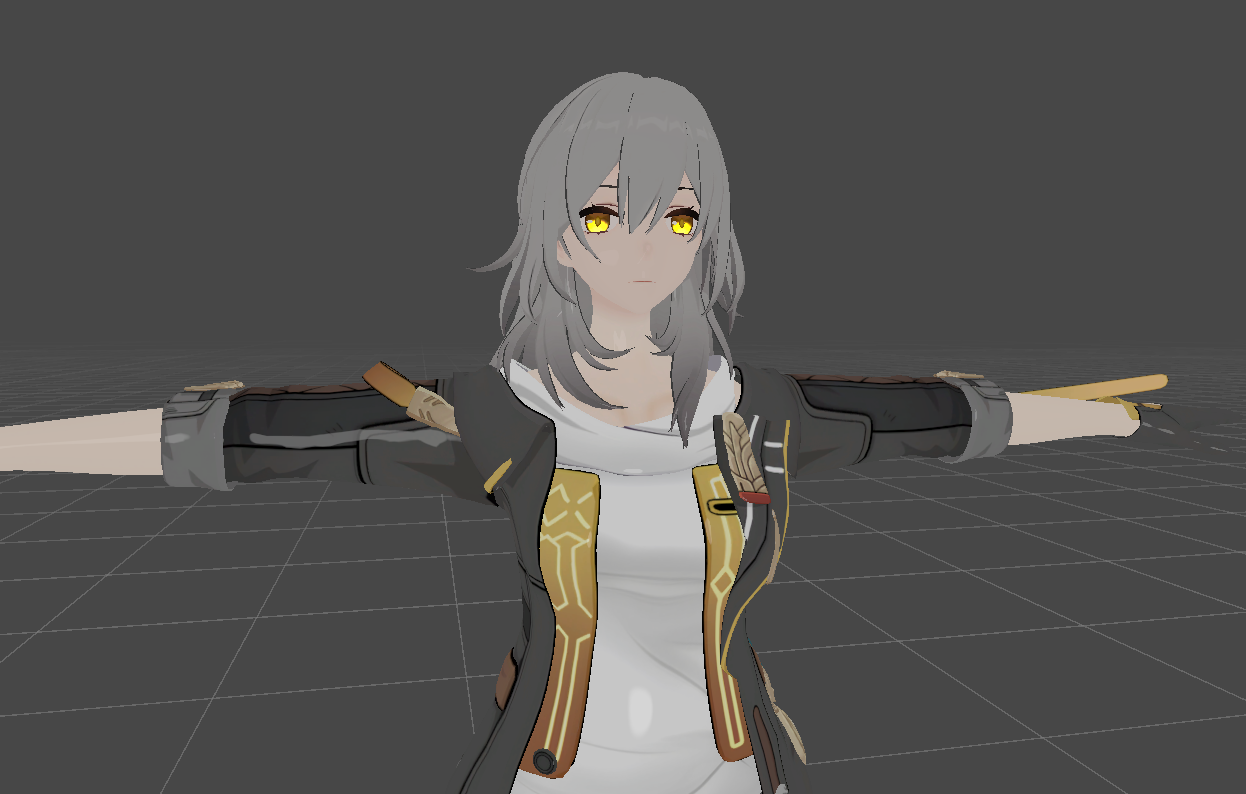
In terms of basic functionality, there are several types of clothing, SPS, DPS, GoLoco and Swap Hair, and all the avatar's gestures are concentrated in the left hand.
For the project to function correctly, the following will be required:
- Poyomi Toon Shader
- VRCFury
- Modular Avatar
- Gogoloco
- wholesome
 Dependencies
 - wholesome SPS Configurator
- Avatar Limb Scaling
- Eden Mesh Studio
- D4rkAvatarOptimizer
- VRCQuestTools
- InsideView
Since I don't have VR and FBT At the same time, I’d like to ask you to test it for something like that :')
In the future, I want to add support Face Tracking (I am buying Steam Frame) and correct the errors that you point out here over time.
PATCH NOTE V1.1 (16.09.26) :
- Stelle now with HoyoToon! The shader was changed to HoyoToon (If you wish, you can transfer it back to liltoon)
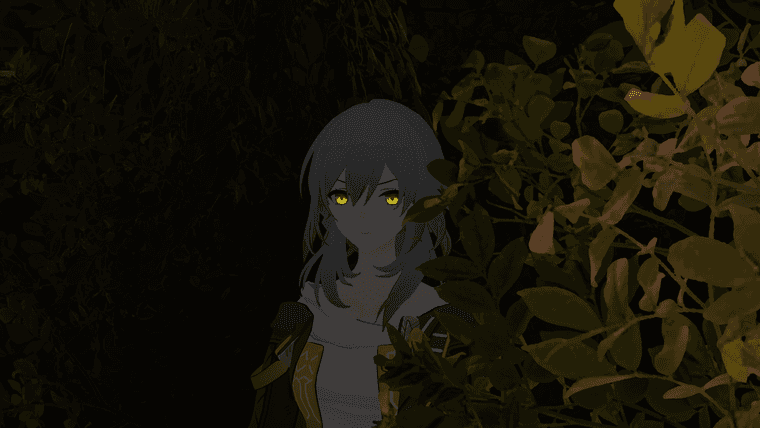
- Along with this, eye emission was added!
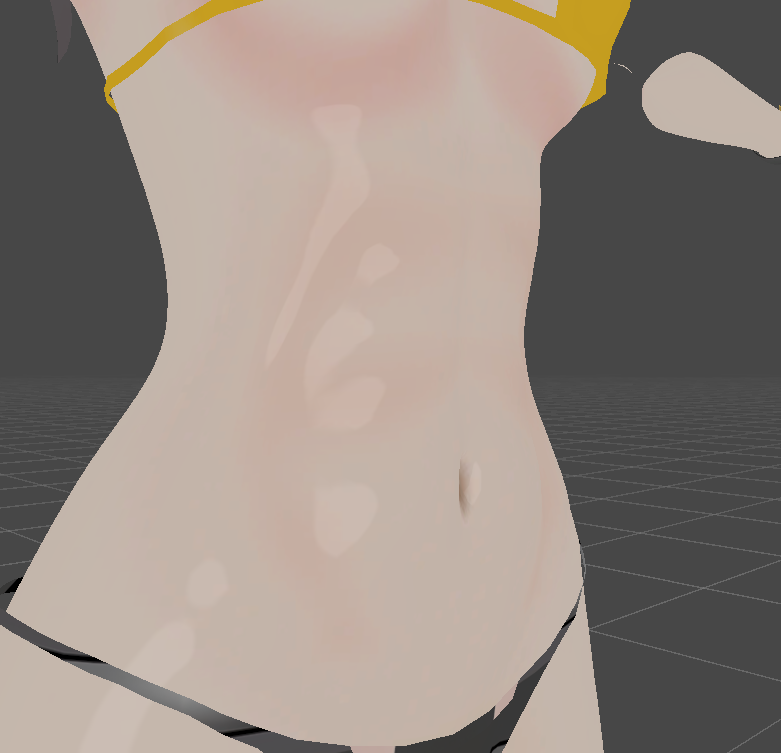
- The body textures have been reworked, her abs are not visible in greater detail
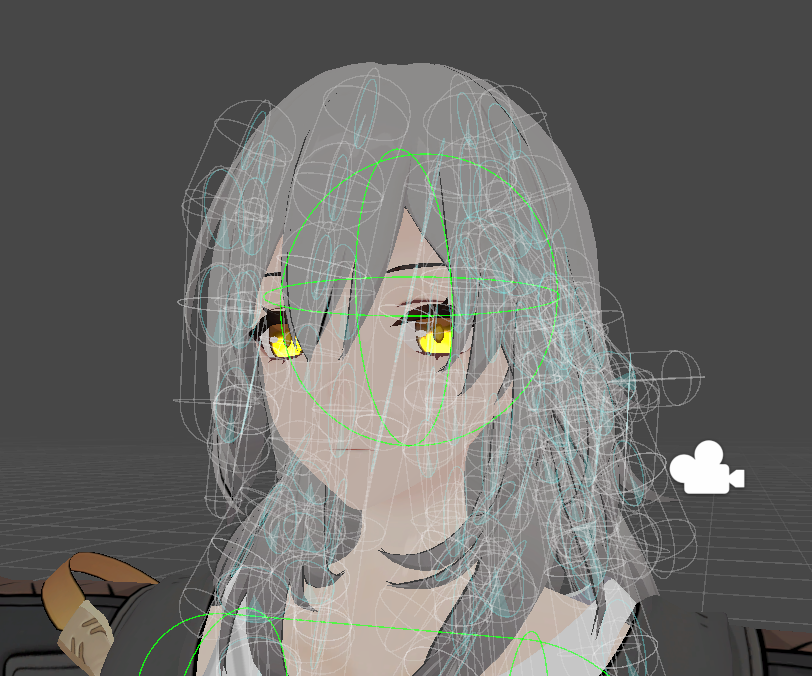
- For some reason unknown to me, the hair bones got messed up, but now they’re back in place!
- Clipping was observed in the gestures RocknRoll and ThumpsUp. That shouldn't happen anymore.
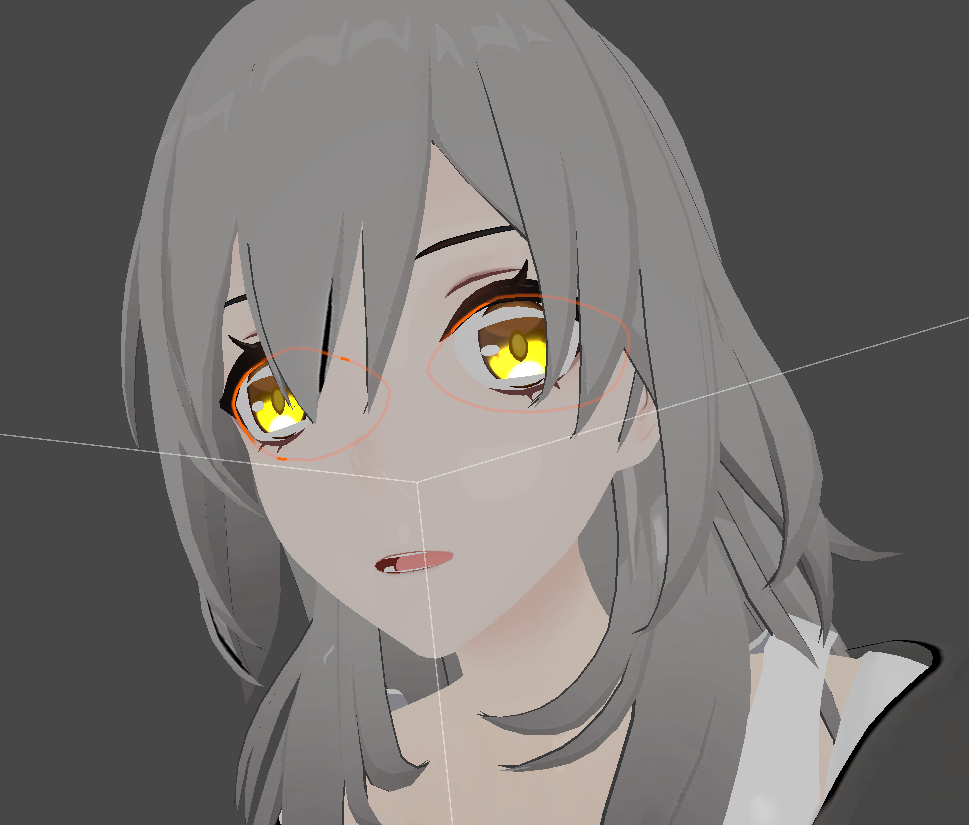
- The "peace" gesture was updated because it turned out to be similar to another one of their gestures.
- For the project to function correctly, it is also advisable to install EDEN MESH STUDIO
PATCH NOTE V1.2 (16.09.26) :
- Stelle now Quest Compatible! The work will require VRCQuestTools and D4rkAvatarOptimizer
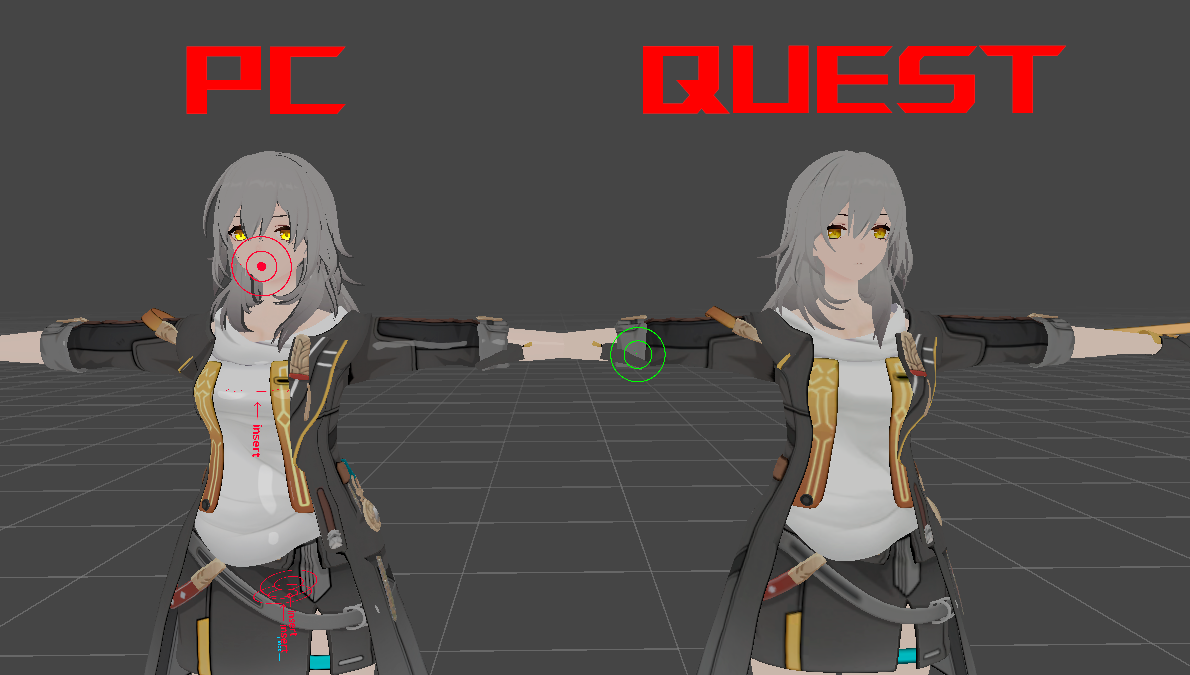
The unity package will contain two versions of this avatar. All that’s left is to arrange them properly, and it’s ready!
However, for the sake of optimization, a significant portion of the functionality had to be sacrificed; the Android version lacks options for changing hairstyles and a variety of clothing, DPS and SPS.
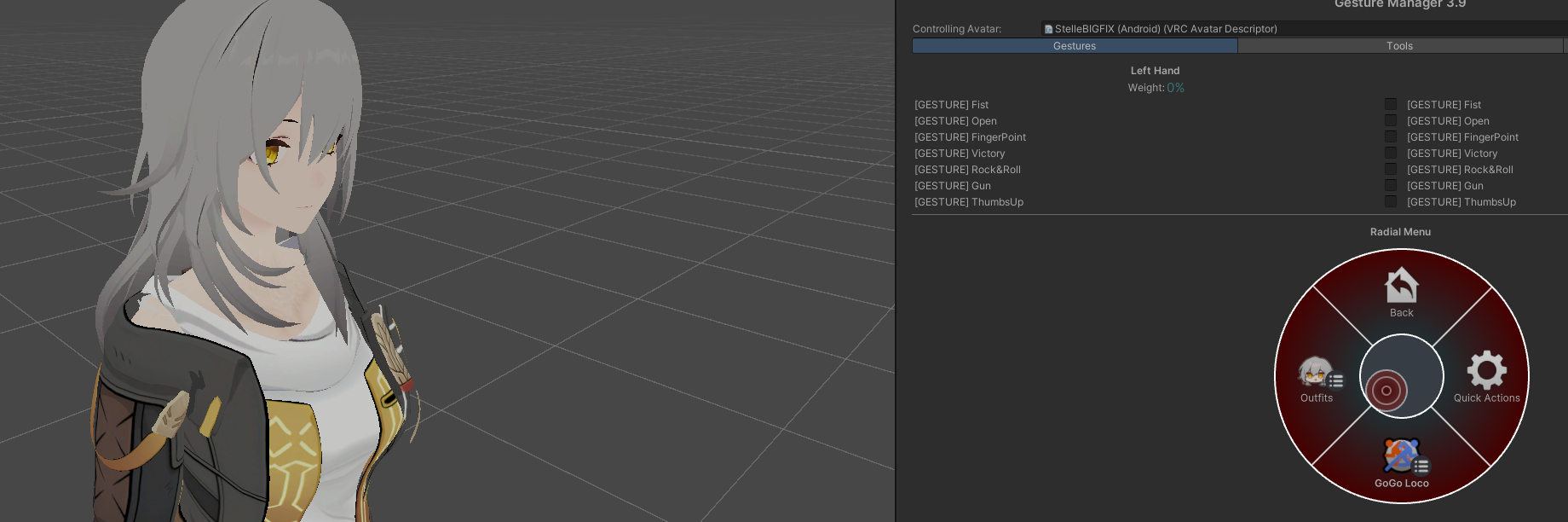
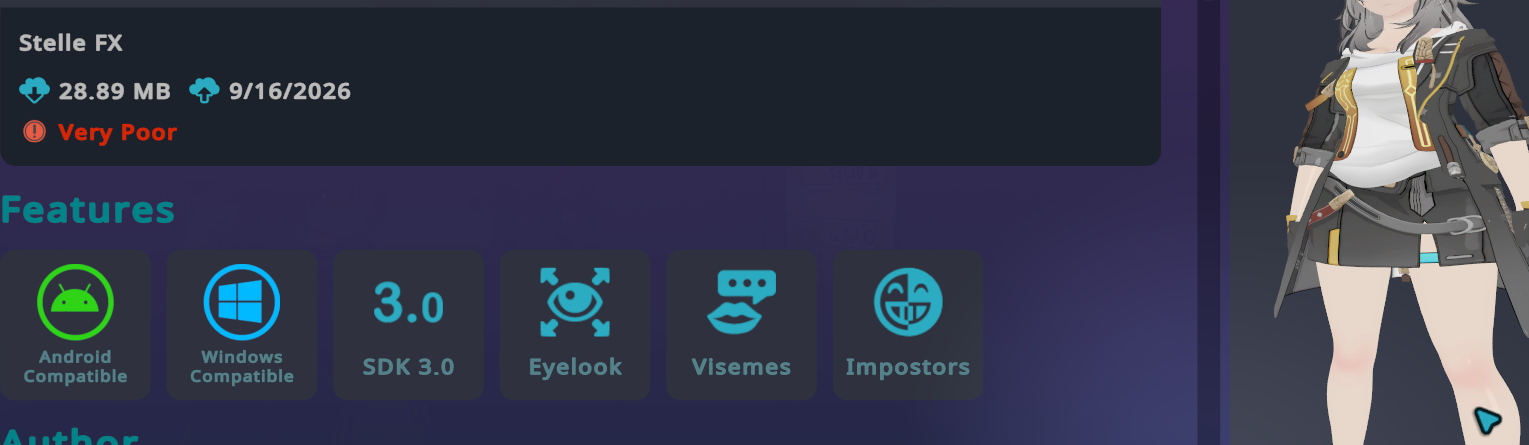
But now you are seen by the representatives of the Android versions figures respected by us all :'D
PATCH NOTE V1.3 (17.09.26) :
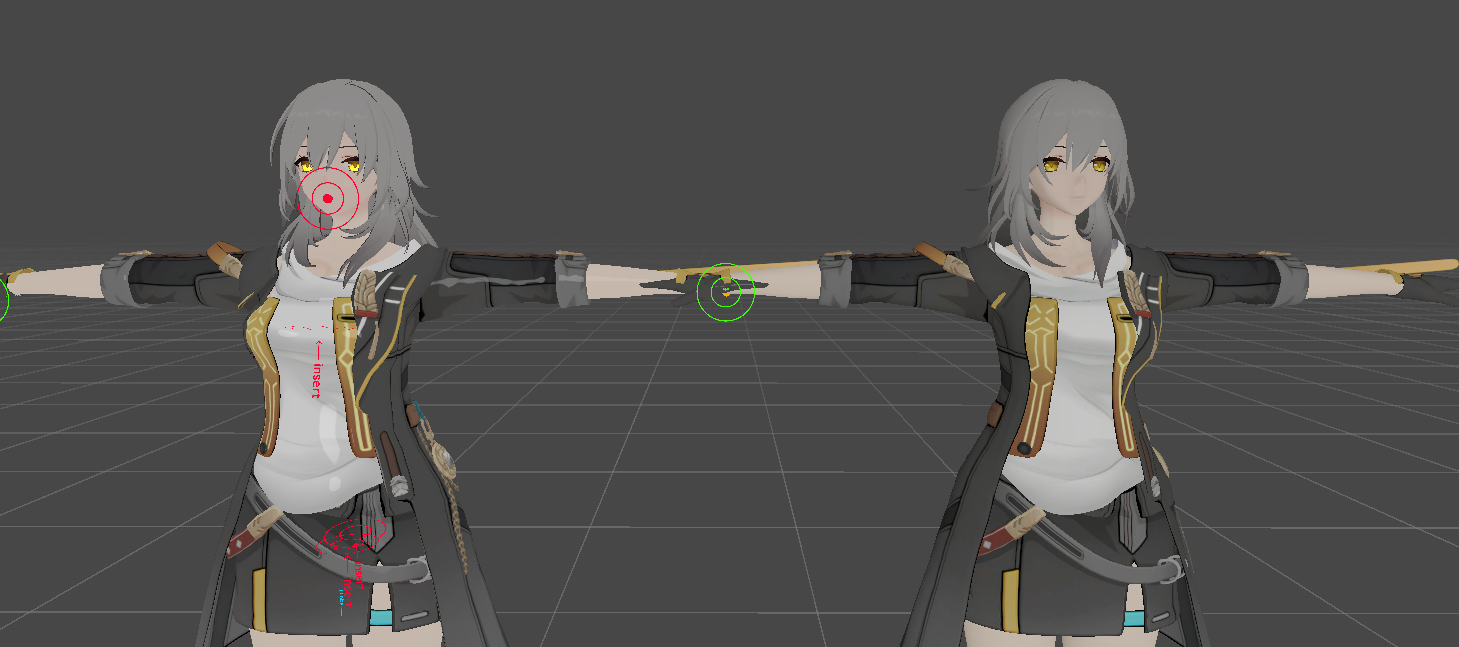
-
A texture error was spotted in the Quest version of the avatar; the shader has been changed to the "Toon Standart" standard one.
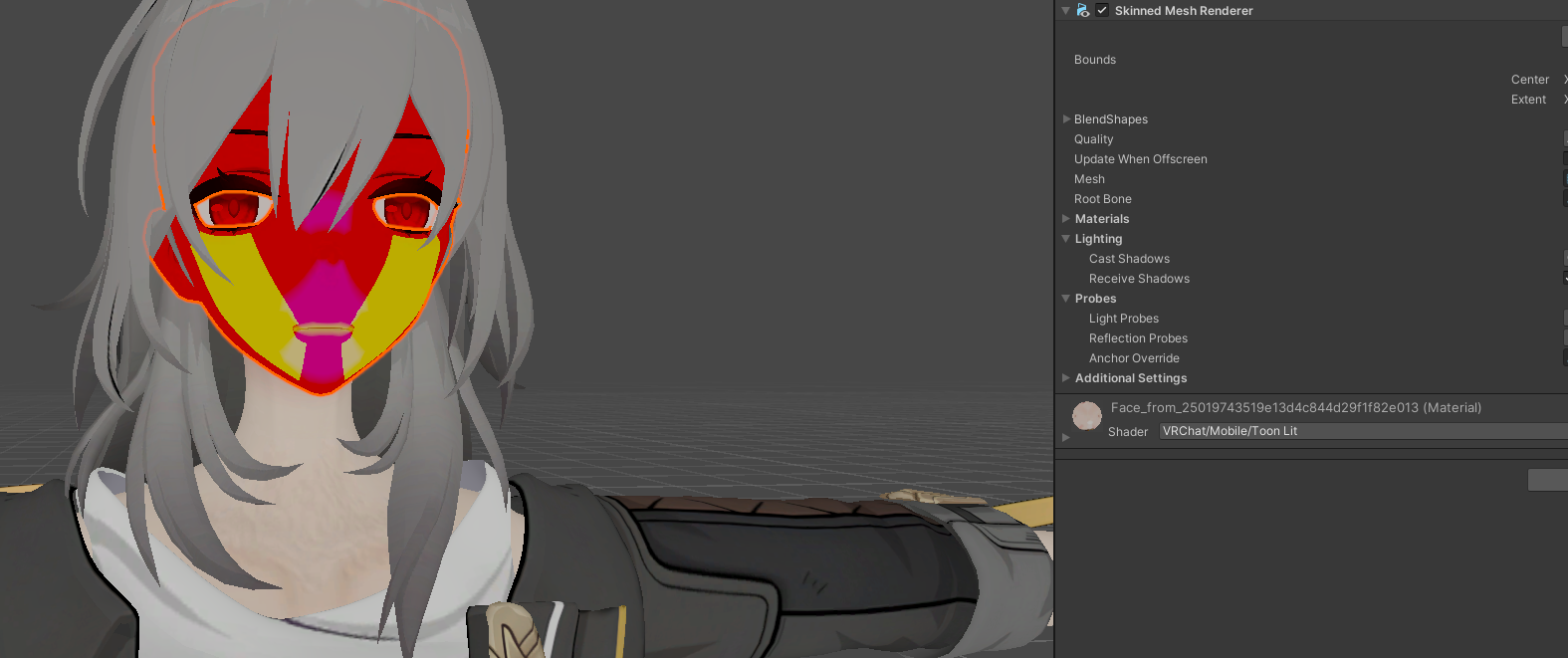
(I can't explain yet what's causing this; it was working for me before I created the Android version of the prefab. :"D) -
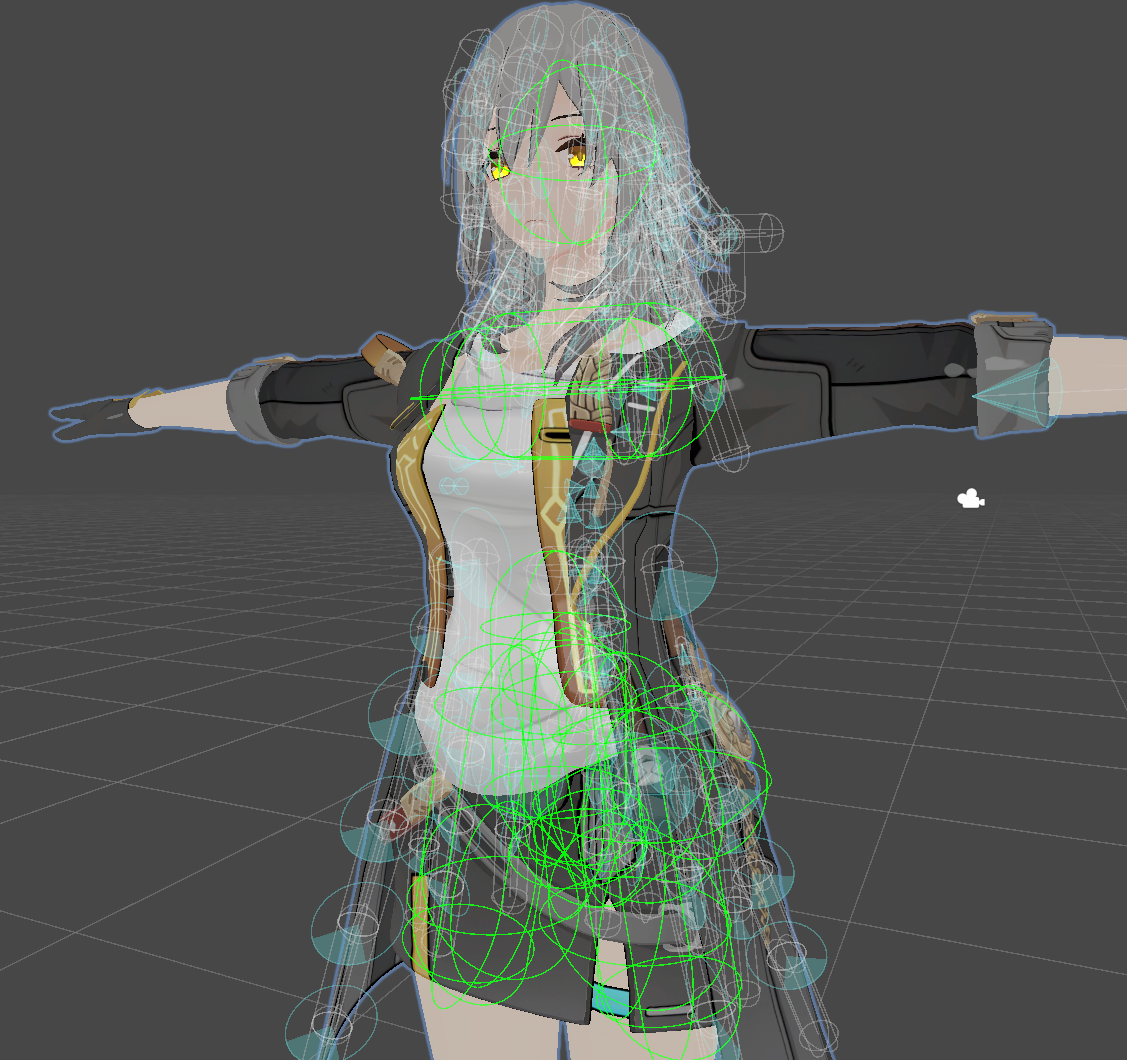
The physics bones for the entire avatar have been reworked; clothing should now experience less clipping.
-
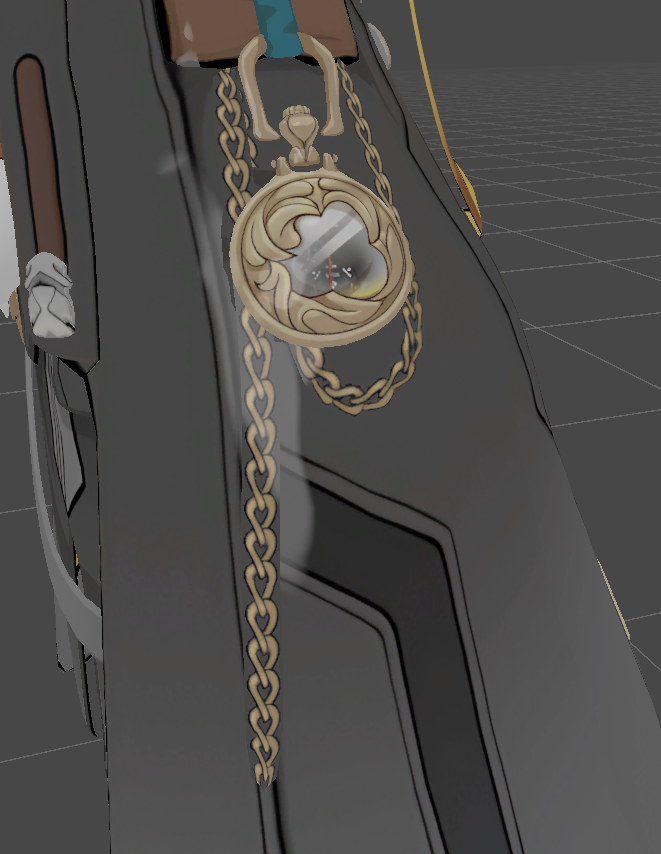
Since the shader was changed, a white outline remained on the chain, this couldn't be fixed via the alpha channel, so it was changed to match the color of the jacket.
-
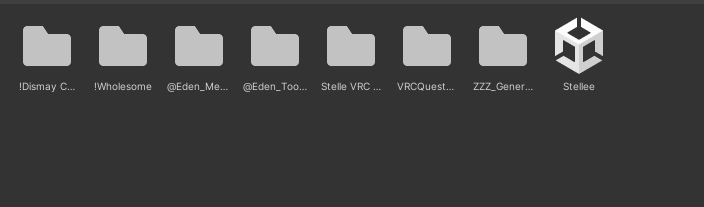
Everything in the project is now neatly organized! Everything is sorted into folder simply look for the prefab you need in the designated folder!
-
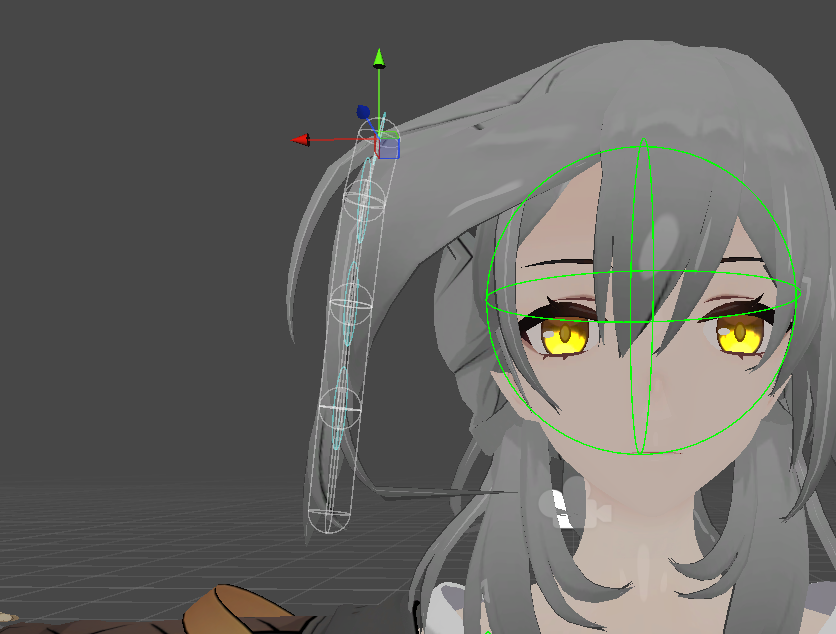
An issue specifically concerning additional hair (or rather, bone weights) was identified and resolved.
-
Due to the peculiarity of the prefab with Lolipop It cannot work with the shader HoyoToon, times of transfer to Poyomi
-
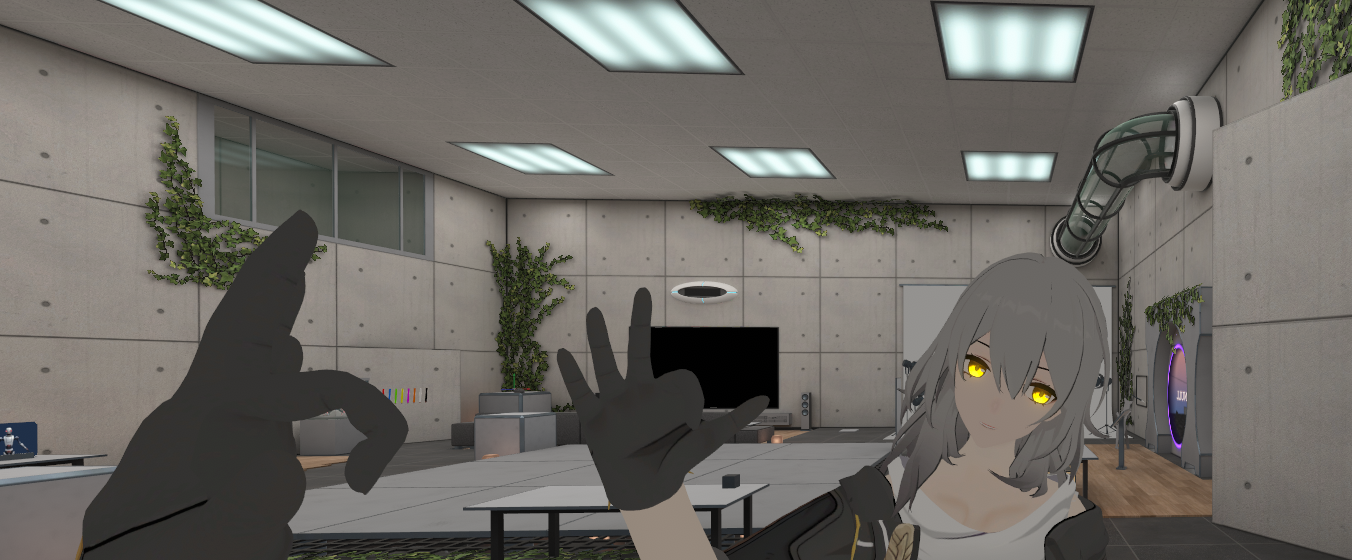
Native support for webcam-based face tracking has been added.
PATCH NOTE V1.4 (20.09.26) :
-
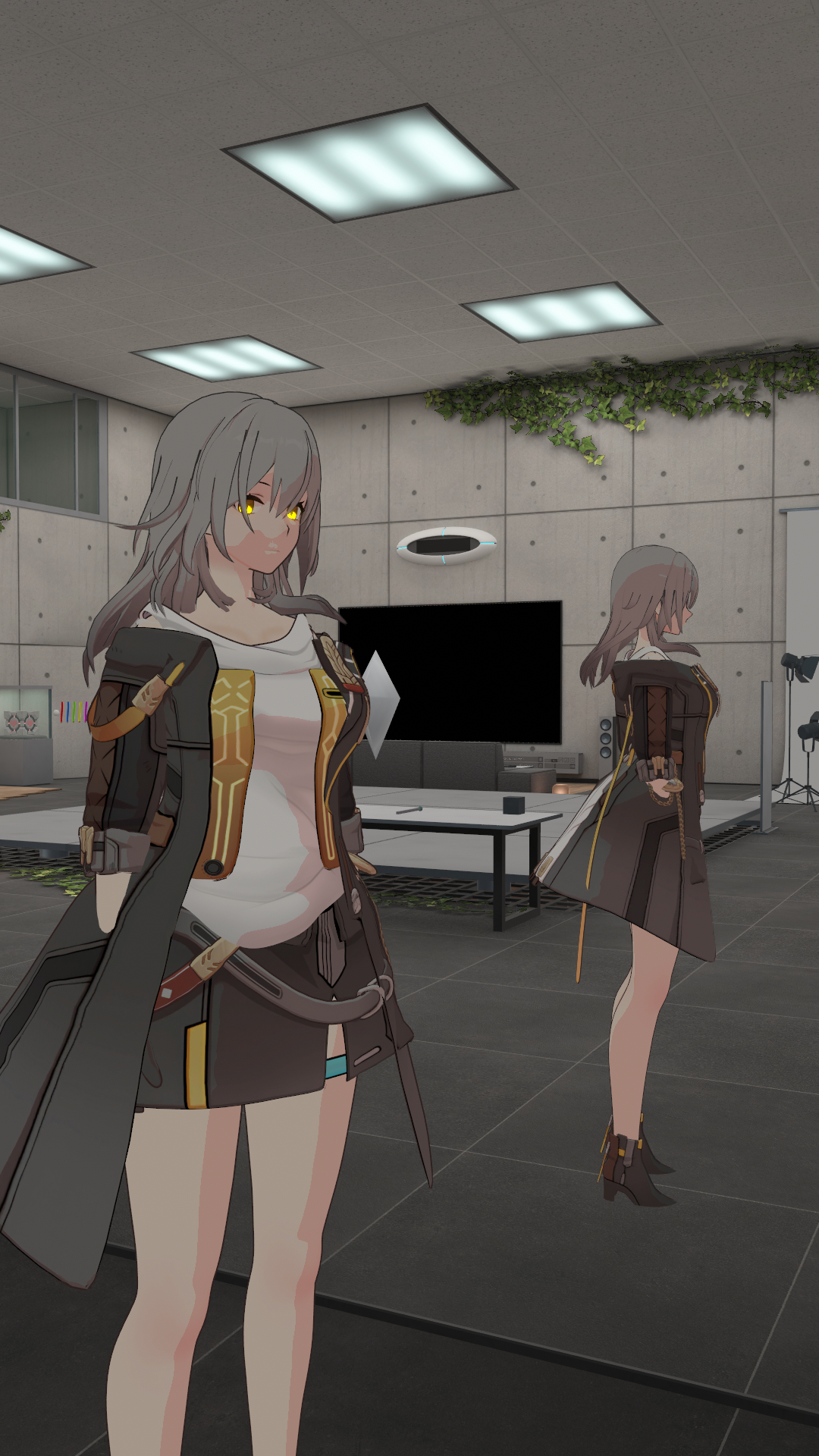
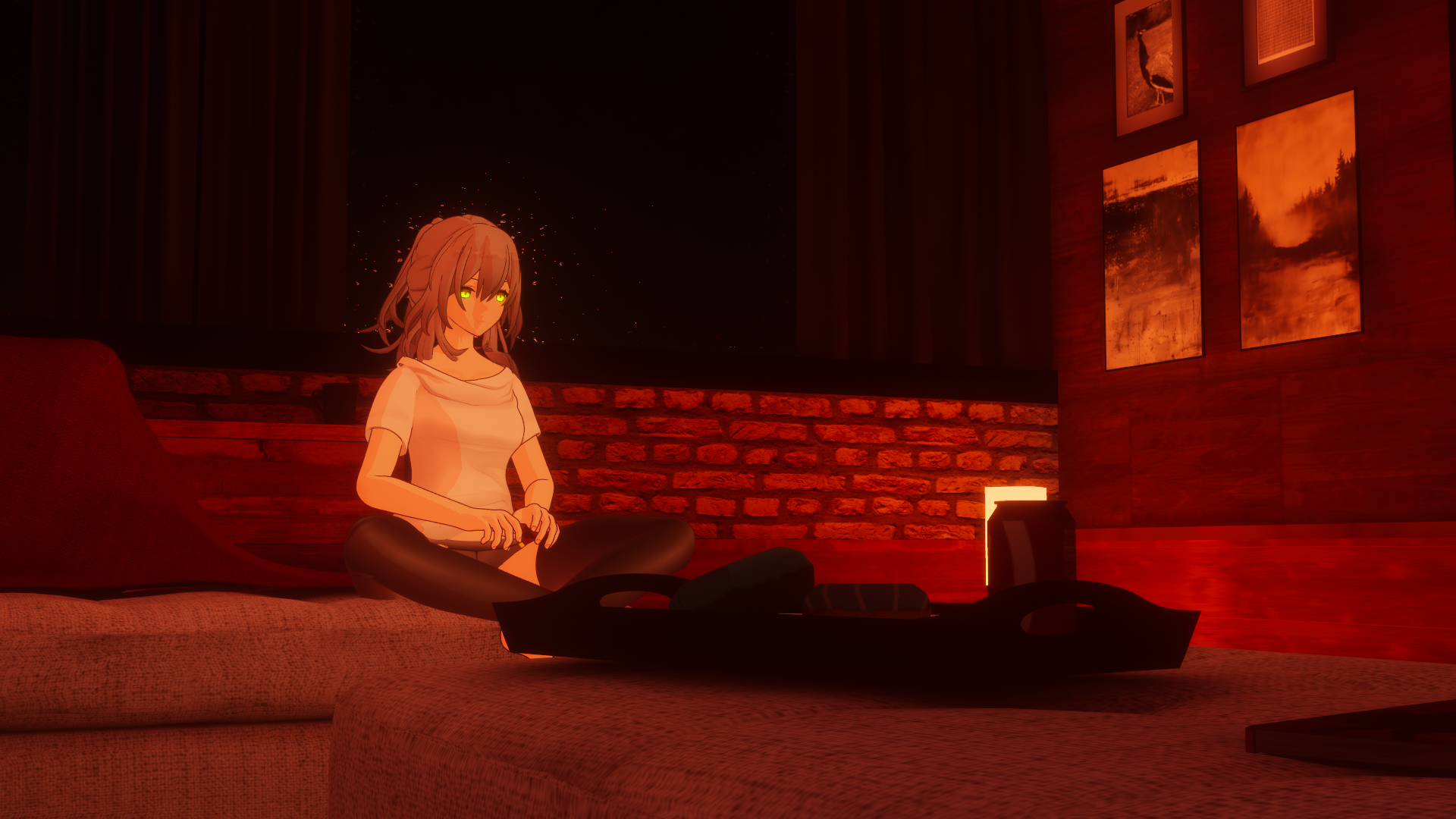
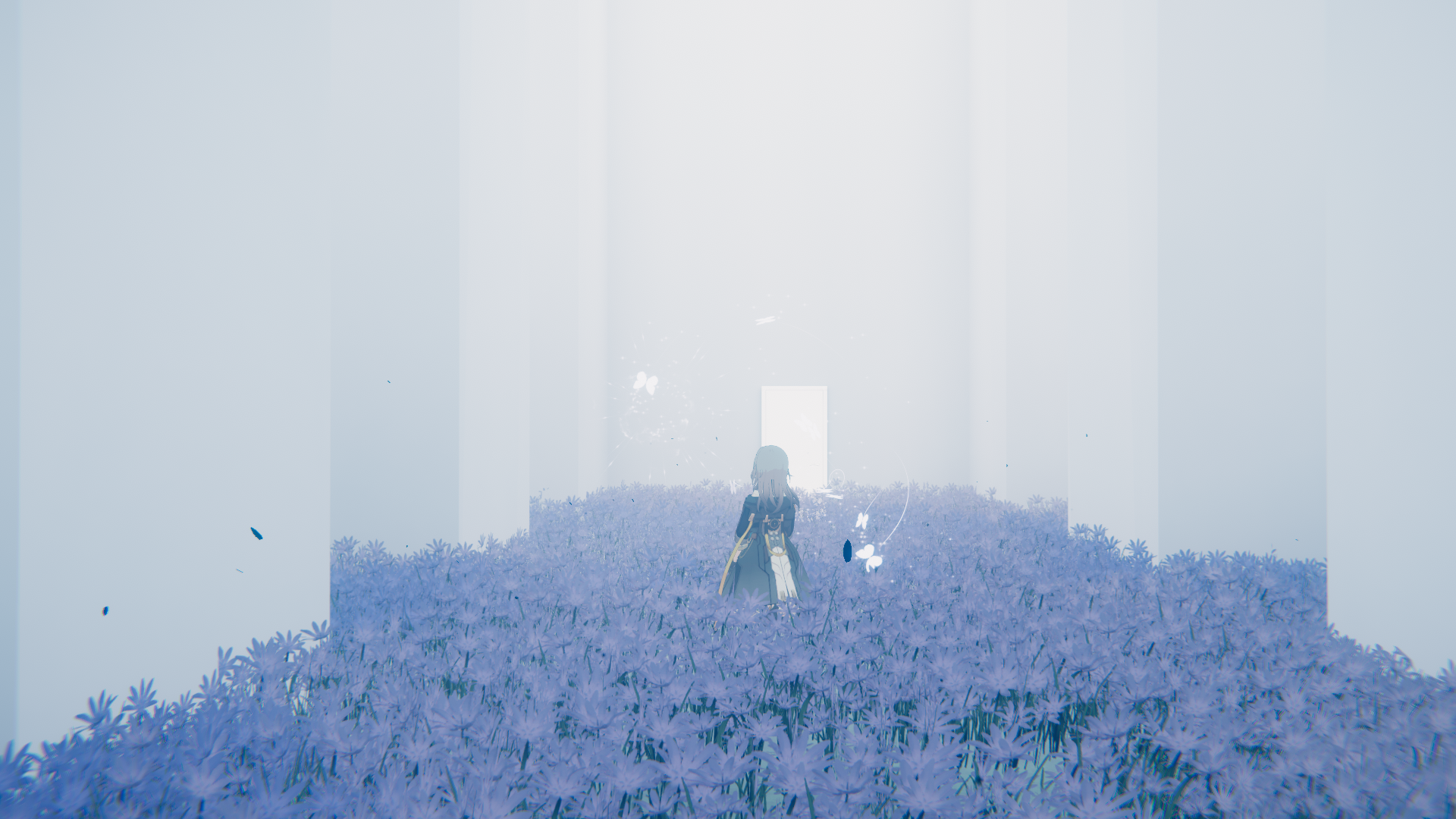
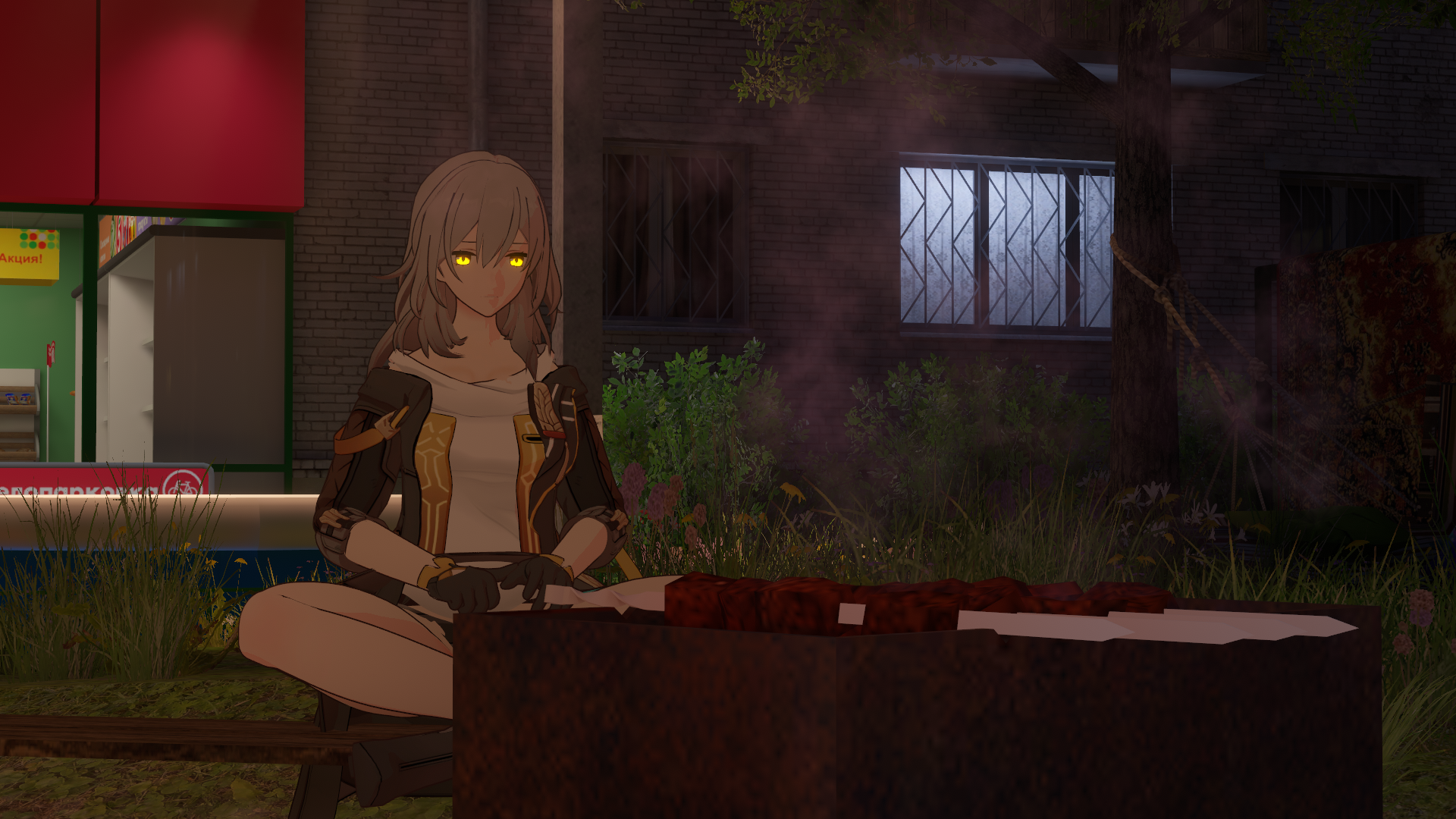
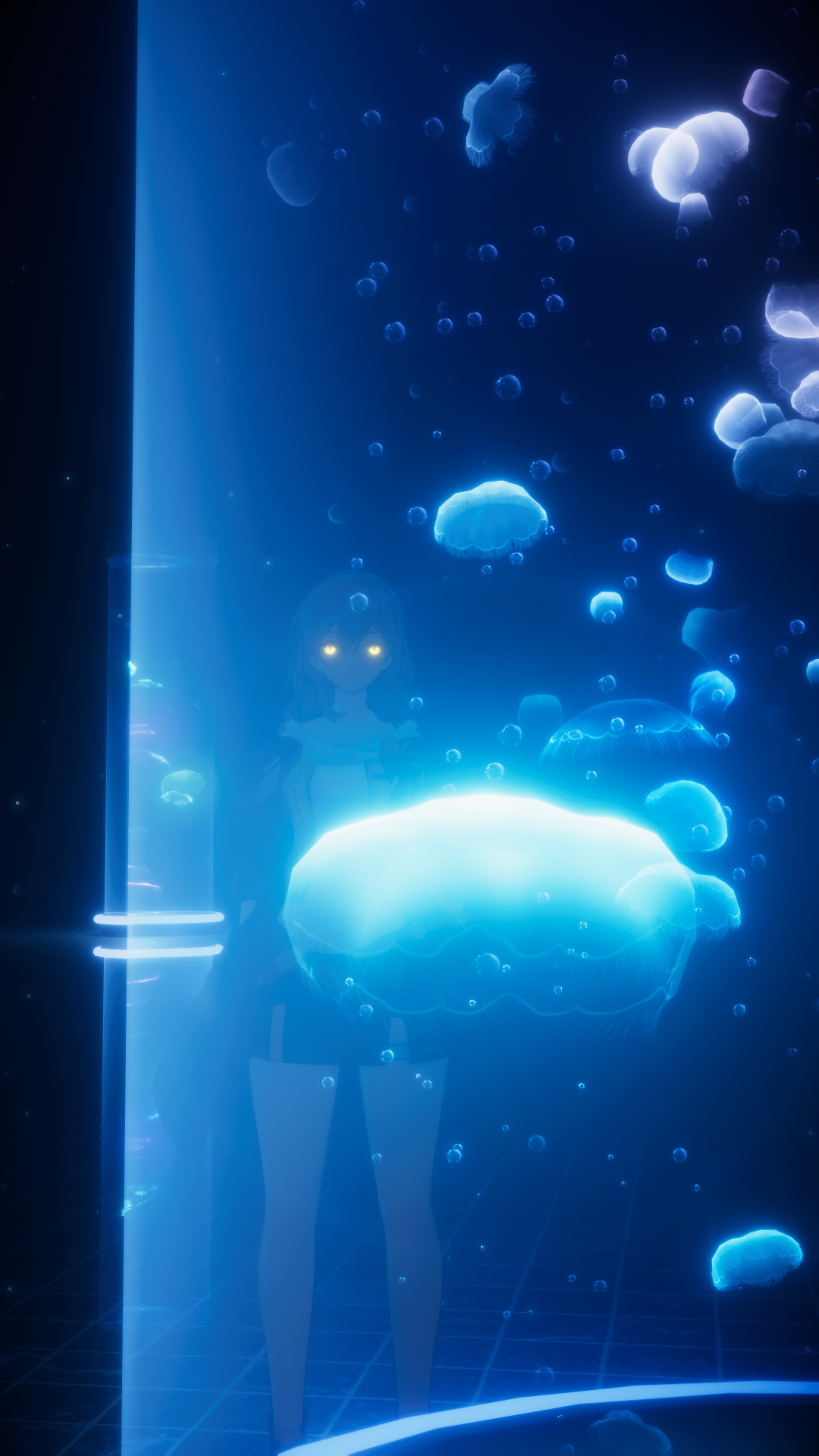
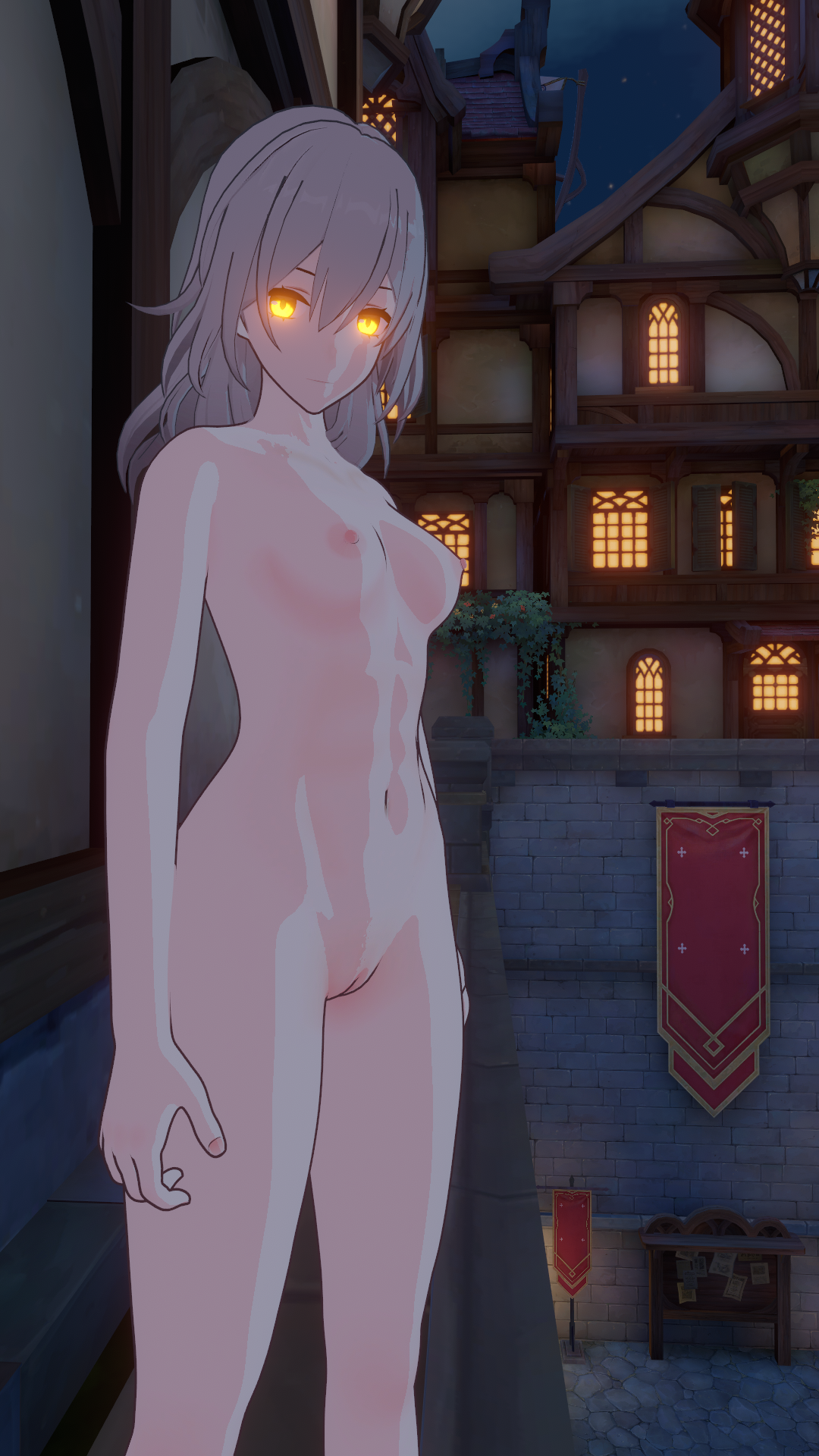
Bye Bye HoyoToon! And Hello Poyomi! (again) Due to technical reasons HoyoToon don't want working with Lolipop,and I also couldn't properly fine-tune the shadows or create an avatar with shaders that looked like those in Hoyo games. But after switching to Poiyomi and learning how to configure it, I was able to achieve the desired result!
-
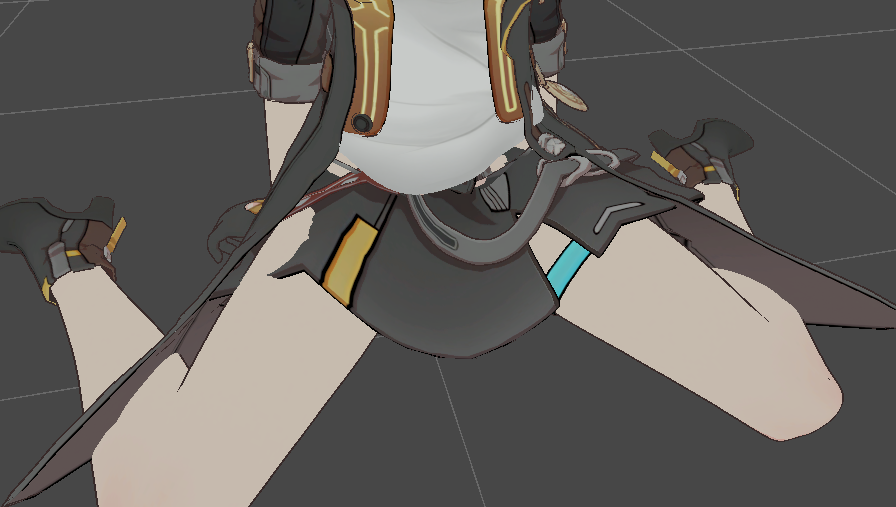
I also reworked the physics-based bone behavior originally, I wanted the skirt which, logically speaking, is an office-style skirt that hugs the character's hips to move naturally. However, due to Unity's limitations, I couldn't get them to behave properly, so the front section is essentially "glued" in place. Logically, this could be fixed by adding a whole lot more bones to the skirt, but the avatar is already heavily weighted with bones plus, I haven't tackled that yet. So, alas, if there is any clipping, it’ll at least be less severe so there's that, anyway.

-
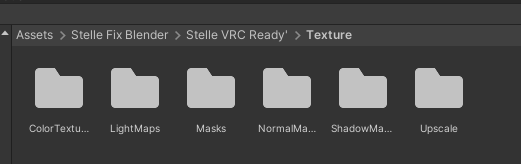
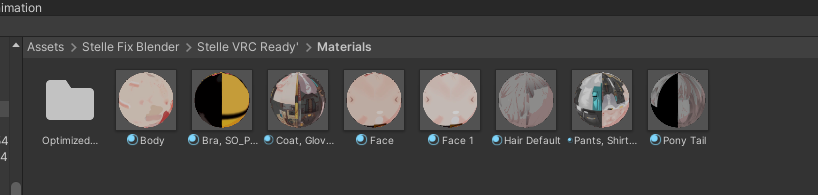
Also, textures are no longer just jumbled together in a single folder; they have been sorted into their own folders.
There are far fewer of them now, along with the avatar materials.
-
As for minor tweaks, I can really only list fixes for the T-shirt clipping through the cape in certain spots. ^^
PATCH NOTE V1.4.5 (20.09.26) :
- This patch wasn't supposed to be released, but the main thing is that I spotted it in time. I had been setting up the SPS and DPS incorrectly all this time the lighting in the avatar is clear proof of that. My mistake, I admit it. So, if any of you downloaded the avatar before now, please UPDATE it.
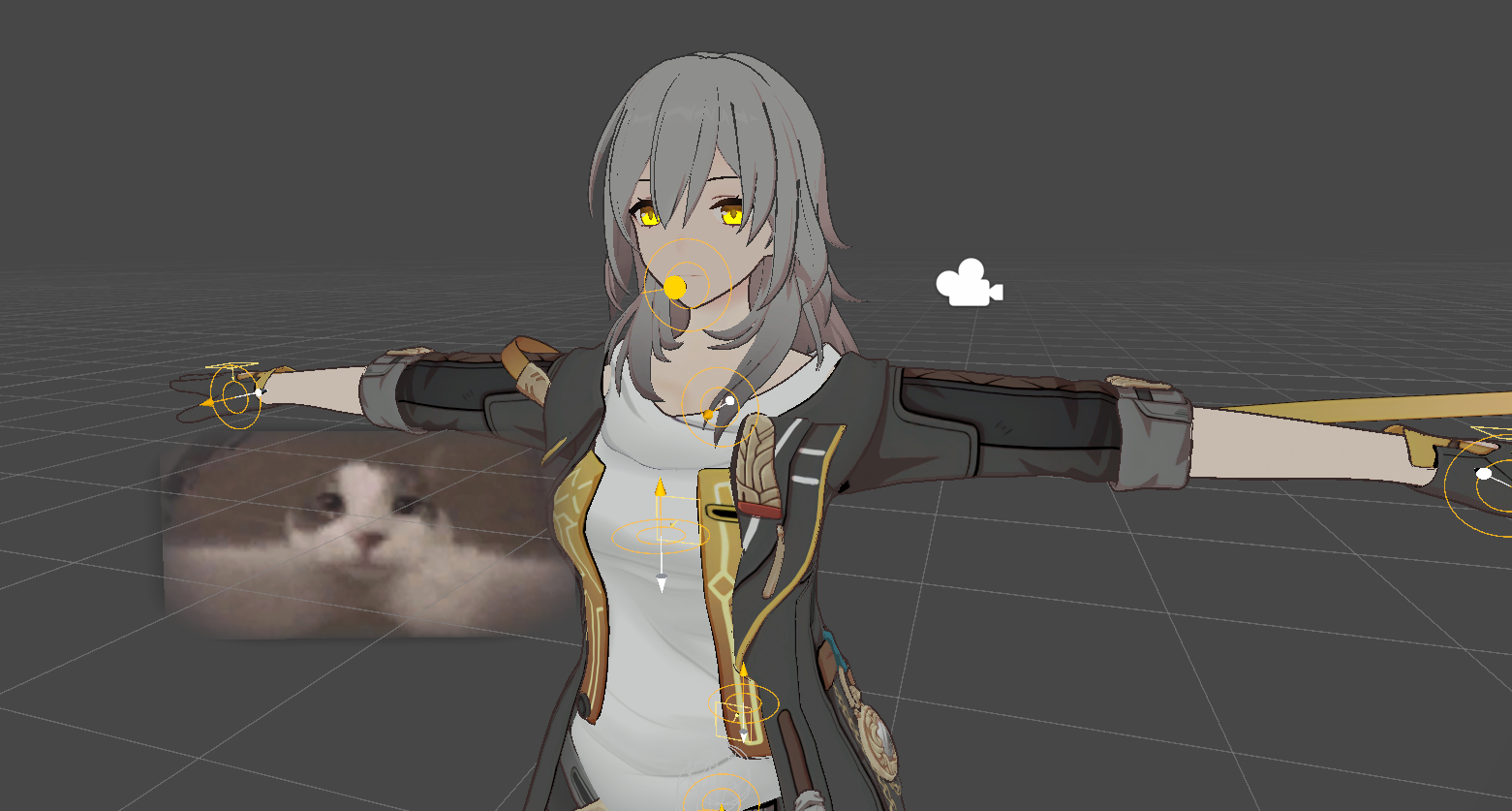
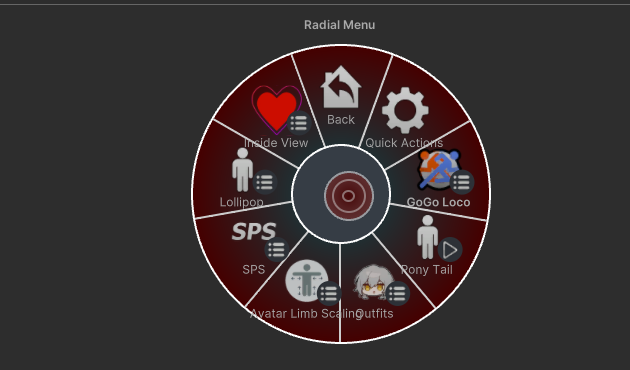
- The SPS and DPS systems have been updated, and added InsideView
- For the project to function correctly, the following is now required SPS-Configurator
(I’m actually surprised no one told me SPS isn’t working)
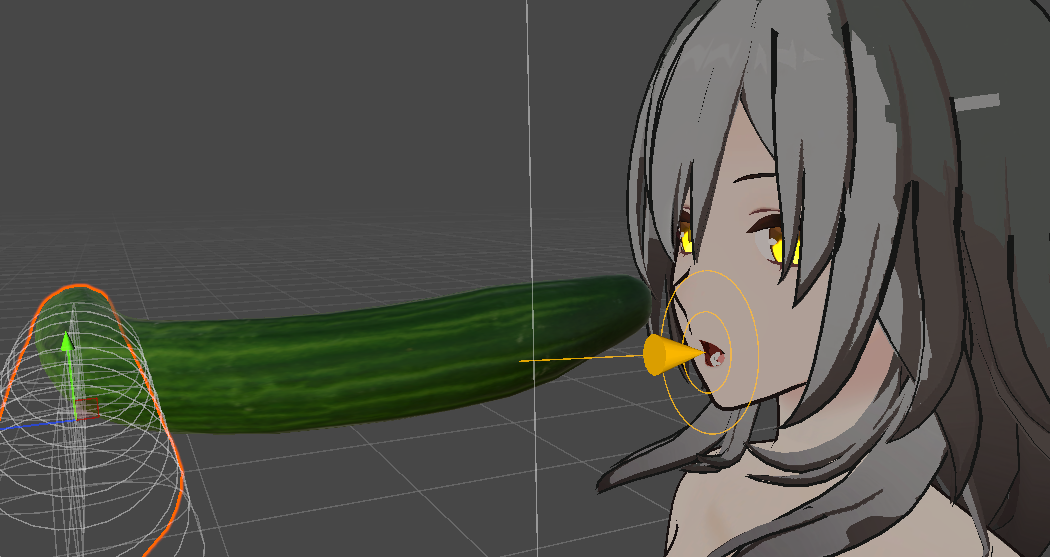
PATCH NOTE V1.5 (21.09.26) :
MMD Support!
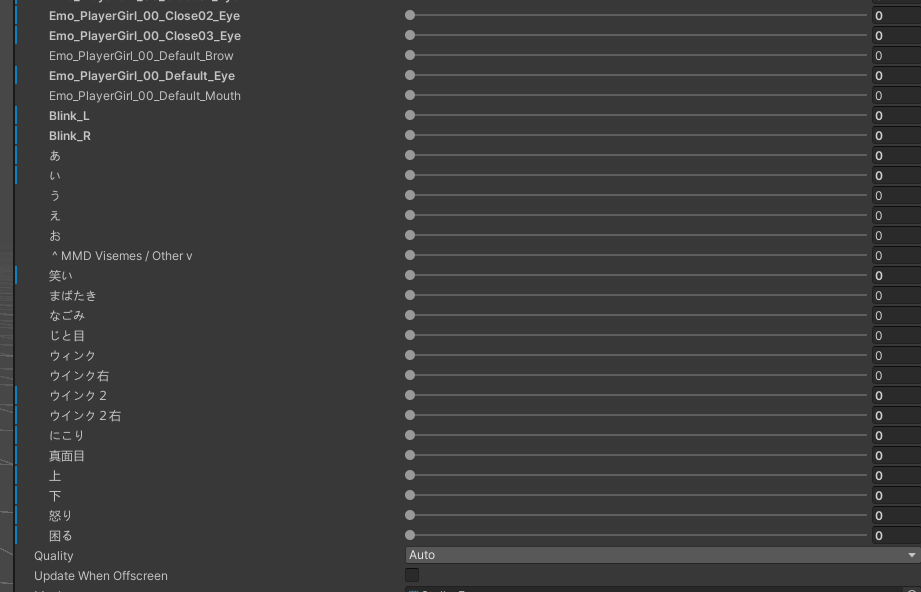
- I’ve finally managed to get the hang of Blender again and add specific blendshapes to ensure it works correctly.
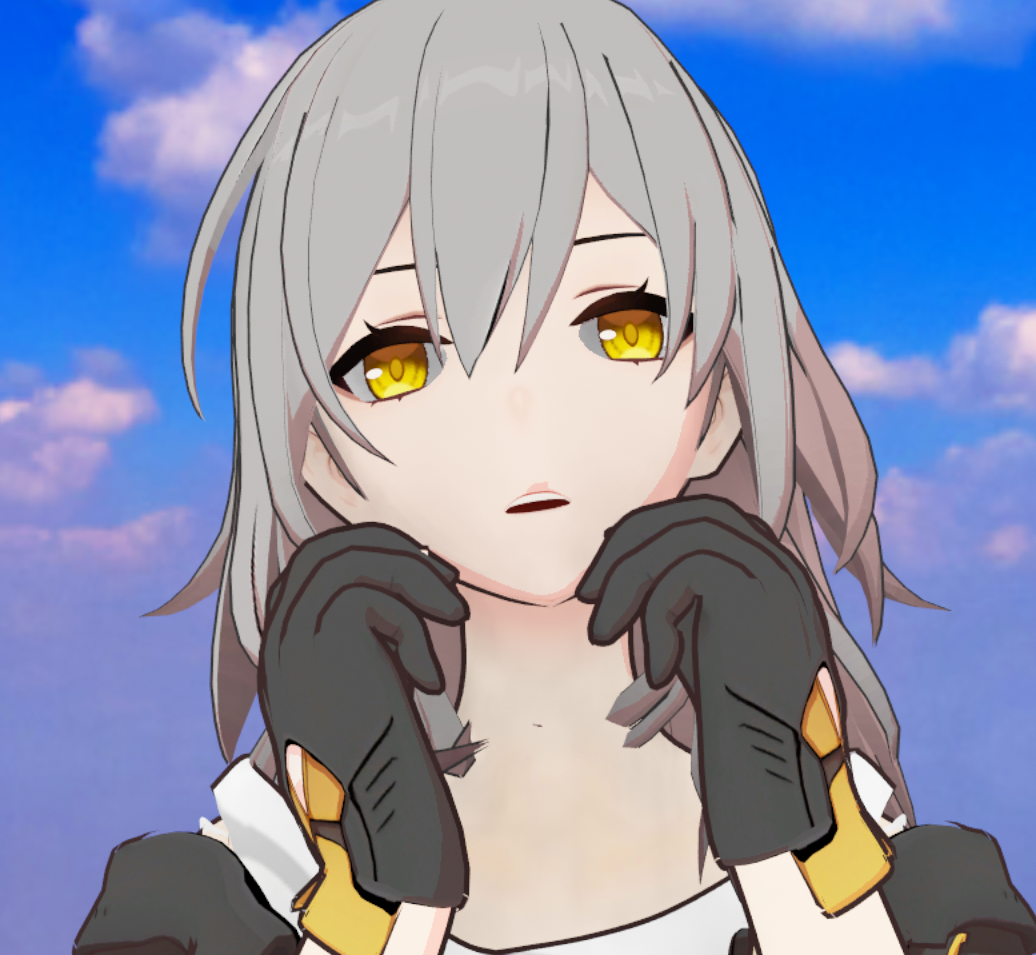
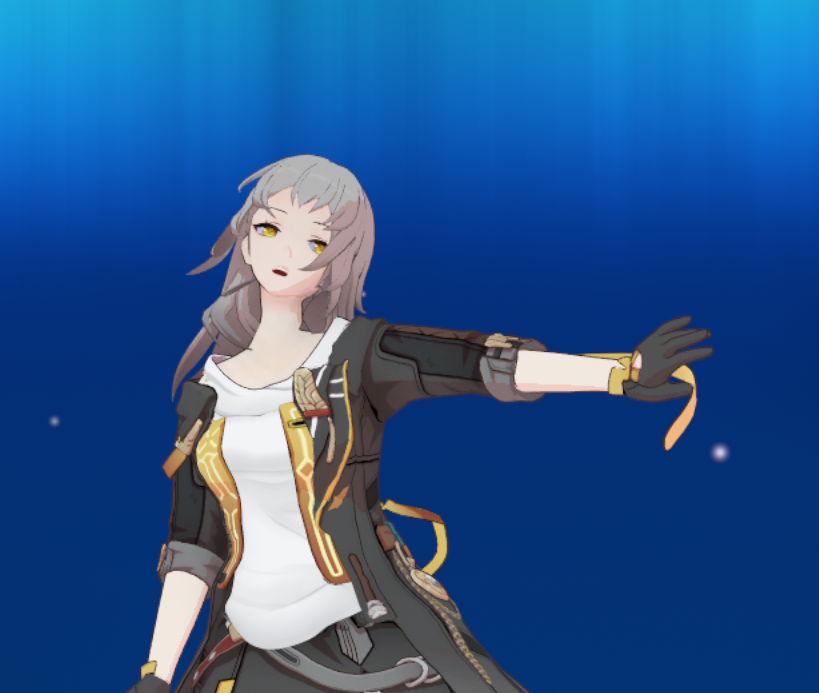
- And other fixes regarding textures and physical bone behavior. ^^
PATCH NOTE V1.5.1 (22.09.26) :
- Guys, my mistake I was changing the avatar all this time but forgot to update its prefab. Please update the archive ^^"
-
@Cifera3.4
I haven't really done much of that sort of thing, but since there's a request for it, I'll try to look into it in the next few days. However, I don't have a standalone VR on hand, so for now, I'll have to leave it as an open question. -
@Cifera3.4 use vrcquesttools, you can lower textures and delete stuff like sps to save memory.
the fairy of simulanka. ᢉ𐭩
lets wish together ~ -
@Cifera3.4 use vrcquesttools, you can lower textures and delete stuff like sps to save memory.
@lotusprincess I’ve done it; there is no longer any need.

-
@lotusprincess I’ve done it; there is no longer any need.
@VV1nTeR__ oh thank you^^
-
@lotusprincess I’ve done it; there is no longer any need.
-
@VV1nTeR__ well uhh could you post the quest version?
@Cifera3.4 The version for the quest is located in the shared folder. Everything required for the project to function correctly is listed above.
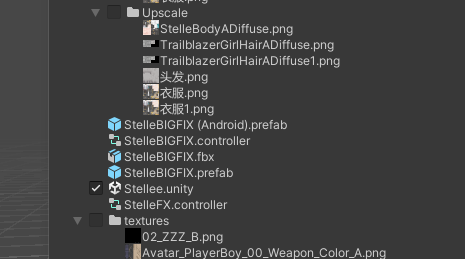 Update the archive, since I update it constantly.

Hello! It looks like you're interested in this conversation, but you don't have an account yet.
Getting fed up of having to scroll through the same posts each visit? When you register for an account, you'll always come back to exactly where you were before, and choose to be notified of new replies (either via email, or push notification). You'll also be able to save bookmarks and upvote posts to show your appreciation to other community members.
With your input, this post could be even better 💗
Register Login