
Avatar fix request
-
-
she also has parenting problems im lowkey just a starter to unity T_T
-
-
I have a ripped avatar and when i upload her, She doesnt have goloco and i have zero clue how to upload goloco onto her T_T
<< LINK!!
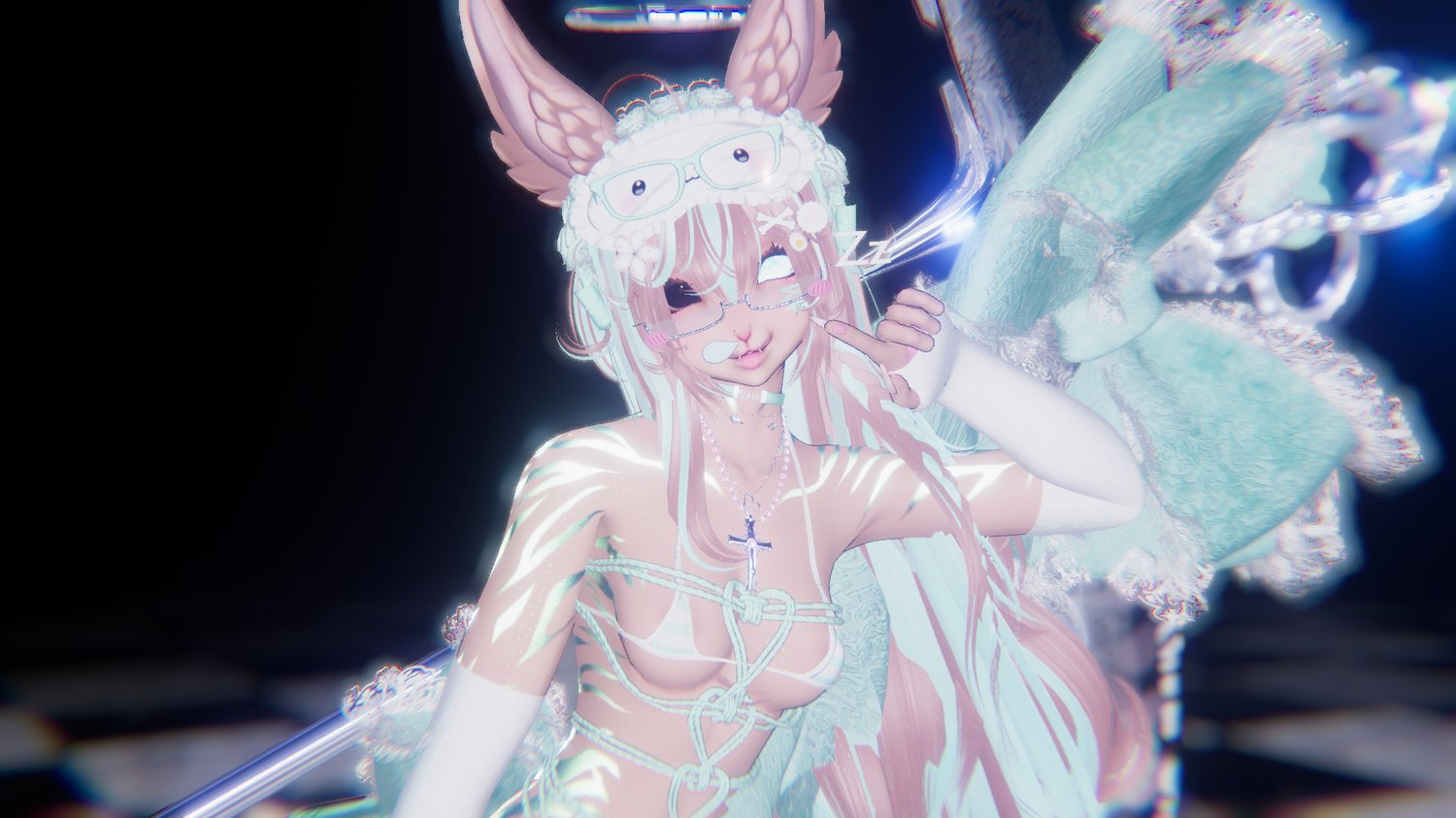
what she looks like
@_puppwydoll If you don't already have the GoGoLoco package in your unity project, add the repository (can be found on their website) to VCC (or ALCOM if you use that), then add the GoGoLoco package into your Unity project (Under the Manage button in ALCOM, I'm not sure about VCC as I don't use it personally). You'll also want either VRCFury or Modular Avatar in your project too, and instructions for adding them to both VCC/ALCOM and your project are similar.
When inside of your project, under the Tools tab there should be tab titled "GogoLoco", with an option to "Add Prefabs" when you hover over it.

Clicking this option will bring you to a popup in which you select your avatar, and how you want the Prefab to be installed. I personally always use VRCFury - GoGoLoco Beyond, but I don't know how much it differs from GoGoLoco All, or the Modular Avatar versions.
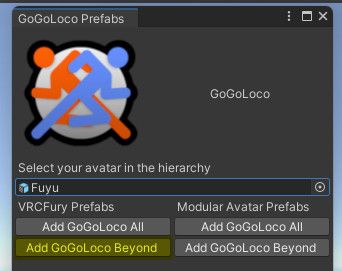
Once you pick an option, you should see it appear in your hierarchy. The prefab will also come with a menu already created, which you could test either in-game, or with a tool like Gesture Manager.

Uploading anything I buy. If you can afford to, please support the original creators if you like what I upload. They deserve to be paid.
-
@_puppwydoll If you don't already have the GoGoLoco package in your unity project, add the repository (can be found on their website) to VCC (or ALCOM if you use that), then add the GoGoLoco package into your Unity project (Under the Manage button in ALCOM, I'm not sure about VCC as I don't use it personally). You'll also want either VRCFury or Modular Avatar in your project too, and instructions for adding them to both VCC/ALCOM and your project are similar.
When inside of your project, under the Tools tab there should be tab titled "GogoLoco", with an option to "Add Prefabs" when you hover over it.
Clicking this option will bring you to a popup in which you select your avatar, and how you want the Prefab to be installed. I personally always use VRCFury - GoGoLoco Beyond, but I don't know how much it differs from GoGoLoco All, or the Modular Avatar versions.
Once you pick an option, you should see it appear in your hierarchy. The prefab will also come with a menu already created, which you could test either in-game, or with a tool like Gesture Manager.
I should mention that this works if you are making an avatar from scratch, but I don't have any experience in making changes to ripped avatars.
Uploading anything I buy. If you can afford to, please support the original creators if you like what I upload. They deserve to be paid.
-
I should mention that this works if you are making an avatar from scratch, but I don't have any experience in making changes to ripped avatars.
@koifishblub im testing this nw ty!
⠀⠀꒰⠀jst looking for avis ෆ upvoting helps !! <3
⠀ ⠀ྀི.
︶⊹︶︶୨୧︶︶⊹︶ -
@koifishblub im testing this nw ty!
@_puppwydoll Hope it works out. You will want to pick the prefab that matches what you have installed (VRCFury or Modular Avatar), or you could just install both of those packages and pick either one of the prefabs.


Hello! It looks like you're interested in this conversation, but you don't have an account yet.
Getting fed up of having to scroll through the same posts each visit? When you register for an account, you'll always come back to exactly where you were before, and choose to be notified of new replies (either via email, or push notification). You'll also be able to save bookmarks and upvote posts to show your appreciation to other community members.
With your input, this post could be even better 💗
Register Login