
(GIFT) Ephemeral by Purrinia
-
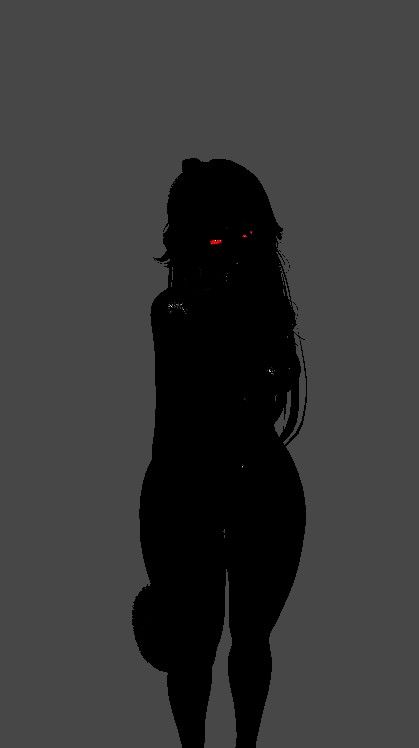
Uuuugh I already have the same vcc but the problem still persists, any cause for this to keep happening?
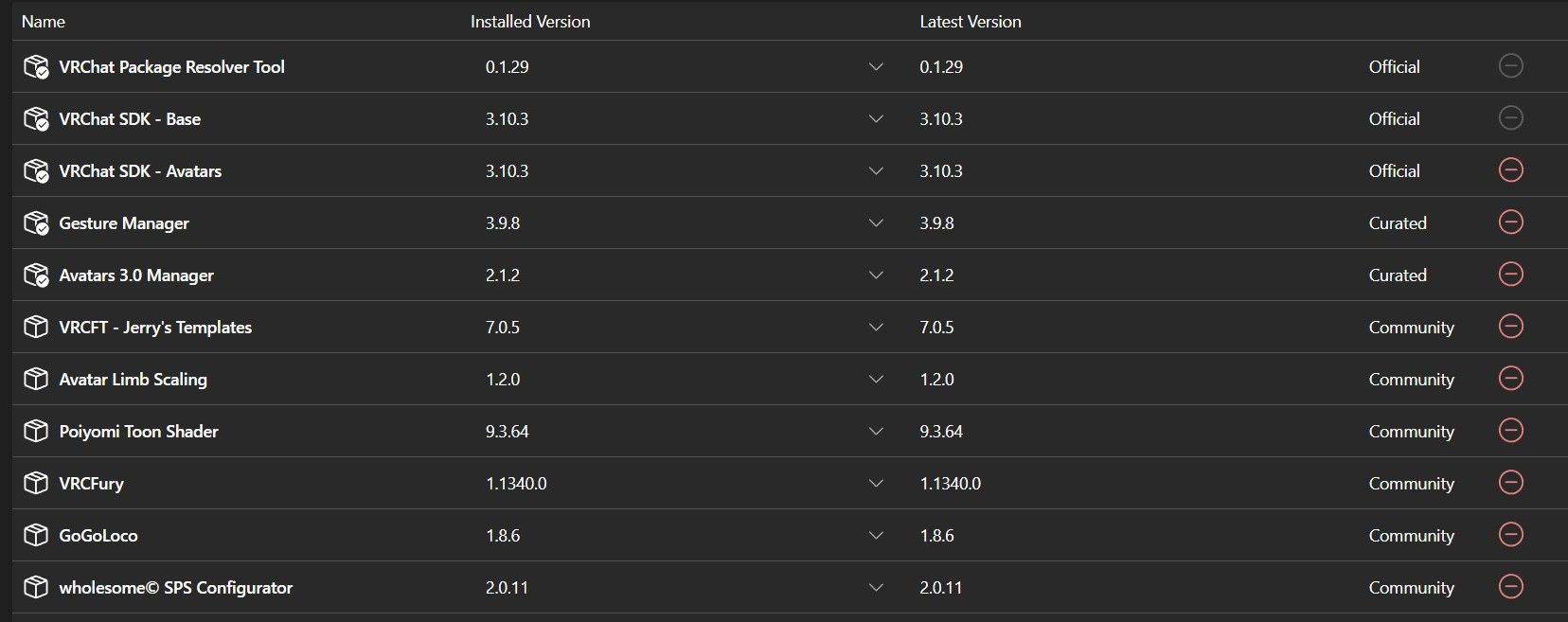
Are you double clicking the unity package or are you dragging it into your unity project?
Yes, this actually does matter in some cases as when you double click some files do not go properly, but when you drag it into your project the files goes as normal. I can't explain the actual logic behind it given how sometimes unityprojects can be total annomalies; however, give that a try in a brand new project.
-
Are you double clicking the unity package or are you dragging it into your unity project?
Yes, this actually does matter in some cases as when you double click some files do not go properly, but when you drag it into your project the files goes as normal. I can't explain the actual logic behind it given how sometimes unityprojects can be total annomalies; however, give that a try in a brand new project.
@Special-Week I always drag and tried into my existing project and making a new one for it. Honestly, I already gave up on it
-
 P pain_killer referenced this topic on
-
i had the same issue at first, but i think it got fixed once i pressed yes when i was asked if i want to fix possible lighting issues
-
Uuuugh I already have the same vcc but the problem still persists, any cause for this to keep happening?
@Neolts Sorry I'm a bit late, but the reason it's doing this is because the avatar defaults to using the GoBeyond expressions menu and GoBeyond parameters instead of using the ones made for the avatar. Just switch them to the avatar's menu and parameters and it should work!
Before:
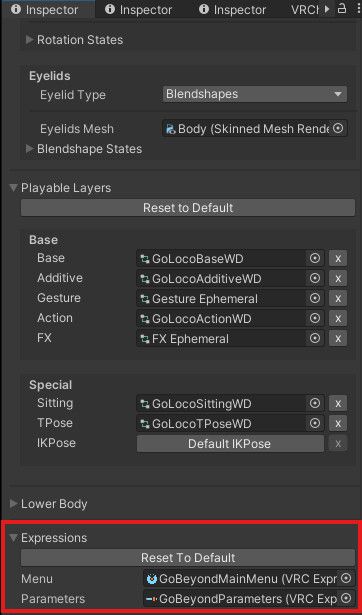
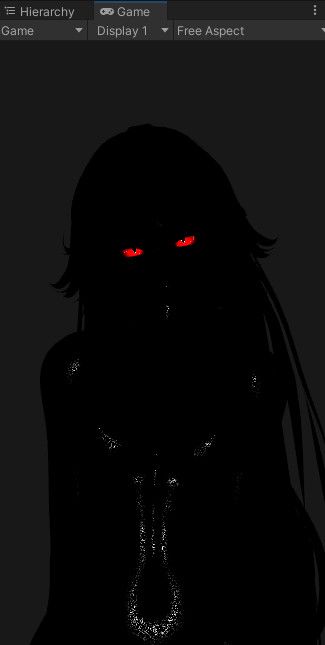
After:
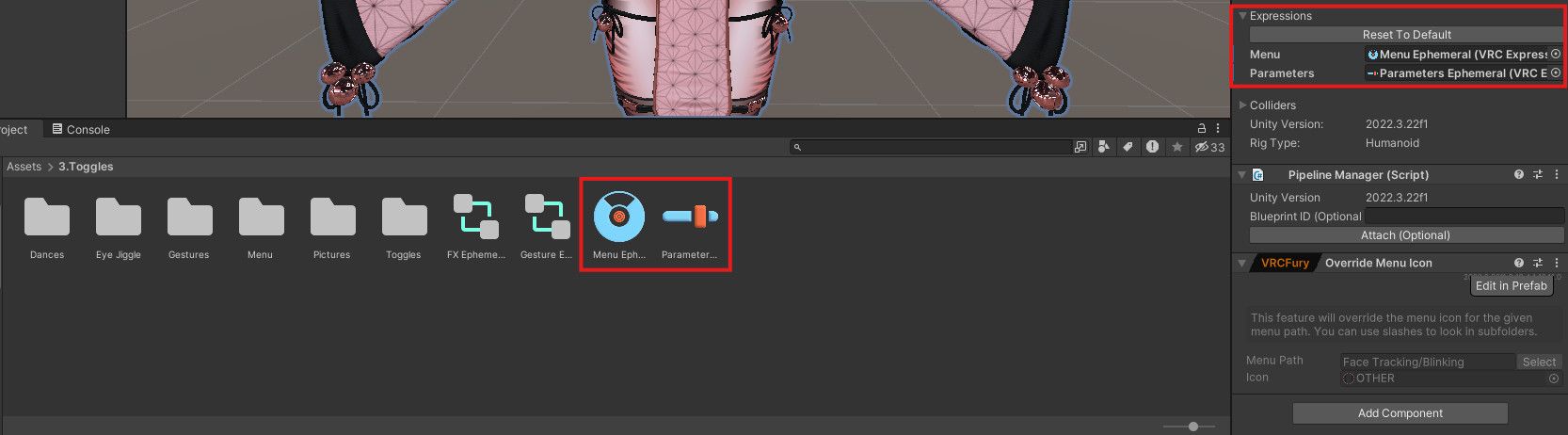
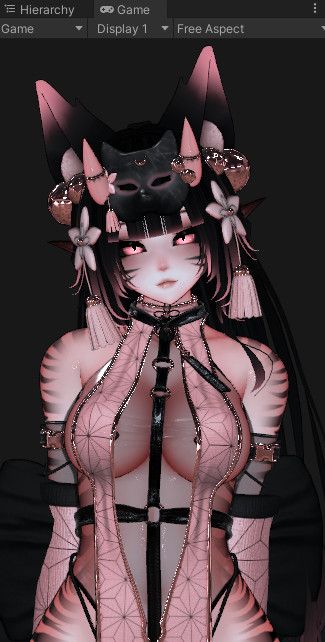
-
@Neolts Sorry I'm a bit late, but the reason it's doing this is because the avatar defaults to using the GoBeyond expressions menu and GoBeyond parameters instead of using the ones made for the avatar. Just switch them to the avatar's menu and parameters and it should work!
Before:
After:
@honeylove Alrighty, I'll give it another shot
-
@Neolts Sorry I'm a bit late, but the reason it's doing this is because the avatar defaults to using the GoBeyond expressions menu and GoBeyond parameters instead of using the ones made for the avatar. Just switch them to the avatar's menu and parameters and it should work!
Before:
After:
@honeylove Tyvm, that fixed her
-
@Neolts Sorry I'm a bit late, but the reason it's doing this is because the avatar defaults to using the GoBeyond expressions menu and GoBeyond parameters instead of using the ones made for the avatar. Just switch them to the avatar's menu and parameters and it should work!
Before:
After:
@honeylove tysm for this omg

-
@Neolts Sorry I'm a bit late, but the reason it's doing this is because the avatar defaults to using the GoBeyond expressions menu and GoBeyond parameters instead of using the ones made for the avatar. Just switch them to the avatar's menu and parameters and it should work!
Before:
After:
@honeylove Tysm for doing this, this happened with me as well<3





Hello! It looks like you're interested in this conversation, but you don't have an account yet.
Getting fed up of having to scroll through the same posts each visit? When you register for an account, you'll always come back to exactly where you were before, and choose to be notified of new replies (either via email, or push notification). You'll also be able to save bookmarks and upvote posts to show your appreciation to other community members.
With your input, this post could be even better 💗
Register Login