
Someone to port this zentreya model by samzam to vrchat
-
otherwise i know that once i figure it out i just need to prepare and export an FBX into unity and already know about uploading but of course i need to adjust everything to be able to toggle between the clothes, hair, skins and ofc the NSFW parts, if someone can help teach me and guide while i still look at this i would really appreciate it
-
i know this is my first blender project so i knew to expect these hurdles but AAUUUUGH adjusting this armature is such a headache, moving it into pose mode only showed the "fixes" broke not just the legs but the torso somehow, at least i have the original file intact but ill see if i can get help or something, probably ask the guy who made this directly if they know or can think why the armature got like this, if they reply, semi-happy news is that at least in some test exports i did just to see if the model at least didnt break in unity is that it can definitely export the models, clothes and the penis but of course armature is still the problem, that plus i need to learn how to transfer shaders and all that
-
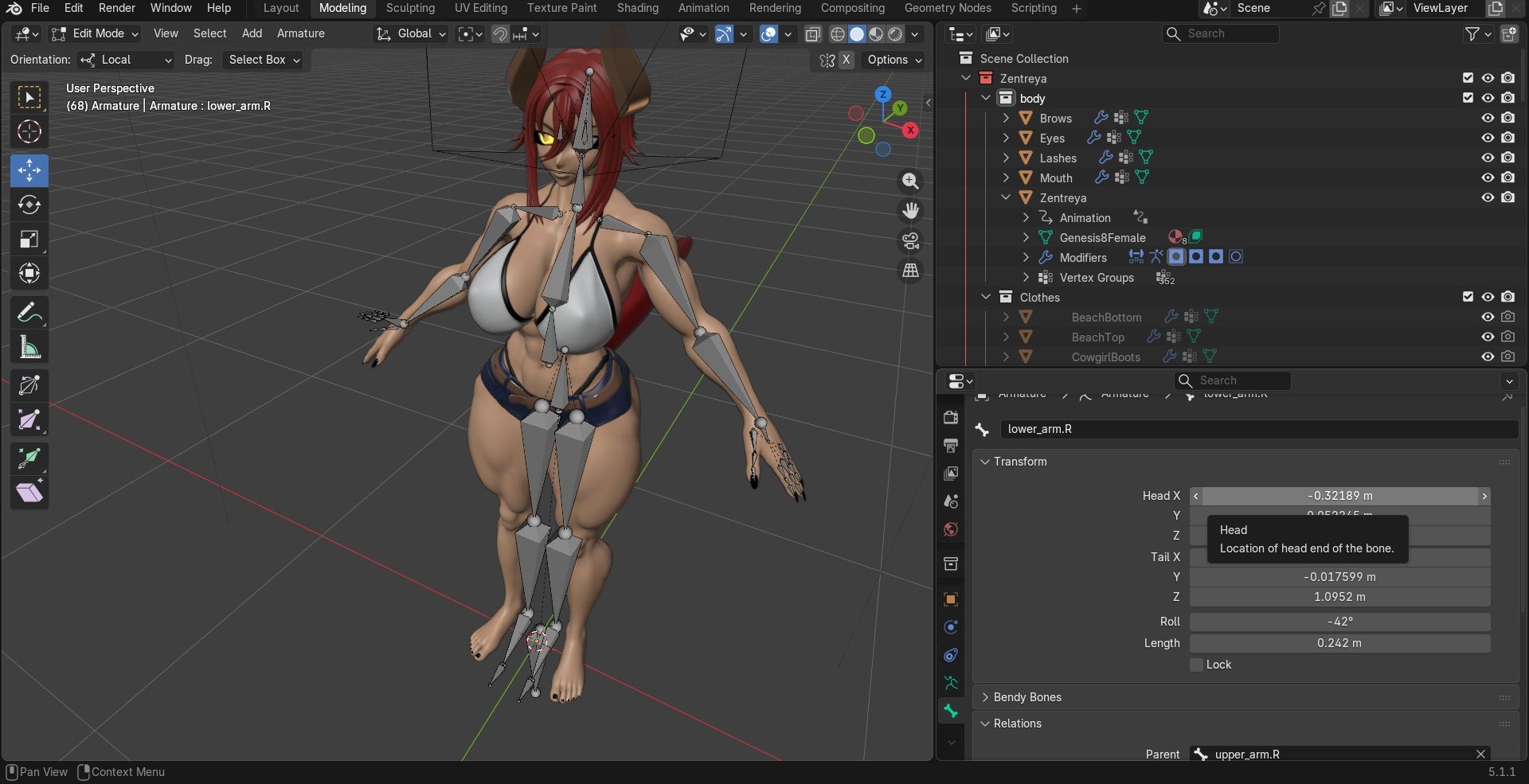
goddamn armature, fixing it trying to move the floating parts back in and connecting the bones only fo the entire thing to turn into slender man and feet turn 180 degrees opposite direction, even having some saved blender models i had to use as a reference to make sure everything is aligned but this armature refuses to align and even after seeing if at least the bone correction worked in unity the hair physbones apparently were parented to the root so it turned into goddamn sadako and it was EVERY SINGLE STRAND....screw it, gonna attempt to replace the armature by making it from scratch and connect everything manually as possible
-
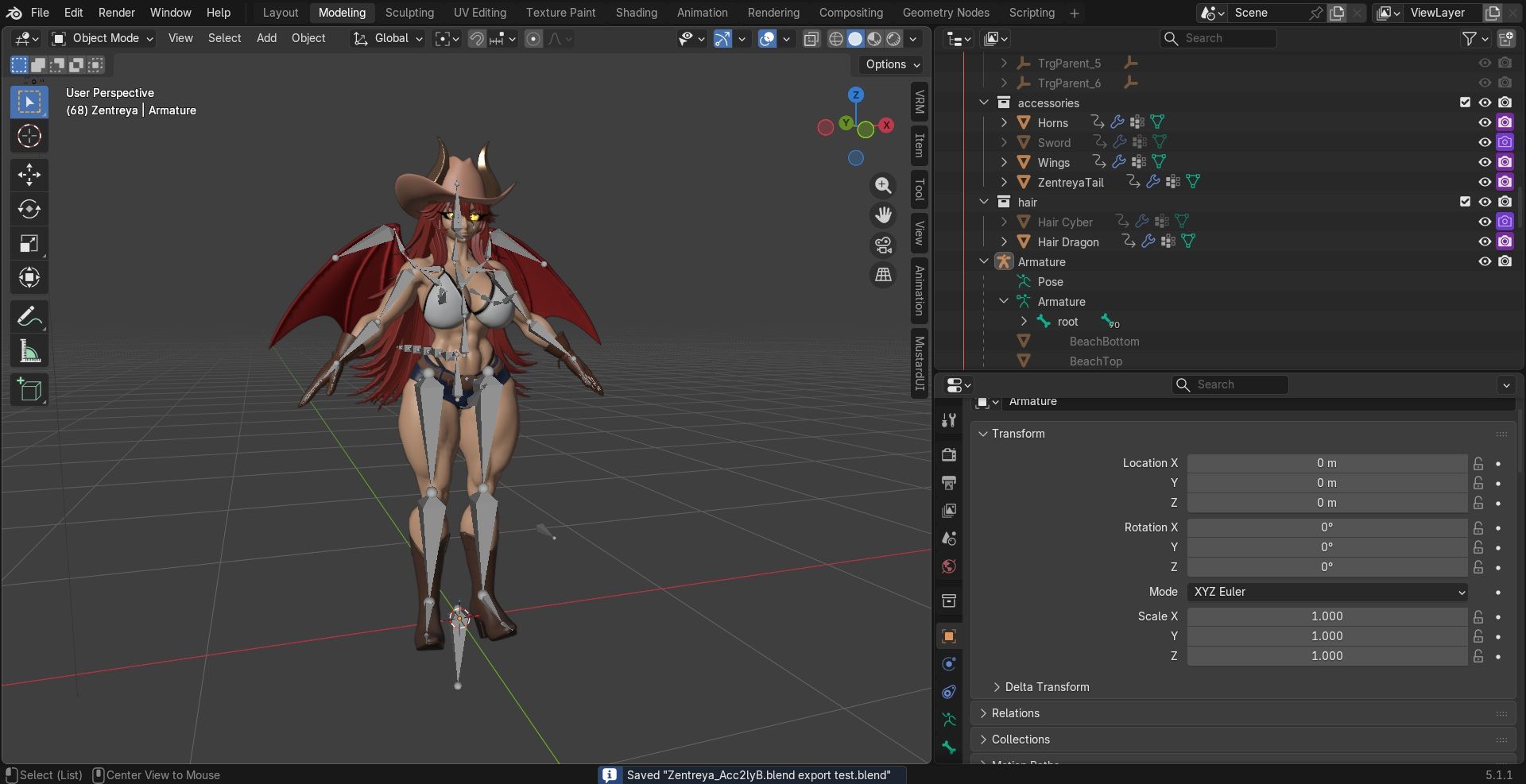
ok, new armature properly rigged and synched finally, need to add the weight paint, export the shaders and the FBX, then seeing if everything went well in unity where i'll see if i can finally setup expressions, toggles, the whole deal, but im happy i finally got through that mess and learned a lot along the way
-
huge shoutouts to alilrotten and their tutorial videos https://www.youtube.com/@ALilRotten/videos
-
huge shoutouts to alilrotten and their tutorial videos https://www.youtube.com/@ALilRotten/videos
Thank you~ ^^
-
bump
-
-
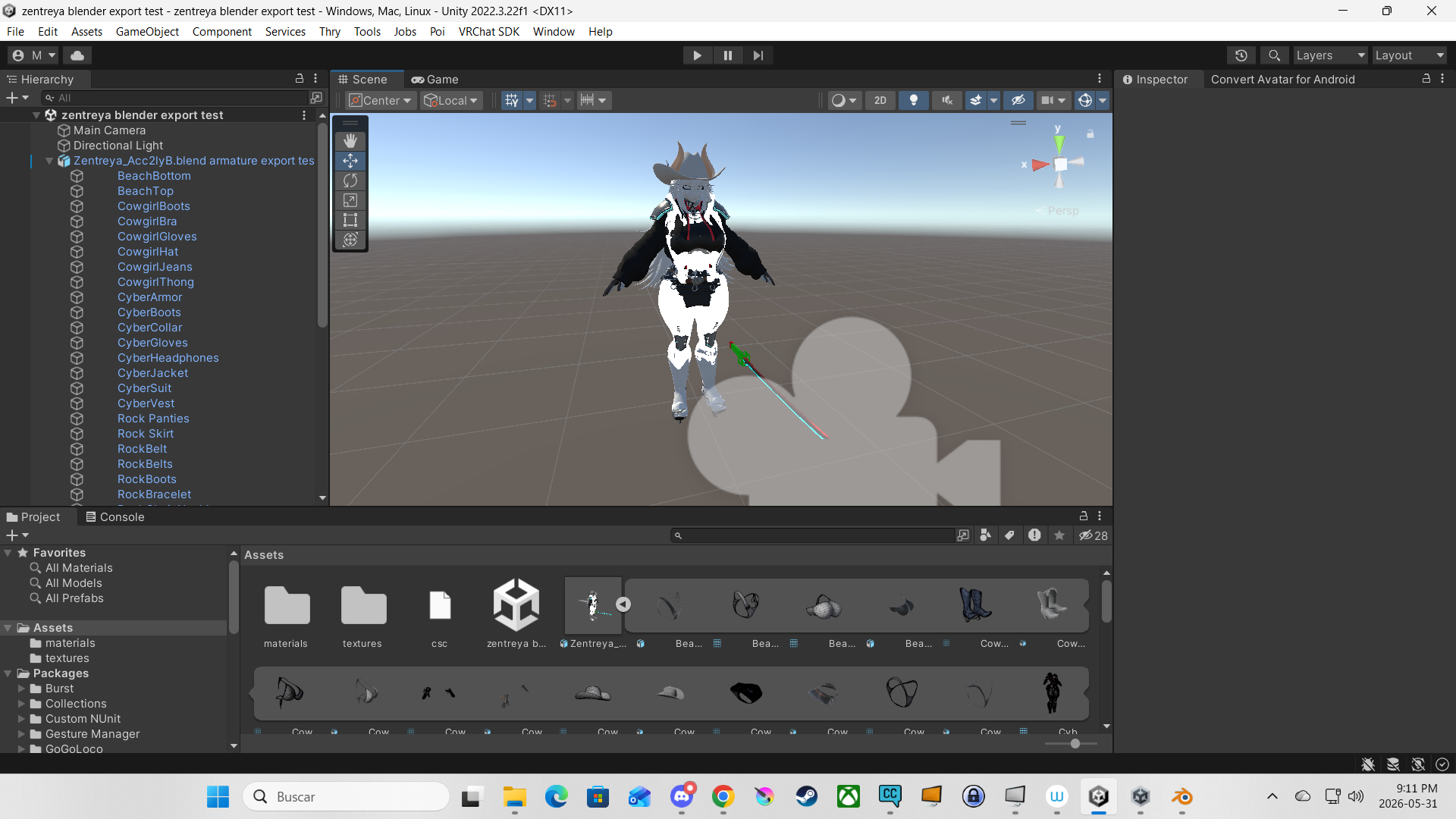
sorry for the silence, took a bit of a break during the weekend but im back and got it almost done, been hitting a couple of problems but been troubleshooting them as they come along, main thing is i had to remove part of the penis cause it would refuse to toggle off in unity, had to edit it back in blender cause the author had almost everything hidden so had to go and remove it, weird thing that samzan did is that part of the dick was for some reason attached to a fragment of the upper left leg so when i was editing and deleting the penis it took off a chunk, refilled the vertices but had to do a lot of editing in order to add the skin again (again, first project i've ever worked on in blender) so it looks a bit off in the cyber version but more so with the dragon skin but after im done with this i'll sharte both blender and unity files so you guys can attempt to fix it if you can, otherwise meshes and armature showed no problems (at least i hope there are none or few) so im working on the FBX file and checking that everything is ready in unity, textures and materials are imported just need to make sure everything is good and then will go to the process of adding toggles, sliders, will see how well i can manage the blendshapes to test out expressions and such
-
oh right, also the gloves in the cowboy outfit REFUSED to sync properly with the hands mesh and armature so they clip a bit from the palm sides and editing the vertices only made it look worse but as i said i'll leave the blender, FBX and unity files here when i'm done with it so you guys can attempt to fix if you can, also the cyber jacket and the vest have some clipping with each other but because i found they are different outfits so that was a worry cleared on my end
-
bump
-
uuuughhhh took longer than i would have wanted trying to make the shapekeys but i feel like such an idiot and probably am when trying to make the mouth move for the basic AA OH CH keys but because i probably messed in so many sections cause sometimes i got it right but its the mouth object inside with the teeth that refuse to move even though i managed to link them with the bones i rigged and actually move but along the way trying to fix that now the mouth wont open when trying to, i hate leaving so much behind when it looks simple enough but already im frustrated cause when i think i got it something else wont budge, sorry in advance again since its my first project and this feels like a simple thing to fix but im just too stupid, otherwise everything else is good, gonna test the FBX in unity again
-
sigh..some good progress but there is always somethin...
-
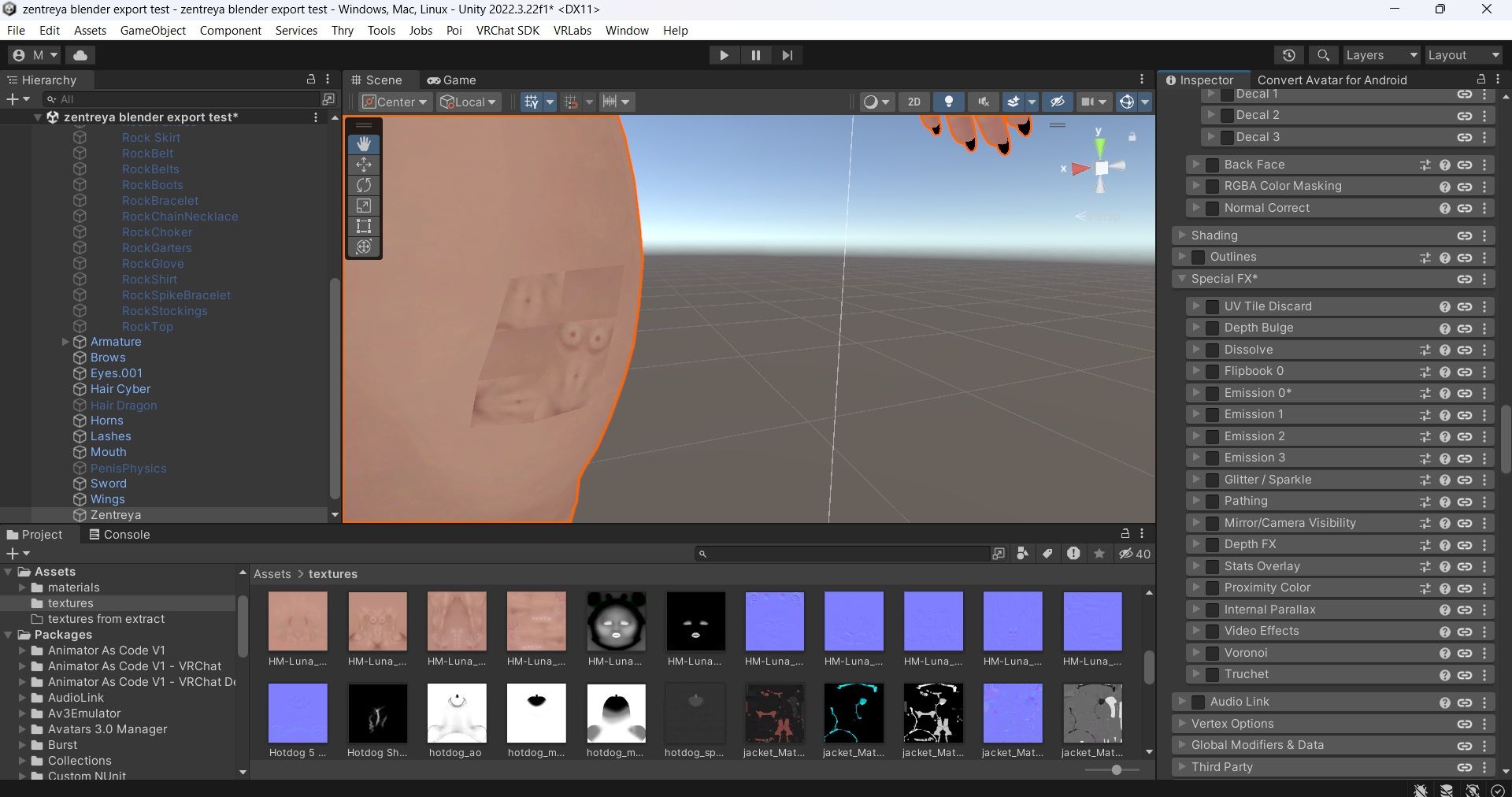
leg patch fixed, fixed an issue with the iris being hidden behind the sclera but still having an issue with the eye tracking alongside the blinking so those are disabled (i think), texture adjusting and checking with vrcfury going along well
-
ok so another update is that textures been a mess to export through blender to unity as several textures can't be exported cause i found the model did something called Principled Hair BSDF shader which makes other 3d programs have a hard time reading so the FBX can't export them through, been reading about ways i can do so but all explanations go all over the place giving steps by steps but also warning its labourious so gonna be looking into ways to get the textures exported, at least there are answers but will see which ones work, otherwise im happy unity did auto-connect several of these and some others was able to figure out what went where
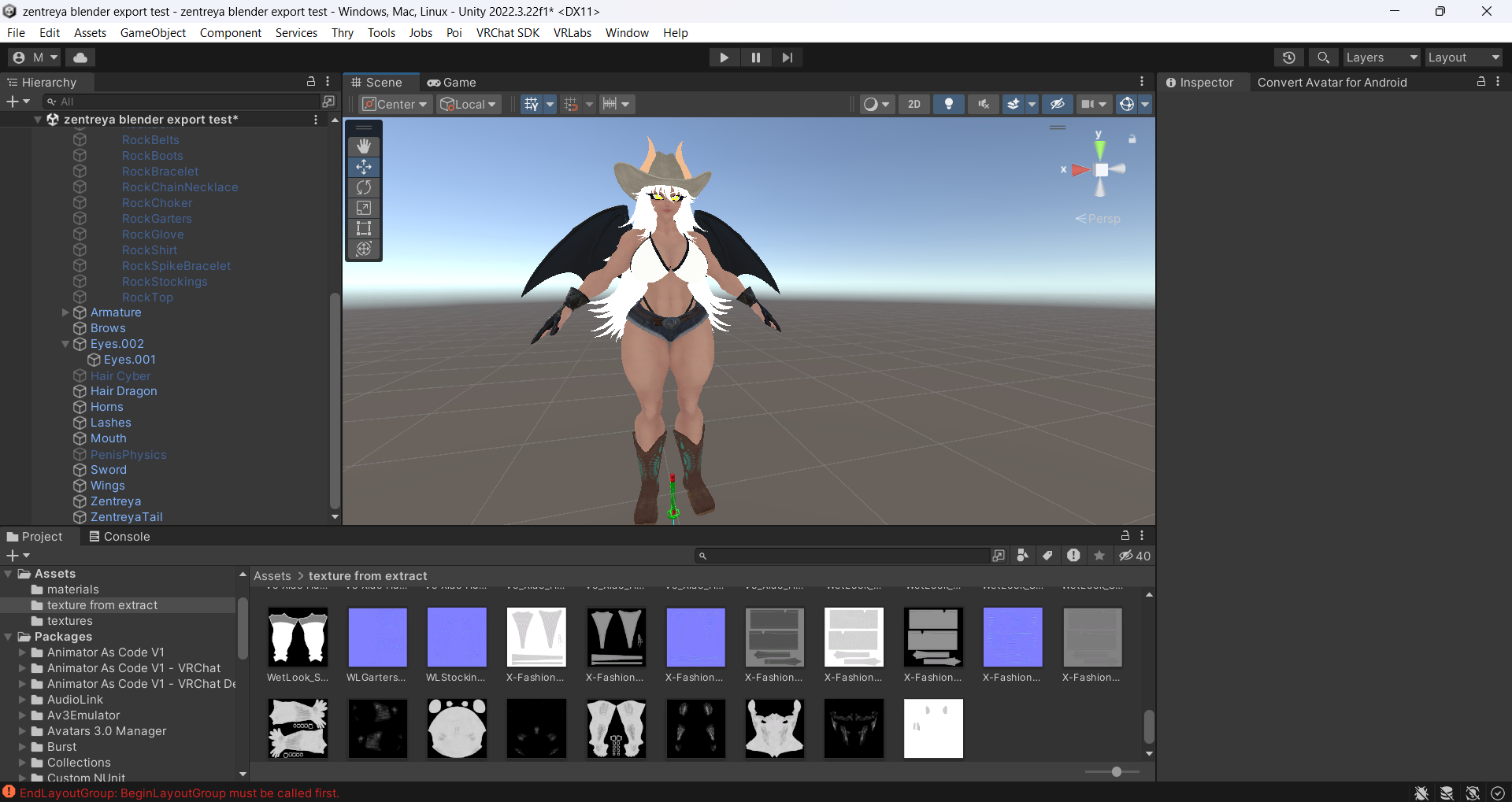
-
that's a hurdle but at least got the export thing resolved, some are easier but a lot of manual work is required (at least for me) to get stuff textured but i'm happy that got that wall beaten, progress going along well now
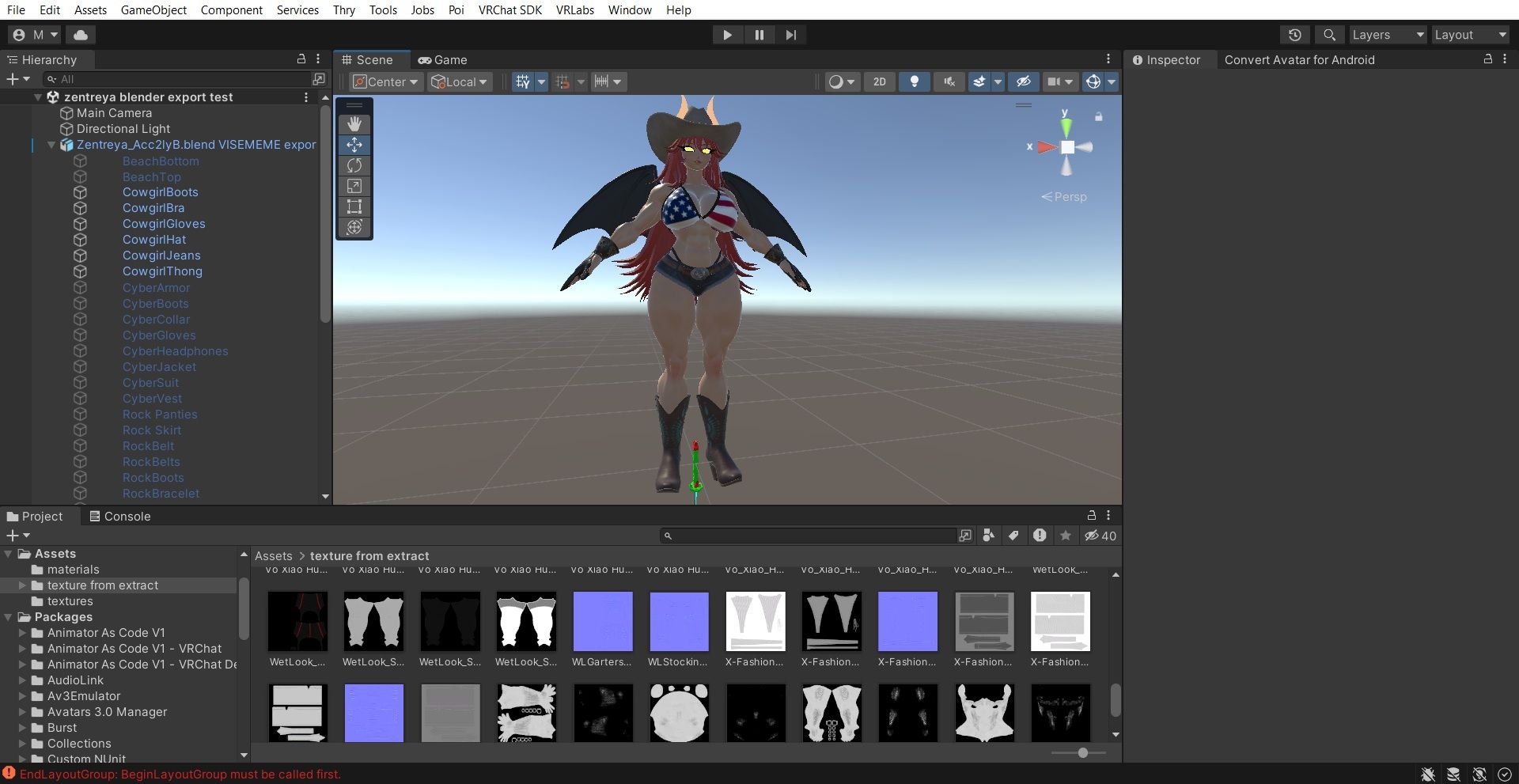
-
that's a hurdle but at least got the export thing resolved, some are easier but a lot of manual work is required (at least for me) to get stuff textured but i'm happy that got that wall beaten, progress going along well now
@froolickinracc i believe in you babes

-
-
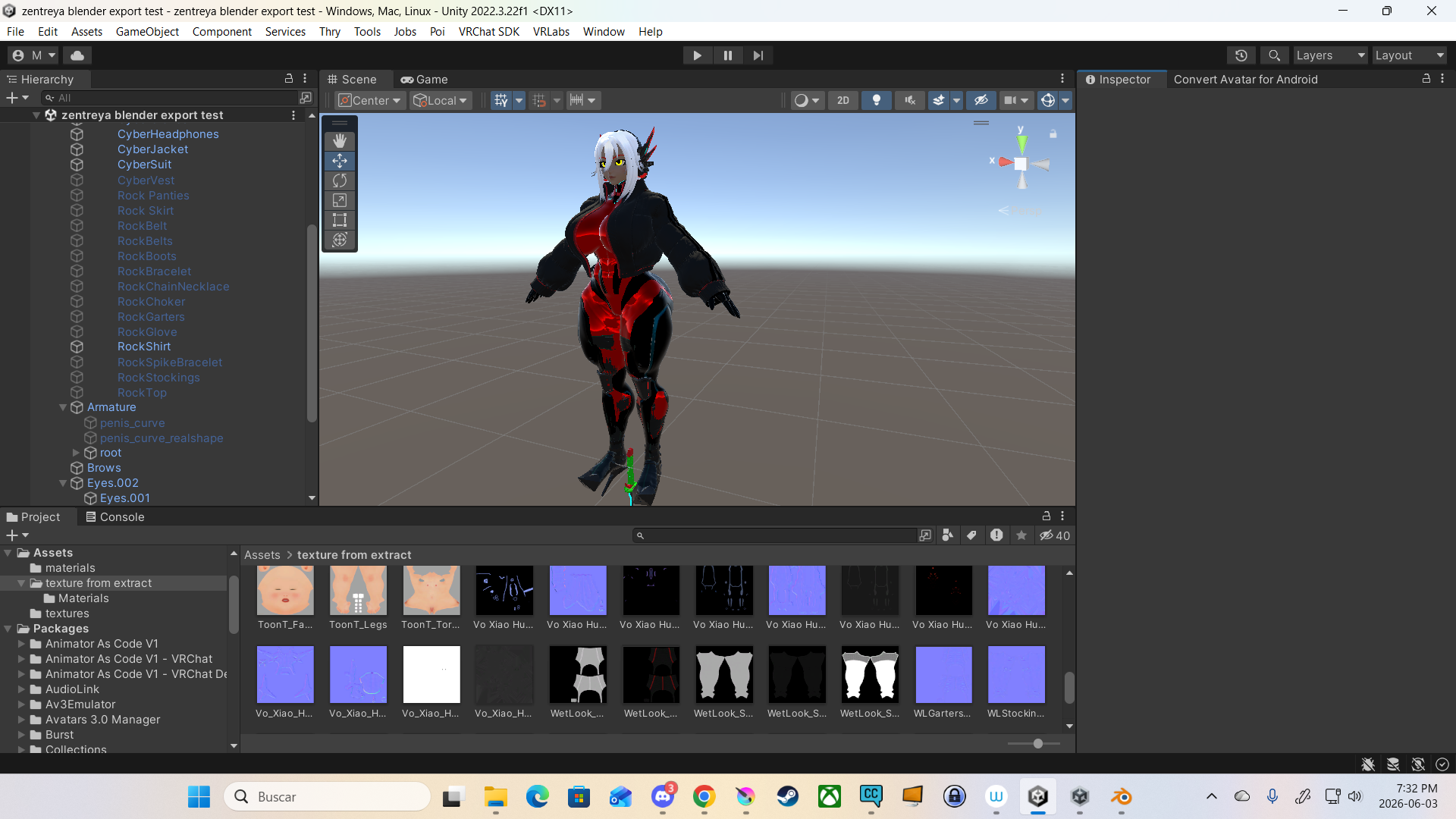
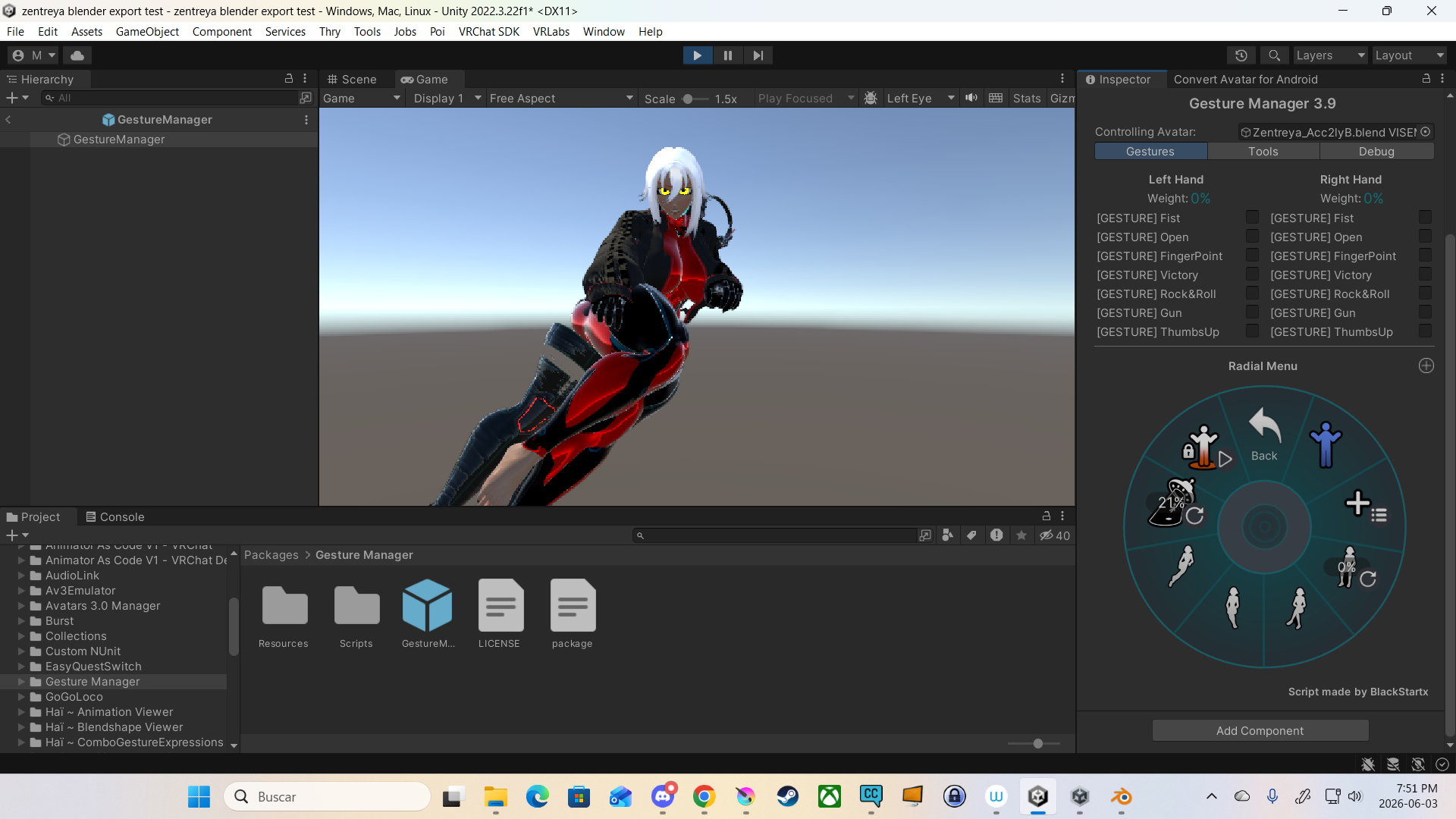
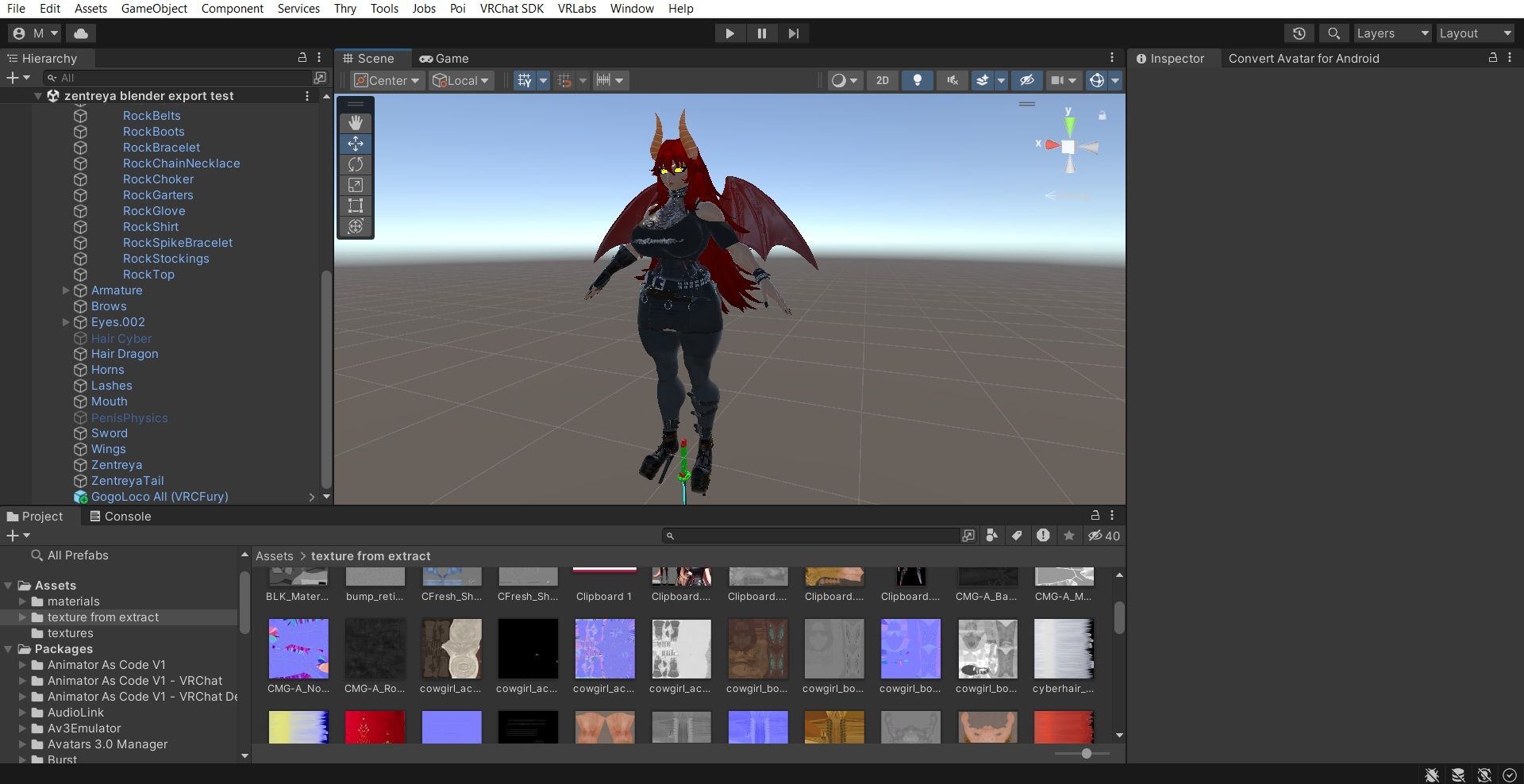
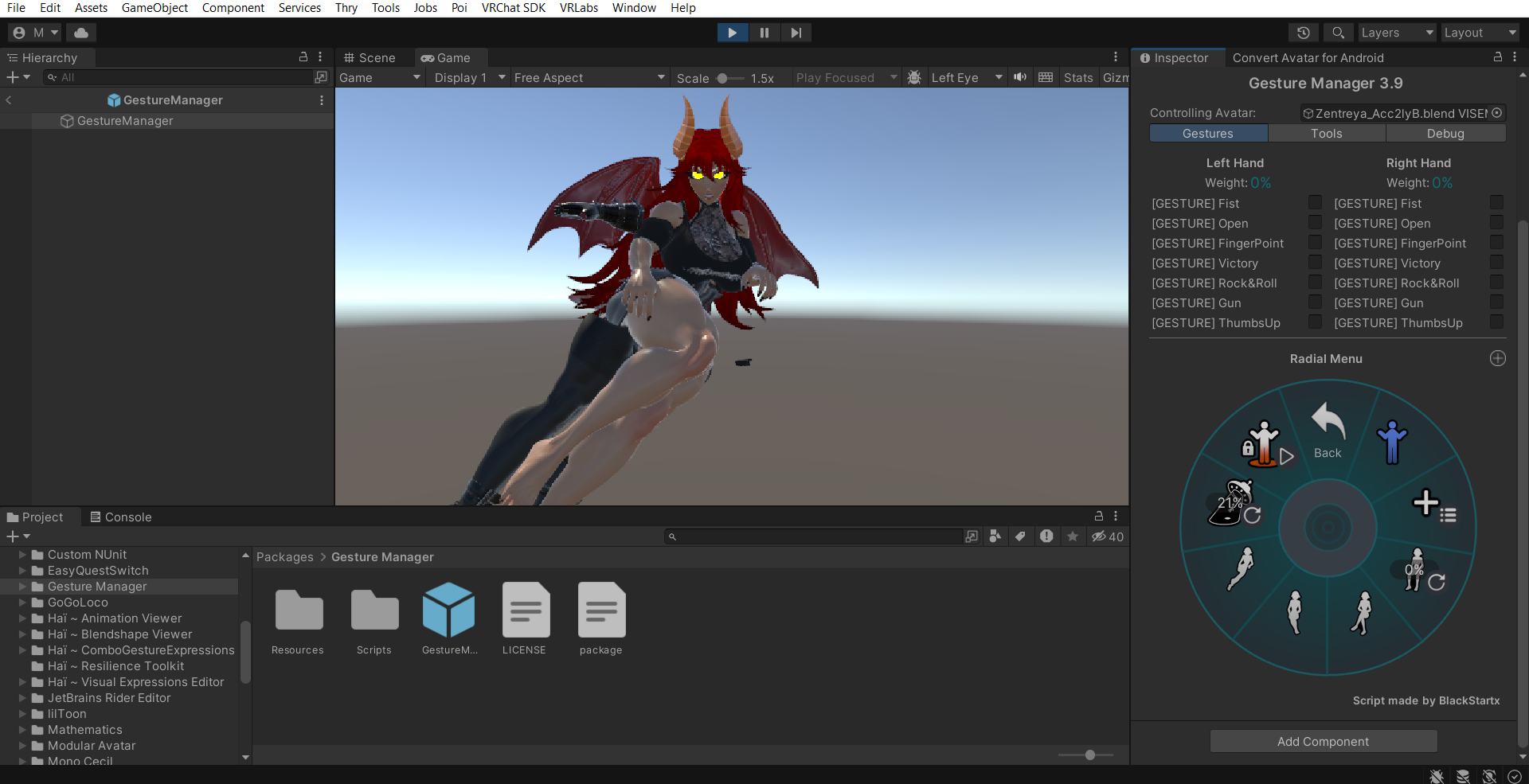
alright textures on the cyber body are done but encountered some issues when testing the avatar in gesture mode, cyber boots and the cyber headphones are not properly linked to the body even though im looking at the vrcfury options to link them to the armature and body but they won't follow along and would have to check back in blender to check it but that would involve havin to re-export the FBX if i find a way to fix this but ughhhhh im already so far ahead, if not i'm letting you all know now in case someone more experienced does it (probably just gonna leave those disabled on my end, probably for now) but otherwise textures been going along well, even those i have trouble exporting i found a workaround of looking at the body part in blender and in the material settings go into preview and set it on the flat surface preview (this been a huge help identifiying what goes where), if the unity texture import didn't put a color or something correctly i take a screencap, edit that image to fit in size, up the resolution and edit what is needed, tried poiyomi shaders but due to the quality of this model those really looked pretty bland in my taste but even so ive been using that when adding the textures and editing the effects, after that i switch the shader to the standard shader but every change passes over with no trouble, at least not much that i've had no trouble adjusting, and the setting are saved so can switch between shaders with no fear of deleting something
-
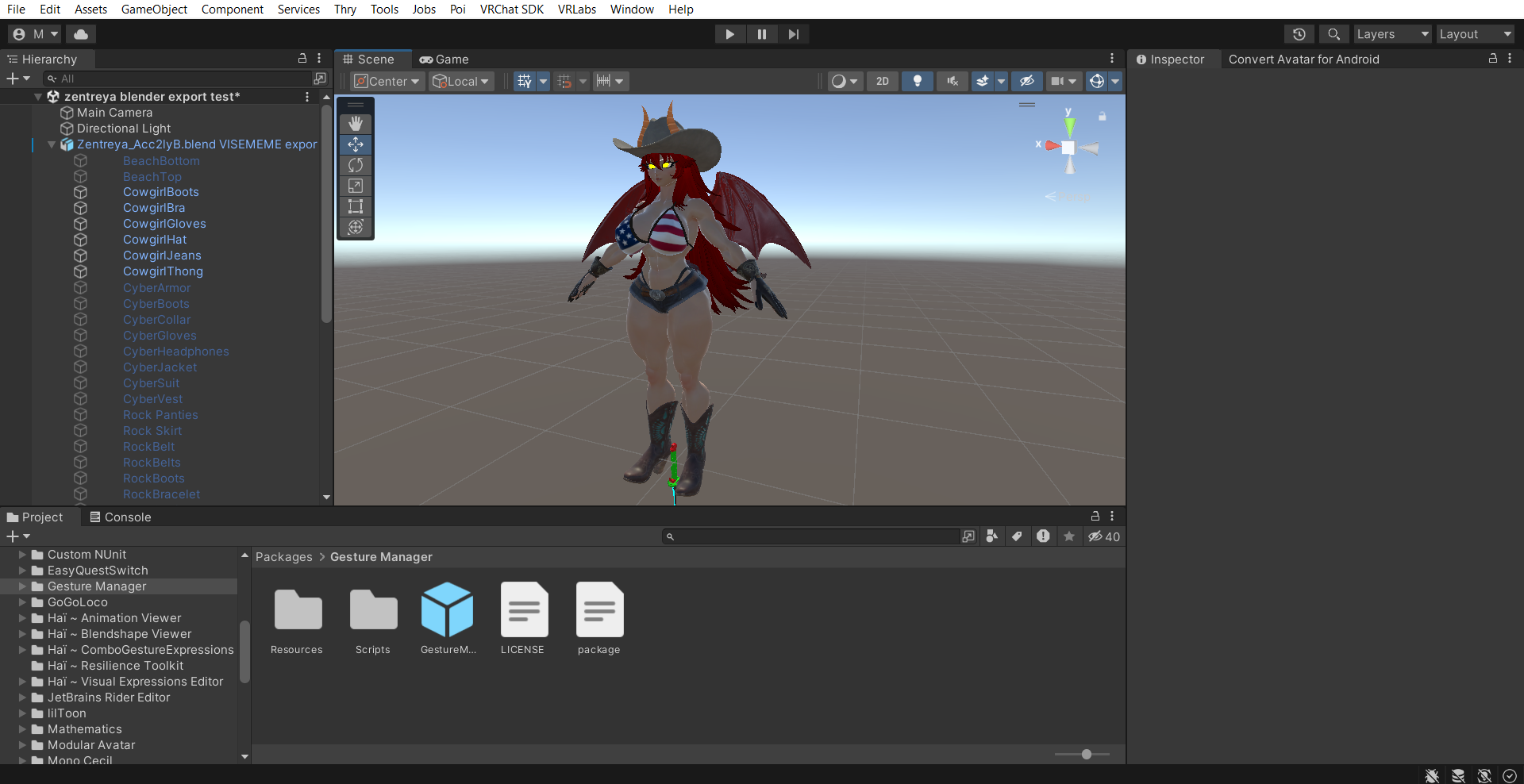
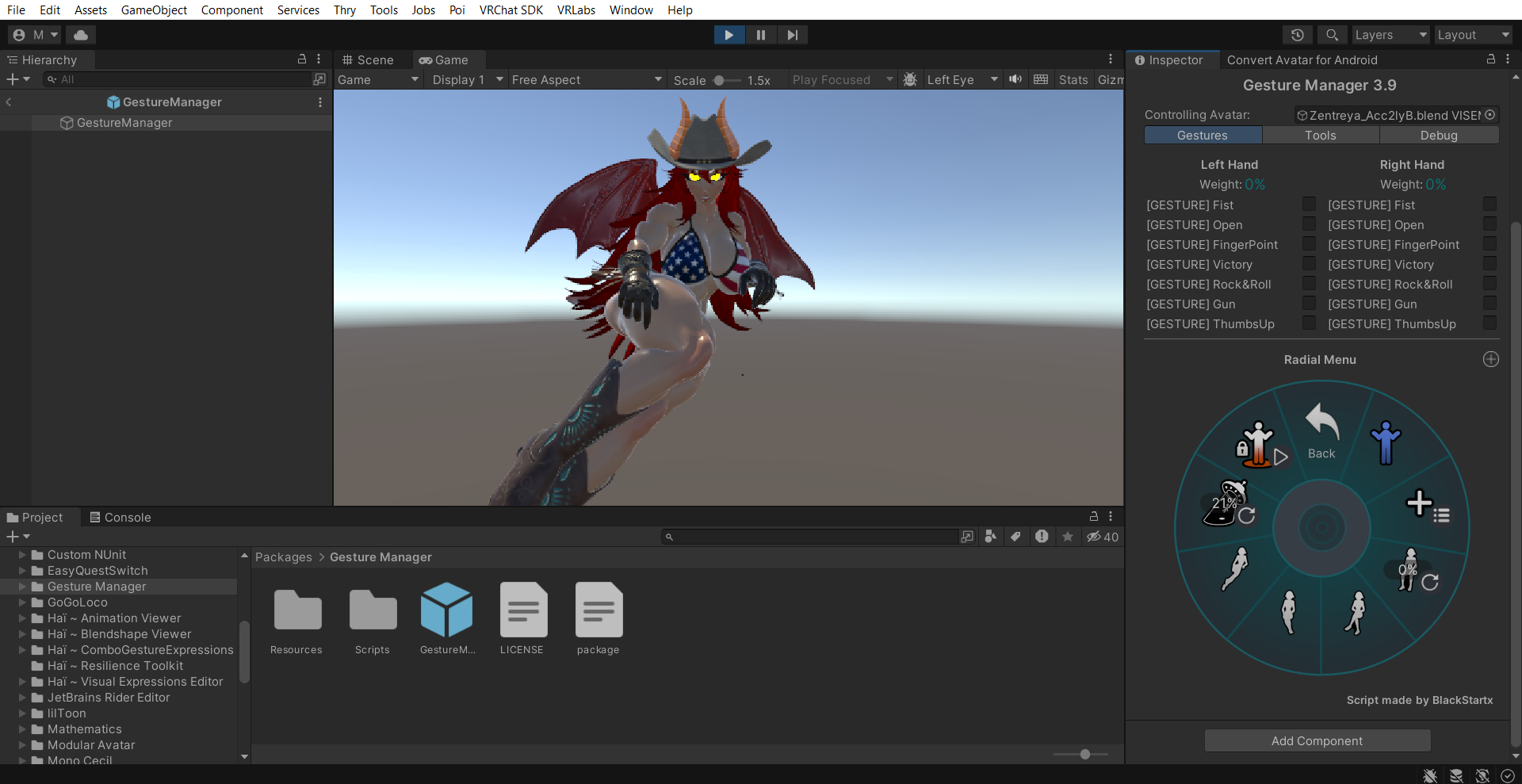
alright so another unexpected delay but more so from my end cause in the middle of me working on the project it started to rain but i paid no mind.....until a heavy thunder roared pretty hard..... and the power went out....while i was too focused on adjusting everything...and i forgot to save for a while....yeah, that hit me hard for a while but at least i remembered what i did so resuming didnt take too long....but though ive finished texturing the dragon side of the model i keep encountering the floating clothes glitches when testing in gesture manager and i hate that they are several enough that i feel i need to re-export the model but now i have a problem in blender where the armature settings don't go through as sometimes i notice apparently there was an error, ugh i hate how small that notif is, plus back in unity still encountering some clothing clipping through that not even blender is letting me fix without the thing breaking apart in scaler or manual vertices adjusting......at least everything associated with the cowboy outfit (main reason why i wanted to work on this avatar in particular) works pretty well although im now confused why the gloves chose to work now...or at least i hope they are based on the play mode preview, now i need to work on the eye texture cause samzam did something weird with the eyes in which there are no textures cause the form of the eye was all shapekeys transformations on blender




Hello! It looks like you're interested in this conversation, but you don't have an account yet.
Getting fed up of having to scroll through the same posts each visit? When you register for an account, you'll always come back to exactly where you were before, and choose to be notified of new replies (either via email, or push notification). You'll also be able to save bookmarks and upvote posts to show your appreciation to other community members.
With your input, this post could be even better 💗
Register Login