
✔ (FOUND by stupid chud girl) Blair by Yura
-
bumping 4 fixed unity project of the avi and poipro version x
-
 R ReddieBerrie has marked this topic as solved
-
@stupid-chud-girl bomp for pro!
-
-
upp pro plise
-
Bumping for pro
-
i found fix the bugs same R and L
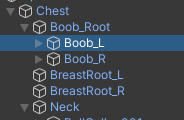
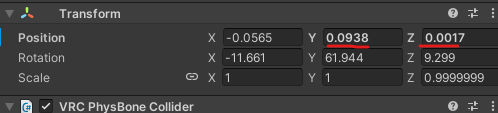
-
Writing
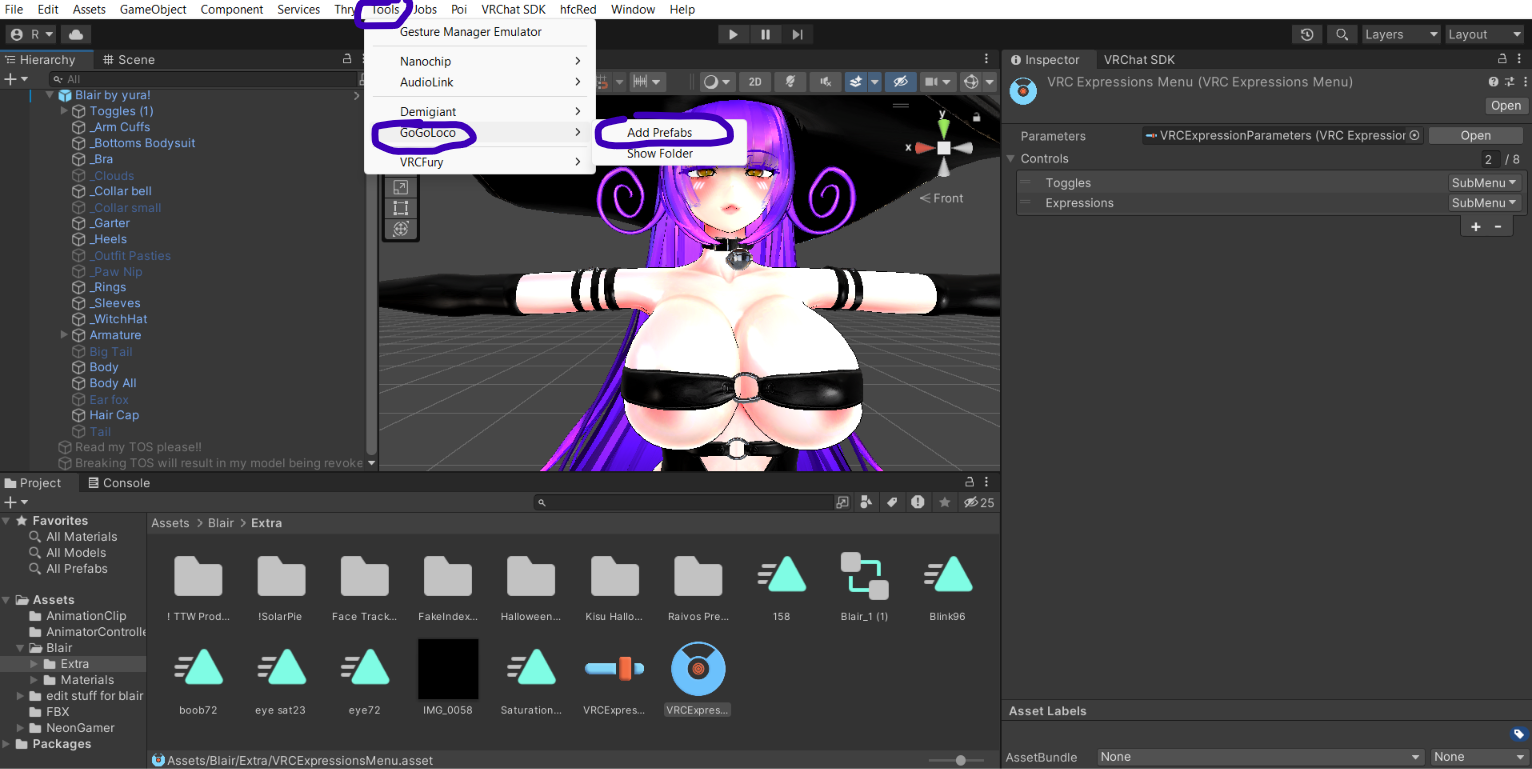
How to Remove the Broken GogoLoco and Add a New One
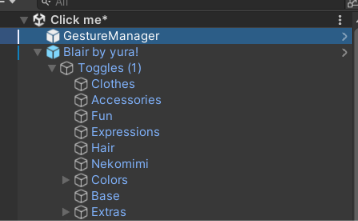
- Find Blair in the Hierarchy window.
- Select Blair and go to the Inspector.
- Scroll down until you find Expressions.
- Open the project menu and select one of the menus so it gets highlighted.
- Go back to the Inspector and look for Control Extras.
- Locate the − controls in the Inspector menu and on your keyboard, next to Control X.
- Click the − button to correctly remove the broken GogoLoco.
- Now you can add a new GogoLoco.
- Check the errors: they should decrease from 51 to 36, according to the result described.
I hope this helps!
-
-
@DAEDRICswat yes ill get it for u guys in a moment!
-
-
-
-
-
-
bump fixed version
-
@stupid-chud-girl re-boop for Pro POI version~
@DAEDRICswat you just need to change all shaders to poi pro
-
@DAEDRICswat you just need to change all shaders to poi pro
@Beansmeans They are set up a little differently
-
@Beansmeans They are set up a little differently
@IceyMorg exactly~
Bomp for POI Pro vers - @stupid-chud-girl -
-
@Reaper-queen howww omg

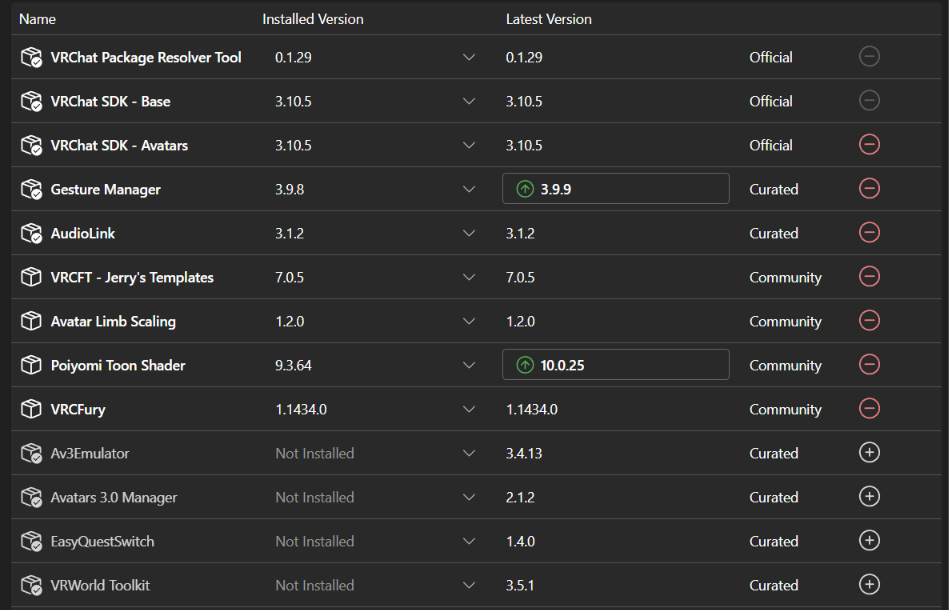
@kiddie i just made a new project and made sure everything in my screenshot was in the project and opened up 2022.3.6 instead of the 2022.3.22 unity version in vcc
edit 3:22: forgot to say to make sure everything is imported from the screenshot and the payhip page or it will show up empty and give missing scripts and menu issues, if it doesnt work for the first project best bet is to make a new one and redo the steps again

another edit/update 5:18- ive also changed my gesture manager into 3.9.8 which also seemed to help the missing script issue and for the menu's not having anything in them from the looks of it, the creator just pretty much used vrcfury to make the toggles and used the menu spots as place holders for where the toggles will go, gogo would have to be added into the project and added onto blair, in the inspector in the extra menu there the gogo needs to be removed then the vcc gogo needs to be added onto the avatar in the hierarchy then it should run smoothly
apologies for the constant text updating, i kept throwing myself off trying to remember how i had her working










Hello! It looks like you're interested in this conversation, but you don't have an account yet.
Getting fed up of having to scroll through the same posts each visit? When you register for an account, you'll always come back to exactly where you were before, and choose to be notified of new replies (either via email, or push notification). You'll also be able to save bookmarks and upvote posts to show your appreciation to other community members.
With your input, this post could be even better 💗
Register Login