Skip to content
  • Categories
  • Recent
  • Tags
  • Popular
Skins
  • Light
  • Brite
  • Cerulean
  • Cosmo
  • Flatly
  • Journal
  • Litera
  • Lumen
  • Lux
  • Materia
  • Minty
  • Morph
  • Pulse
  • Sandstone
  • Simplex
  • Sketchy
  • Spacelab
  • United
  • Yeti
  • Zephyr
  • Dark
  • Cyborg
  • Darkly
  • Quartz
  • Slate
  • Solar
  • Superhero
  • Vapor

  • Default (Zephyr)
  • No Skin
Collapse
RipperStore Logo
  1. Home
  2. Assets
  3. Gifts / Downloads
  4. 🤝 COMMUNITY MALE AVATAR ASSET COLLECTION

🤝 COMMUNITY MALE AVATAR ASSET COLLECTION

Scheduled Pinned Locked Moved Gifts / Downloads
clotheshairmakeuptexturestoolsface animationkomanohankaminase
70 Posts 36 Posters 24.9k Views 53 Watching
  • Oldest to Newest
  • Newest to Oldest
  • Most Votes
Reply
  • Reply as topic
Log in to reply
This topic has been deleted. Only users with topic management privileges can see it.
  • D
    D
    Dora727
    wrote on last edited by Dora727
    #23
    This post is deleted!
    1 Reply Last reply
    0
    • D
      D
      Dora727
      wrote on last edited by
      #24

      Sorry for the wait. I have finished checking all of the download links.

      I also finished re-uploading the files so that no password is required.

      For full-pack items, I added a note next to the download link.

      There may still be some small mistakes, but the thread is mostly complete now.

      It would be a huge help if you could share any asset forums or owned assets that include male assets not listed here.

      1 Reply Last reply
      1
      • D Dora727

        📦 OTHER: ✔

        Other compatible assets.

        01 - 10 ✔

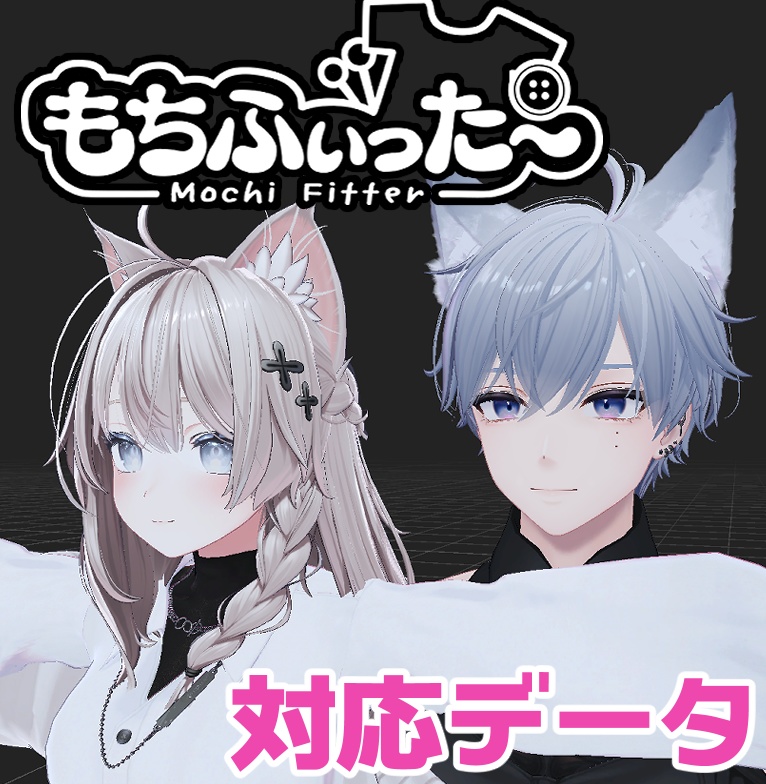
        01. 【両変換対応】狛乃用もちふぃった~対応データ 🆕
        Supported Avatars:
        DOWNLOAD ✔

        Preview


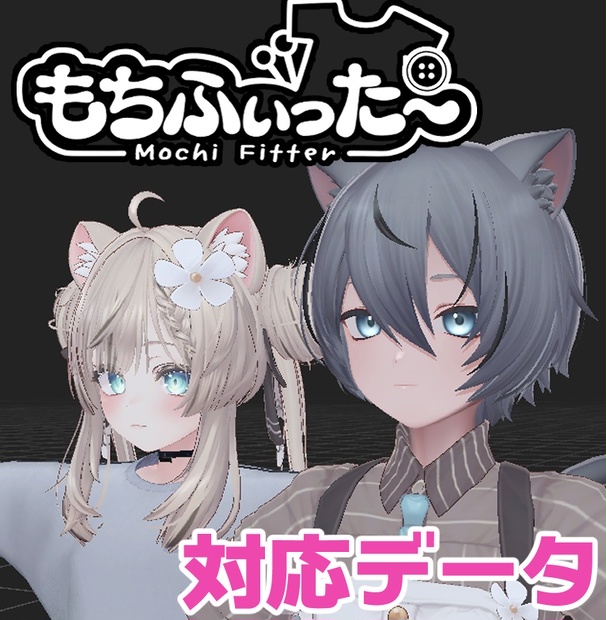
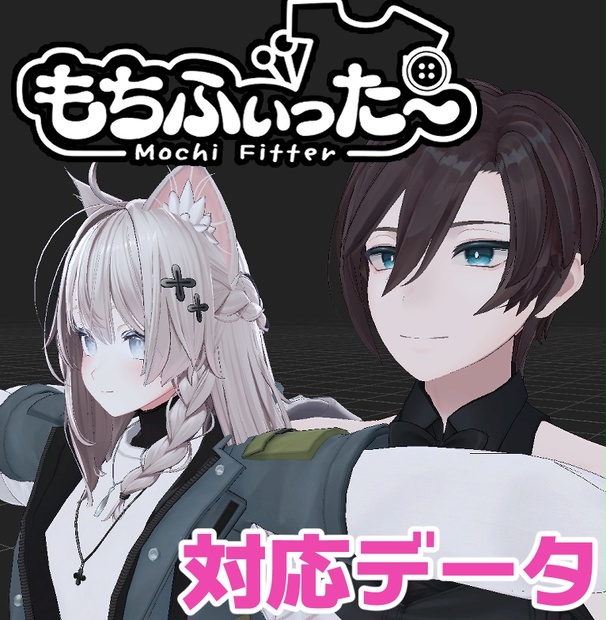
        02. 【両変換対応】碼希-まき-用もちふぃった~対応データ 🆕
        Supported Avatars: Sio / Mayo / Grus / Shinano / Chiffon / Lime / Chocolat / Milltina / Komano / Mafuyu / Misaki / Mao
        DOWNLOAD ✔
        Preview


        03. 【両変換対応】くうた用もちふぃった~対応データ 🆕
        Supported Avatars: Kuuta
        DOWNLOAD ✔

        Preview


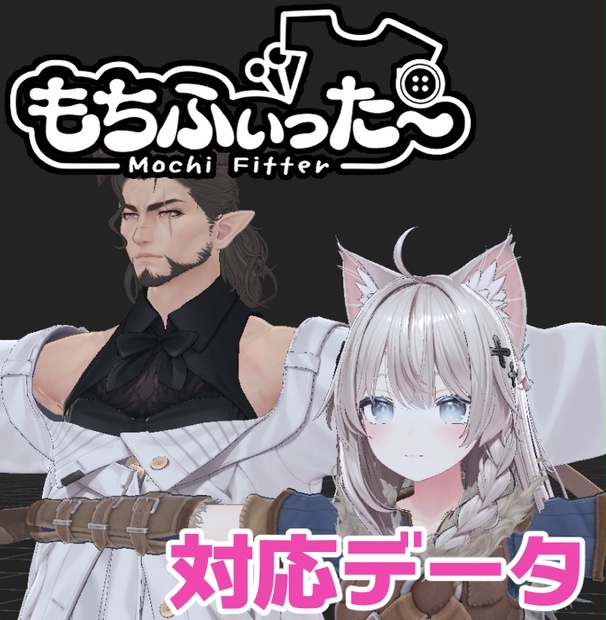
        04. 【両変換対応】ドラゴニュート・ヴラウ用もちふぃった~対応データ 🆕
        Supported Avatars:
        DOWNLOAD ✔

        Preview


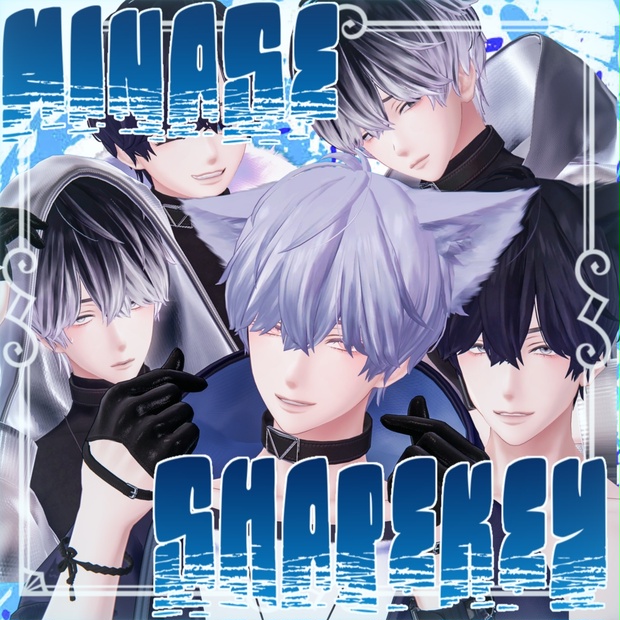
        06. ADDHARD-Minase Shapekey 『 水瀬追加シェイプキー 』Supported languages 日本語 English 한국어 🆕
        Supported Avatars:
        DOWNLOAD ✔

        Preview


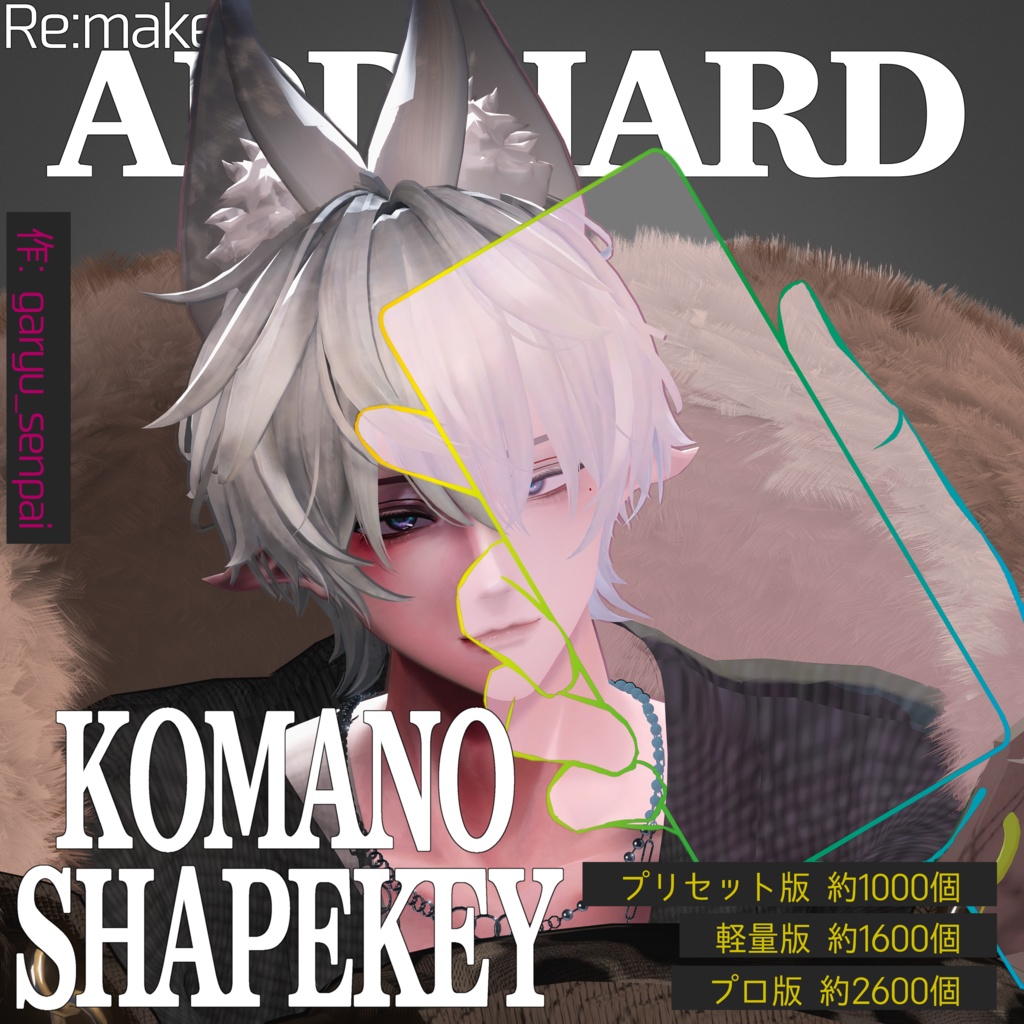
        07. ADDHARD-Komano Shapekey Re:Build『 狛乃 追加シェイプキー 』Supported languages 日本語 🆕
        Supported Avatars:
        DOWNLOAD ✔

        Preview


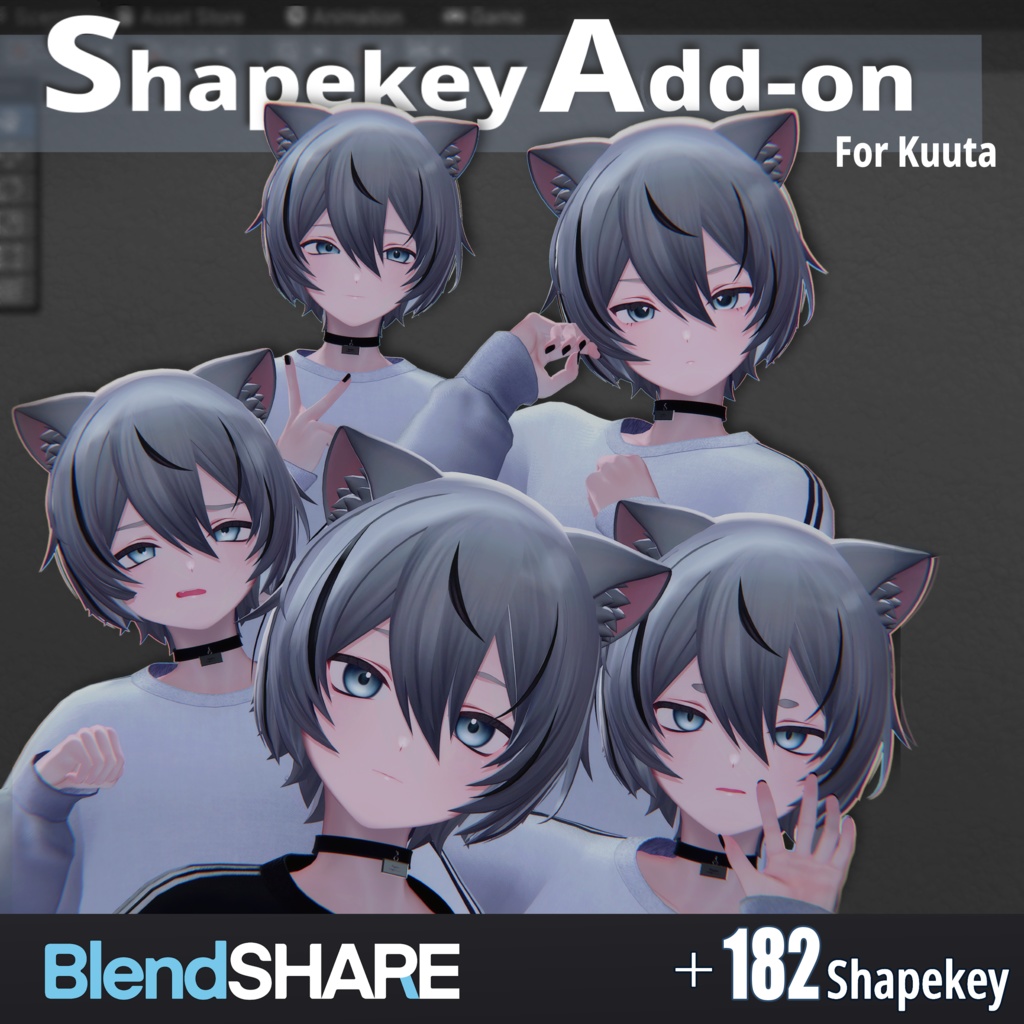
        08. Shapekey Add-on for Kuuta // くうたに表情シェイプキー追加するやつ 🆕
        Supported Avatars:
        DOWNLOAD ✔

        Preview


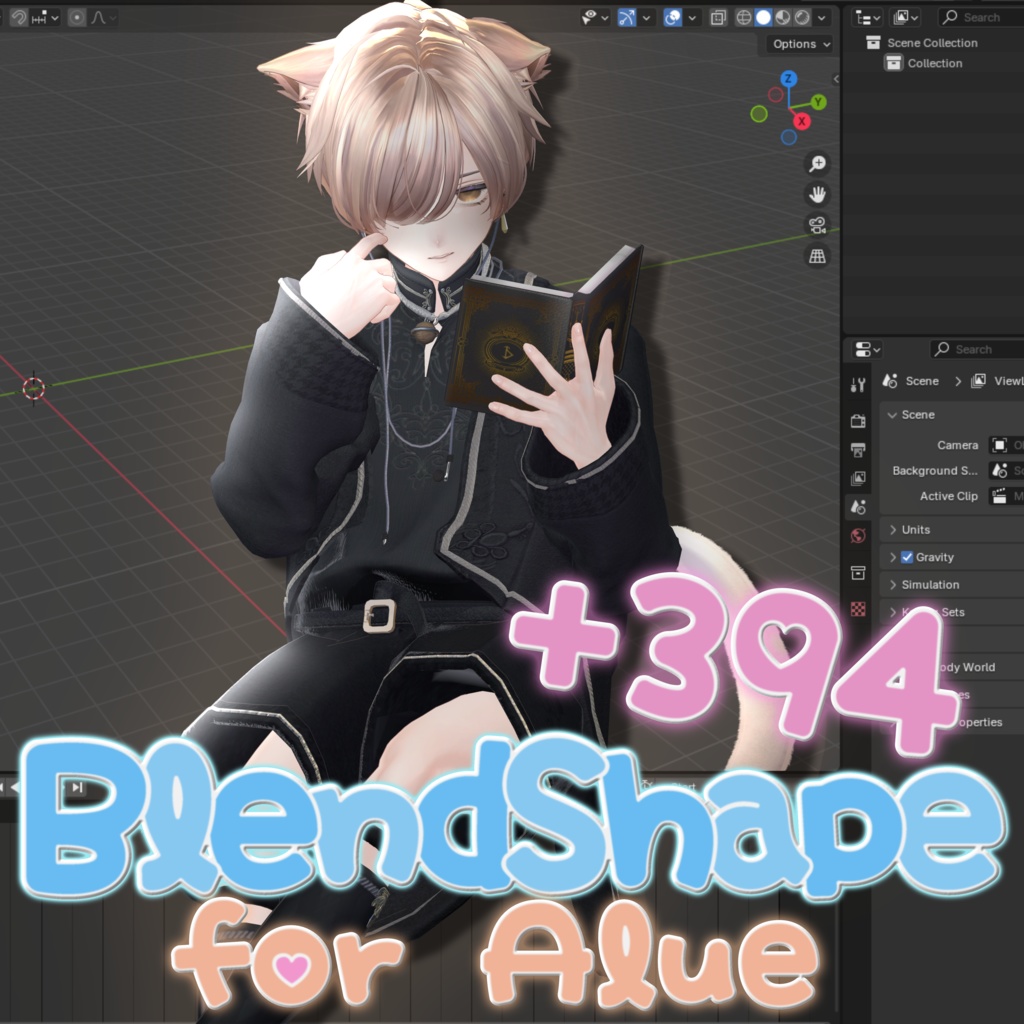
        09. [ Alué(アルエ) ] +394 Face Shapekey 🆕
        Supported Avatars:
        DOWNLOAD ✔

        Preview


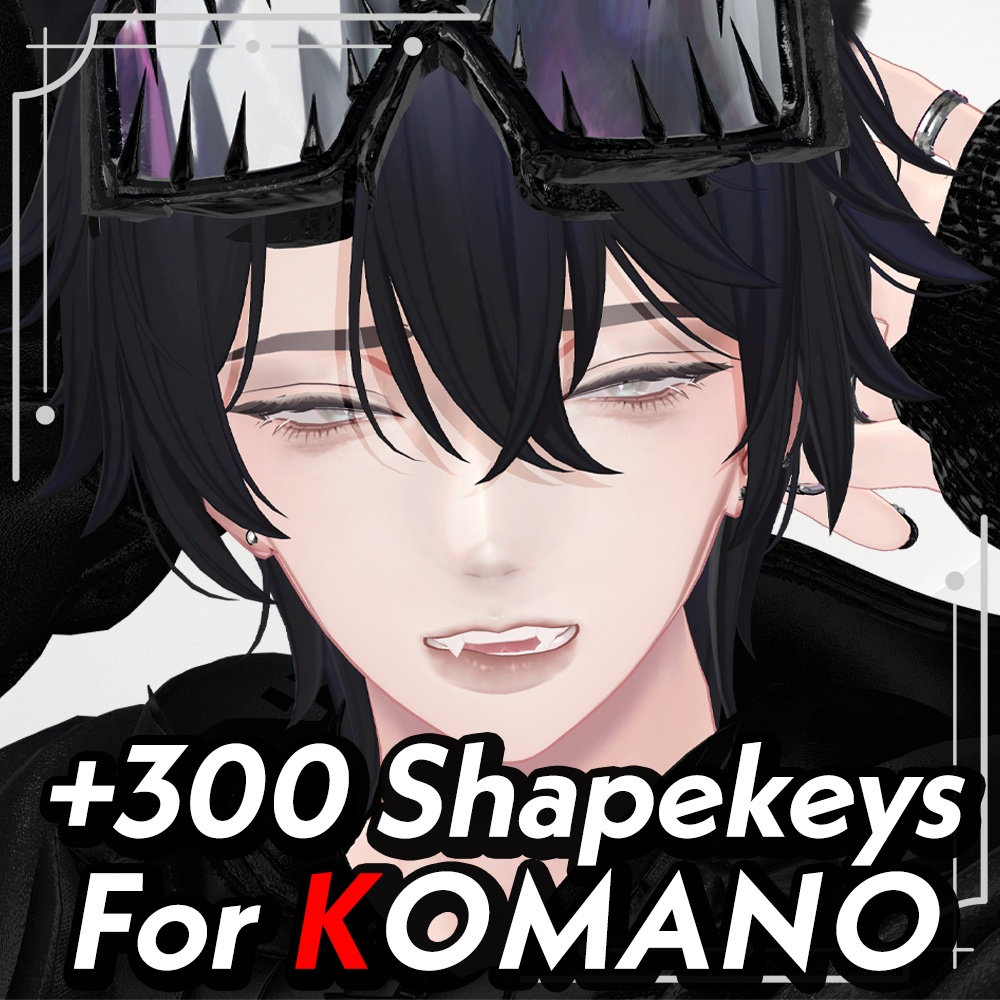
        10. 【狛乃専用】 追加シェイプキー300種 /추가 블렌드 셰이프 300종 /300 Additional Blend Shapes 🆕
        Supported Avatars:
        [🔗 Download Link (workupload.com)) ✔

        Preview


        11 - 20 ✔

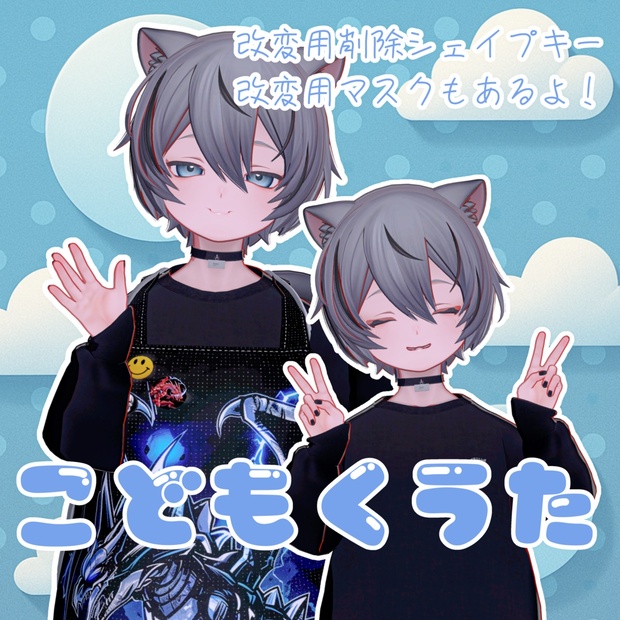
        01. ADDHARD-こどもくうた-infantilization Kuuta +改変用シェイプキーとマスク付き‼️ 🆕
        Supported Avatars:
        DOWNLOAD ✔

        Preview


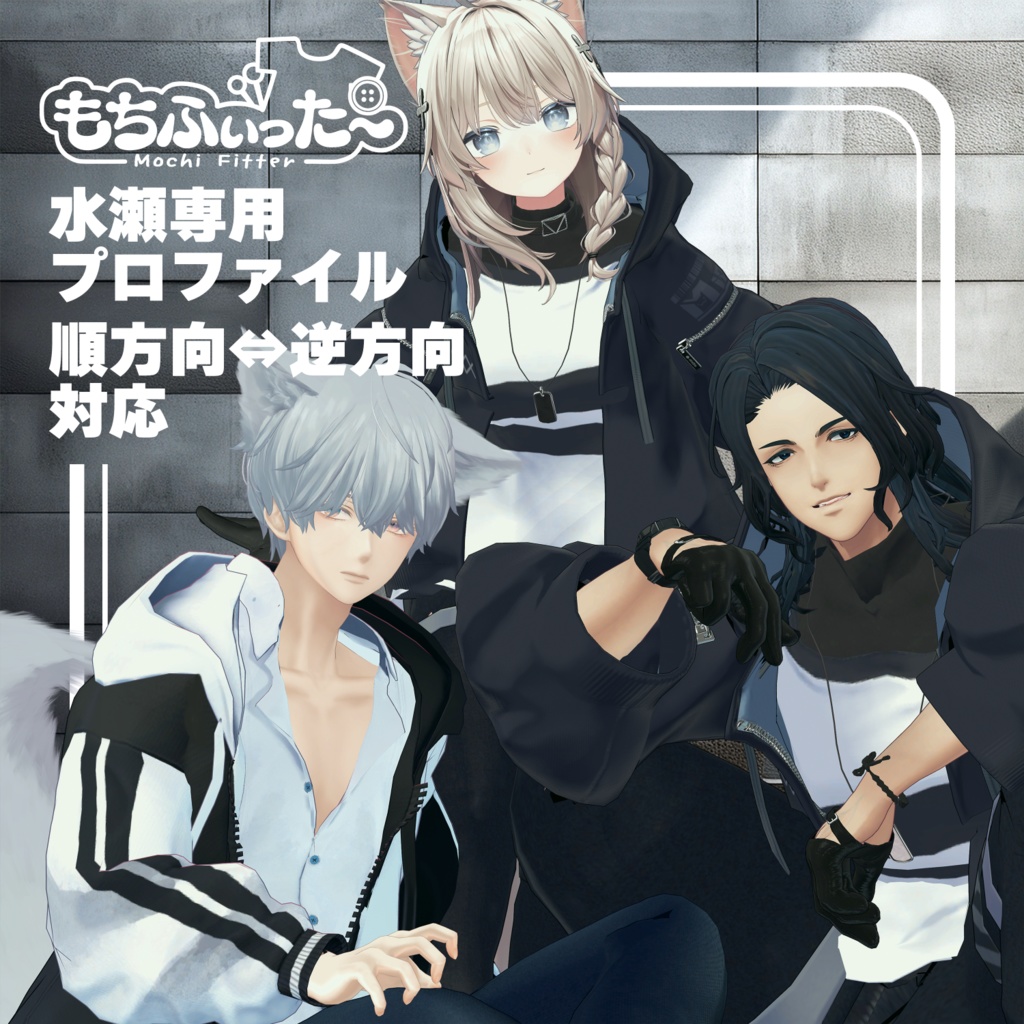
        02. 【逆変換対応】水瀬用もちふぃった~変換プロファイル 🆕
        Supported Avatars:
        DOWNLOAD ✔

        Preview


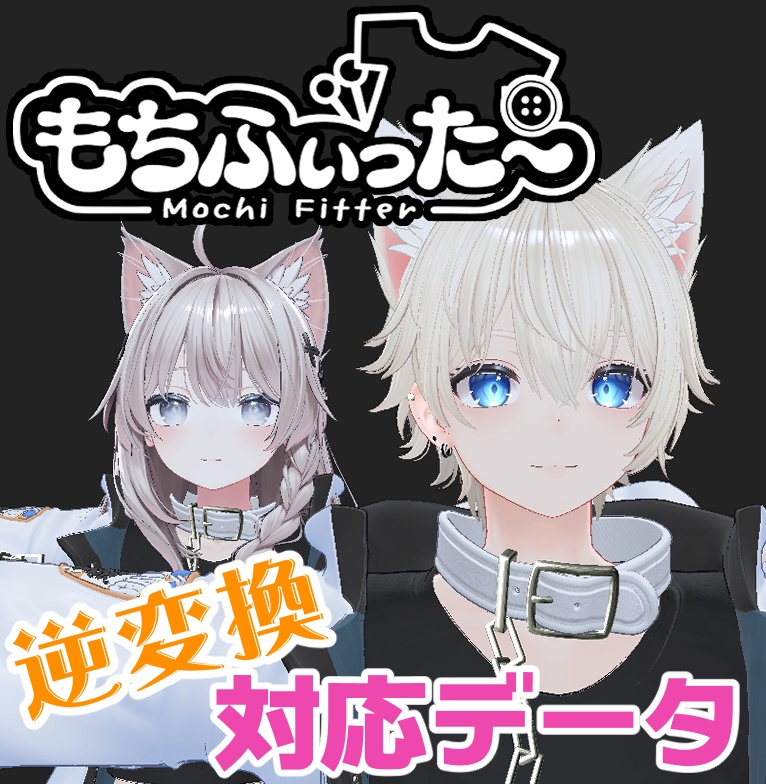
        03. 【逆変換&衣装へのシェイプキー追加】彼方用もちふぃった~対応データ 🆕
        Supported Avatars:
        DOWNLOAD ✔

        Preview


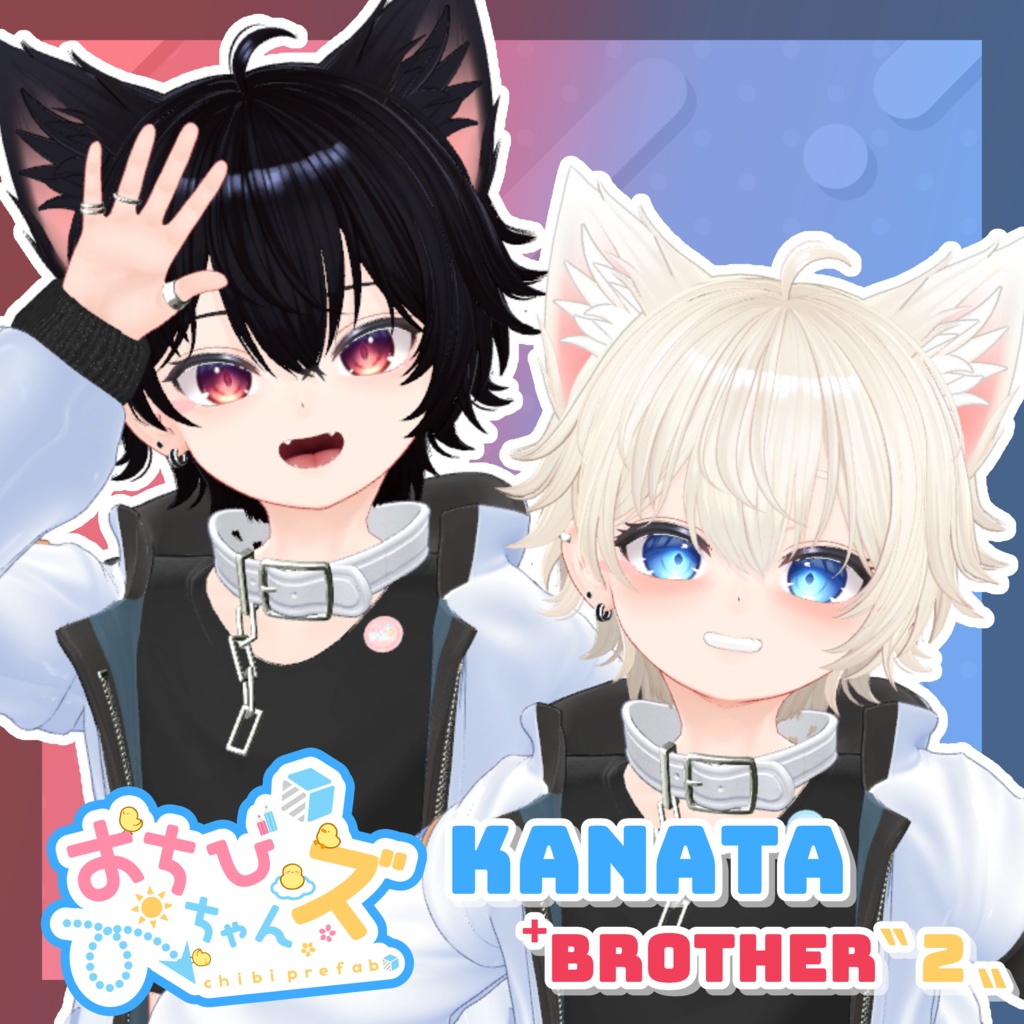
        04. おちびちゃんズ Kanata ⁺Brother"2" 🆕
        Supported Avatars:
        DOWNLOAD ✔

        Preview


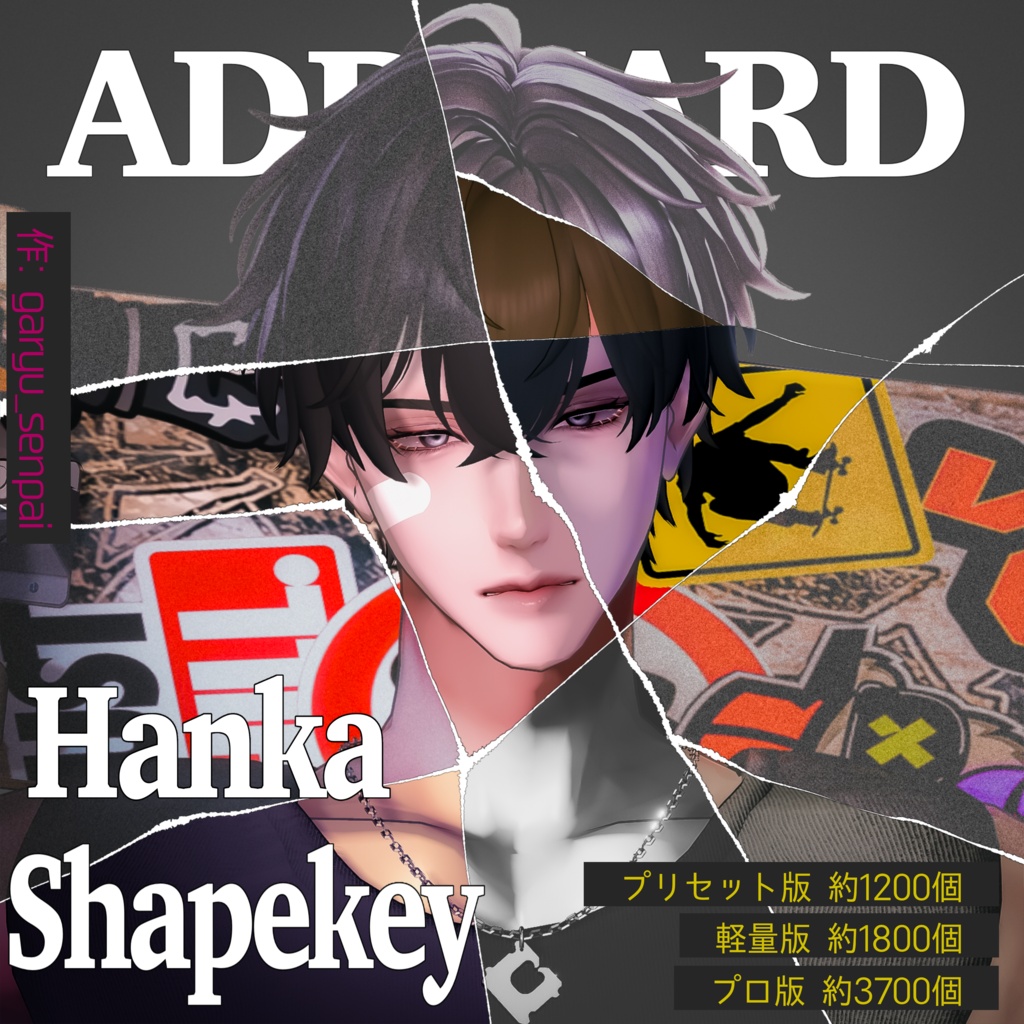
        05. ADDHARD-Hanka Shapekey 『 斑霞追加シェイプキー 』Supported language 日本語 🆕
        Supported Avatars:
        DOWNLOAD ✔ FullPack

        Preview

        RekkuR
        RekkuR
        Rekku
        wrote on last edited by
        #25

        @Dora727 said:

        1. ADDHARD-Komano Shapekey Re:Build『 狛乃 追加シェイプキー 』Supported languages 日本語

        The blendshapes aren't working for me and it freezes, no matter how long I wait for it to load.

        {1418C05E-0F8A-4973-9A59-FFE510F24013}.png
        I waited 2 hours and it didn't work. I don't know what to do now.

        D 1 Reply Last reply
        0
        • RekkuR Rekku

          @Dora727 said:

          1. ADDHARD-Komano Shapekey Re:Build『 狛乃 追加シェイプキー 』Supported languages 日本語

          The blendshapes aren't working for me and it freezes, no matter how long I wait for it to load.

          {1418C05E-0F8A-4973-9A59-FFE510F24013}.png
          I waited 2 hours and it didn't work. I don't know what to do now.

          D
          D
          Dora727
          wrote on last edited by
          #26

          @Rekku

          If you tell me your language, I'll translate the instructions for you.

          If this English guide helped solve your issue, please let me know.

          🔧 Installation Guide

          1. Import Required Files into Unity

          First, import the Komano Ver.1.2 avatar into your Unity project.

          Then drag and drop the following files into Unity:

          • BlendShare-0.0.11.unitypackage
          • Ver.2.0-XXX-ADDHARD-Komano Shapekey

          2. Check the Generated Folder

          Make sure a folder named !ADDHARD! has been created.

          If the folder structure looks similar to the example below, everything has been imported correctly.

          Toolbar: ADDTool
          
          !ADDHARD!
          ├─ ADDTool
          │   └─ ADDToolPackage
          ├─ Komano
          ├─ ADDTool
          │   └─ Editor
          ├─ ADDTool.User
          ├─ ADDTool.Core
          ├─ Blend Share
          │   ├─ Pro Version Komano-Shapekey Ver.2.0_BlendShare.asset
          │   ├─ Light Version Komano-Shapekey Ver.2.0_BlendShare.asset
          │   └─ Preset Version Komano-Shapekey Ver.2.0_BlendShare.asset
          ├─ Individual Parts
          │   ├─ Pro Version
          │   ├─ Light Version
          │   └─ Preset Version
          

          3. Apply ADDTool

          After importing Ver.2.0-XXX-ADDHARD-Komano Shapekey, verify that a new menu called ADDTool appears in the Unity toolbar.

          1. Open ADDTool
          2. Click User (Komano Unlock)
          3. Complete the ownership verification
          4. Click Generate (Supports Komano v1.2)

          After the process is complete, a new FBX and Prefab should be generated inside the !ADDHARD! folder.

          ⚠️ Important: This package will not work with a standard Komano avatar until this step is completed.


          4. Apply the BlendShapes

          1. Select your preferred version:

            • Pro Version
            • Light Version
            • Preset Version
          2. In the Inspector, locate the BlendShare section.

          3. Click:

          Apply BlendShapes as New FBX

          1. When prompted, enter a file name and save location.
            (You can simply use the default settings if you prefer.)

          2. A new FBX will be generated automatically inside your Assets folder.


          5. Replace the Meshes

          Open the generated ADD Komano Prefab and select:

          • Body (Face)
          • Karada (Body)

          Replace the meshes with the corresponding meshes from the newly generated FBX.

          After replacing both meshes, the shapekeys should be applied successfully.

          RekkuR 1 Reply Last reply
          3
          • D Dora727

            📦 OTHER: ✔

            Other compatible assets.

            01 - 10 ✔

            01. 【両変換対応】狛乃用もちふぃった~対応データ 🆕
            Supported Avatars:
            DOWNLOAD ✔

            Preview


            02. 【両変換対応】碼希-まき-用もちふぃった~対応データ 🆕
            Supported Avatars: Sio / Mayo / Grus / Shinano / Chiffon / Lime / Chocolat / Milltina / Komano / Mafuyu / Misaki / Mao
            DOWNLOAD ✔

            Preview


            03. 【両変換対応】くうた用もちふぃった~対応データ 🆕
            Supported Avatars: Kuuta
            DOWNLOAD ✔

            Preview


            04. 【両変換対応】ドラゴニュート・ヴラウ用もちふぃった~対応データ 🆕
            Supported Avatars:
            DOWNLOAD ✔

            Preview


            06. ADDHARD-Minase Shapekey 『 水瀬追加シェイプキー 』Supported languages 日本語 English 한국어 🆕
            Supported Avatars:
            DOWNLOAD ✔

            Preview


            07. ADDHARD-Komano Shapekey Re:Build『 狛乃 追加シェイプキー 』Supported languages 日本語 🆕
            Supported Avatars:
            DOWNLOAD ✔

            Preview


            08. Shapekey Add-on for Kuuta // くうたに表情シェイプキー追加するやつ 🆕
            Supported Avatars:
            DOWNLOAD ✔

            Preview


            09. [ Alué(アルエ) ] +394 Face Shapekey 🆕
            Supported Avatars:
            DOWNLOAD ✔

            Preview


            10. 【狛乃専用】 追加シェイプキー300種 /추가 블렌드 셰이프 300종 /300 Additional Blend Shapes 🆕
            Supported Avatars:
            [🔗 Download Link (workupload.com)) ✔

            Preview


            11 - 20 ✔

            01. ADDHARD-こどもくうた-infantilization Kuuta +改変用シェイプキーとマスク付き‼️ 🆕
            Supported Avatars:
            DOWNLOAD ✔

            Preview


            02. 【逆変換対応】水瀬用もちふぃった~変換プロファイル 🆕
            Supported Avatars:
            DOWNLOAD ✔

            Preview


            03. 【逆変換&衣装へのシェイプキー追加】彼方用もちふぃった~対応データ 🆕
            Supported Avatars:
            DOWNLOAD ✔

            Preview


            04. おちびちゃんズ Kanata ⁺Brother"2" 🆕
            Supported Avatars:
            DOWNLOAD ✔

            Preview


            05. ADDHARD-Hanka Shapekey 『 斑霞追加シェイプキー 』Supported language 日本語 🆕
            Supported Avatars:
            DOWNLOAD ✔ FullPack

            Preview

            D
            D
            Dora727
            wrote on last edited by
            #27
            This post is deleted!
            1 Reply Last reply
            0
            • Rat-zR
              Rat-zR
              Rat-z
              wrote on last edited by
              #28

              Thank you for putting a male thread together too! Thought I would also let you know that 64 is password required. 💜

              Please PLEASE, if you have any Imeris assets or Kuronatsu @ me!

              D 1 Reply Last reply
              0
              • Rat-zR Rat-z

                Thank you for putting a male thread together too! Thought I would also let you know that 64 is password required. 💜

                D
                D
                Dora727
                wrote on last edited by
                #29

                @Rat-z I've re-uploaded the file. Please let me know if everything looks good.

                1 Reply Last reply
                2
                • D
                  D
                  Dora727
                  wrote on last edited by
                  #30

                  I purchased the HANKA additional shapekey full pack about a week ago, so I added it.

                  1 Reply Last reply
                  3
                  • P
                    P
                    pik4chyu
                    wrote on last edited by
                    #31
                    This post is deleted!
                    1 Reply Last reply
                    0
                    • P
                      P
                      pik4chyu
                      wrote on last edited by
                      #32
                      This post is deleted!
                      D 1 Reply Last reply
                      0
                      • P pik4chyu
                        [[topic:post-is-deleted]]
                        D
                        D
                        Dora727
                        wrote on last edited by
                        #33

                        @pik4chyu
                        YES

                        1 Reply Last reply
                        1
                        • P
                          P
                          pik4chyu
                          wrote on last edited by
                          #34
                          This post is deleted!
                          1 Reply Last reply
                          0
                          • D Dora727

                            @Rekku

                            If you tell me your language, I'll translate the instructions for you.

                            If this English guide helped solve your issue, please let me know.

                            🔧 Installation Guide

                            1. Import Required Files into Unity

                            First, import the Komano Ver.1.2 avatar into your Unity project.

                            Then drag and drop the following files into Unity:

                            • BlendShare-0.0.11.unitypackage
                            • Ver.2.0-XXX-ADDHARD-Komano Shapekey

                            2. Check the Generated Folder

                            Make sure a folder named !ADDHARD! has been created.

                            If the folder structure looks similar to the example below, everything has been imported correctly.

                            Toolbar: ADDTool
                            
                            !ADDHARD!
                            ├─ ADDTool
                            │   └─ ADDToolPackage
                            ├─ Komano
                            ├─ ADDTool
                            │   └─ Editor
                            ├─ ADDTool.User
                            ├─ ADDTool.Core
                            ├─ Blend Share
                            │   ├─ Pro Version Komano-Shapekey Ver.2.0_BlendShare.asset
                            │   ├─ Light Version Komano-Shapekey Ver.2.0_BlendShare.asset
                            │   └─ Preset Version Komano-Shapekey Ver.2.0_BlendShare.asset
                            ├─ Individual Parts
                            │   ├─ Pro Version
                            │   ├─ Light Version
                            │   └─ Preset Version
                            

                            3. Apply ADDTool

                            After importing Ver.2.0-XXX-ADDHARD-Komano Shapekey, verify that a new menu called ADDTool appears in the Unity toolbar.

                            1. Open ADDTool
                            2. Click User (Komano Unlock)
                            3. Complete the ownership verification
                            4. Click Generate (Supports Komano v1.2)

                            After the process is complete, a new FBX and Prefab should be generated inside the !ADDHARD! folder.

                            ⚠️ Important: This package will not work with a standard Komano avatar until this step is completed.


                            4. Apply the BlendShapes

                            1. Select your preferred version:

                              • Pro Version
                              • Light Version
                              • Preset Version
                            2. In the Inspector, locate the BlendShare section.

                            3. Click:

                            Apply BlendShapes as New FBX

                            1. When prompted, enter a file name and save location.
                              (You can simply use the default settings if you prefer.)

                            2. A new FBX will be generated automatically inside your Assets folder.


                            5. Replace the Meshes

                            Open the generated ADD Komano Prefab and select:

                            • Body (Face)
                            • Karada (Body)

                            Replace the meshes with the corresponding meshes from the newly generated FBX.

                            After replacing both meshes, the shapekeys should be applied successfully.

                            RekkuR
                            RekkuR
                            Rekku
                            wrote on last edited by
                            #35

                            @Dora727 tyysm!!

                            1 Reply Last reply
                            0
                            • XLDX
                              XLDX
                              XLD
                              wrote on last edited by
                              #36

                              bump

                              1 Reply Last reply
                              0
                              • DehavenD
                                DehavenD
                                Dehaven
                                wrote on last edited by Dehaven
                                #37

                                CLOTHES
                                14, 30, 53 wrong link
                                72 no male asset

                                HAIR
                                6 & 8 duplicates

                                SKIN
                                9 need password

                                OTHER
                                10 wrong link

                                USEFUL TOOL
                                8 -> wrong booth link; correct -> 7065385

                                just mention @Dehaven me if any link is broken, will respond in a few days👀

                                1 Reply Last reply
                                0
                                • HaecchanH
                                  HaecchanH
                                  Haecchan
                                  wrote on last edited by
                                  #38

                                  why they are gone? 😭

                                  1 Reply Last reply
                                  0
                                  • ehowl3322E
                                    ehowl3322E
                                    ehowl3322
                                    wrote on last edited by ehowl3322
                                    #39

                                    COMMUNITY MALE AVATAR ASSET COLLECTION
                                    Please upload it again from the beginning.

                                    1 Reply Last reply
                                    0
                                    • K
                                      K
                                      Koruja
                                      wrote on last edited by
                                      #40

                                      Hmm, what happened?

                                      1 Reply Last reply
                                      0
                                      • anonberryA
                                        anonberryA
                                        anonberry
                                        wrote on last edited by
                                        #41

                                        What happened??

                                        I often use translators, which can make my messages look ai-generated.

                                        BluuuuB 1 Reply Last reply
                                        0
                                        • anonberryA anonberry

                                          What happened??

                                          BluuuuB
                                          BluuuuB
                                          Bluuuu
                                          wrote on last edited by
                                          #42

                                          @anonberry The author frequently purges posts/links after 9-10 days, I'm assuming this is why it was removed.
                                          I don't have much, but I share what I can <3
                                          I don't do trading, don't bother!

                                          1 Reply Last reply
                                          1

                                          Hello! It looks like you're interested in this conversation, but you don't have an account yet.

                                          Getting fed up of having to scroll through the same posts each visit? When you register for an account, you'll always come back to exactly where you were before, and choose to be notified of new replies (either via email, or push notification). You'll also be able to save bookmarks and upvote posts to show your appreciation to other community members.

                                          With your input, this post could be even better 💗

                                          Register Login
                                          Reply
                                          • Reply as topic
                                          Log in to reply
                                          • Oldest to Newest
                                          • Newest to Oldest
                                          • Most Votes


                                          • Login

                                          • Login or register to search.
                                          • First post
                                            Last post
                                          0
                                          • Categories
                                          • Recent
                                          • Tags
                                          • Popular