Skip to content
  • Categories
  • Recent
  • Tags
  • Popular
Skins
  • Light
  • Brite
  • Cerulean
  • Cosmo
  • Flatly
  • Journal
  • Litera
  • Lumen
  • Lux
  • Materia
  • Minty
  • Morph
  • Pulse
  • Sandstone
  • Simplex
  • Sketchy
  • Spacelab
  • United
  • Yeti
  • Zephyr
  • Dark
  • Cyborg
  • Darkly
  • Quartz
  • Slate
  • Solar
  • Superhero
  • Vapor

  • Default (Zephyr)
  • No Skin
Collapse
RipperStore Logo
  1. Home
  2. Assets
  3. Looking for...
  4. Uncategorized
  5. LF: Phone asset

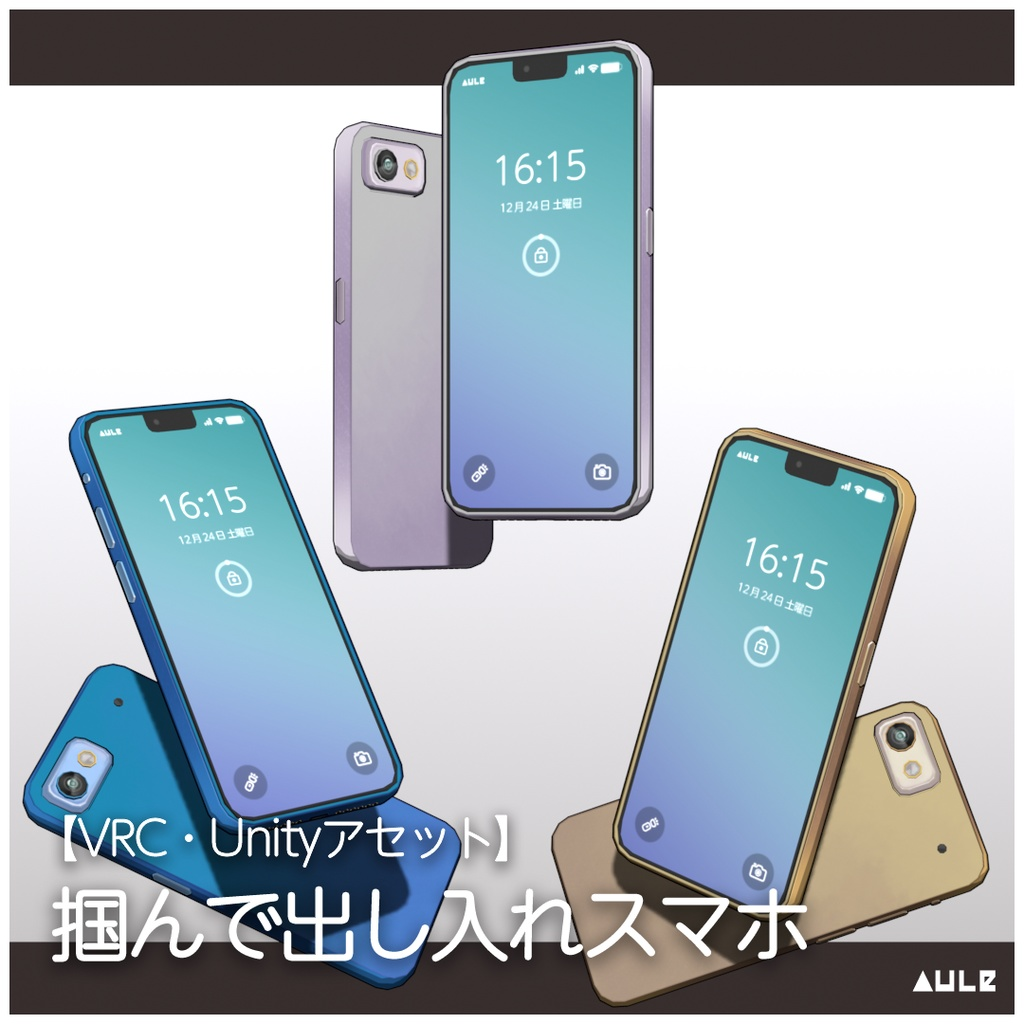
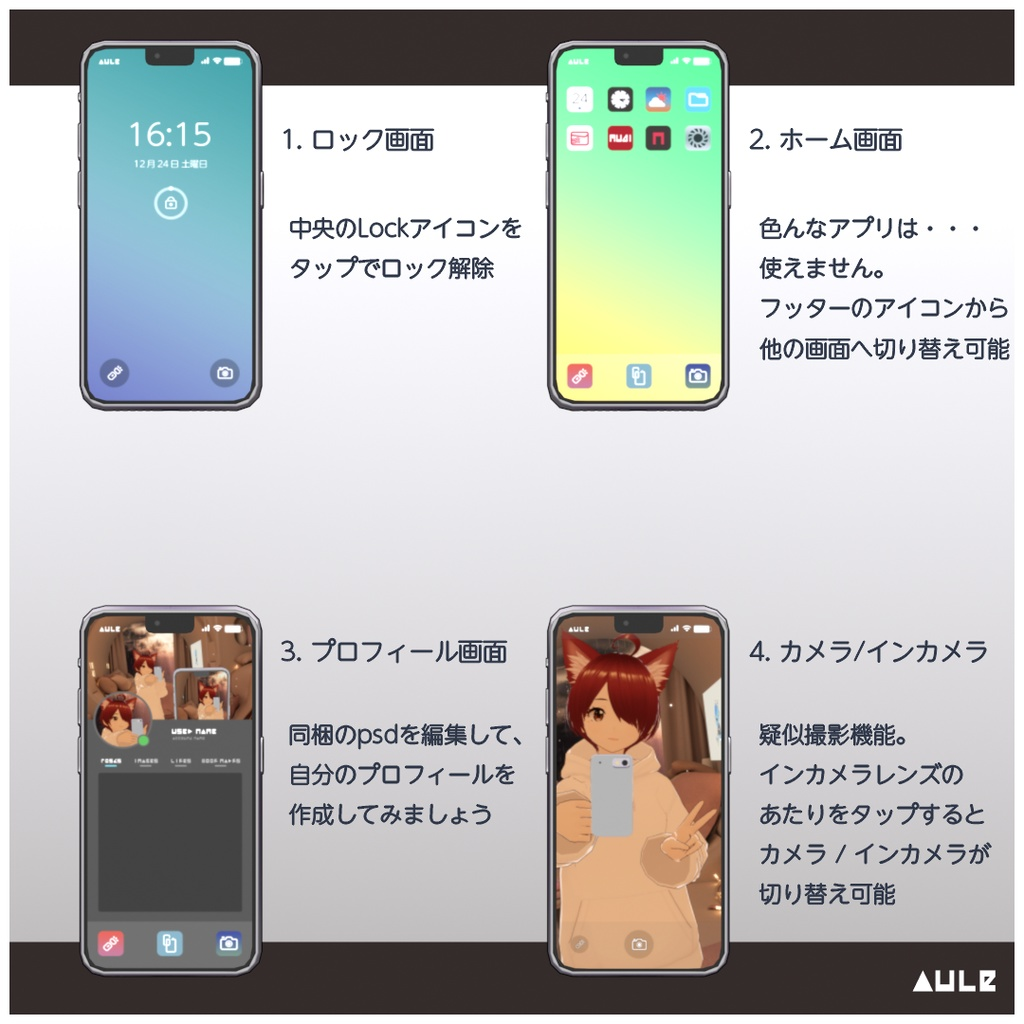
LF: Phone asset

Scheduled Pinned Locked Moved Uncategorized
8 Posts 7 Posters 2.5k Views 12 Watching
  • Oldest to Newest
  • Newest to Oldest
  • Most Votes
Reply
  • Reply as topic
Log in to reply
This topic has been deleted. Only users with topic management privileges can see it.
  • stickstickS
    stickstickS
    stickstick
    wrote on last edited by
    #1

    https://booth.pm/en/items/4680197a51b8e94-4960-490e-abe4-7a41afa96ed5-image.png 1c585d8d-4a70-4f48-9d64-9d341bb1875b-image.png

    1 Reply Last reply
    1
    • Subprime1264S
      Subprime1264S
      Subprime1264
      wrote on last edited by
      #2

      bump~

      If you want share the links in my posts, remember copy post link and paste at your post, thanks.

      CiTRo is THE BEST, Mamehinata and Shipilka CUTE TOOOOOOOO~

      1 Reply Last reply
      0
      • Subprime1264S
        Subprime1264S
        Subprime1264
        wrote on last edited by
        #3

        @GIVEMEASSETSLEXI Thank you so much !!! ヾ(≧▽≦*)o

        If you want share the links in my posts, remember copy post link and paste at your post, thanks.

        CiTRo is THE BEST, Mamehinata and Shipilka CUTE TOOOOOOOO~

        1 Reply Last reply
        0
        • K
          K
          KLEIKI
          wrote on last edited by
          #4

          How do I use this?

          L 1 Reply Last reply
          0
          • K KLEIKI

            How do I use this?

            L
            L
            luckyyj
            wrote on last edited by
            #5

            @KLEIKI
            ◆ 使い方
            UnityやSDKの用意やアバターのアップロード方法については別途調べてみてください。
            事前に、lilToonShaderをインポートしておいてください。

            1. アセットのパッケージをインポートします。

            2. インポートしたPrefabをヒエラルキーに配置します。
               - アバター直下ではなく、ルートに配置してください。
               - ヒエラルキーに配置したスマホを右クリックして、UnPackPrefabしておきます。

            3. スマホを持つ位置を設定します。(ここでは左手に設定します)
               - スマホを左手の位置に持っていき、角度と位置を調整します。スケールも変更してOKです。
               - SPGrabbedPointオブジェクトを、左手のArmature配下に置いてください。
               - ヒエラルキーのスマホオブジェクトを選択します
                - インスペクターにボーンコンストレイントの設定が表示されているので、SPGrabbedPointに1を指定して、Zeroのボタンでアクティベートします。
                - ParentConstraintのconst settingは、すべて0になっていることを確認してください。
                - ScaleConstraintのconst settingsは、すべて1になっていることを確認してください。
                - なっていない場合は、lockのチェックを外して値を修正します。
                - スマホが、設定した位置に移動していればOKです。is_activeのチェックを一度外し、SPGrabbedPointの値も0にしておきます。

            4. スマホをしまう位置を設定します。
               - 3と同じ手順で、スマホオブジェクトの位置と角度、スケールを調整します。
               - SPClosePointのオブジェクトをアバター配下に配置します。
               - 3と同じ手順で、ボーンコンストレイントのSPClosePointをアクティベートします。

            5. ヒエラルキーのスマホオブジェクトのポジション(0,0,0)、回転(0,0,0)、スケール(1,1,1)を初期値に戻し、アバターの直下に配置します。
               - ボーンコンストレイントのSourceの順番が、上からSPClosePoint、SPGrabbedPointになっていることを確認してください
               - なっていない場合は、順番を入れ替えてください

            6. ExpressionMenuの設定を行います。
               - ExpressionMenuを特に使っていない場合は、SmartPhone/_SDK_Sample/ExMenu3.0 に含まれるExpressionMenuとExpressionParametersのサンプルを使用してください。
               - 既に使っている場合は、上記ExpressionMenuのサンプルを参考にControlを追加します。

            7. AvatarDescriptorのFXに、コントローラーを設定します。
               - SmartPhoen/_SDK_Sample に含まれるFXレイヤーのサンプルを使用してください。
               - 既にFXを使っている場合は、レイヤーとパラメーターだけ追加してください。

            8. 掴んだときの手の形を設定します。
               - SmartPhoen/_SDK_Sample に含まれるジェスチャーレイヤーのサンプルを使用してください。
               - 既にジェスチャーレイヤーを使っている場合は、ジェスチャーレイヤーに、マスクを追加してアニメーションを作成してください。

            9. アバターをアップロードして動作確認を行い、完了です!

            1 Reply Last reply
            0
            • System moved this topic from Looking for... on
            • grrmeowG
              grrmeowG
              grrmeow
              wrote on last edited by
              #6

              bumP!

              1 Reply Last reply
              0
              • YukaVRCY
                YukaVRCY
                YukaVRC
                wrote last edited by
                #7

                BUMP!

                1 Reply Last reply
                0
                • paulomerdaP
                  paulomerdaP
                  paulomerda
                  wrote last edited by
                  #8

                  UP

                  1 Reply Last reply
                  0

                  Hello! It looks like you're interested in this conversation, but you don't have an account yet.

                  Getting fed up of having to scroll through the same posts each visit? When you register for an account, you'll always come back to exactly where you were before, and choose to be notified of new replies (either via email, or push notification). You'll also be able to save bookmarks and upvote posts to show your appreciation to other community members.

                  With your input, this post could be even better 💗

                  Register Login
                  Reply
                  • Reply as topic
                  Log in to reply
                  • Oldest to Newest
                  • Newest to Oldest
                  • Most Votes


                  • Login

                  • Login or register to search.
                  • First post
                    Last post
                  0
                  • Categories
                  • Recent
                  • Tags
                  • Popular