
I'm confused
-
-
-
-
-
-
-
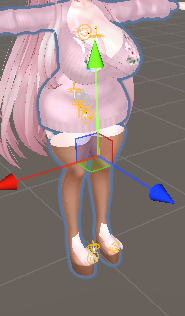
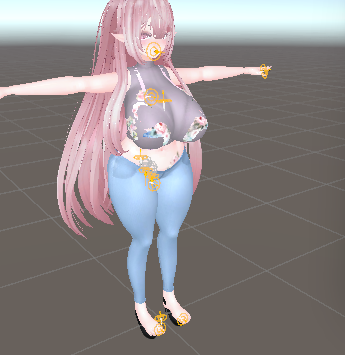
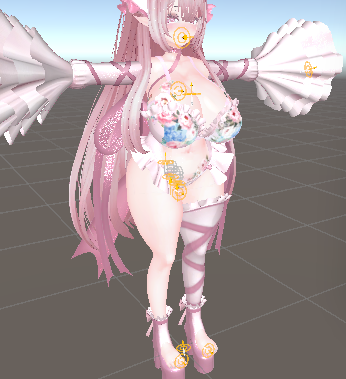
click on the whole avatar in the inspector (left side, is the list of everything in the scene). in the 'avatar descriptor' section on the right side of the screen, there is a dropdown called "blendshapes". sometimes its hard to see. it might also be on the actual body mesh, which will be under the whole avatar "group" of objects. click on the avatar, and press the dropdown to see everything under the avatar group. there should be an armature (labelled armature), and there should also be multiple 'meshes', and maybe a "prefab" of something at the bottom
click on the mesh that is the whole body, shown by an orange outline. there may be a mesh called 'body' but this may only be the head 'mesh' of the avatar. you may find the blendshapes dropdown (on the right side) when you click on this meshremember that in the inspector, the "body" may actually be referring to the head mesh, only, of the avatar. this is normal, and it means that the 'body' will be called something different
i hope that you find the blendshapes!!
-
-
nice
 good job!! one step closer to being a avatar masterer!!!
 -
-
i dont know MA, but i think that looks good! !!




Hello! It looks like you're interested in this conversation, but you don't have an account yet.
Getting fed up of having to scroll through the same posts each visit? When you register for an account, you'll always come back to exactly where you were before, and choose to be notified of new replies (either via email, or push notification). You'll also be able to save bookmarks and upvote posts to show your appreciation to other community members.
With your input, this post could be even better 💗
Register Login