Skip to content
  • Categories
  • Recent
  • Tags
  • Popular
Skins
  • Light
  • Brite
  • Cerulean
  • Cosmo
  • Flatly
  • Journal
  • Litera
  • Lumen
  • Lux
  • Materia
  • Minty
  • Morph
  • Pulse
  • Sandstone
  • Simplex
  • Sketchy
  • Spacelab
  • United
  • Yeti
  • Zephyr
  • Dark
  • Cyborg
  • Darkly
  • Quartz
  • Slate
  • Solar
  • Superhero
  • Vapor

  • Default (Zephyr)
  • No Skin
Collapse
RipperStore Logo
  1. Home
  2. Assets
  3. Looking for...
  4. Worlds
  5. LF Urban Refuge by Zelfine

LF Urban Refuge by Zelfine

Scheduled Pinned Locked Moved Unsolved Worlds
worldlookinfor
9 Posts 5 Posters 1.0k Views 7 Watching
  • Oldest to Newest
  • Newest to Oldest
  • Most Votes
Reply
  • Reply as topic
Log in to reply
This topic has been deleted. Only users with topic management privileges can see it.
  • SayooS
    SayooS
    Sayoo
    wrote on last edited by
    #1

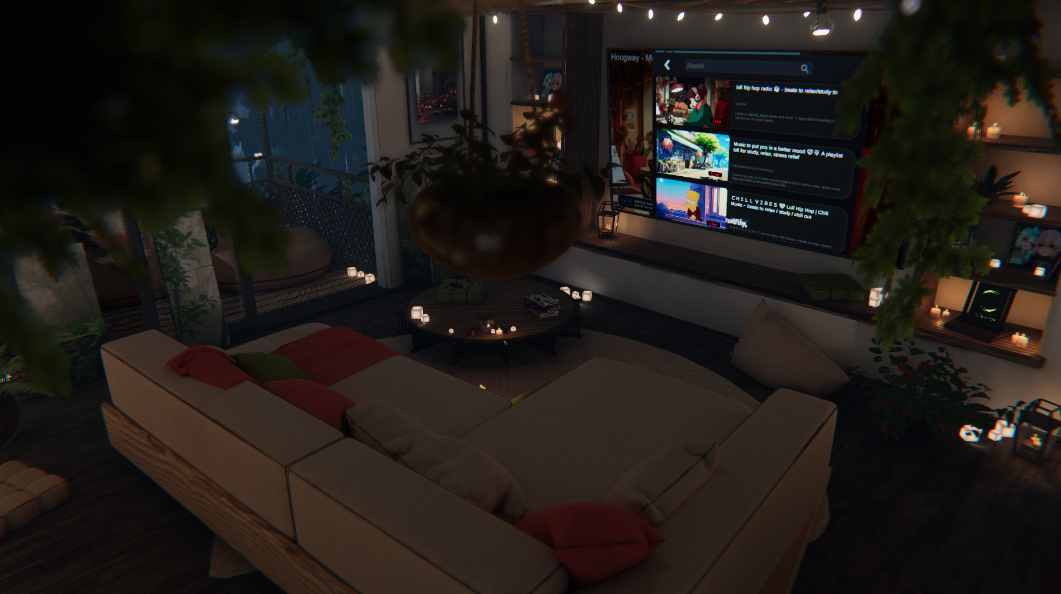
    LF https://zelfine.gumroad.com/l/urbanrefuge
    36d9a7f4-cf04-4eed-afee-b7f80dd4efc5-image.png

    uwu :3

    1 Reply Last reply
    0
    • birdy007B
      birdy007B
      birdy007
      wrote on last edited by
      #2

      https://kemono.cr/gumroad/user/2266772321859/post/gxwql

      Feel free to DM me for an update on assets I have posted, I'm more likely to see it among all my thread notifs!

      SirlockinbottomS Seeker.SamS 2 Replies Last reply
      😊
      2
      • birdy007B birdy007

        https://kemono.cr/gumroad/user/2266772321859/post/gxwql

        SirlockinbottomS
        SirlockinbottomS
        Sirlockinbottom
        wrote on last edited by
        #3

        @birdy007

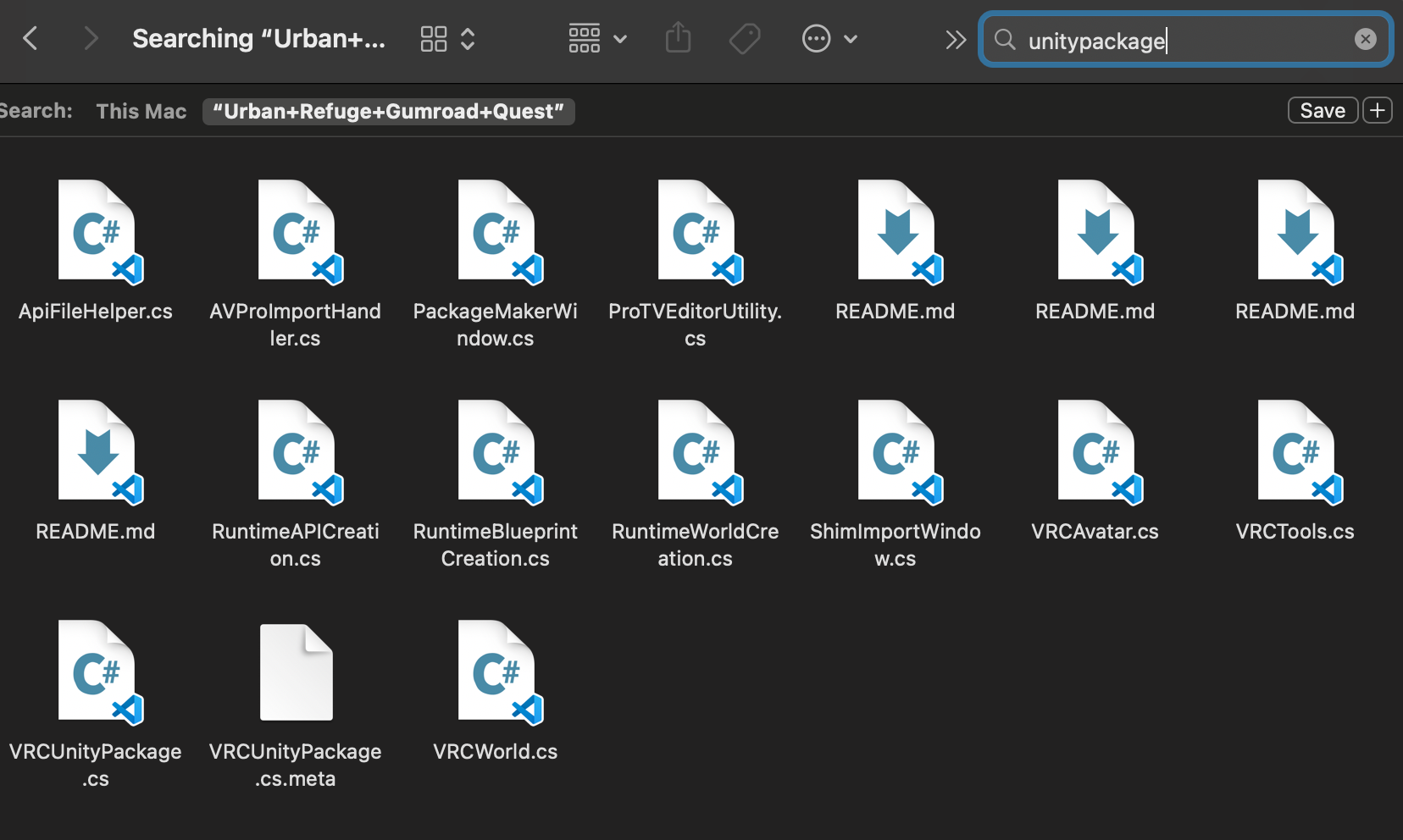
        Anyway to get the unitypackage for this?

        birdy007B 1 Reply Last reply
        0
        • SirlockinbottomS Sirlockinbottom

          @birdy007

          Anyway to get the unitypackage for this?

          birdy007B
          birdy007B
          birdy007
          wrote on last edited by
          #4

          @Sirlockinbottom the Quest and PC files are both on that page

          Feel free to DM me for an update on assets I have posted, I'm more likely to see it among all my thread notifs!

          SirlockinbottomS 1 Reply Last reply
          0
          • birdy007B birdy007

            @Sirlockinbottom the Quest and PC files are both on that page

            SirlockinbottomS
            SirlockinbottomS
            Sirlockinbottom
            wrote on last edited by
            #5

            @birdy007

            Its odd that i got a huge data set file with no unitypackage.

            a.png

            b.png

            S 1 Reply Last reply
            0
            • birdy007B birdy007

              https://kemono.cr/gumroad/user/2266772321859/post/gxwql

              Seeker.SamS
              Seeker.SamS
              Seeker.Sam
              wrote on last edited by
              #6

              @birdy007 was there an instruction in the file for the custom playlist

              1 Reply Last reply
              0
              • SirlockinbottomS Sirlockinbottom

                @birdy007

                Its odd that i got a huge data set file with no unitypackage.

                a.png

                b.png

                S
                S
                senpaipanda
                wrote on last edited by
                #7
                This post is deleted!
                1 Reply Last reply
                0
                • SirlockinbottomS
                  SirlockinbottomS
                  Sirlockinbottom
                  wrote on last edited by
                  #8

                  @senpaipanda what up?

                  1 Reply Last reply
                  0
                  • S
                    S
                    senpaipanda
                    wrote on last edited by
                    #9

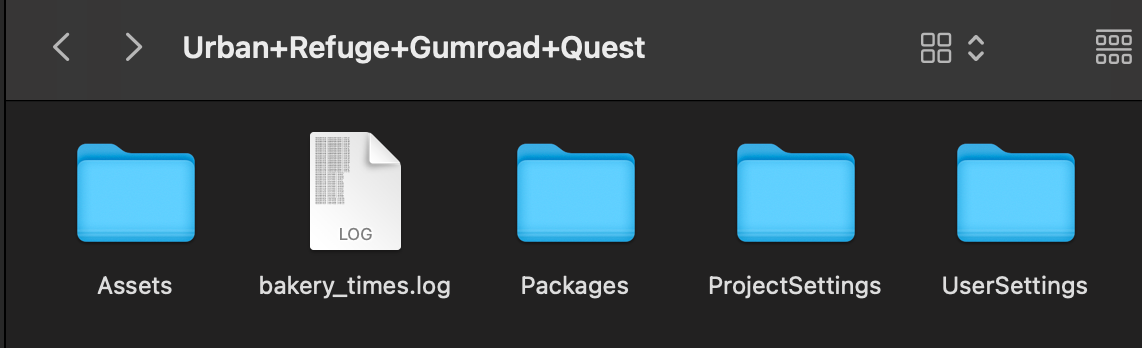
                    You import that entire FOLDER you see the Asset, ProjectSettings, UserSettings, Etc into Your VRC Creator Companion (VCC). There is a dropdown next to "New Project" Click that then select the Main Project folder. It will import the project into your VCC then you open it from there.

                    Never, and I mean NEVER drag and drop it into the unity package itself. It will break the world and youll need to redo the process.
                    1 Reply Last reply
                    0

                    Hello! It looks like you're interested in this conversation, but you don't have an account yet.

                    Getting fed up of having to scroll through the same posts each visit? When you register for an account, you'll always come back to exactly where you were before, and choose to be notified of new replies (either via email, or push notification). You'll also be able to save bookmarks and upvote posts to show your appreciation to other community members.

                    With your input, this post could be even better 💗

                    Register Login
                    Reply
                    • Reply as topic
                    Log in to reply
                    • Oldest to Newest
                    • Newest to Oldest
                    • Most Votes


                    • Login

                    • Login or register to search.
                    • First post
                      Last post
                    0
                    • Categories
                    • Recent
                    • Tags
                    • Popular