
LF: Avatar Dynamics Overhaul ...
-
https://dreadrith.gumroad.com/l/ADOverhaul!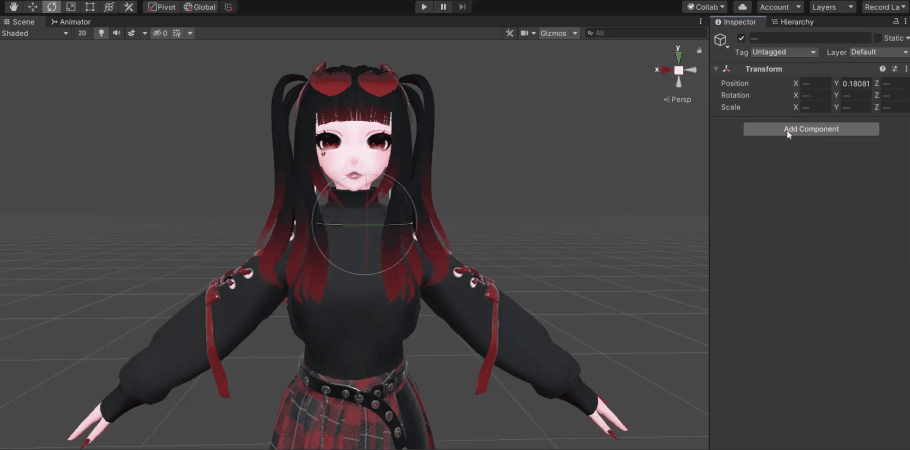
Required for an avatar I'm trying to upload, It'd be nice to have it for future uploads
FYI. I'm unfamiliar with this asset
[EDIT] Finding my way around it or purchasing it eventually. Thanks -
IMPORTANT: The tool requires a license key and is a DLL. You'll find your license key through product's content view or entered e-mail.
License is valid for ONE device, transferable.
@ez It seems I completely forgot to read the actual information of the item included. Thank you for the reminder
-
This post is deleted!
-
-
Cracked
@LumenBlaze thanks for bypass method -
If any problems
Right‑click This PC → Properties.

Click Advanced system settings on the left.

In the System Properties window, click Environment Variables….

Under System variables, find and select Path, then click Edit….

Click New, and paste this path:
C:\Windows\System32\WindowsPowerShell\v1.0

Click OK to close all the dialogs.

Restart your PC (or at least log out and back in).

After reboot, open a Command Prompt and run:
powershell -Command "Get-CimInstance -Class Win32_BaseBoard | Select-Object -First 1"

    If it prints info about your motherboard and no error, PowerShell is working.

Now reopen Unity and try the ADOverhaul operation again.
If it still fails, copy the new error message exactly and keep it; the plugin might be failing for a different reason now.
-
If any problems
Right‑click This PC → Properties.

Click Advanced system settings on the left.

In the System Properties window, click Environment Variables….

Under System variables, find and select Path, then click Edit….

Click New, and paste this path:
C:\Windows\System32\WindowsPowerShell\v1.0

Click OK to close all the dialogs.

Restart your PC (or at least log out and back in).

After reboot, open a Command Prompt and run:
powershell -Command "Get-CimInstance -Class Win32_BaseBoard | Select-Object -First 1"

    If it prints info about your motherboard and no error, PowerShell is working.

Now reopen Unity and try the ADOverhaul operation again.
If it still fails, copy the new error message exactly and keep it; the plugin might be failing for a different reason now.




](https://dreadrith.gumroad.com/l/ADOverhaul!!%5B10be439b-2dff-42ef-812b-99bb4faaae74-image.png%5D(/assets/uploads/files/1730144959951-10be439b-2dff-42ef-812b-99bb4faaae74-image.png))
Hello! It looks like you're interested in this conversation, but you don't have an account yet.
Getting fed up of having to scroll through the same posts each visit? When you register for an account, you'll always come back to exactly where you were before, and choose to be notified of new replies (either via email, or push notification). You'll also be able to save bookmarks and upvote posts to show your appreciation to other community members.
With your input, this post could be even better 💗
Register Login