Skip to content
  • Categories
  • Recent
  • Tags
  • Popular
Skins
  • Light
  • Brite
  • Cerulean
  • Cosmo
  • Flatly
  • Journal
  • Litera
  • Lumen
  • Lux
  • Materia
  • Minty
  • Morph
  • Pulse
  • Sandstone
  • Simplex
  • Sketchy
  • Spacelab
  • United
  • Yeti
  • Zephyr
  • Dark
  • Cyborg
  • Darkly
  • Quartz
  • Slate
  • Solar
  • Superhero
  • Vapor

  • Default (Zephyr)
  • No Skin
Collapse
RipperStore Logo
  1. Home
  2. Assets
  3. Looking for...
  4. Uncategorized
  5. RIPPED CRYPTIA AVATARS MEGATHREAD + EXTRA

RIPPED CRYPTIA AVATARS MEGATHREAD + EXTRA

Scheduled Pinned Locked Moved Uncategorized
nsfw
8.2k Posts 596 Posters 1.9m Views 535 Watching
  • Oldest to Newest
  • Newest to Oldest
  • Most Votes
Reply
  • Reply as topic
Log in to reply
This topic has been deleted. Only users with topic management privileges can see it.
  • PixelpaxilP Pixelpaxil

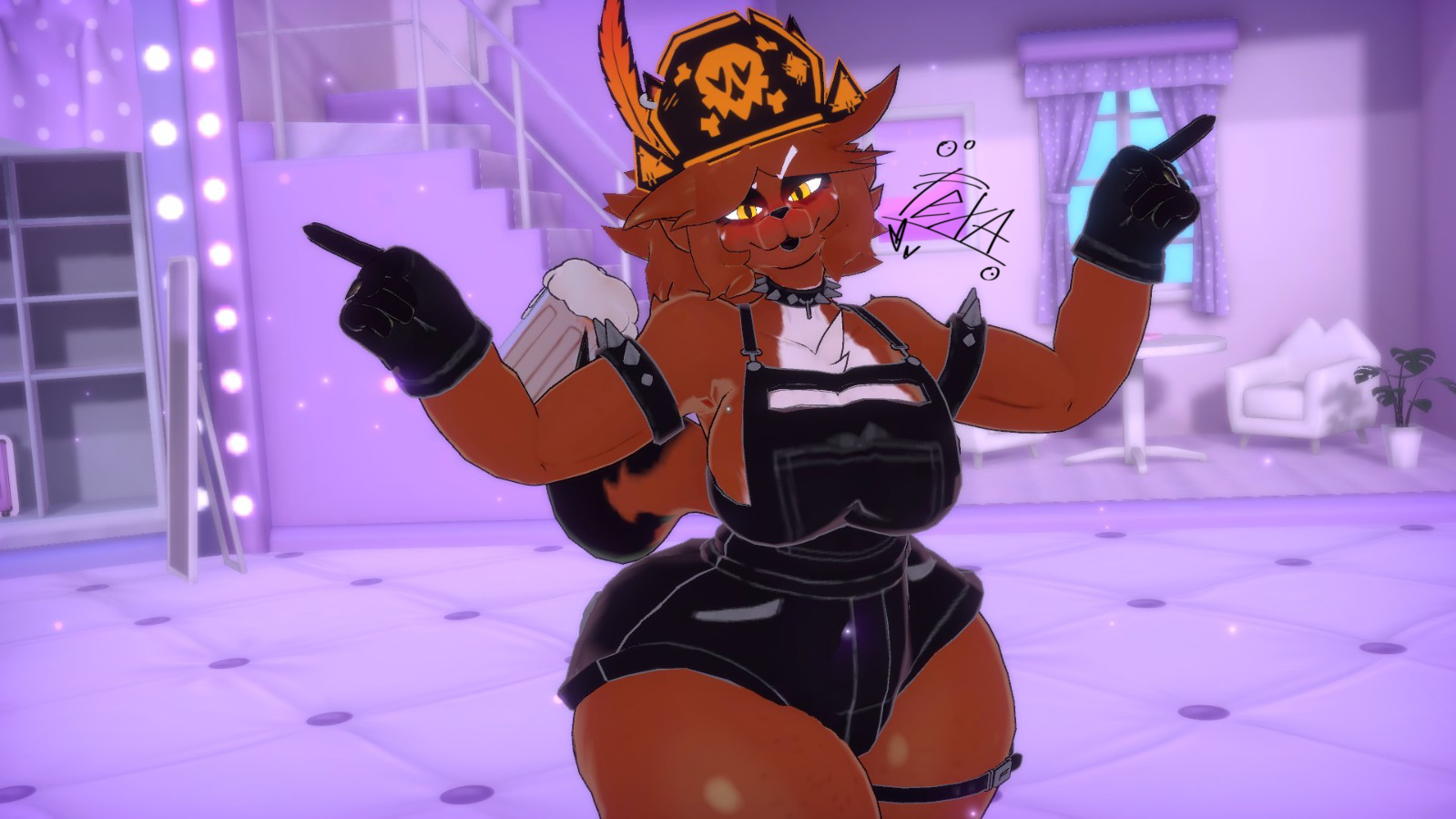
    This is final. I am not nor will I ever share the personals I make. I share photos because it is fun and will give others idea's/inspo for projects they might want to do. Unless specified otherwise (Such as the skinny version which are going to be public and I have confirmed it multiple times they are going to be public.) I won't release stuff. Please stop asking. Its getting tiring and makes me not want to show/give things out. They are personal, they are mine, and they are not to be given out at all. Respect my wishes please and thank you.

    jennystaJ
    jennystaJ
    jennysta
    wrote on last edited by
    #6448

    @Pixelpaxil can i ask what hair you use?? bec i love that hair on her :3

    1 Reply Last reply
    0
    • silly_kittyS
      silly_kittyS
      silly_kitty
      wrote on last edited by
      #6449

      006d61f3-dc30-4d12-94c2-fc4d52102539-image.jpeg

      here is a photo of a banananan

      Top 500 Jerkmate player

      1 Reply Last reply
      4
      • O Olliethemage

        @MischiefPuppy I'm pretty sure those are their personals my guy stop asking for them

        MischiefPuppyM
        MischiefPuppyM
        MischiefPuppy
        wrote on last edited by
        #6450

        @Olliethemage well I never got an answer, you don't have to be a dickhead about it 😕

        1 Reply Last reply
        -1
        • jennystaJ
          jennystaJ
          jennysta
          wrote on last edited by
          #6451

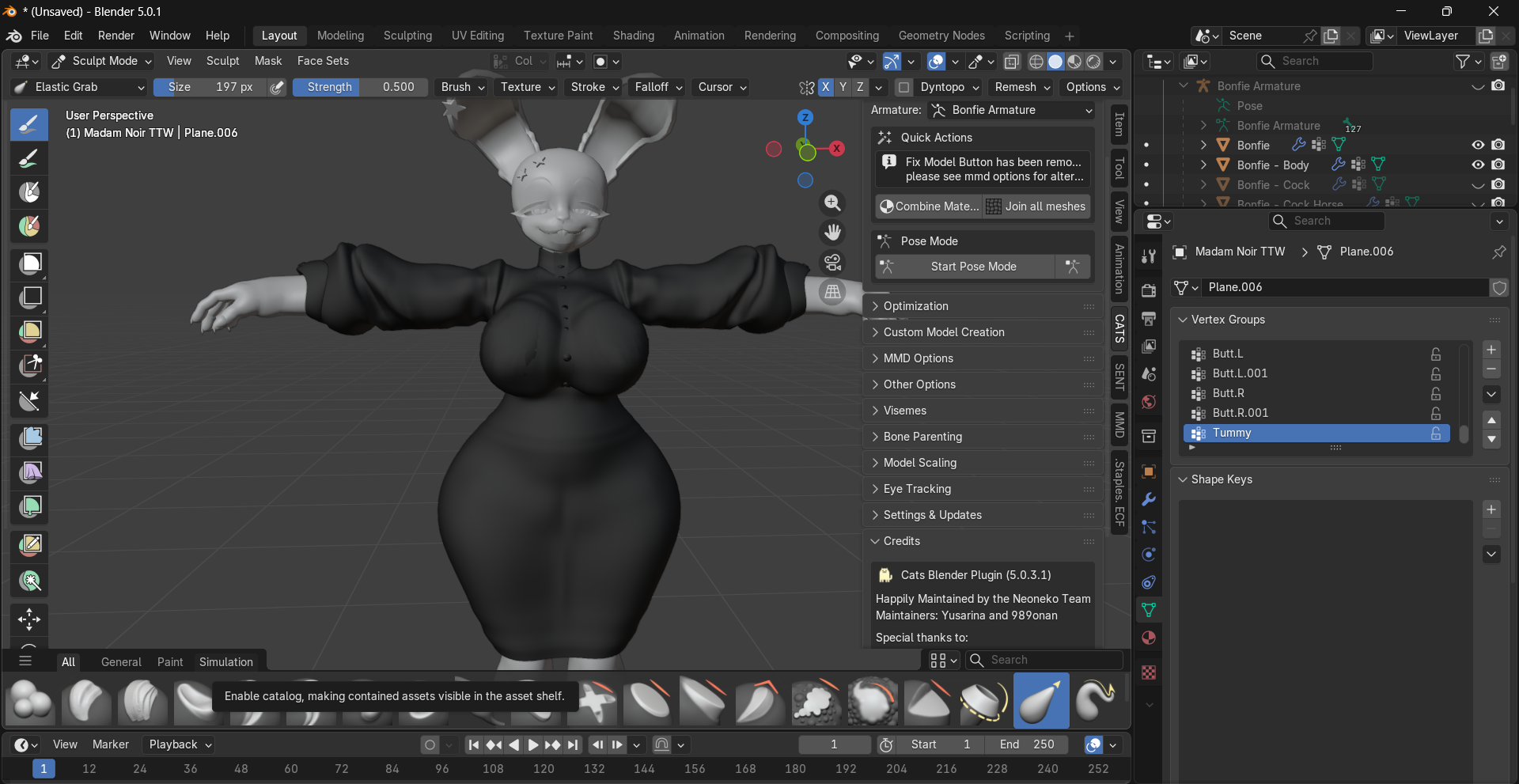
          Something im working on :3
          _ (Unsaved) - Blender 5.0.1 6_7_2026 2_40_06 AM.png

          1 Reply Last reply
          👀
          9
          • cheese bloodC cheese blood

            I'm looking for a fexa hair that someone posted here, supposedly it's free, can someone send it to me?

            Friend_5F
            Friend_5F
            Friend_5
            wrote on last edited by
            #6452

            @cheese-blood https://forum.ripper.store/topic/112022/ponytail-for-fexa-hair-asset-by-𝑳𝒂𝒅𝒚-𝑨𝒍𝒊𝒄𝒆

            ~I only like getting textures from Fnc and 3D models~

            1 Reply Last reply
            0
            • yaoifulY
              yaoifulY
              yaoiful
              wrote on last edited by
              #6453

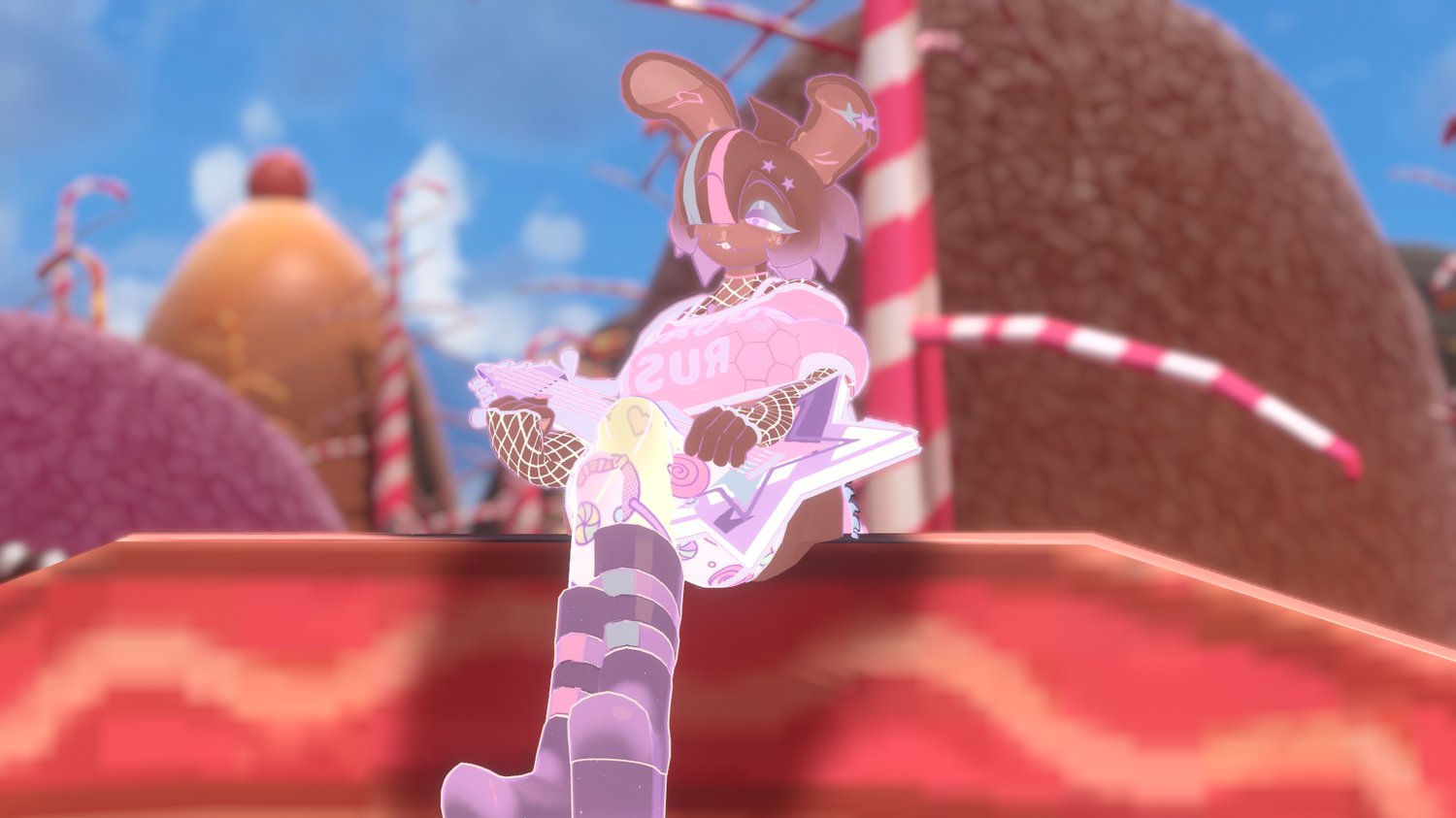
              bump 4 sugar rush bonfie lilith fixed the price
              https://payhip.com/b/cDsOZ

              ☆ ︶︶︶ ౿ ָ 🪶 𞥊 ︶︶︶ ☆

              ⤷ 𓈒 just looking for files!! ⏦

              ︶︶︶ ⊹ ︶︶︶ ୨♡୧ ︶︶︶ ⊹

              PLOOFP 1 Reply Last reply
              1
              • jennystaJ
                jennystaJ
                jennysta
                wrote on last edited by
                #6454

                Sorry about how it messy but im trying my best to make it nice >-<

                _ (Unsaved) - Blender 5.0.1 6_7_2026 3_39_10 AM.png

                1 Reply Last reply
                2
                • yaoifulY yaoiful

                  bump 4 sugar rush bonfie lilith fixed the price
                  https://payhip.com/b/cDsOZ

                  PLOOFP
                  PLOOFP
                  PLOOF
                  wrote on last edited by
                  #6455

                  @kokichi hold off on it 🙂

                  1 Reply Last reply
                  0
                  • Friend_5F Friend_5 referenced this topic on
                  • Marceline1212M
                    Marceline1212M
                    Marceline1212
                    wrote on last edited by
                    #6456

                    https://ko-fi.com/s/d54e97886d
                    Looking for these clothes

                    1 Reply Last reply
                    0
                    • WhiffleBallBatW
                      WhiffleBallBatW
                      WhiffleBallBat
                      wrote on last edited by
                      #6457

                      bump these

                      https://reineblau.gumroad.com/l/ocyyu?layout=profile
                      https://reineblau.gumroad.com/l/kshel?layout=profile
                      https://reineblau.gumroad.com/l/qakzg?layout=profile
                      https://reineblau.gumroad.com/l/uuzmqv?layout=profile
                      https://reineblau.gumroad.com/l/eopjv?layout=profile

                      Here for a good time, not a long time.

                      1 Reply Last reply
                      0
                      • MonsterMan007M MonsterMan007

                        https://ko-fi.com/s/f1b1b4a57f

                        2b59d6fd-d968-4d92-b9ba-ad9b43507bfd-image.jpeg

                        EmpressMangoE
                        EmpressMangoE
                        EmpressMango
                        wrote on last edited by
                        #6458

                        @MonsterMan007 [register or login to view this hidden content]
                        Enjoy :3

                        Feelin..bleh

                        yaoifulY 1 Reply Last reply
                        10
                        • EmpressMangoE EmpressMango

                          @MonsterMan007 [register or login to view this hidden content]
                          Enjoy :3

                          yaoifulY
                          yaoifulY
                          yaoiful
                          wrote on last edited by
                          #6459

                          @EmpressMango TYSMM!!

                          ☆ ︶︶︶ ౿ ָ 🪶 𞥊 ︶︶︶ ☆

                          ⤷ 𓈒 just looking for files!! ⏦

                          ︶︶︶ ⊹ ︶︶︶ ୨♡୧ ︶︶︶ ⊹

                          1 Reply Last reply
                          1
                          • MonsterMan007M
                            MonsterMan007M
                            MonsterMan007
                            wrote on last edited by
                            #6460

                            @empressmango thank youuu

                            1 Reply Last reply
                            1
                            • greasywhatG
                              greasywhatG
                              greasywhat
                              wrote on last edited by
                              #6461

                              need help. when I use a fbx of new bonfie and put the expressions and parameters on her, her clothes don't take off like how there supposed to. they go off but also clips through the body

                              1 Reply Last reply
                              0
                              • max_mogege83M max_mogege83

                                some photos of the fexa's i have uploaded @gwesslyn thank u for the nickit and surge textures! credits for them!
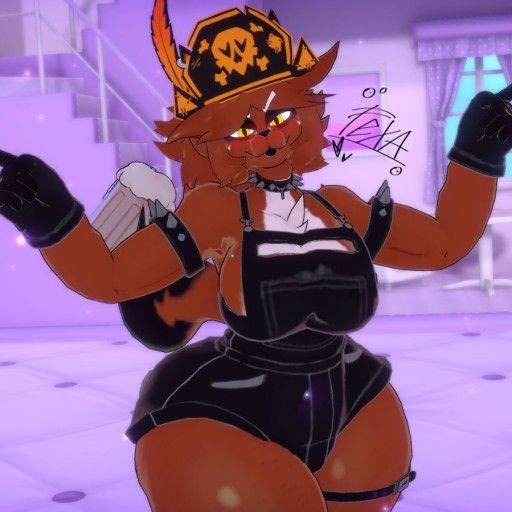
                                fa1ff6e9-168b-47b8-a478-38aea13c04dc-image.jpeg

                                c0d156c7-7104-4c04-b487-1756215efe4c-image.jpeg

                                full pic here:

                                1381_sin_titulo_20260601155012.png

                                1381_sin_titulo_20260601154852.png

                                A
                                A
                                Anonomus
                                wrote on last edited by
                                #6462

                                @max_mogege83 how in the hell did you retexture the pony tail im bashin my head in trying to figure this out

                                bennywormB 1 Reply Last reply
                                0
                                • A Anonomus

                                  @max_mogege83 how in the hell did you retexture the pony tail im bashin my head in trying to figure this out

                                  bennywormB
                                  bennywormB
                                  bennyworm
                                  wrote on last edited by bennyworm
                                  #6463

                                  @Anonomus Here is how I change the color of textures! You will need:

                                  1.Fexas body texture

                                  2.Fexas pony texture

                                  3.IBIS paint!
                                  IBIS PAINT:

                                  1. In your Unity scene, grab the fexa pony texture and the body texture and somehow get them to your phone(If it’s not on your phone and your pc, you can skip that step) I just like to send them to myself on discord!

                                  2.Once you get them on your phone, open up your body texture for Fexa first and then hold down the color of her body, make sure you get the exact hex code as you want to copy it.

                                  3.Once you have the hex code of the body, open up your hair texture, then add a layer, then go to the selection layer and make the whole image in that blue selection, from there go to the layer you just created!

                                  1. In the layer you created, where you see the black box at the bottom, open it, now you’ll see the color wheel, from there you will see the #0000, hit that and past that hex code from Fexas body color into there

                                  5.Now, just like with the blue, cover everything with the new color, you can do this by just making your brush reallly big and covering the whole image!

                                  6.From there, open up your layers section and next to where it says,”Normal” near the bottom, there is an arrow pointing upwards, hit that arrow and scroll down until you see,”Color” or,”Hue”(personally I like color!) and tada! Your hair matches Fexas skin tone!

                                  Extra: Feel free to play around with it if you don’t think it matches, or if you want to look at the other options for it!

                                  Tell me your favorite Jack Stauber songs, good conversation starter

                                  EmpressMangoE SʟᴜᴍʙᴇʀʀS 2 Replies Last reply
                                  3
                                  • EmpressMangoE
                                    EmpressMangoE
                                    EmpressMango
                                    wrote on last edited by
                                    #6464

                                    https://payhip.com/cdn-cgi/image/format=auto,width=1500/https://pe56d.s3.amazonaws.com/o_1jntovrve1i8n16o0c0smm8fp81g.png

                                    Here are the Sugar Rush Bonfie Textures!!! (You can thank @cʜɪᴋᴜ-tʜᴇ-cʜɪᴄᴋ for the purchase!)

                                    [register or login to view this hidden content]

                                    Feelin..bleh

                                    SʟᴜᴍʙᴇʀʀS espE WhiffleBallBatW PLOOFP 4 Replies Last reply
                                    6
                                    • bennywormB bennyworm

                                      @Anonomus Here is how I change the color of textures! You will need:

                                      1.Fexas body texture

                                      2.Fexas pony texture

                                      3.IBIS paint!
                                      IBIS PAINT:

                                      1. In your Unity scene, grab the fexa pony texture and the body texture and somehow get them to your phone(If it’s not on your phone and your pc, you can skip that step) I just like to send them to myself on discord!

                                      2.Once you get them on your phone, open up your body texture for Fexa first and then hold down the color of her body, make sure you get the exact hex code as you want to copy it.

                                      3.Once you have the hex code of the body, open up your hair texture, then add a layer, then go to the selection layer and make the whole image in that blue selection, from there go to the layer you just created!

                                      1. In the layer you created, where you see the black box at the bottom, open it, now you’ll see the color wheel, from there you will see the #0000, hit that and past that hex code from Fexas body color into there

                                      5.Now, just like with the blue, cover everything with the new color, you can do this by just making your brush reallly big and covering the whole image!

                                      6.From there, open up your layers section and next to where it says,”Normal” near the bottom, there is an arrow pointing upwards, hit that arrow and scroll down until you see,”Color” or,”Hue”(personally I like color!) and tada! Your hair matches Fexas skin tone!

                                      Extra: Feel free to play around with it if you don’t think it matches, or if you want to look at the other options for it!

                                      EmpressMangoE
                                      EmpressMangoE
                                      EmpressMango
                                      wrote on last edited by
                                      #6465

                                      @bennyworm That is actually super helpful! Thank you Benny!

                                      Feelin..bleh

                                      1 Reply Last reply
                                      0
                                      • EmpressMangoE EmpressMango

                                        https://payhip.com/cdn-cgi/image/format=auto,width=1500/https://pe56d.s3.amazonaws.com/o_1jntovrve1i8n16o0c0smm8fp81g.png

                                        Here are the Sugar Rush Bonfie Textures!!! (You can thank @cʜɪᴋᴜ-tʜᴇ-cʜɪᴄᴋ for the purchase!)

                                        [register or login to view this hidden content]

                                        SʟᴜᴍʙᴇʀʀS
                                        SʟᴜᴍʙᴇʀʀS
                                        Sʟᴜᴍʙᴇʀʀ
                                        wrote on last edited by
                                        #6466

                                        @EmpressMango No problem Enjoy everybody!!

                                        Oʜ sᴡᴇᴇᴛ sᴘᴀʀᴋ!

                                        1 Reply Last reply
                                        3
                                        • bennywormB bennyworm

                                          @Anonomus Here is how I change the color of textures! You will need:

                                          1.Fexas body texture

                                          2.Fexas pony texture

                                          3.IBIS paint!
                                          IBIS PAINT:

                                          1. In your Unity scene, grab the fexa pony texture and the body texture and somehow get them to your phone(If it’s not on your phone and your pc, you can skip that step) I just like to send them to myself on discord!

                                          2.Once you get them on your phone, open up your body texture for Fexa first and then hold down the color of her body, make sure you get the exact hex code as you want to copy it.

                                          3.Once you have the hex code of the body, open up your hair texture, then add a layer, then go to the selection layer and make the whole image in that blue selection, from there go to the layer you just created!

                                          1. In the layer you created, where you see the black box at the bottom, open it, now you’ll see the color wheel, from there you will see the #0000, hit that and past that hex code from Fexas body color into there

                                          5.Now, just like with the blue, cover everything with the new color, you can do this by just making your brush reallly big and covering the whole image!

                                          6.From there, open up your layers section and next to where it says,”Normal” near the bottom, there is an arrow pointing upwards, hit that arrow and scroll down until you see,”Color” or,”Hue”(personally I like color!) and tada! Your hair matches Fexas skin tone!

                                          Extra: Feel free to play around with it if you don’t think it matches, or if you want to look at the other options for it!

                                          SʟᴜᴍʙᴇʀʀS
                                          SʟᴜᴍʙᴇʀʀS
                                          Sʟᴜᴍʙᴇʀʀ
                                          wrote on last edited by
                                          #6467

                                          @bennyworm thanks for the help!

                                          Oʜ sᴡᴇᴇᴛ sᴘᴀʀᴋ!

                                          1 Reply Last reply
                                          0

                                          Hello! It looks like you're interested in this conversation, but you don't have an account yet.

                                          Getting fed up of having to scroll through the same posts each visit? When you register for an account, you'll always come back to exactly where you were before, and choose to be notified of new replies (either via email, or push notification). You'll also be able to save bookmarks and upvote posts to show your appreciation to other community members.

                                          With your input, this post could be even better 💗

                                          Register Login
                                          Reply
                                          • Reply as topic
                                          Log in to reply
                                          • Oldest to Newest
                                          • Newest to Oldest
                                          • Most Votes


                                          • Login

                                          • Login or register to search.
                                          • First post
                                            Last post
                                          0
                                          • Categories
                                          • Recent
                                          • Tags
                                          • Popular