
-
shadow mode: Booth
PCSS (for lilToon & Poi) recommend but laggy than other way.
lilToon Shadow
Poi Shadow (Poiyomi shader material setting preset)
..Yujin Poi Animation Toon shadow setting 1.2 ( Cartoon shadow + detailed shadow )
..Yujin poiyomi shadow setting(detail shading) 4.1 (Rim light Update)PCSS v4.0.2 Beta:
NGSS v2.4.2.3 ( make PCSS more adjustable )
tips for PCSS
after apply PCSS to your avatar, don't forget use shader's re-fresh function to make PCSS work.
no need re-import shader. -
shadow mode: Booth
PCSS (for lilToon & Poi) recommend but laggy than other way.
lilToon Shadow
Poi Shadow (Poiyomi shader material setting preset)
..Yujin Poi Animation Toon shadow setting 1.2 ( Cartoon shadow + detailed shadow )
..Yujin poiyomi shadow setting(detail shading) 4.1 (Rim light Update)PCSS v4.0.2 Beta:
NGSS v2.4.2.3 ( make PCSS more adjustable )
tips for PCSS
after apply PCSS to your avatar, don't forget use shader's re-fresh function to make PCSS work.
no need re-import shader. -
@ANC thank u smmm, i just had a question abt the shader refresh button i could not find it YwY
-
 F Finn referenced this topic on
-
@deja_uwu
I didn't use PCSS for Poiyomi, so i don't know if use poi.
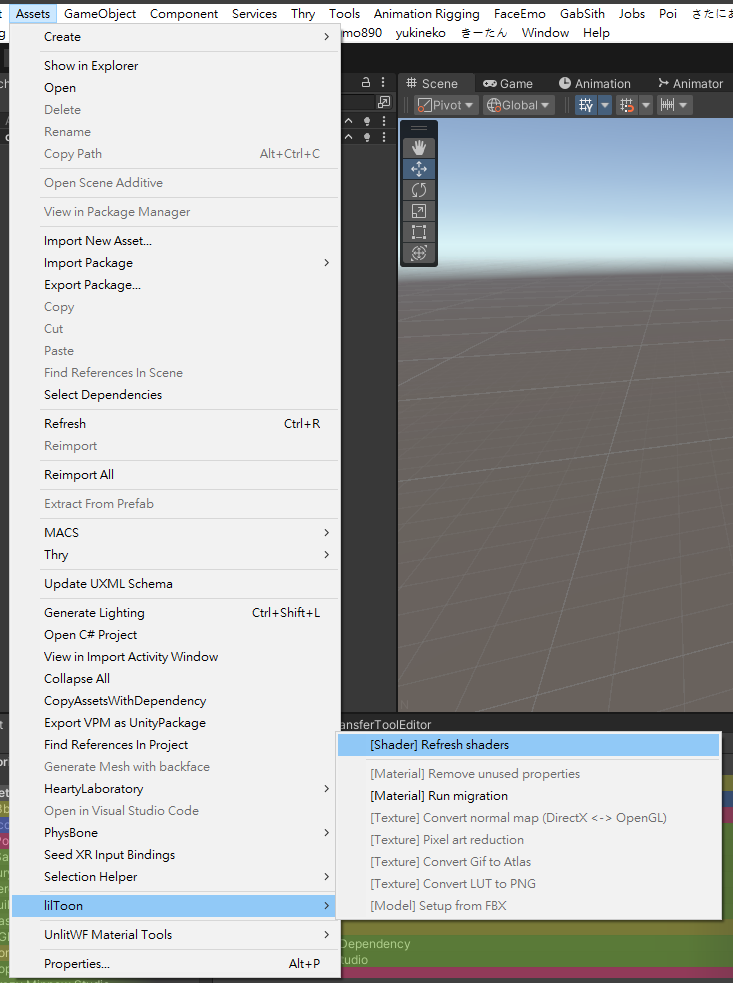
lilToon: Main menu -> Assets -> liilToon -> [Shader] Refresh shaders
-
@ANC is there anyway you can send a unity package to me with all the stuff already in it? I can't figure out what to use and ect-
PCSS4VRC_poi_v4.1.0_beta
https://nharuka.booth.pm/items/4493526
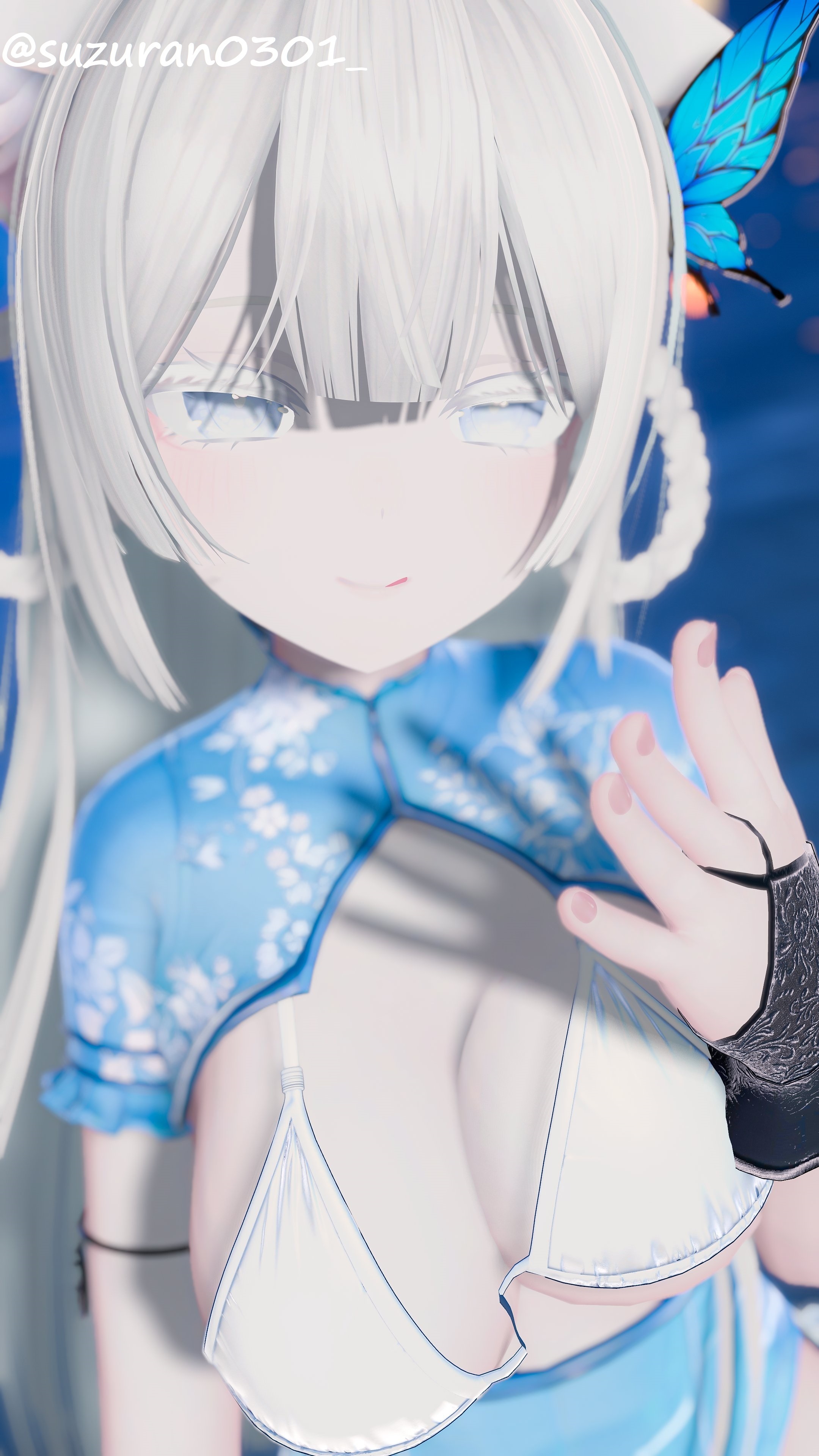
But you still have to [Apply]
Usually the problem occurs after [Apply]
And the latest version of PCSS may have bugs sometimes
If you encounter problems with the latest version, try using the older version.
The files I provided contain older versionsfor lilToon:
Just need Avatar, lilToon, PCSS
After importing, press PCSS's setup button.
I rarely use Poi. If you use Poi, there's nothing I can do about it.from booth page and my annotations
[English] Setup steps- [Optional]
Purchase and import NGSS (Next-Gen Soft-Shadows) from UnityAssetStore. - Import lilToon v1.7.2+ or Poiyomi Pro v9.0+
- Import this package.
- Press the menu bar "nHaruka" -> "PCSS For VRC".
- D&D your avatar in the "Avatar" field of the window that appears.
- Confirm the setup guide and press "Setup" button.
- lilToon refresh shader, poi i don't know.
- [Optional]
-
-
System moved this topic from General Assets on
-
-
-
anyone have lasted version ?
-
thx!!!!!!!
-
-
you can download workupload whole archive in one file by add /start to the end of link
-
This post is deleted!
-
@ANC have update v4.5.0?very thanks
-
i dont know how she blendshape of her avatar about her face i really want it
-
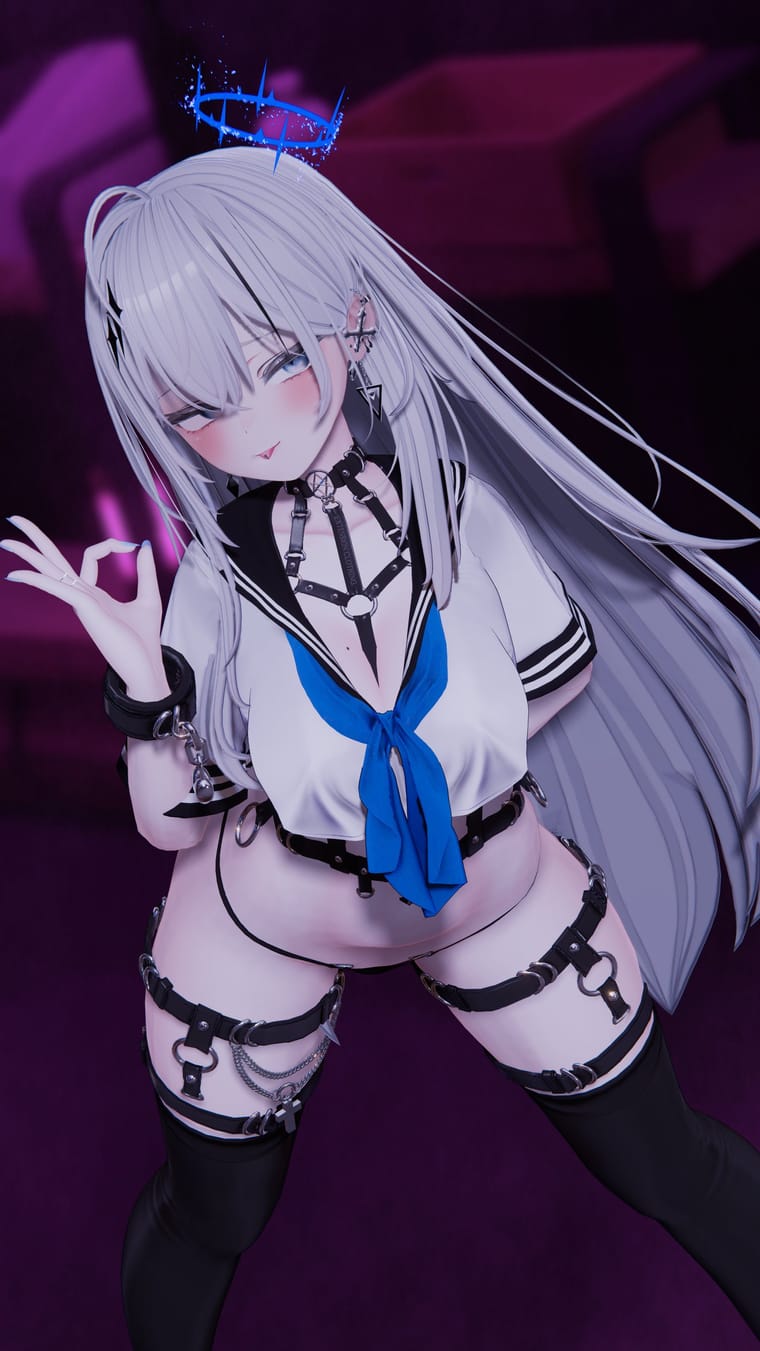
i just cant figure out how they make there booth avis like matt looking and have the shadows like i have a simmiler skin tex but the lighting? makes it different

Hello! It looks like you're interested in this conversation, but you don't have an account yet.
Getting fed up of having to scroll through the same posts each visit? When you register for an account, you'll always come back to exactly where you were before, and choose to be notified of new replies (either via email, or push notification). You'll also be able to save bookmarks and upvote posts to show your appreciation to other community members.
With your input, this post could be even better 💗
Register Login