
LF: Normal Shirt Or T-Shirt For The Druffle/And Blendshape Advice For The Druffle Hoodie
-
Images Unrelated to Shirt/T-shirt
I have found quite a few clothing assets and sets for the Druffle, but I very quickly realized that none of them have a shirt that is actually... you know, a shirt lol. The only asset I can find that covers the torso full is a Tank Top from the Gym Set, Bodysuit, TMH Baggy Outfit Hoodie and the Hoodie. Most of the top assets I have found were all cropped, if that's what you want to call them. They all just leave the torso exposed. So if there is a Shirt/T-Shirt asset somebody knows, has, or has a link to where one is, It would be nice to obtain.
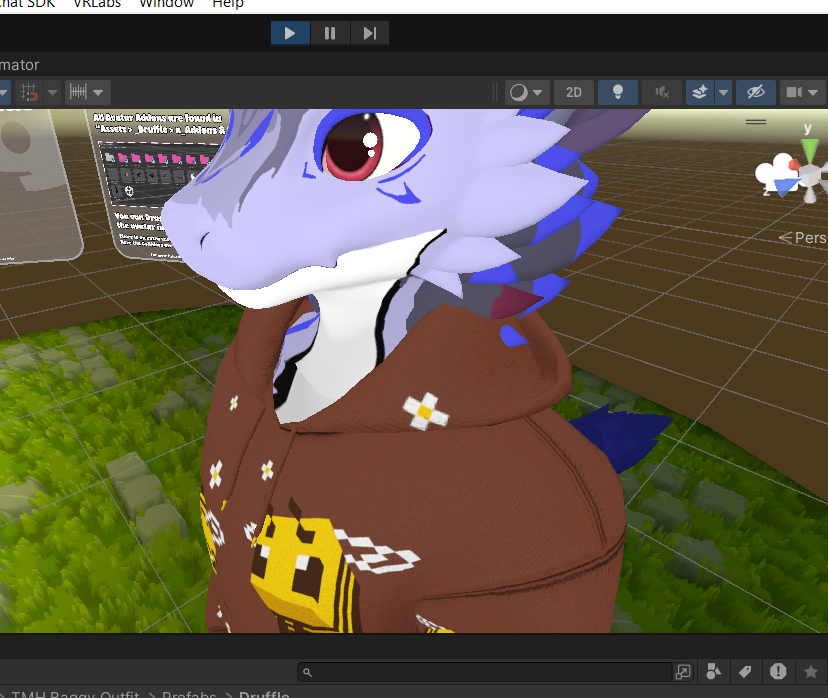
The Hoodie on the other hand, which I found out the blendshape shrinking for it is extremely noticeable. Specifically in-game, (When Moving with full body tracking apparently made it more noticeable? I think. It could also be the lighting i think. Idk I'm not a expert on any of this. Homie noticed it within a minute or so.)
although In unity it actually looked completely fine with the default blendshapes, entering gesture manager however made it do it's blendshape magic so if anyone has any advice to make it less noticeable or just not noticeable at all that would be nice to know.
I'm still new to unity, so I am not aware of majority of Unity Features and nightmare inducers. At most 2 months constantly doing this to random avatars.1st Image:Standard Unity View of The Model With Hoodie On where It's Noticeable
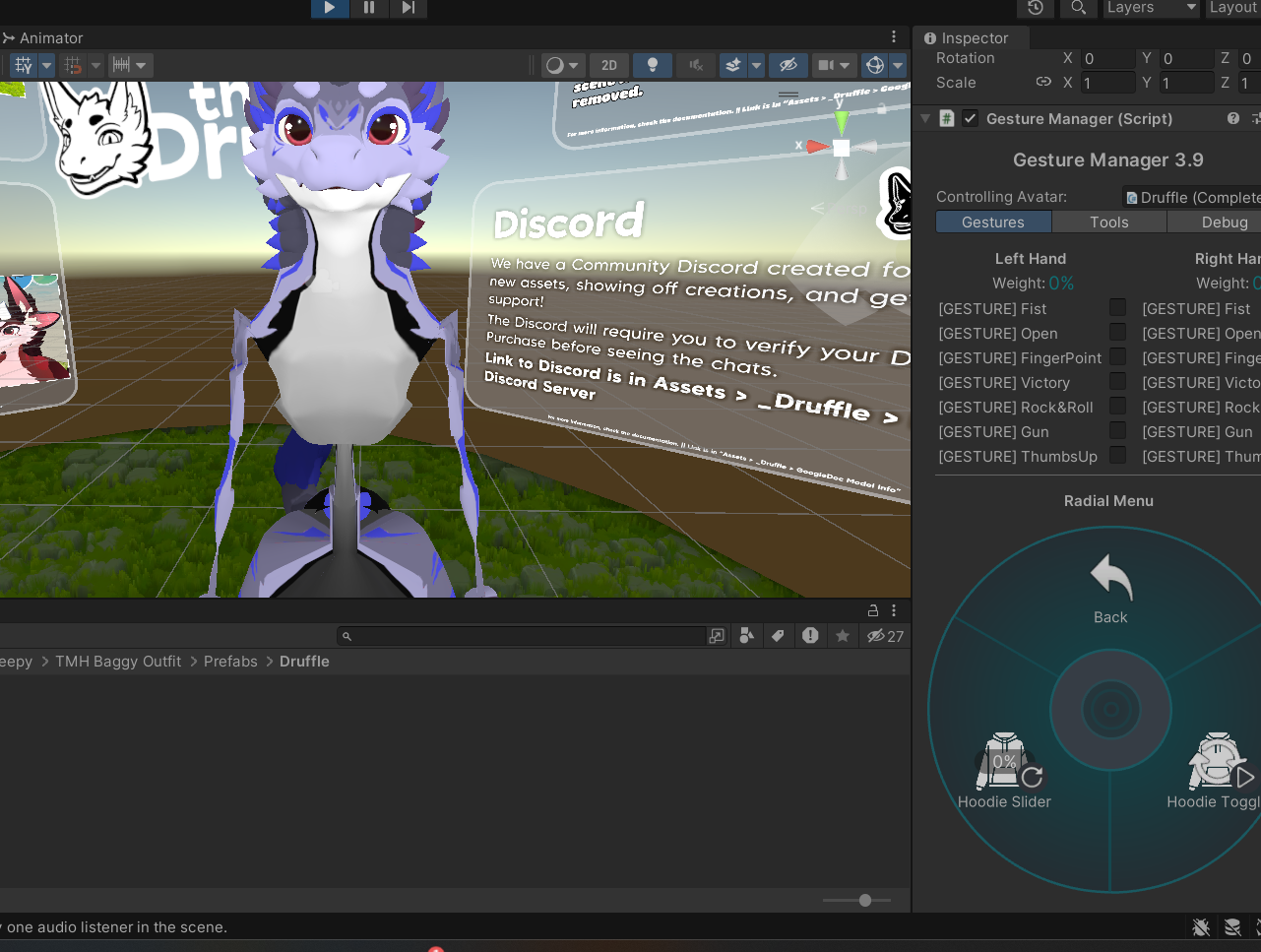
2nd Image: Gesture Manager with Hoodie Shown where it's noticeable in game/gesture manager but not in the normal Unity view
3rd Image: Gesture Manager View with Hoodie Hidden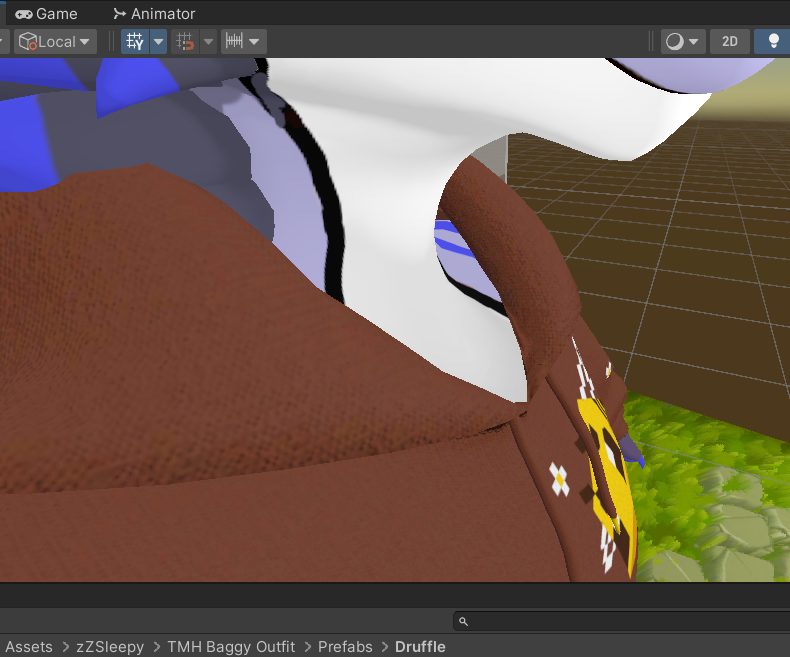
Hello! It looks like you're interested in this conversation, but you don't have an account yet.
Getting fed up of having to scroll through the same posts each visit? When you register for an account, you'll always come back to exactly where you were before, and choose to be notified of new replies (either via email, or push notification). You'll also be able to save bookmarks and upvote posts to show your appreciation to other community members.
With your input, this post could be even better 💗
Register Login