
Mal0 v3 conrad creations
-
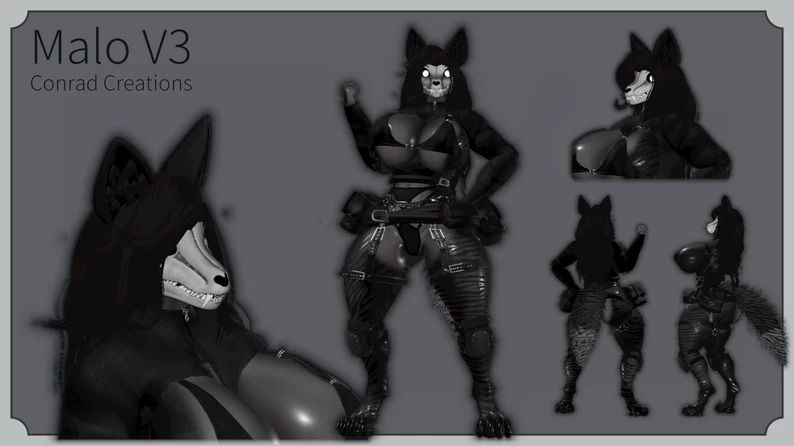
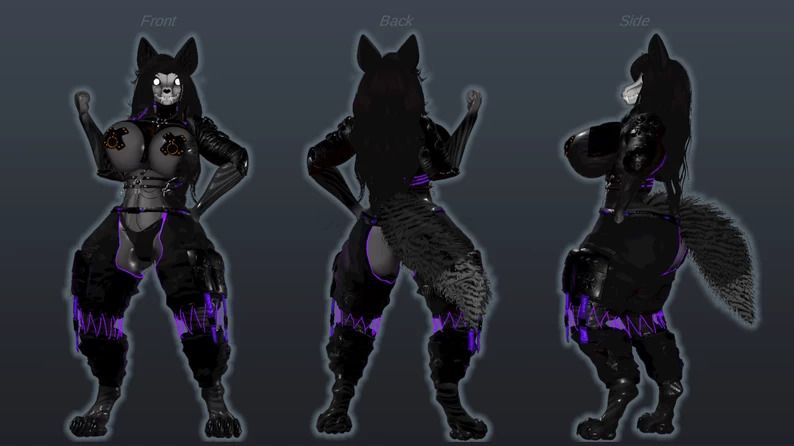

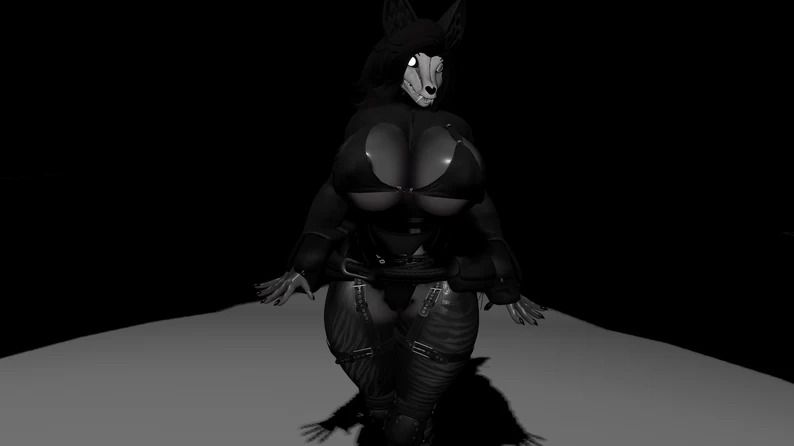

looking for this mal0 avatar as the files on vrmodels always comes up as Archtemp compression archive file
-
.... just rename the archtemp file to mal0.unitypackage
-
.... just rename the archtemp file to mal0.unitypackage
@aceisnumberone how do i do that?
-
@aceisnumberone how do i do that?
@SnowbyteVr If it's on Windows 10, you basically click on File Explorer, go to the folder where you saved the compression archive file, View tab, check "file extension names", and there, you can be able to see the extensions. rename the file extension to ".unitypackage."
I dunno if it's on a different operating system or Windows 11...
-
 R Ratman_80 has marked this topic as solved on
-
-
Blender plis
-

Hello! It looks like you're interested in this conversation, but you don't have an account yet.
Getting fed up of having to scroll through the same posts each visit? When you register for an account, you'll always come back to exactly where you were before, and choose to be notified of new replies (either via email, or push notification). You'll also be able to save bookmarks and upvote posts to show your appreciation to other community members.
With your input, this post could be even better 💗
Register Login