
Moe Edit
-
A few things about this one. Most toggles should work.. I did a bit of a sloppy job on this one since there was so much on it but I got rid of anything I could confirm didn't work. Also I know I named it "Yoll" But the model is Moe
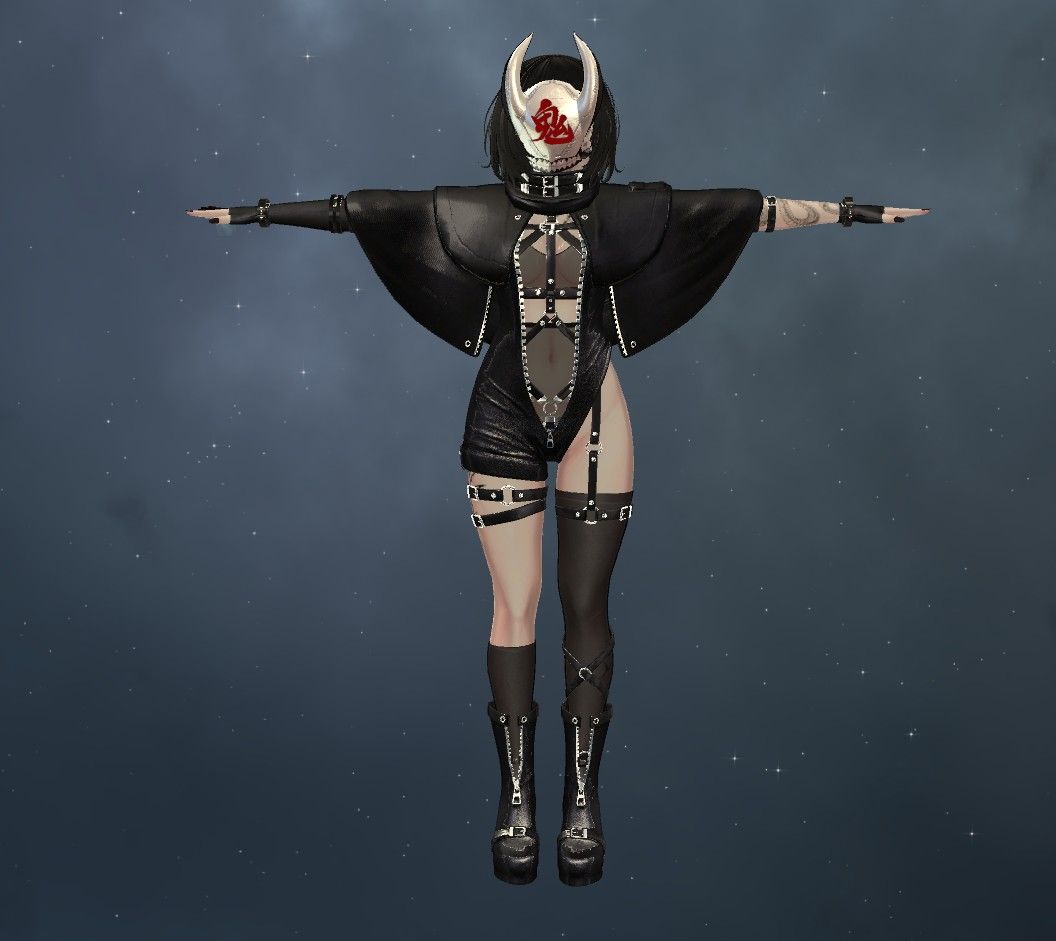
Look here for configuration:
https://forum.ripper.store/topic/90223/for-all-my-models..If you feel like it an upvote would be appreciated and you can request for stuff here
https://forum.ripper.store/topic/47497/doing-vrca-to-unity-fixes/99?_=1764911945380 -
What's on this one?
-
-
-
@NoreFang Try using Thry editor's Vram calculator to lower the textures' quality a bit, may help.
-
@NoreFang LAC Texture Compressor can help do all the compressing work for you with a single addon to the avatar itself. Just put it down inside the avatar hiarchy so it detects all the textures and it should bring it down depending on the quality you set it to
-
nagoriyuki helmet

-
@NoreFang LAC Texture Compressor can help do all the compressing work for you with a single addon to the avatar itself. Just put it down inside the avatar hiarchy so it detects all the textures and it should bring it down depending on the quality you set it to



Hello! It looks like you're interested in this conversation, but you don't have an account yet.
Getting fed up of having to scroll through the same posts each visit? When you register for an account, you'll always come back to exactly where you were before, and choose to be notified of new replies (either via email, or push notification). You'll also be able to save bookmarks and upvote posts to show your appreciation to other community members.
With your input, this post could be even better 💗
Register Login