
SimpleVRCAScreener: Take pictures of your VRCA files easily!
-
Tired of opening every VRCA file one by one ? Then this is for you!
This tool will take screenshots of all of your avatars as fast as it can be!
Example:
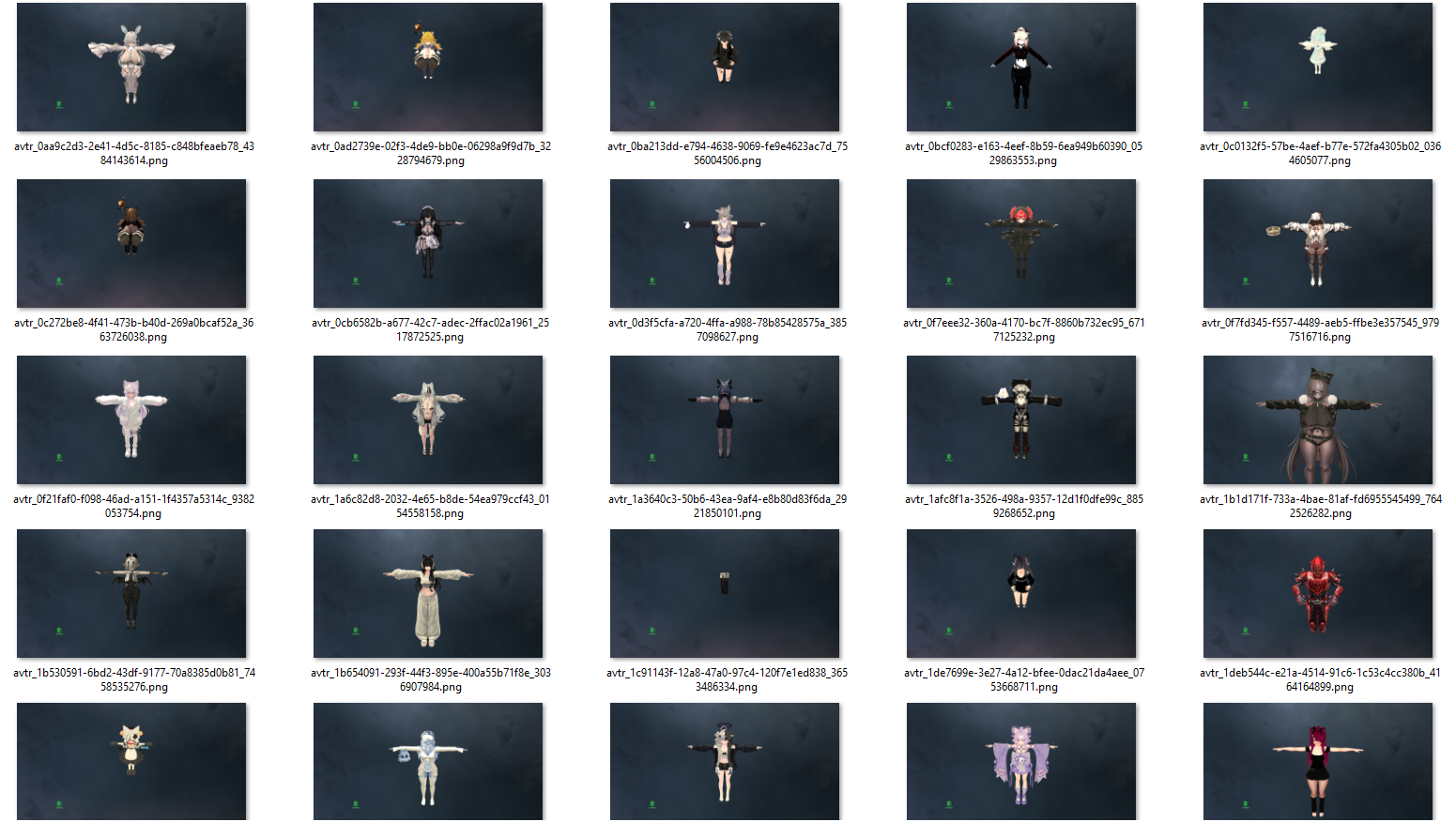
What it does:
- Opens AssetViewer and takes pictures of every avatar.
- Will ignore files that already has a picture (unless told otherwise).
- If it crashes, it will find the reason and move the culprit in another folder.
How to use:
Put your VRCA files in the VRCA folder and open start.bat
You can also run the program and add arguments by opening the terminal in the folder and typingdotnet run -- [ARGUMENTS]
List of Arguments:--PathOverride="C:\Your\Custom\Path": Allows you to select a path for the VRCAs instead of having to put them in the VRCA Folder.
--ForcePictures: Forces avatars that already have a picture to get a new picture.
--NoIsolation: Removes the "isolation test" phase and just places the first avatar with no picture to the Error folder (warning: very high chance of false positives).
--FinalCheck: After taking all pictures, will rescan the folder again and to isolation tests on all of the remaining files.
Get the tool now!
https://gitlab.com/VRTryhard/SimpleVRCAScreener
Abyss/Client edition
What is does more:
- Renames assets to make them more readable
- Files that would have the same name when renamed can lead to two things:
-
- If the file has the exact same hash, it will get deleted.
-
- If the file doesn't have the exact same hash, it will be renamed with a timestamp instead.
You can find the Abyss/Client edition here:

Hello! It looks like you're interested in this conversation, but you don't have an account yet.
Getting fed up of having to scroll through the same posts each visit? When you register for an account, you'll always come back to exactly where you were before, and choose to be notified of new replies (either via email, or push notification). You'll also be able to save bookmarks and upvote posts to show your appreciation to other community members.
With your input, this post could be even better 💗
Register Login