
Jae and Vee [VRC + Blender Rig] (Made by Reivene3D)
-
@RustFox if you dont want the original blend files just open unity, make a project, import the pc or quest version, open file location, then copy and paste the Materials (Textures) and finally paste it on the folder which you have the fbx exported blender file
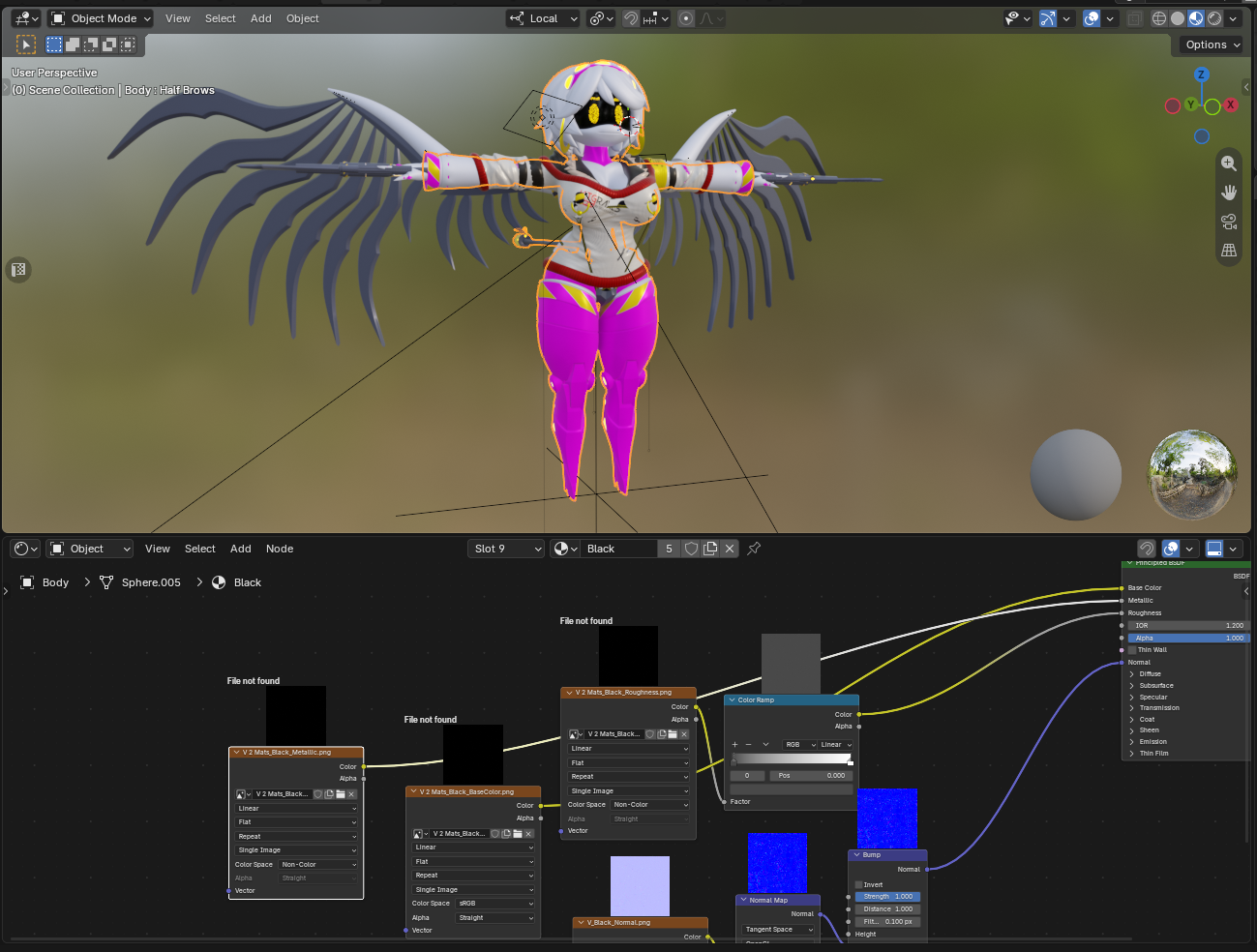
@Shadowmonarch95 The thing is that even when you extract VRC content into the folder and then use "Find Missing Files", some textures are still absent. As you can see here, there is no roughness or metallic texture not to mention the color one. So we still need the original .blend file with all textures present
-
@Shadowmonarch95 The thing is that even when you extract VRC content into the folder and then use "Find Missing Files", some textures are still absent. As you can see here, there is no roughness or metallic texture not to mention the color one. So we still need the original .blend file with all textures present
@grandsi did you link the textures on the folder thats on the exported fbx?
-
@grandsi did you link the textures on the folder thats on the exported fbx?
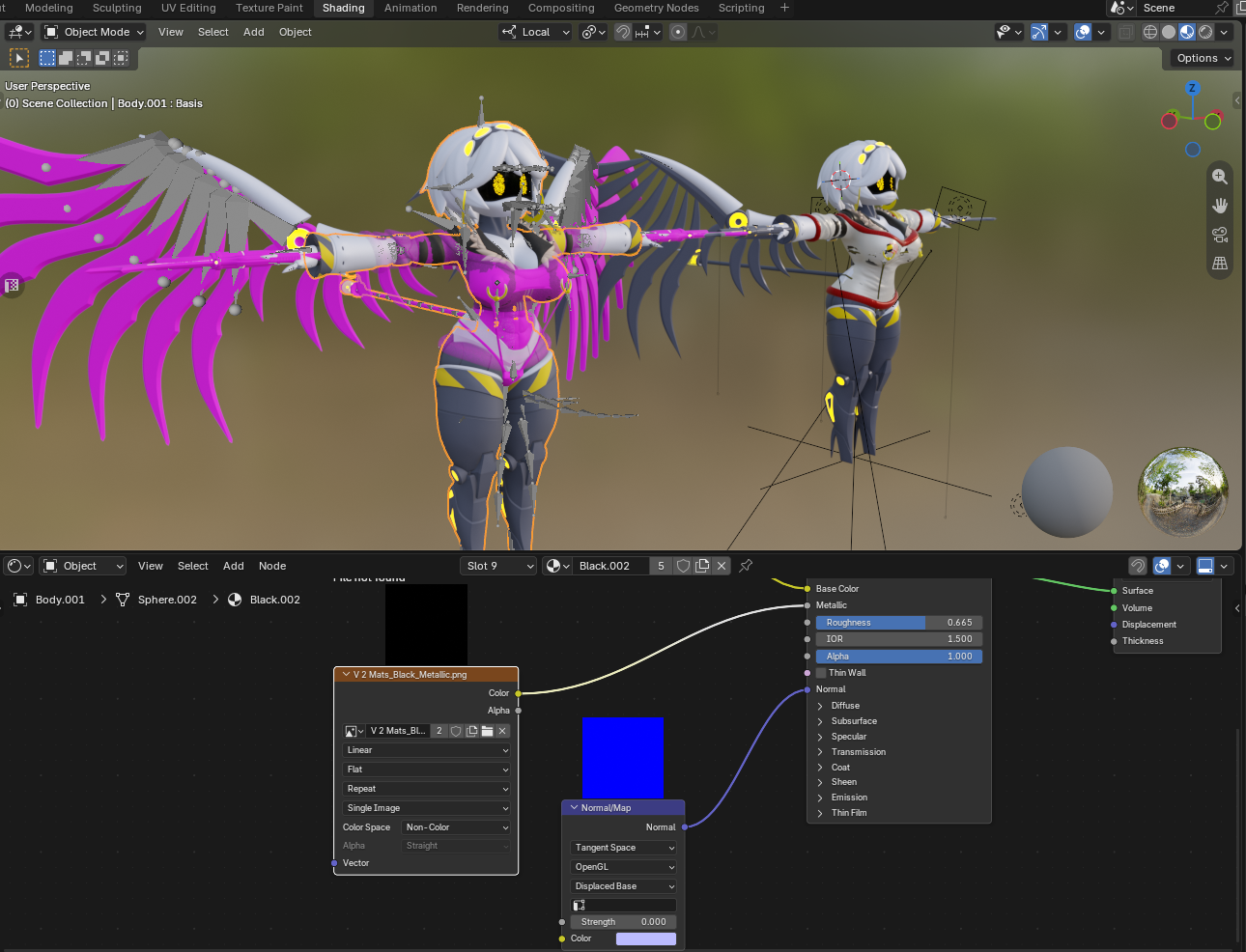
@Shadowmonarch95 I linked the whole VRC project folder and imported an FBX mesh into Blender to compare one to the other. Both refer to the metallic texture, which is still absent
-
blender file pls
-
quest files when?
-
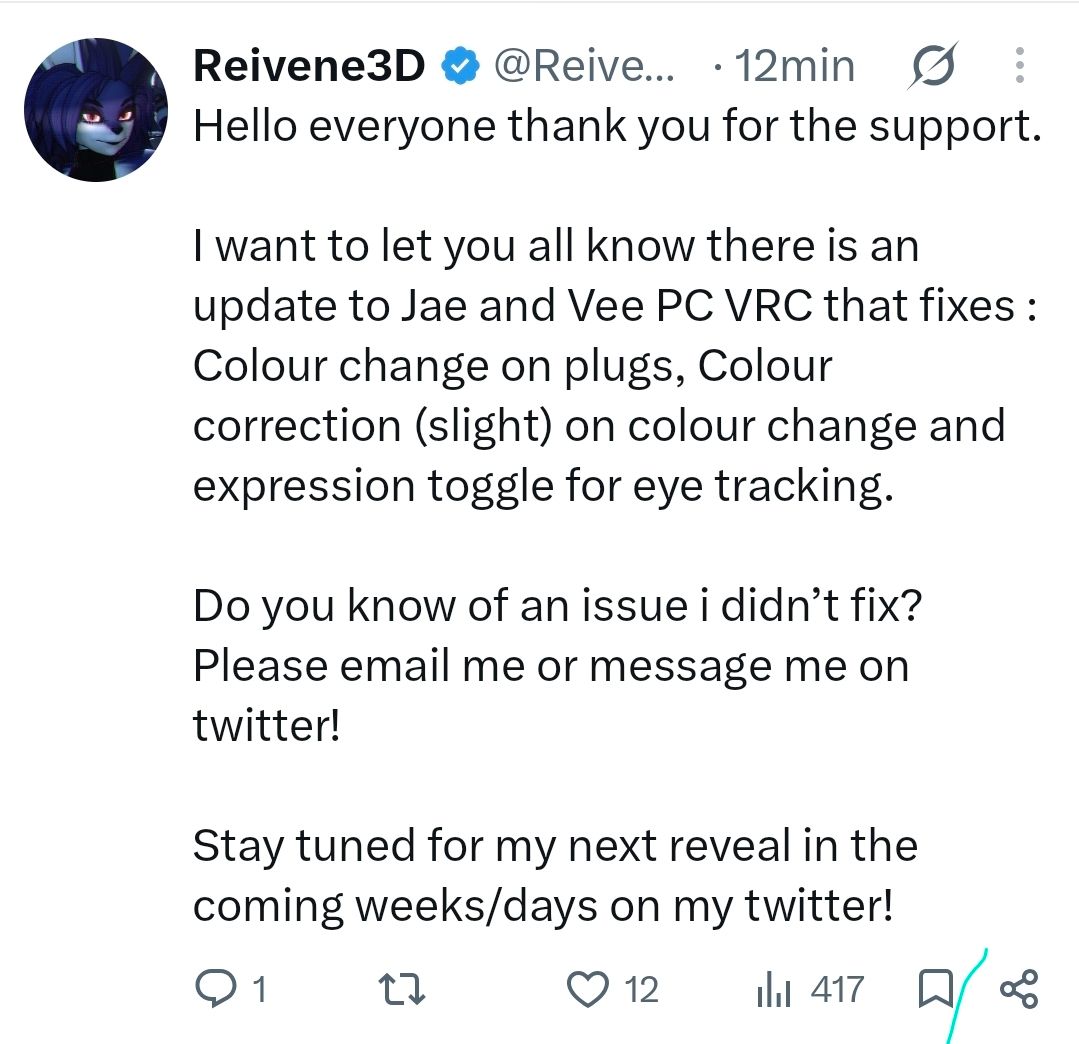
There's a new update, bump
 ️
️ -
hey is anyone having trouble uploading the quest J and it not having phys bones?
-
bump for update
-
bump
-
bump


Hello! It looks like you're interested in this conversation, but you don't have an account yet.
Getting fed up of having to scroll through the same posts each visit? When you register for an account, you'll always come back to exactly where you were before, and choose to be notified of new replies (either via email, or push notification). You'll also be able to save bookmarks and upvote posts to show your appreciation to other community members.
With your input, this post could be even better 💗
Register Login