
Crypita Megathread v2
-
@LUVR1PS using Vrcfuly, you can add those toggles back!
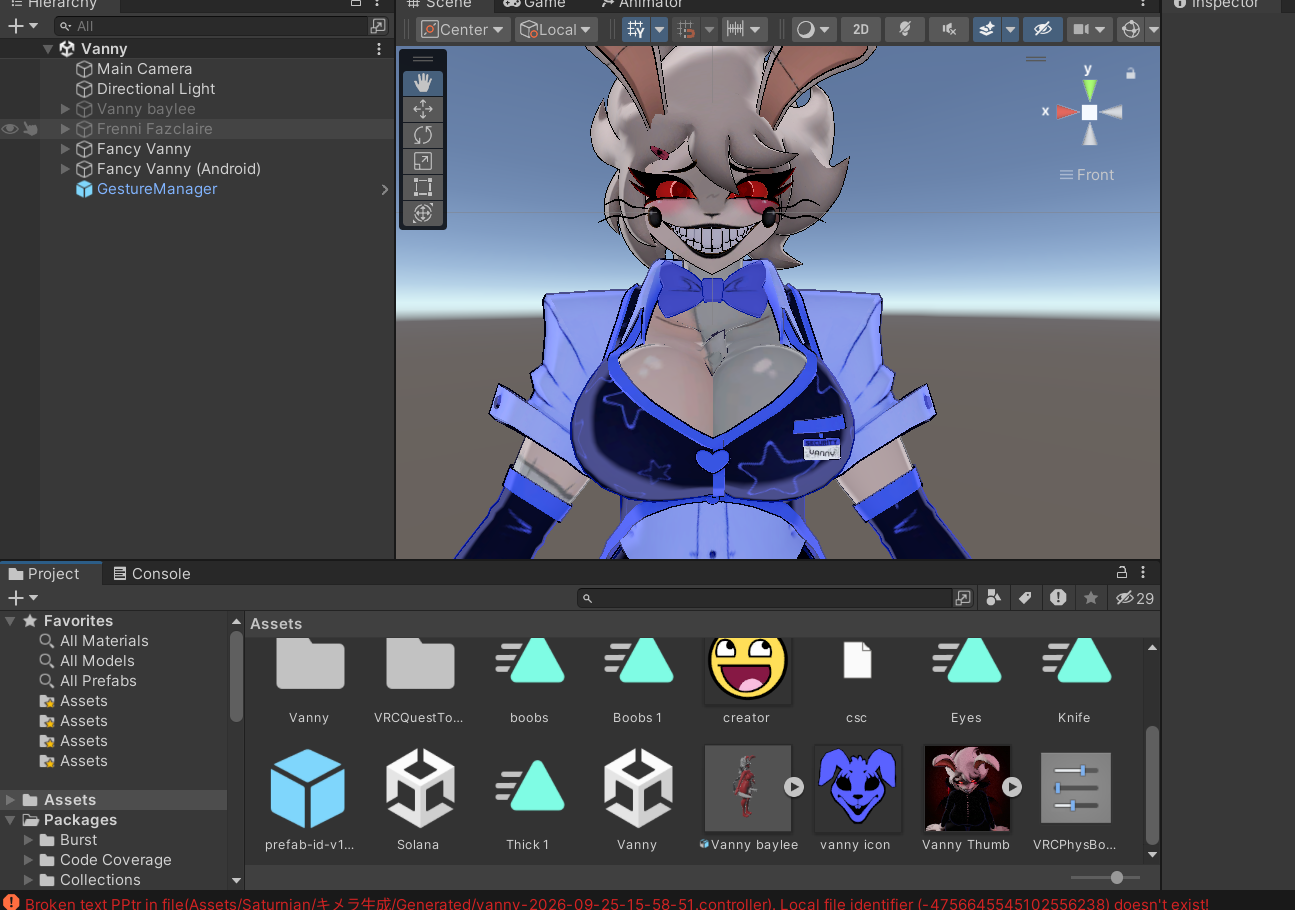
Just make two toggles with Vrcfury, name one Boobs and the other Thick. Look for Boob1 animation and Thick1 animation, and hit the plus on the toggle and do,”add animation clip” and input the two animations in the right spot, then click on the three dots stacked on top of each other and do,”Use a slider(Radial)” for both of them, use,”saved between worlds” and you’re set!
@bennyworm and if those animations aren't present... because the blendshapes aren't present... because the [retexture] avi author put the FBX into blender to " " optimize " " it before remaking it as an avatar... what then, rip the shapes off the OGs?
Its not sarcasm when it happens often -
could anyone restore the nsfw to this?
 Download Link (workupload.com)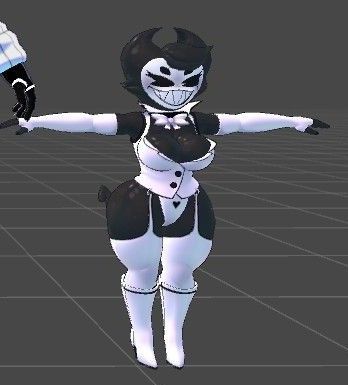
bump
-
@bennyworm and if those animations aren't present... because the blendshapes aren't present... because the [retexture] avi author put the FBX into blender to " " optimize " " it before remaking it as an avatar... what then, rip the shapes off the OGs?
Its not sarcasm when it happens often -
-
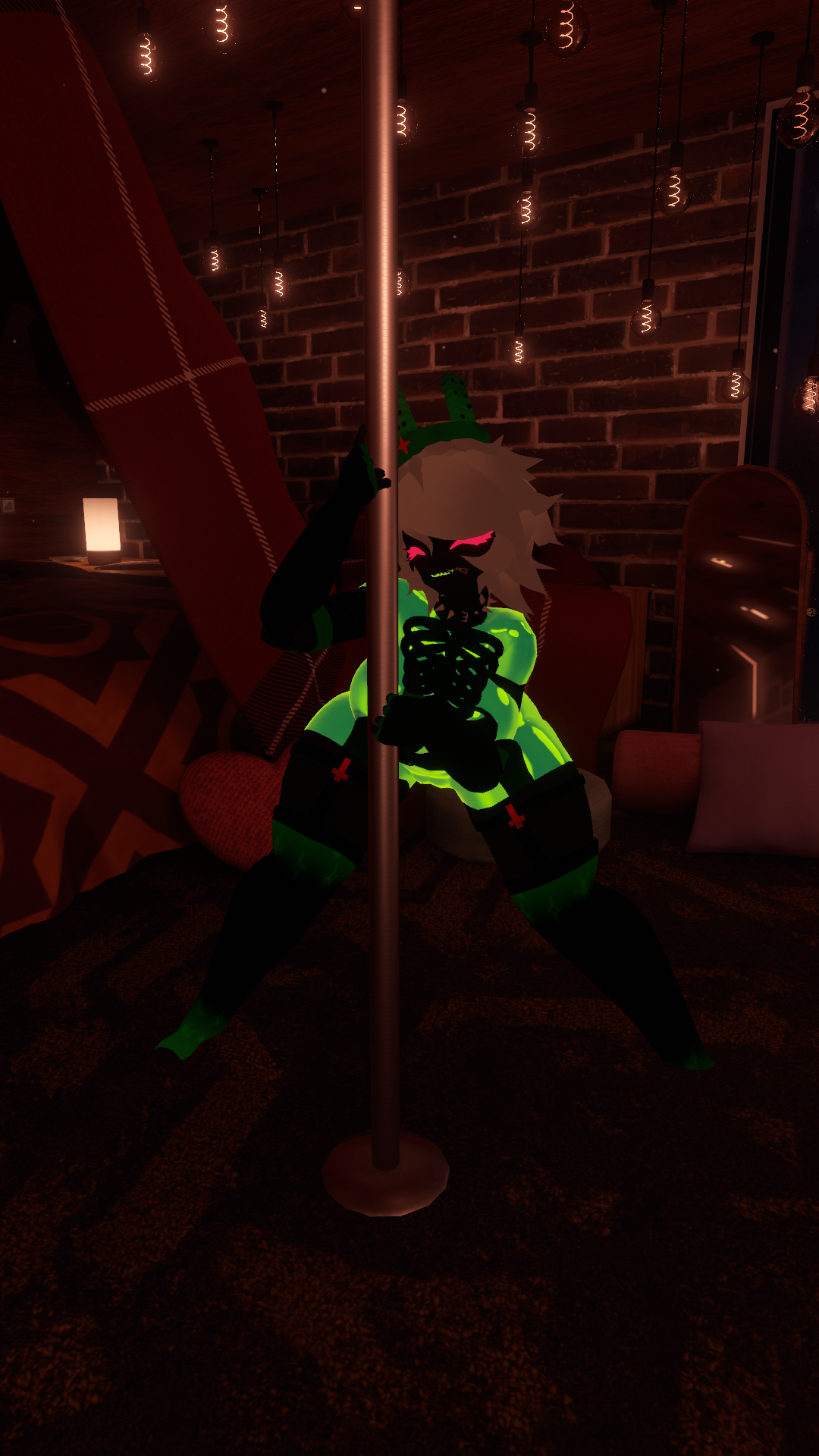
wip@nunyabeeswax is there screenshots from another angle? ........o.0
-
wip@nunyabeeswax BUMPP AUGHHHHHHHH
-
-
wip@nunyabeeswax bump, I looove 1x
-
wip@nunyabeeswax u just keeping EVERYONE waiting brah
-
any updates from cryptia's subscribestar??
-
@Rando animations should be on there because All I did was headswap in unity with chimera maker I never touched blender when making it
@Sm1l3rb0y _You _ didn't touch blender, I believe that.
That doesn't mean blender wasn't touched between cryptia and you.
My exhausted-tone comment highlights how often I've seen that happen on model edits.
-
i found this photo in my downloads and cant recall original source@nunyabeeswax bump omg
-
@Rando animations should be on there because All I did was headswap in unity with chimera maker I never touched blender when making it
@Sm1l3rb0y I don't understand what the problem is...The anis work fine in unity, all I did was move them in the main assets area to take a screenshot, all of the blendshapes are there for thick and big boobs fix...huh?
-
-
@Sm1l3rb0y I don't understand what the problem is...The anis work fine in unity, all I did was move them in the main assets area to take a screenshot, all of the blendshapes are there for thick and big boobs fix...huh?
@bennyworm Thank you confirming (if only for me personally) that the anims are present. No idea still if I'll use her but now I might
-
-
-
wip -
@xGLOOMYx thats actually slay omg
-







Hello! It looks like you're interested in this conversation, but you don't have an account yet.
Getting fed up of having to scroll through the same posts each visit? When you register for an account, you'll always come back to exactly where you were before, and choose to be notified of new replies (either via email, or push notification). You'll also be able to save bookmarks and upvote posts to show your appreciation to other community members.
With your input, this post could be even better 💗
Register Login