
Crypita Megathread v2
-
@Lucifer513 I can walk you through doing it yourself, at least the minimal blender side. Unity is your business
-
@Rando huh, and how?
@Lucifer513 Typed instructions. It's not a lot of work to do, and its thankfully simple work for the most part, so I have the capacity to help ya
Taking this to DMs to avoid spamming the thread further with repeated advice
Edit 1: My method of helping Lucifer has failed. They have *most* of a working skeletonDM/PM me with starting context at any time, I am browser-only on Rip so expect 0~15 minute replies and 8<24 hour delays.
Asexual and Androgynous; no horny no gender. Here to look for jiggly avatars and assets to bolster them, maybe making some 36~48(90~120) sized H~L-cups bwomps -
@Lucifer513 Typed instructions. It's not a lot of work to do, and its thankfully simple work for the most part, so I have the capacity to help ya
Taking this to DMs to avoid spamming the thread further with repeated advice
Edit 1: My method of helping Lucifer has failed. They have *most* of a working skeleton@Rando so? what i need do?
-
@Lucifer513 Typed instructions. It's not a lot of work to do, and its thankfully simple work for the most part, so I have the capacity to help ya
Taking this to DMs to avoid spamming the thread further with repeated advice
Edit 1: My method of helping Lucifer has failed. They have *most* of a working skeleton@Rando hey?
-
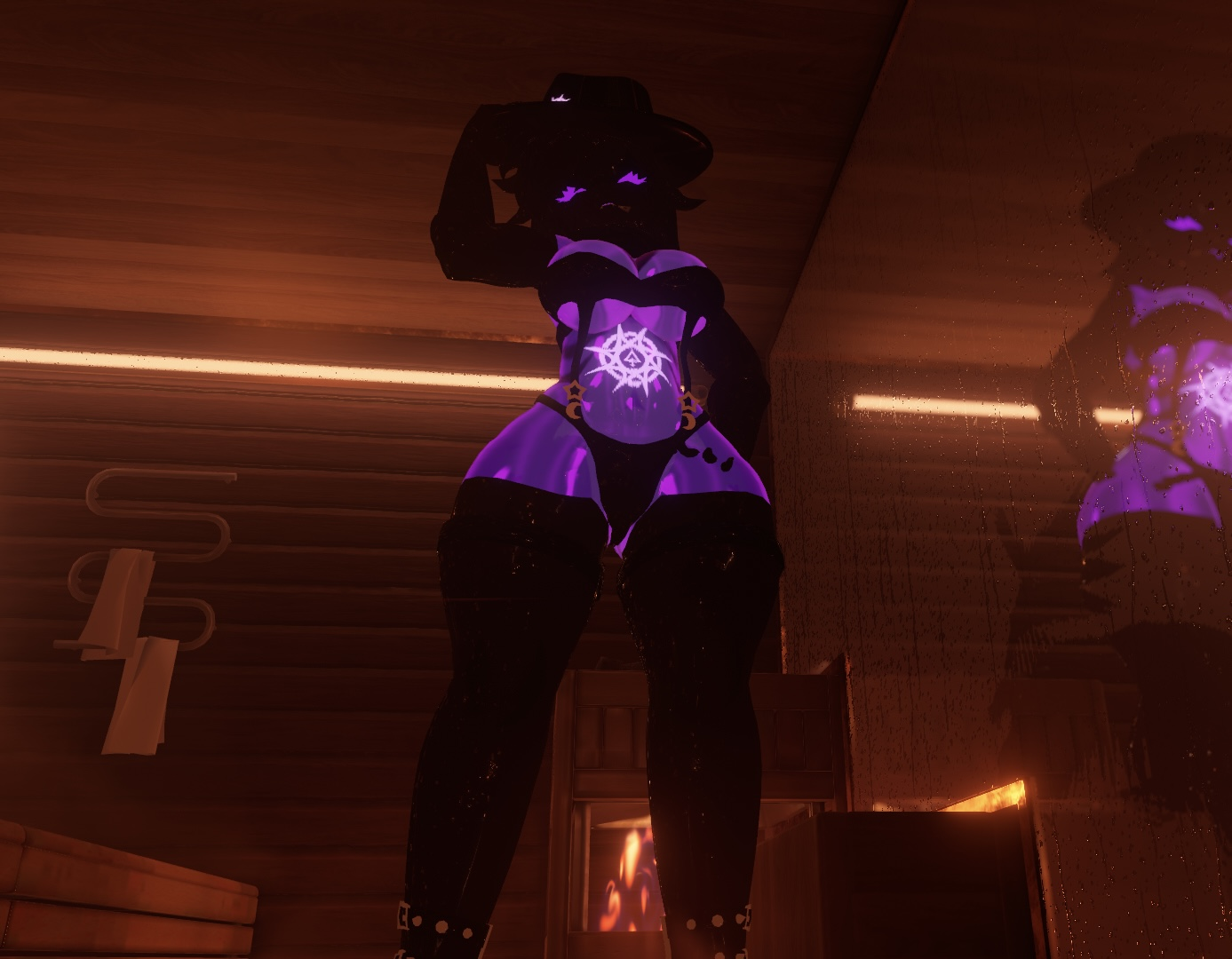
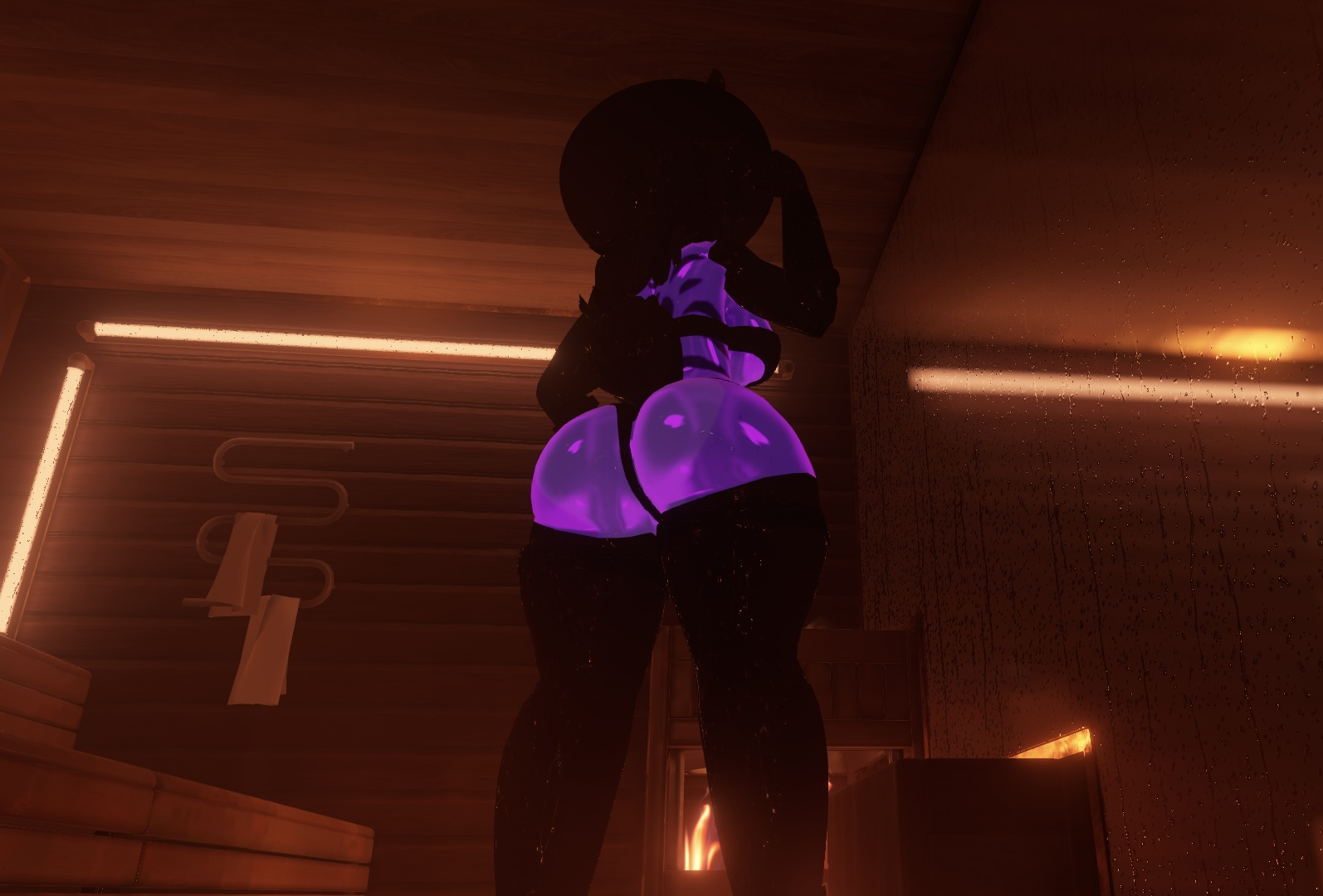
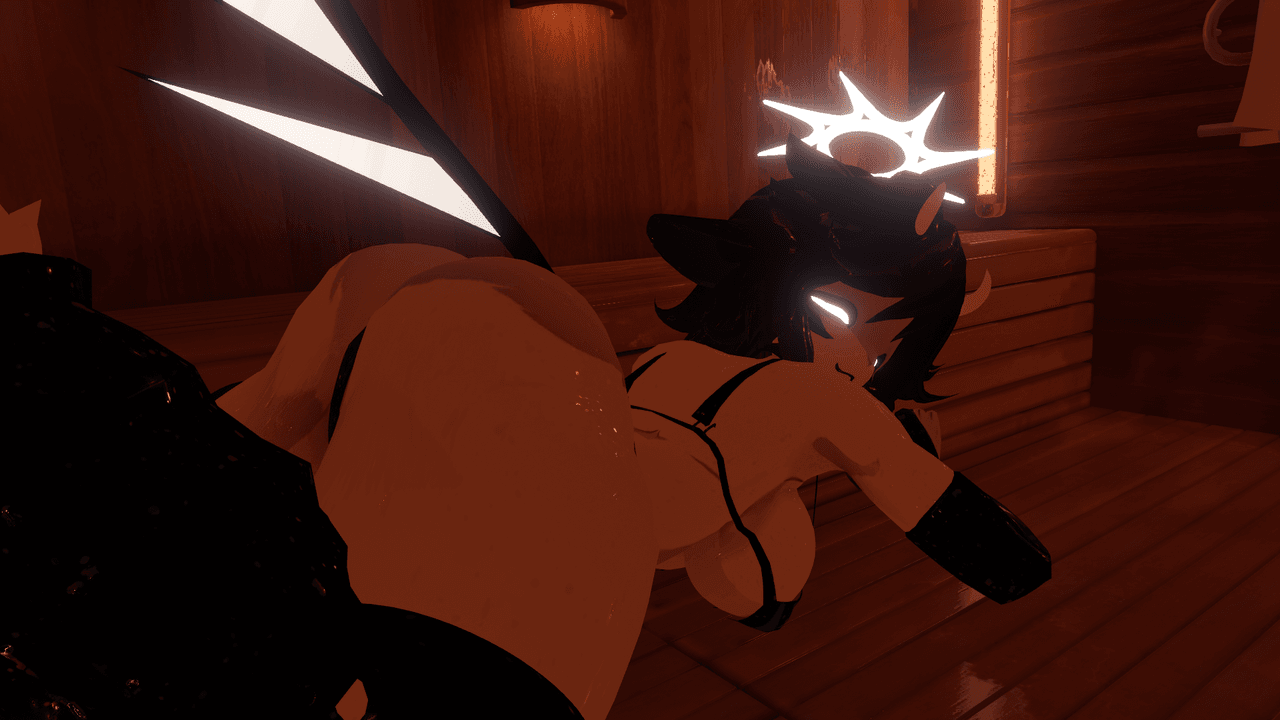
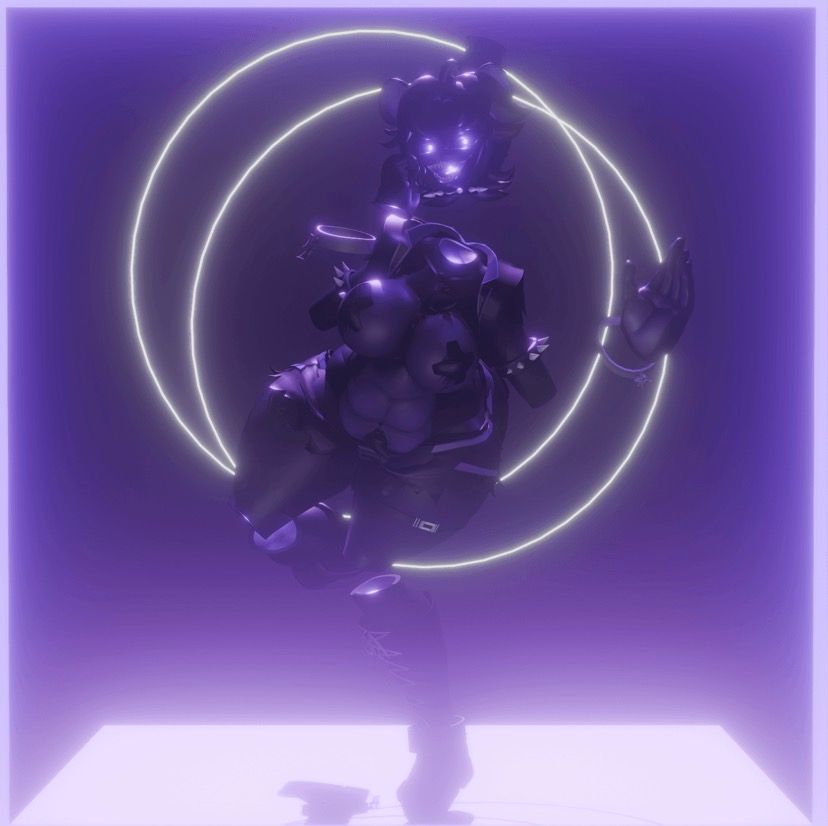
wip -
-
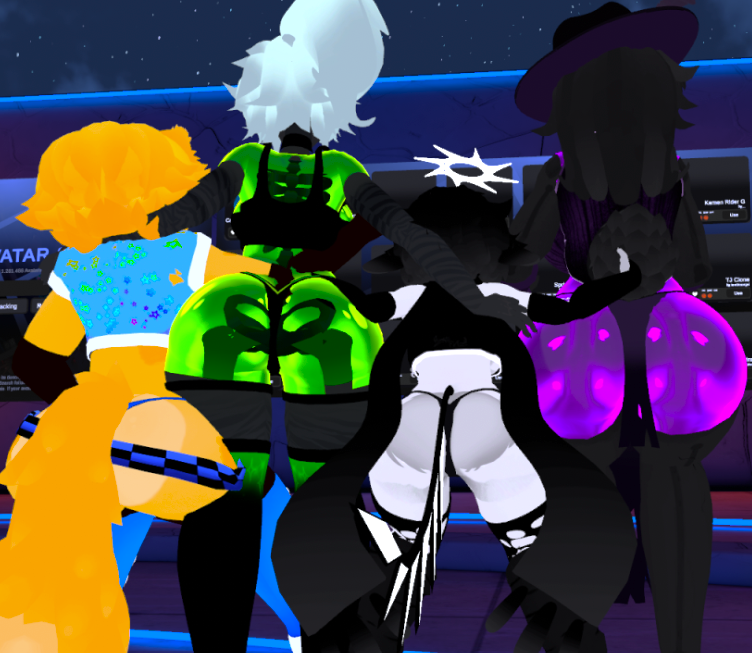
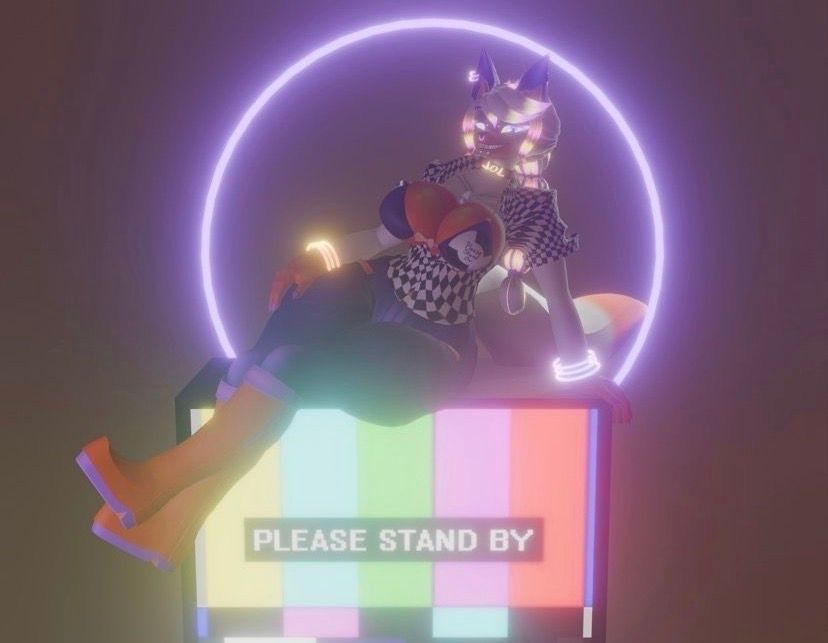
i found this photo in my downloads and cant recall original source -
@Lemonny Where did you hear that they use Krita? I was under the impression they used Blender (2.79 files have modified brushes) and clip studio paint since they left an clip file in the Withered Chiku pack
@jam123456543 im gonna be incredibly honest, i identified it by the brush strokes via their sketches and some textures
-
Guys, Who know blender? Who can help me!!!
-
Who can add rig and bone with blendshape pls!!! -
@jam123456543 im gonna be incredibly honest, i identified it by the brush strokes via their sketches and some textures
@Lemonny Ah ok, that’s fair. They still could’ve used Krita in older times and moved to CSP more recently or the two just share very similar brushes.
-
@Saggaaaaa I ain't soulless but you flat wrong
-
@Eigniht im honestly not sure i can link it on the post, hopefully it doesnt get taken down
-
@Kokomimo no yeah that's understandable lmao
reason why i post it as an image is just so it doesn't pop up in google searches as first result
-
-
-
FANCY VANNY IS COMPLETE FOR YA'LL
 Download Link (workupload.com)
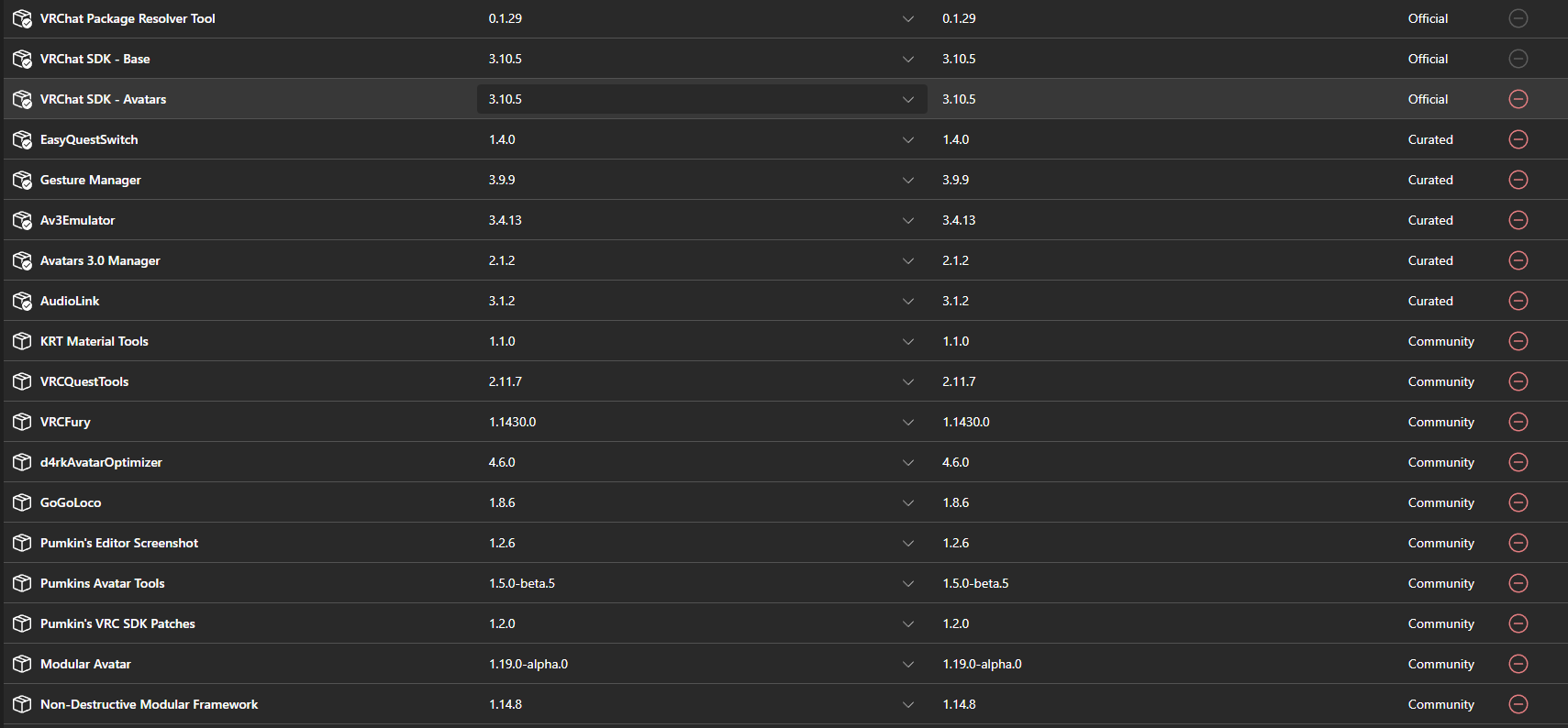
make sure to open the vanny scene, also I suggest opening a new project since its very messy in this package.
provided a screenshot of the tools you may need!![packages.png]
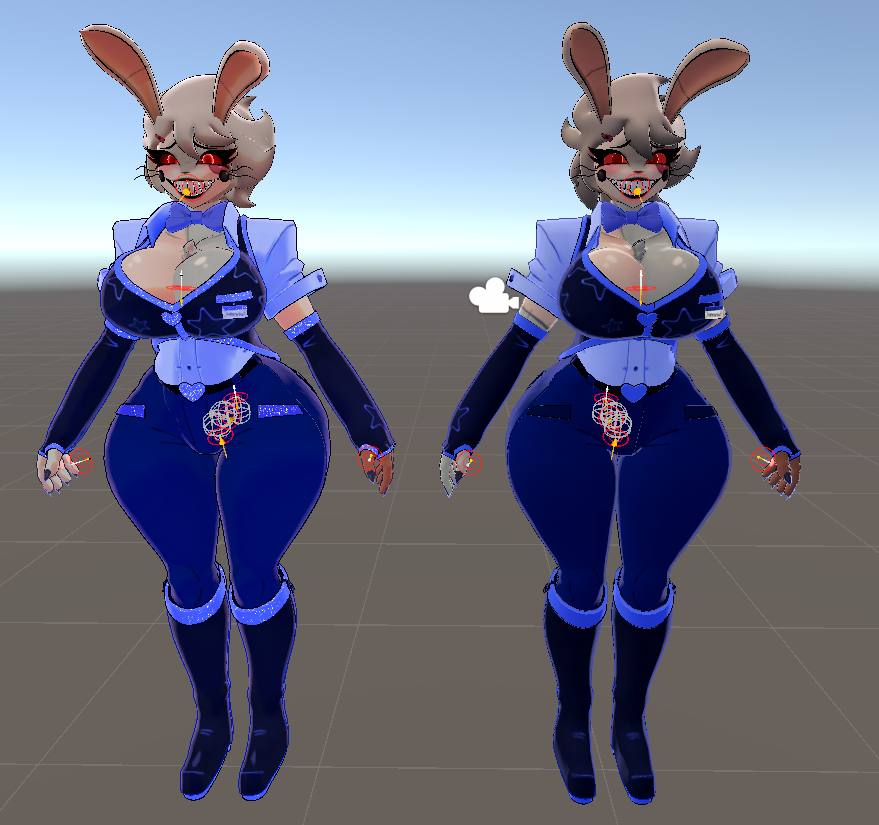
@Sm1l3rb0y I notice on this, and a few other AVIs, that you can't reimplement the boob slider. I can with the thickness, but not with that, since there doesn't seem to be any blendshape for the breasts. How would I go about adding that?
-
@Sm1l3rb0y I notice on this, and a few other AVIs, that you can't reimplement the boob slider. I can with the thickness, but not with that, since there doesn't seem to be any blendshape for the breasts. How would I go about adding that?
-
@Sm1l3rb0y I notice on this, and a few other AVIs, that you can't reimplement the boob slider. I can with the thickness, but not with that, since there doesn't seem to be any blendshape for the breasts. How would I go about adding that?
@LUVR1PS using Vrcfuly, you can add those toggles back!
Just make two toggles with Vrcfury, name one Boobs and the other Thick. Look for Boob1 animation and Thick1 animation, and hit the plus on the toggle and do,”add animation clip” and input the two animations in the right spot, then click on the three dots stacked on top of each other and do,”Use a slider(Radial)” for both of them, use,”saved between worlds” and you’re set!
Tell me your favorite Jack Stauber songs, good conversation starter
-
@LUVR1PS using Vrcfuly, you can add those toggles back!
Just make two toggles with Vrcfury, name one Boobs and the other Thick. Look for Boob1 animation and Thick1 animation, and hit the plus on the toggle and do,”add animation clip” and input the two animations in the right spot, then click on the three dots stacked on top of each other and do,”Use a slider(Radial)” for both of them, use,”saved between worlds” and you’re set!
@bennyworm and if those animations aren't present... because the blendshapes aren't present... because the [retexture] avi author put the FBX into blender to " " optimize " " it before remaking it as an avatar... what then, rip the shapes off the OGs?
Its not sarcasm when it happens often










Hello! It looks like you're interested in this conversation, but you don't have an account yet.
Getting fed up of having to scroll through the same posts each visit? When you register for an account, you'll always come back to exactly where you were before, and choose to be notified of new replies (either via email, or push notification). You'll also be able to save bookmarks and upvote posts to show your appreciation to other community members.
With your input, this post could be even better 💗
Register Login