
✔ (FOUND by stupid chud girl) Blair by Yura
-
-
@kiddie
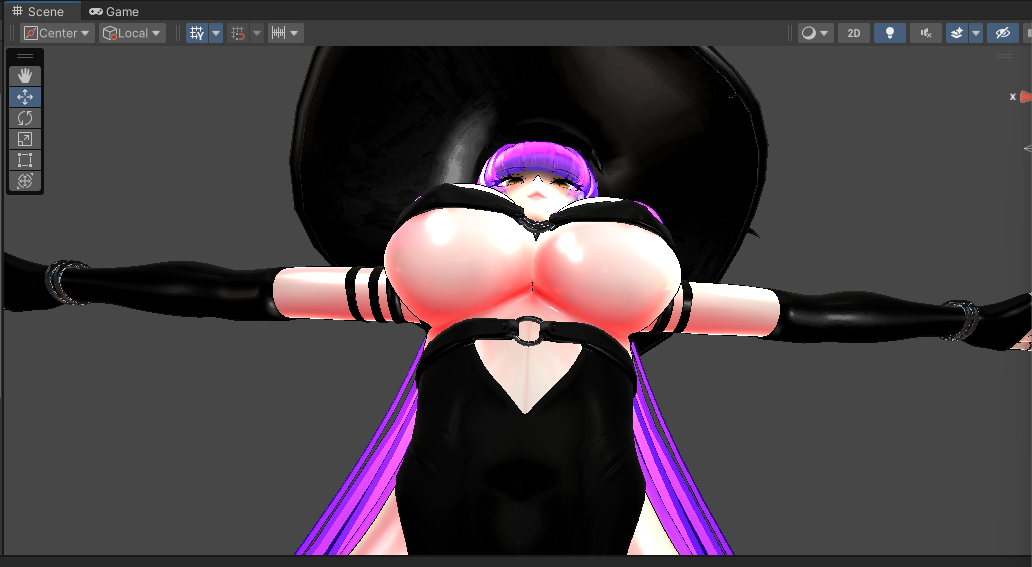
1.) In your avatar's heirarchy find the armature section
2.) Navigate to the boob section (usually hips -> spine -> chest -> boob root)
3.) Select the left or right (make sure it's the individual)
4.) Then just slide it back/forward! Personally, I would try to make them match via the axis inputs :))Remember with this you ARE moving the physbone!! That will move clothing too
I can make a tutorial vid if you need it

-
-
@kiddie
1.) In your avatar's heirarchy find the armature section
2.) Navigate to the boob section (usually hips -> spine -> chest -> boob root)
3.) Select the left or right (make sure it's the individual)
4.) Then just slide it back/forward! Personally, I would try to make them match via the axis inputs :))Remember with this you ARE moving the physbone!! That will move clothing too
I can make a tutorial vid if you need it
-
-
-
-
-
-
-
-
-
-
-
-
-
-
-
-
@iumal Hey so, don't add the Gogo Loco package.
The avi already has it. This is what broke it for me previously.Add ONLY what is shown on the avi page.



Hello! It looks like you're interested in this conversation, but you don't have an account yet.
Getting fed up of having to scroll through the same posts each visit? When you register for an account, you'll always come back to exactly where you were before, and choose to be notified of new replies (either via email, or push notification). You'll also be able to save bookmarks and upvote posts to show your appreciation to other community members.
With your input, this post could be even better 💗
Register Login