
LF: Mila The Shark's avi
-
@thatgay The thread you mentioned "there was a post before this one"
@Shadowkurou Oh, I figured that's what you meant, but I didn't want to look bad, haha. I've been looking for a while and haven't found it; if I recall correctly, I just searched for "shark" and found the post. I suppose someone here must know it
-
Will try to fix visemes when I can this avatar is burning me like crazy I'm gonna focus on other light stuff I'll get back when my shit decides to work because I really don't understand why when I repair stuff gestures never work.
AVTRH
-
-
 Download Link (workupload.com) is mila 4.4.0 please test and lmk. Everything should be working! Mila 4.6.0 is otw
@Avatarhunter is the file upload deleted permanently or can it be reinstated, the avi is fine as long as you remove the questionable outfit
-
-
-
@Avatarhunter is the file upload deleted permanently or can it be reinstated, the avi is fine as long as you remove the questionable outfit
Never mind, i found the file, but it says its missing a Asset bundle when i attempt to upload?
-
Never mind, i found the file, but it says its missing a Asset bundle when i attempt to upload?
@Cookie-monster Show me the errors
-
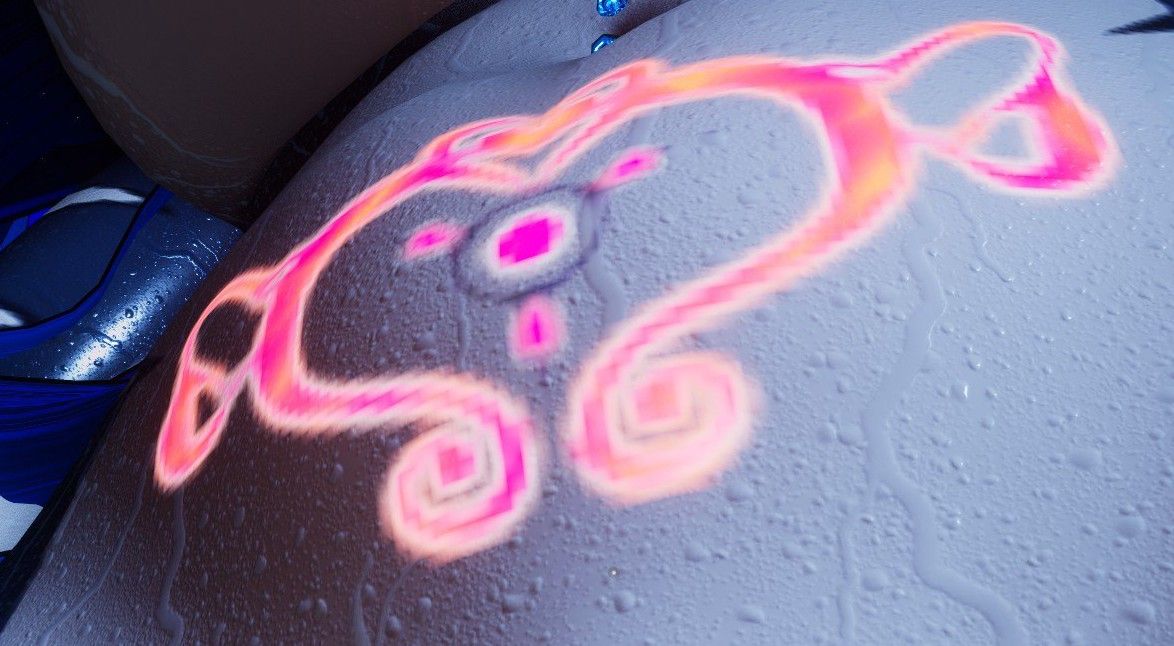
Hey, also i was thinking about succubus tattoo and it looked very low-quality for some reason, just in case... Also no visemes, so the problem that mouth don't work, everything else is fine i guess.. maybe only that eye tracking is more sensitive and sharp
-
Hey, also i was thinking about succubus tattoo and it looked very low-quality for some reason, just in case... Also no visemes, so the problem that mouth don't work, everything else is fine i guess.. maybe only that eye tracking is more sensitive and sharp
@RezoFall671
For the low quality it's prolly cause the texture is prolly set to 2048 or lower. Go to body then emissions, there should be 3 and just click on each Emission Mask Change the Max size of the texture. Also the for the love of god use crunch compression as well so it doesn't blow up the texture memory.For the Visemes I took a 2 second look and there's no blendshapes for them...awesome, I'll see if anything else could work if not I'll have to throw in the towel for that part.
for the eye tracking I've used the fox moth model before, yes the tracking is sensitive and is a little sharp. There are built in settings through thru expression menu for local smoothing give that a shot. I can't tell you more I don't fiddle with face tracking.
-
@MilaTheShark You literally make nazi jokes, get outta here gurl

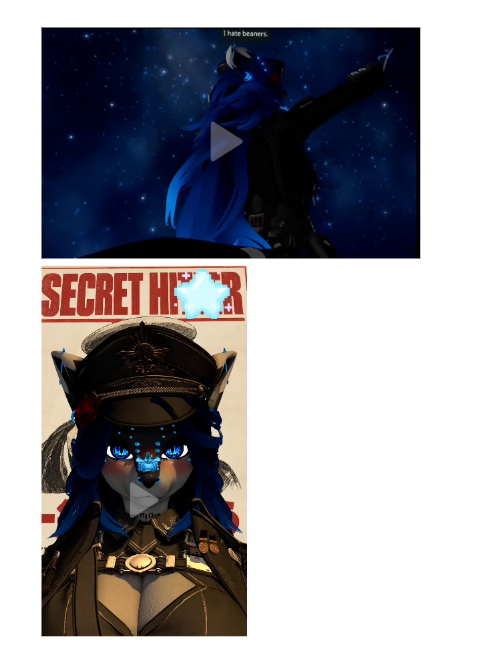
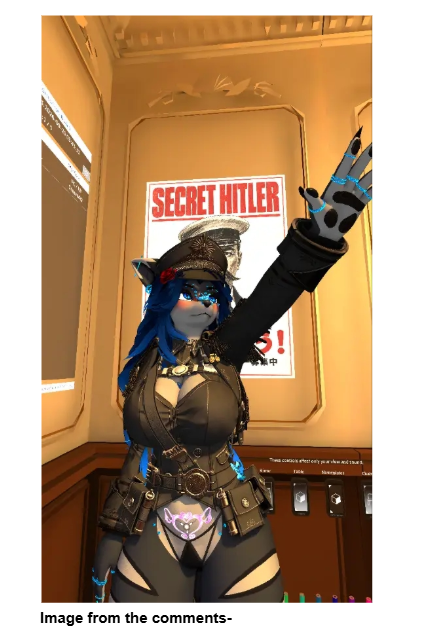
@UnhealthyCupcake oh ew lmao. i cant believe i felt bad at all
-
-
Ok for visemes Jaw flap Bone (I know accent ways of the avatar) it looks halfway decent.
closed: 117.0887
open: 128.561 (you can change if you wish to do so)
I'll look through these blendshapes to see if I can build some kind of viseme's If I can't this is an alternative way -
I'm suffering from a skill issue plz help

@Avatarhunter I'm not better than u, I hve no idea so I'm just here to talk with u :'3
-
Ok for visemes Jaw flap Bone (I know accent ways of the avatar) it looks halfway decent.
closed: 117.0887
open: 128.561 (you can change if you wish to do so)
I'll look through these blendshapes to see if I can build some kind of viseme's If I can't this is an alternative way@..w0lfy.. 'kay ty 4 ur help :³
-
@RezoFall671
For the low quality it's prolly cause the texture is prolly set to 2048 or lower. Go to body then emissions, there should be 3 and just click on each Emission Mask Change the Max size of the texture. Also the for the love of god use crunch compression as well so it doesn't blow up the texture memory.For the Visemes I took a 2 second look and there's no blendshapes for them...awesome, I'll see if anything else could work if not I'll have to throw in the towel for that part.
for the eye tracking I've used the fox moth model before, yes the tracking is sensitive and is a little sharp. There are built in settings through thru expression menu for local smoothing give that a shot. I can't tell you more I don't fiddle with face tracking.
@..wolfy.. thanks for your tips! Yeah, i thought about just using simple jaw bone, but yeah... I think visemes still better especially for VRCFT, cuz it contains more living and expressive facial movements
-
Never mind, i found the file, but it says its missing a Asset bundle when i attempt to upload?
@Cookie-monster can you tell me where the file is. ive been looking for this avi for months
-
Download Link (workupload.com) is mila 4.4.0 please test and lmk. Everything should be working! Mila 4.6.0 is otw
@Avatarhunter here’s the link
-
can anyone point me towards where I can find all the clothe ?
-
@..wolfy.. thanks for your tips! Yeah, i thought about just using simple jaw bone, but yeah... I think visemes still better especially for VRCFT, cuz it contains more living and expressive facial movements
@RezoFall671 It is a simple thing that u can explain? cause idk how to, and I dont wanna make u explain that much either







Hello! It looks like you're interested in this conversation, but you don't have an account yet.
Getting fed up of having to scroll through the same posts each visit? When you register for an account, you'll always come back to exactly where you were before, and choose to be notified of new replies (either via email, or push notification). You'll also be able to save bookmarks and upvote posts to show your appreciation to other community members.
With your input, this post could be even better 💗
Register Login