
LF Bottle of Stars
-
-
It's shared above already. This is the link from @avatarofcorn
-
@beansarenice do you happen have the setup video?
@lugiaxxx Bump for setup guide. File doesn't come with one and simply dragging the prefab in doesn't install the asset properly.
-
@lugiaxxx Bump for setup guide. File doesn't come with one and simply dragging the prefab in doesn't install the asset properly.
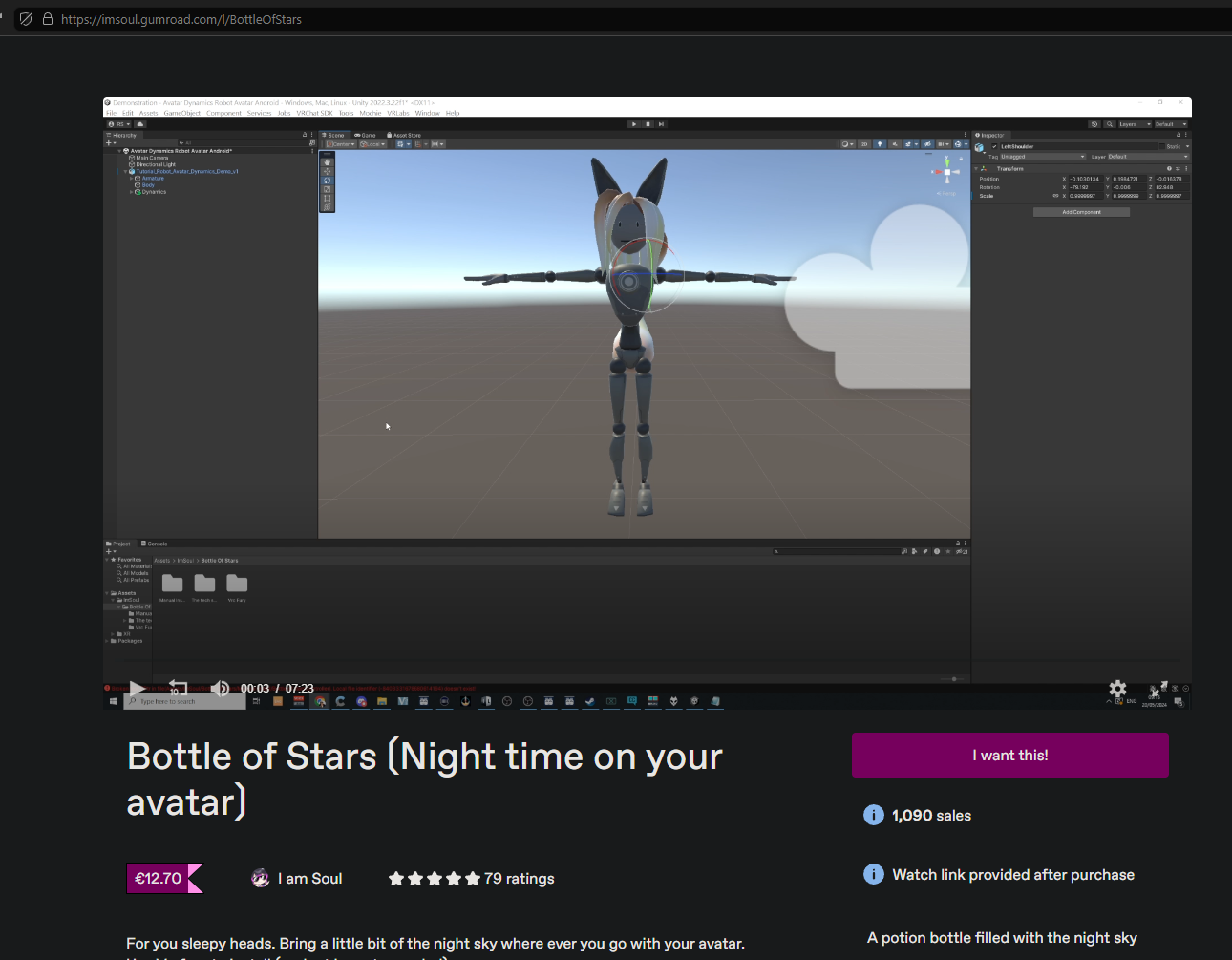
@NoUsernameOnlyMe Hit the page of the creator, slide over to the 3rd video and there you go.
https://imsoul.gumroad.com/l/BottleOfStars
-
@NoUsernameOnlyMe Hit the page of the creator, slide over to the 3rd video and there you go.
https://imsoul.gumroad.com/l/BottleOfStars
@blapanda Oh i'm blind. Thank you
-
Does anyone else encountered the issue where the name plate get ridiculously high in game?
-
Does anyone else encountered the issue where the name plate get ridiculously high in game?
@Skepticalicious As far as I can see, the only thing having an effect onto your name plate could be the "Glass" and "Opaque" object, but their boundaries are not exorbitantly big.
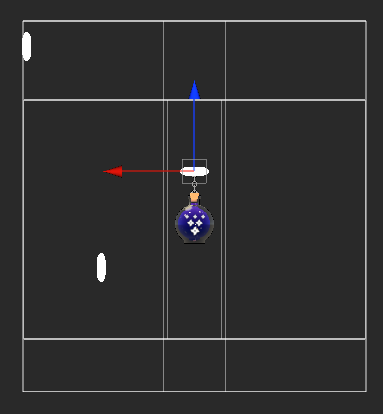
It may be something else on your avatar, or your avatar is like 20cm big, yet it is easily fixable, though, just by simply editing your avatar's object boundaries (including the Glass and Opaque entries on the "Bottle"-asset from this asset).
-
How can i see the guide when i press on the image it sais NOt allowed
-
Does anyone else have the issue of the effects only being visible in mirrors and the stars basically completely invisible?
-
@FallenShadow Hello do you have a setup guide?
-
so why do we do this.. this is broken but no one wants to say it?
-
so why do we do this.. this is broken but no one wants to say it?
@ShaunUnityRS No clue what you are on, and what the problem of some of you is not able to run this asset properly on your avis, but ... this is clearly a skill issue and user sided error not being able to make this asset work. It ain't even requiring you to program or script anything, not even a single animation (despite the opacity of the dome being broke, which can be fixed be redoing the anim files for the fades) it literally has a fully automated setup, you just have to place the given placeholders properly, and yet assuming that everyone else is collectively being like "not talking and being malicious about it".
-
Indeed setting it up is just drag and drop.But then the difference with a drag and drop prefab and this one is
Hello do you have a setup guide?
Does anyone else have the issue of the effects only being visible in mirrors and the stars basically completely invisible?
How can i see the guide when i press on the image it sais NOt allowed
Does anyone else encountered the issue where the name plate get ridiculously high in game?
do you happen have the setup video?
---- a simple drag and drog doesnt have people so confused, XD.Nametag going up real real high(happens on 1/3 avatars) , dome size or sphere or whatever should be small then become big with anim. 1st..
then, I try to see that dome fade or whatever, cant see it in all the anim files.A ready prefab should not take more then 5 mins to set up.
I spent way more then that to try and fix it.so you said: (despite the opacity of the dome being broke, which can be fixed be redoing the anim files for the fades)
which anim are we speaking of? I looked at them all I cant find it lol.anyway thanks for helping figure out, maybe only I speak, but I sure many felt like that with the prefab.
-
Indeed setting it up is just drag and drop.But then the difference with a drag and drop prefab and this one is
Hello do you have a setup guide?
Does anyone else have the issue of the effects only being visible in mirrors and the stars basically completely invisible?
How can i see the guide when i press on the image it sais NOt allowed
Does anyone else encountered the issue where the name plate get ridiculously high in game?
do you happen have the setup video?
---- a simple drag and drog doesnt have people so confused, XD.Nametag going up real real high(happens on 1/3 avatars) , dome size or sphere or whatever should be small then become big with anim. 1st..
then, I try to see that dome fade or whatever, cant see it in all the anim files.A ready prefab should not take more then 5 mins to set up.
I spent way more then that to try and fix it.so you said: (despite the opacity of the dome being broke, which can be fixed be redoing the anim files for the fades)
which anim are we speaking of? I looked at them all I cant find it lol.anyway thanks for helping figure out, maybe only I speak, but I sure many felt like that with the prefab.
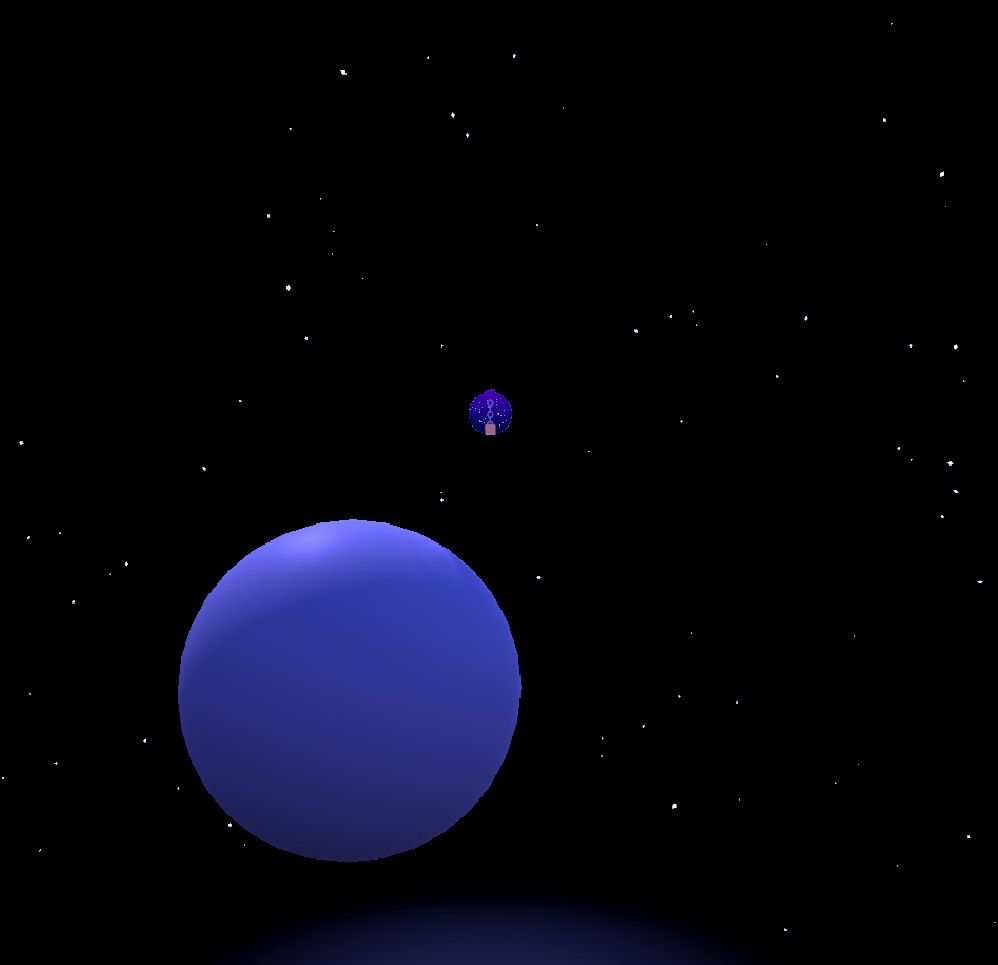
@ShaunUnityRS Invisible, and only visible in mirrors is only going to happen, if people mess around with the layer style of the GameObject. Usually, they are either set to untagged, UI or anything else (same goes for the layer order - 2000, 3000, 3001 and so on, which will be a regular use layer, towards the 3k values), in GameObject and/or Material. If someone messes around with those layer styles, stuff will behave differently.
There is a guide/tutorial is on the asset-page, that I've also stated long before. It is the third video:
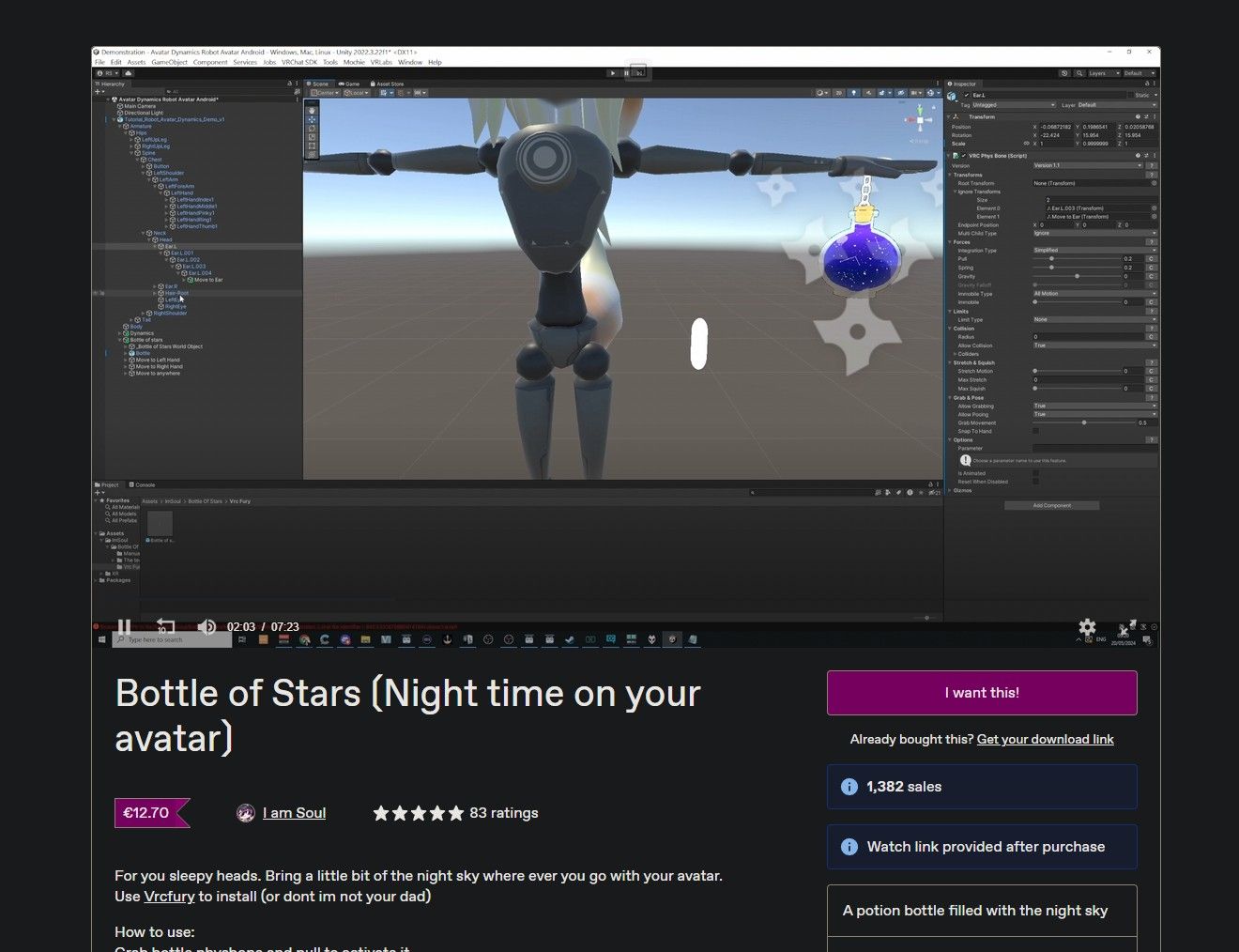
Nameplate issue only happens, if assets are being toggled on by spawn - you could have an entire planet as a GameObject on you, and it won't push your nametag up high, if the asset is being turned off in the beginning of people caching and rendering the avatar on their first playerspawn().
This is usually not a concern for a regular use of the asset.The fading of the dome/night sky is a shader issue which hasn't been updated by the creator. The used mochi shaders also do not allow people to externally configure/manipulate the values via anim-files+toggles, as most people are used to do that by shaders like Poiyomi. "Creators" tend to smear an asset and ditch it, as long as they are getting some passive income out of that.
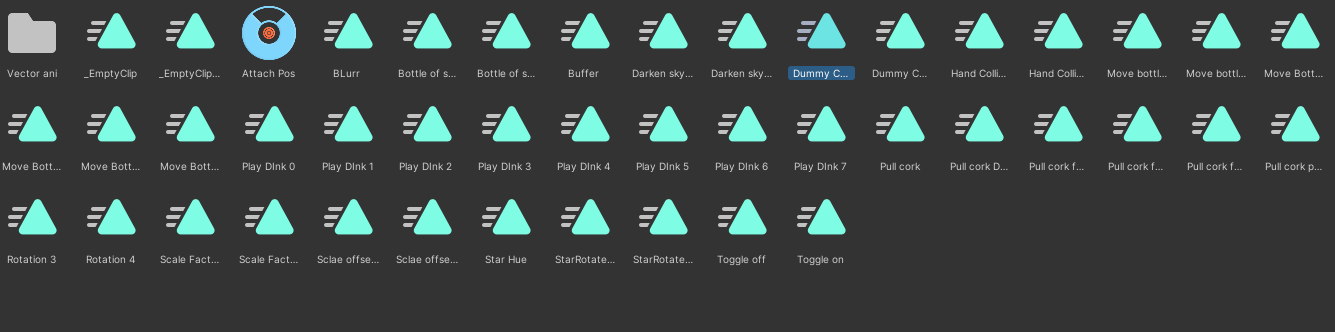
The "Pull cork *" animations do have the dimming effect in them. You have to either tweak them out, or do it from scratch. It will require some brainjuice, as the config is pretty dirty.
Results will be like: 100-50-0%
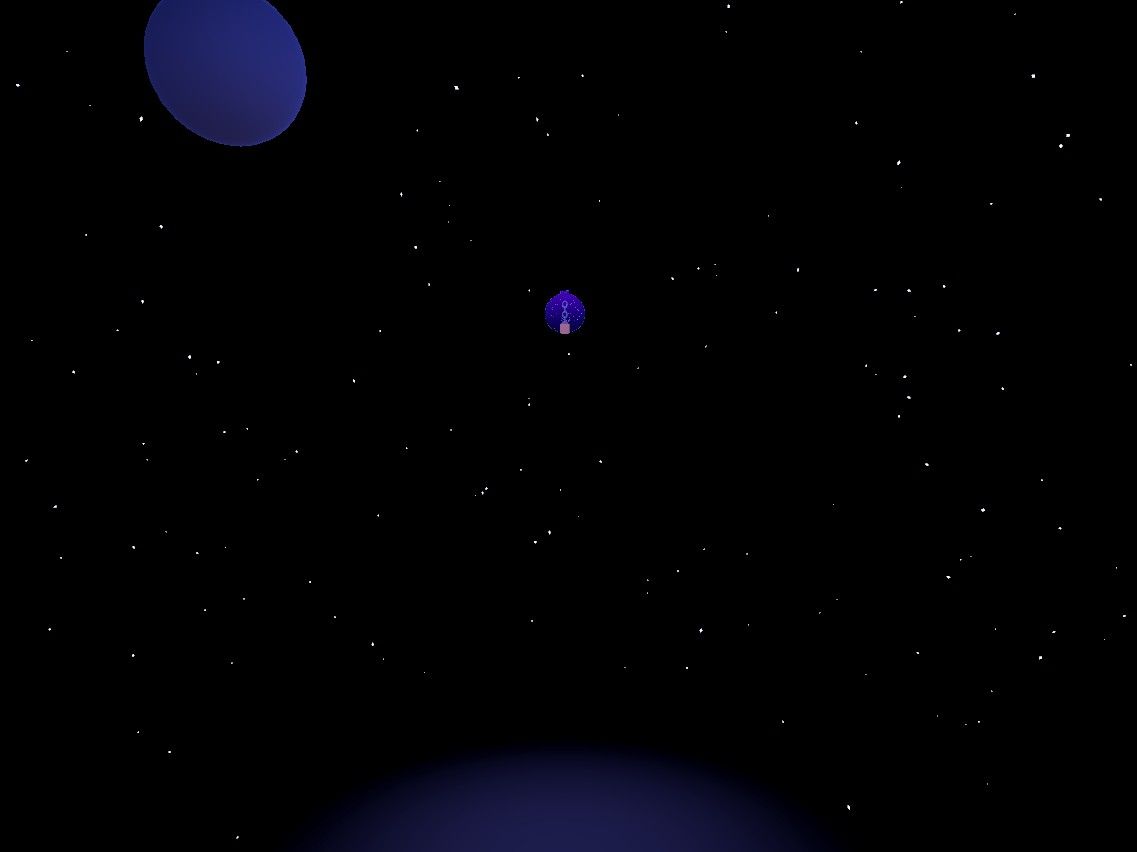
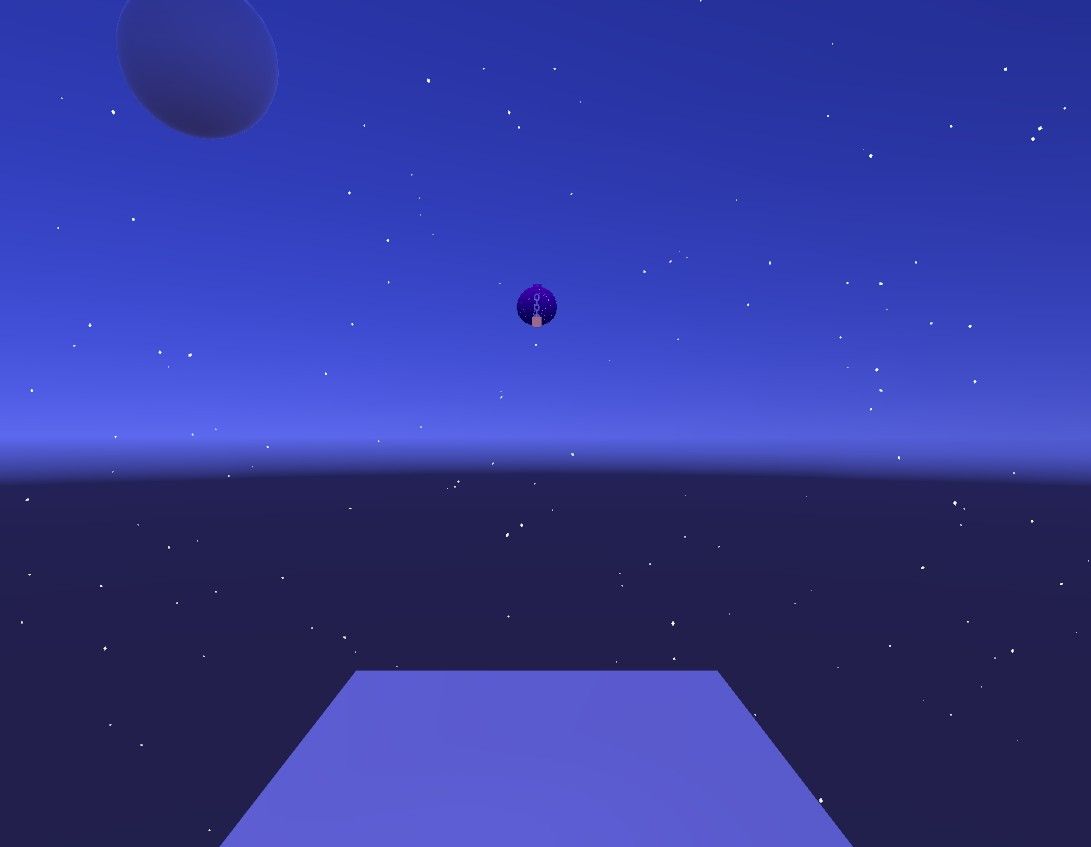
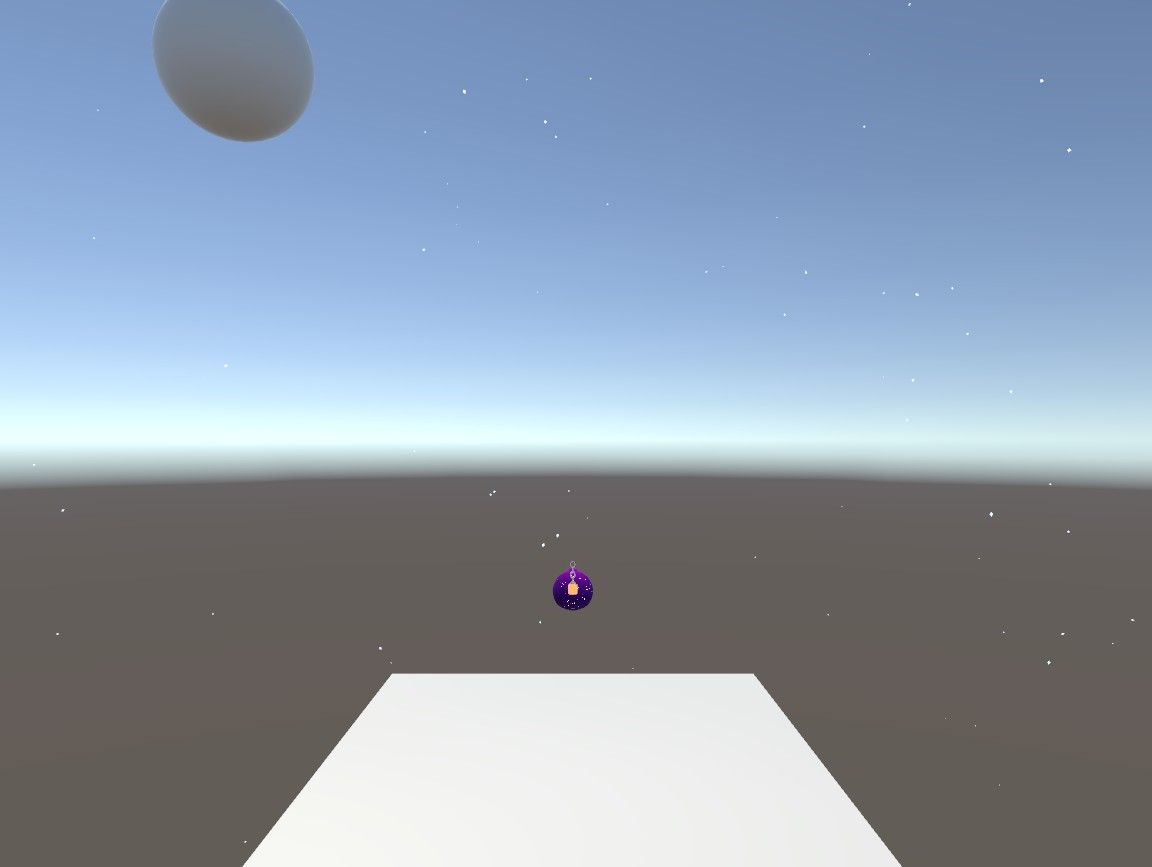
Believe me, a "Drag and Drop" in its current type of progress is the best people could get nowadays. We used to manually add all the gogoloco parts into an avatar's param, expression and other menus, to make it (hopefully) work.
People don't have to code in anything, no double checking for WD, no checking for animation loops, no parameter matching in param- and animation-drivers. That is something way better I used to have a couple of years ago.
It shouldn't be really that hard for people simply moving stuff around a bit, as there is even a visualized tutorial for that. -
The "Pull cork *" animations do have the dimming effect in them. You have to either tweak them out, or do it from scratch. It will require some brainjuice, as the config is pretty dirty.
Results will be like: 100-50-0%well here you go, enjoy bottle of star people, its super simple, just drag and drop, then use your brainjuice and VOILA. easy as said. thanks so much working 100% was so easy, dont see why the creator of the asset doesnt update it. or they never had this problem in the first place. never it was here in the original file. not the creators fault.
during upload something happen. -
The "Pull cork *" animations do have the dimming effect in them. You have to either tweak them out, or do it from scratch. It will require some brainjuice, as the config is pretty dirty.
Results will be like: 100-50-0%well here you go, enjoy bottle of star people, its super simple, just drag and drop, then use your brainjuice and VOILA. easy as said. thanks so much working 100% was so easy, dont see why the creator of the asset doesnt update it. or they never had this problem in the first place. never it was here in the original file. not the creators fault.
during upload something happen.@ShaunUnityRS said:
The "Pull cork *" animations do have the dimming effect in them. You have to either tweak them out, or do it from scratch. It will require some brainjuice, as the config is pretty dirty.
Results will be like: 100-50-0%well here you go, enjoy bottle of star people, its super simple, just drag and drop, then use your brainjuice and VOILA. easy as said. thanks so much working 100% was so easy, dont see why the creator of the asset doesnt update it. or they never had this problem in the first place. never it was here in the original file. not the creators fault.
during upload something happen.It is very obvious to me, that you are looking for reasons to flame and be unpleasant.
You are here on a forum, where people do their best to share the assets, for free.
Given that, if you are unsatisfied with all that, go and purchase the asset and bother the original creator about those things and demand your rightfully working asset then.
Seriously, you are wasting someone else's time just because you cannot step down from your high horse. If you are not willing to learn, tweak and do some things on those, again, free assets, by your own, then please don't bother the people here.



Hello! It looks like you're interested in this conversation, but you don't have an account yet.
Getting fed up of having to scroll through the same posts each visit? When you register for an account, you'll always come back to exactly where you were before, and choose to be notified of new replies (either via email, or push notification). You'll also be able to save bookmarks and upvote posts to show your appreciation to other community members.
With your input, this post could be even better 💗
Register Login