
Help with carrying mamehinata assets onto a milfy base
-
self explanatory title
(im a dumbass in unity so I would appreciate some nerd to come save me)
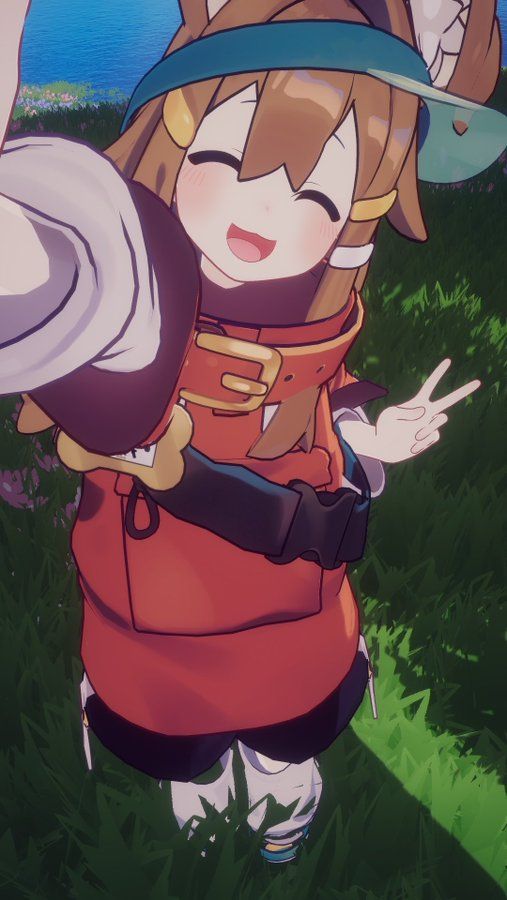
I want to make a matured mamehinata avi like this.
Unfortunately im too dumb to know how to link the default assets like clothes,ears,hair etc from the actual prefab onto a milfy base
image below is roughly the current state im stuck in
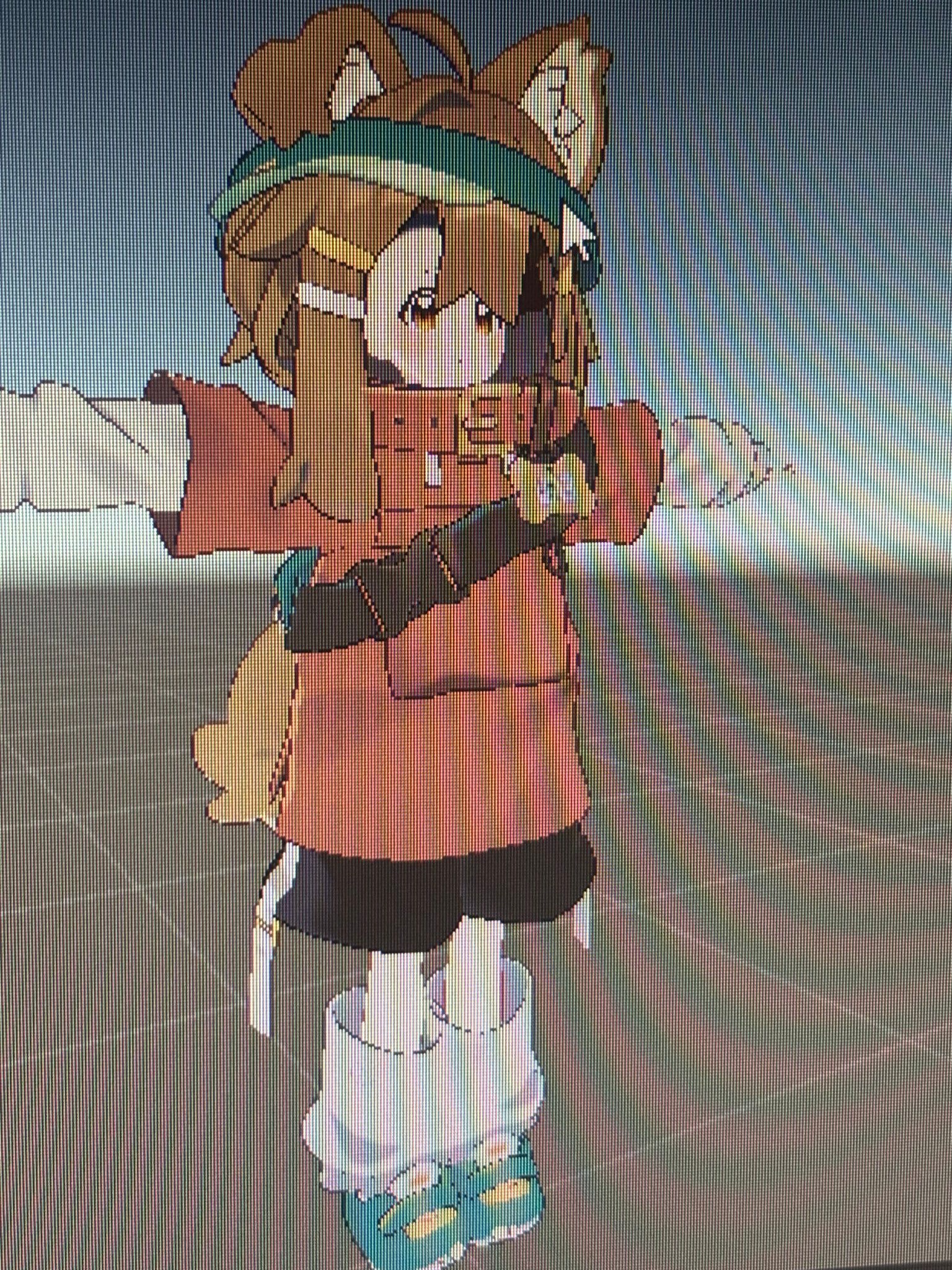
below here is how it should look once completed but im stuck getting armature links to work blah blah blah and more problems like scaling not working if im not scaling the entire mamehinata parent avatar so I cant scale individual assets like the ears , hair , etc.
Or assets such as the hair would randomly vanish when I link them to the milfy root and stuff.
Not to mention linking them doesnt seem to attach them to the arms and such so they would just be in tpose floating position while my milfy base moves around. 🥲🥲🥲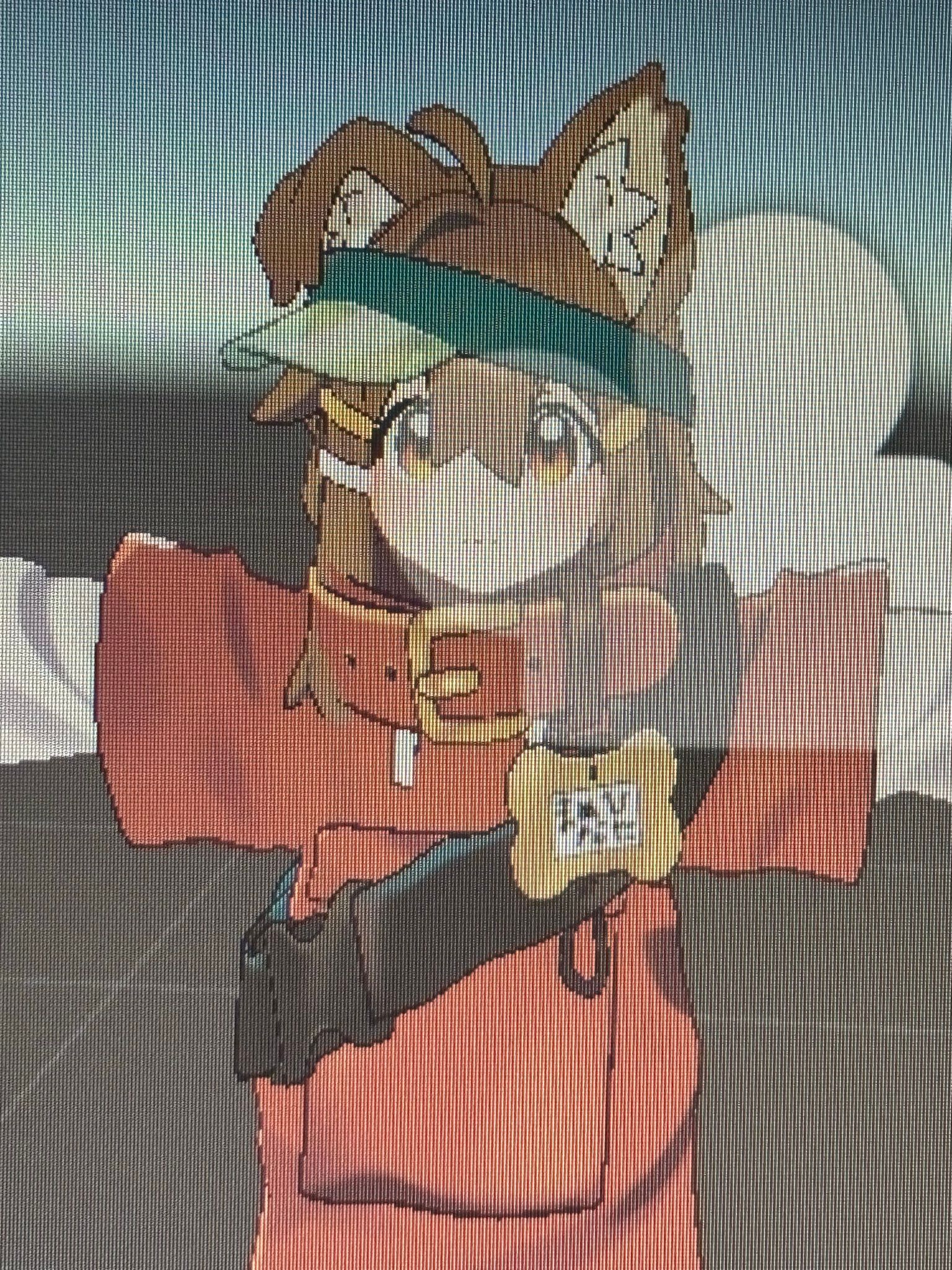
here is the unity scene
hopefully it could be of help in assisting me (hopefully thats how you let others see your project or share them) 'idk' -
hey a little bit late but what you could do is import multiple mamehinata prefabs and hide all meshes except for the collar on one, ears on the other, clothes, hair, the shirt on the other, etc. This is so you can freely scale the prefab without messing other things up. To link the bones just put the packages underneath the armature u want it to be linked to in the hierarchy


Hello! It looks like you're interested in this conversation, but you don't have an account yet.
Getting fed up of having to scroll through the same posts each visit? When you register for an account, you'll always come back to exactly where you were before, and choose to be notified of new replies (either via email, or push notification). You'll also be able to save bookmarks and upvote posts to show your appreciation to other community members.
With your input, this post could be even better 💗
Register Login