
LF: Saikura assets (75/82) + extra!
-
bumpin' for luella's curly bun (https://saikura.com/b/YyvRC)
also looking for the band-aids (https://saikura.com/b/C3Eo7) and nanno's gas mask (https://saikura.com/b/UvPjy - just the gas mask, not the hair)
-
-
LF Angela's Hair https://saikura.com/b/7snOF
-
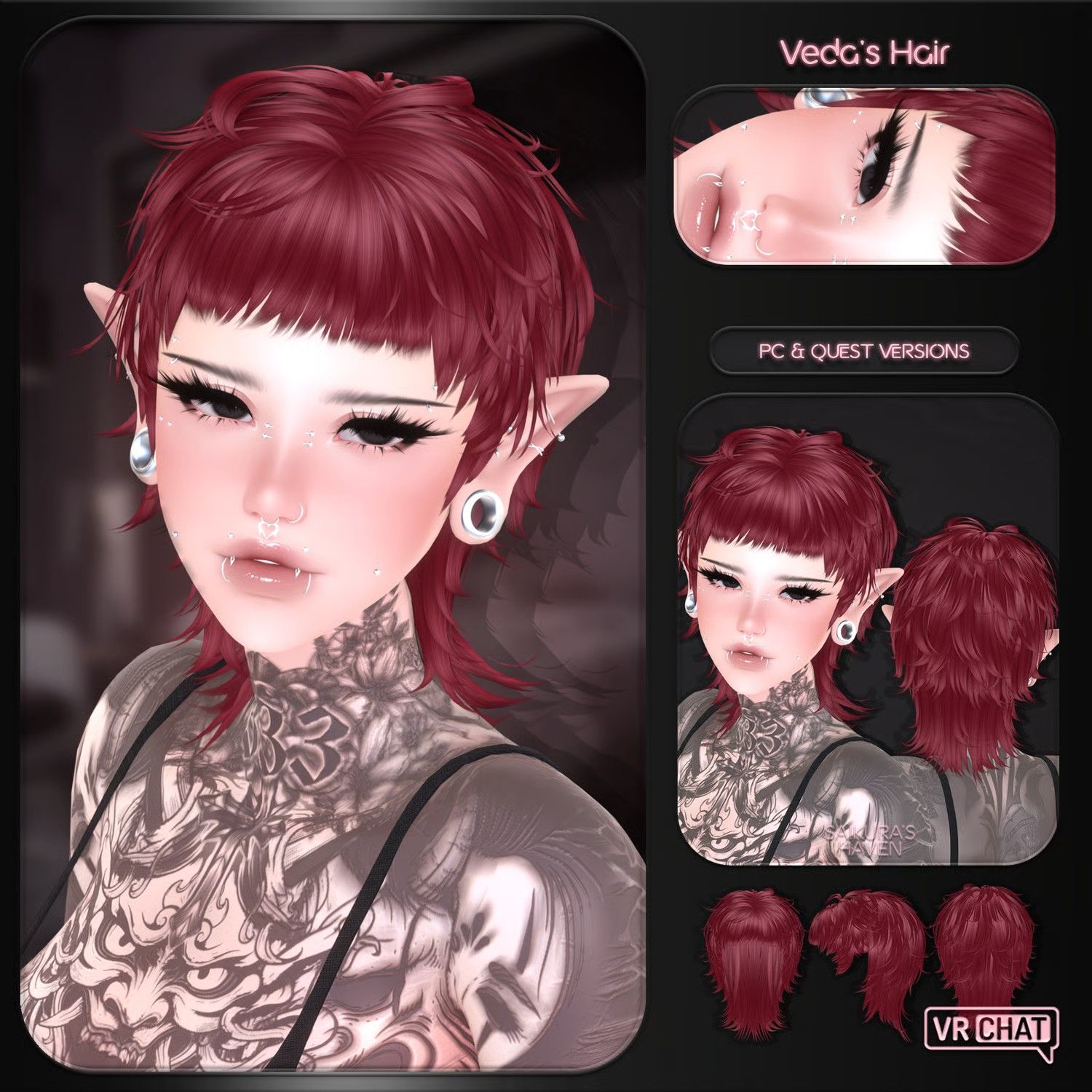
bump Veda's Mullet! https://saikura.com/b/q7NMW
-
@ʟᴏʟɪᴛᴀ bump
-
-
-
-
https://saikura.com/b/WtP0n Does anyone have this? i know its older, but comign from a fellow wavy hair girly, im in need!!
-
bump Veda's Mullet! https://saikura.com/b/q7NMW
-
Anyone have sabrinas curls?
@unknown412 sabrina's curls are found here https://forum.ripper.store/post/1715382
-
Can I please have Morrigan's Hair pleaseeee~

https://saikura.com/b/BLXkM?ref=nexyy <-- Morrigan's Hair V2 for VRChat [Free In Nitro] -
-
So, like, how do you actually properly do anything with the hair? Like, I'm assuming I'm gonna have to make the phys for the hair?
-
bump lolita's bundle (need all versions pls!) https://saikura.com/b/9UfNj
-
@Visaeres i mean normally u don't have to actually add the bones just add the physics in unity
-
-
@Visaeres You usually just add a script to the hair "root" level of the hierarchy. Some hair that comes as a unitypackage instead of an fbx will already come with that, but with FBX files, you add it yourself.
-
@SweetSangria Yeah the hair I wanted to add is an FBX, i've been so lost lol
@Visaeres Once I've added the fbx to the project, I usually drag it to the hierarchy above the actual avatar. Then I drag it down to the head, so Armature > Hips > Spine > Chest > Neck > Head. Drag it under there. Then move the hair around and resize it as needed to get it to fit the avatar. Then under the hair itself, follow the hierarchy down to a level that has the word "root" in it, and that's the level where you add the physbone script. Hope that helps!
-
Follow up:
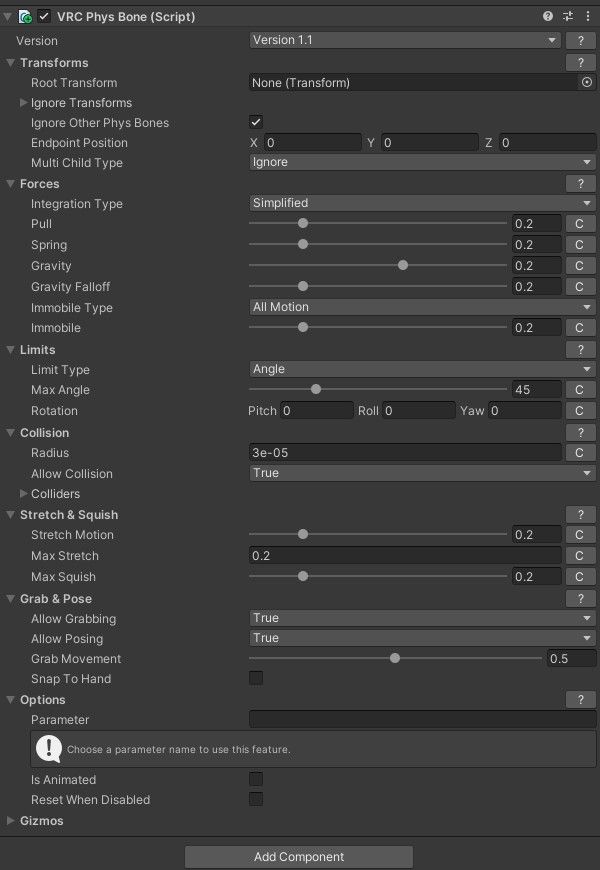
This is what I usually have for the physbone script for hair, but you can adjust it depending on how much movement you want / don't want. The main thing you'll need to adjust is the collision radius, based on however the bones in the hair are setup. So the radius may be as small as like 0.0001 on some of them, whereas on others it might be 0.01. Just watch how big the bubble is around the hair strands. If you leave it too big, you and your friends are going to collide with it from a distance and that's always weird.
Upvotes always appreciated! <3







 Download Link (workupload.com)





Hello! It looks like you're interested in this conversation, but you don't have an account yet.
Getting fed up of having to scroll through the same posts each visit? When you register for an account, you'll always come back to exactly where you were before, and choose to be notified of new replies (either via email, or push notification). You'll also be able to save bookmarks and upvote posts to show your appreciation to other community members.
With your input, this post could be even better 💗
Register Login