
👔How to Setup Outfit & change Body Scale for Booth Avatars & Clothing?👗
-
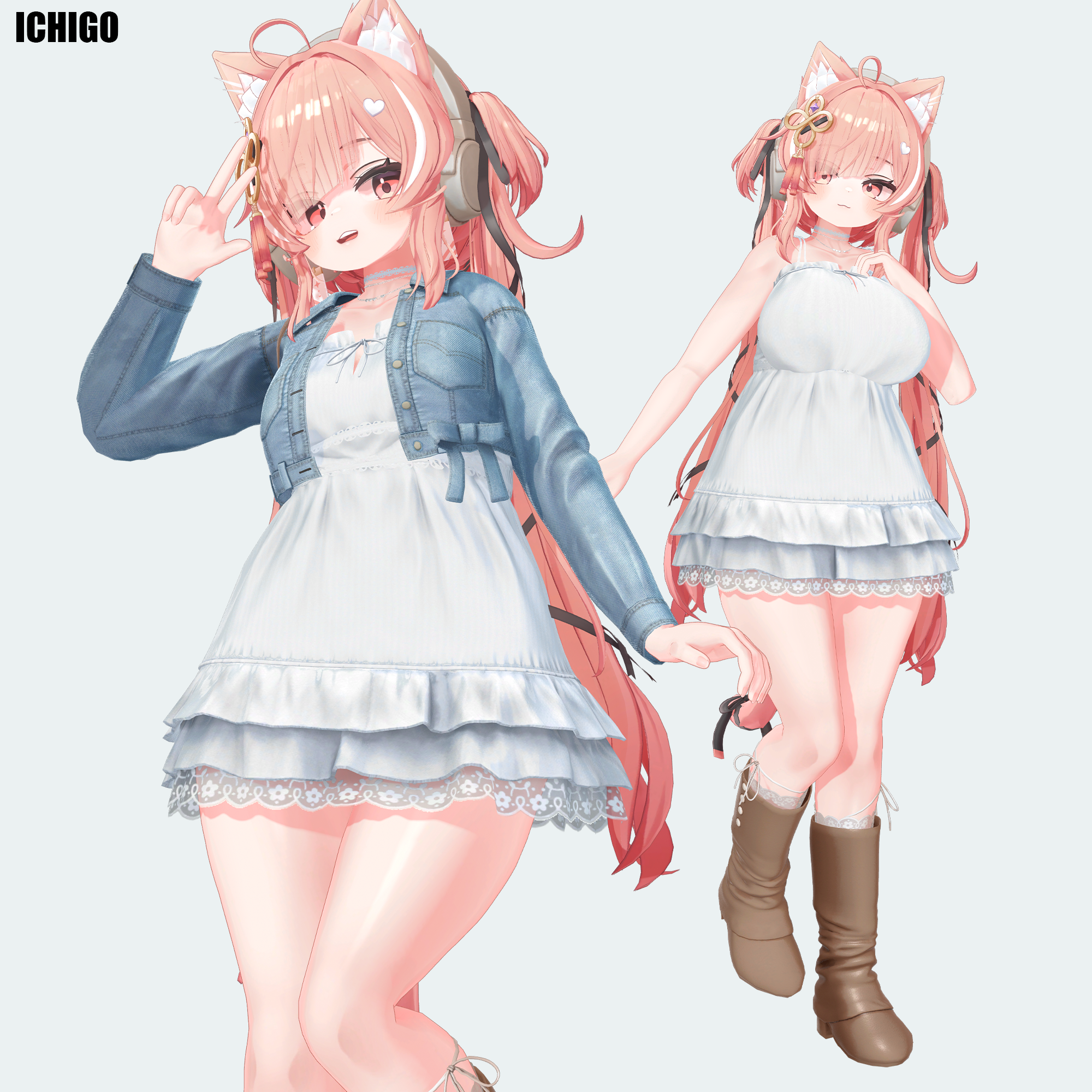
The ICHIGO avatar has become incredibly popular, and after seeing the question,
"How do you put clothes on it?!


 "
"in the forum's mega-thread, I've put together a quick tutorial based on an AI-synthesized document.
I believe that many of us who have developed an interest in Booth-purchased avatars,
starting with Ichigo—myself included—are comrades bound by a certain... calling.
The standard body shape sold by creators never quite satisfies our yearning.You see, we are the ones who have come to understand a fundamental, undeniable truth:
"Our souls demand the form of a goddess with bountiful, graceful curves—nothing less will do!!!
 ️
️ "
"⠀
Therefore, I would also like to explain how to use a component called the Scale Adjuster,
which allows you to sculpt such divine proportions directly within Unity itself.
⠀
I have omitted topics like setting up Unity or the upload process via the SDK,
as I believe others have likely already created guides on these subjects.
Furthermore, many creators have also made helpful video tutorials,
so I encourage you to search for them on Google and other platforms.
https://www.google.com/search?q=vrchat+unity+modular+avatar+scale+adjuster
⠀
⠀ How to Use Setup Outfit with Copy Scale Adjuster in Unity (for VRChat)
⠀
1. Preparation
- Download and import Modular Avatar into your Unity project.
https://modular-avatar.nadena.dev/ - Install the Copy Scale Adjuster extension (available on GitHub).
https://github.com/Rerigferl/modular-avatar-copy-scale-adjuster
⠀
2. Adjust the Avatar’s Body Shape
- On the avatar’s Armature/bones (e.g., Hips, UpperLeg, Chest), add the MA Scale Adjuster component.
- Enter X/Y/Z values to reshape the body:
- Example: Increase UpperLeg X/Z → thicker thighs
- Example: Increase Chest X/Z → broader chest
*A quick tip: For adjustments where the X/Y/Z values maintain a uniform scale
⠀—such as increasing the Breast_L/R Butt_L/R size while keeping its shape proportional—
⠀you can safely use Unity's built-in Transform > Scale tool without worrying about distortion in VRChat.
⠀It's perfectly fine to use this method in combination with Scale Adjuster compornent.
⠀3. Set Up the Outfit
- Drag the outfit prefab into the avatar’s Armature.
- Instead of the standard Setup Outfit, use Setup Outfit with Copy Scale Adjuster.
- This automatically copies the Scale Adjuster values from the avatar’s bones to the outfit’s corresponding bones.
- Please navigate to the Armature.1 of the outfit, expand the "Reset Position to base Avatar" section,
then check only the three options below the top one (excluding "Adjust outfit overall scale~"), and finally press "Do it!"

⠀4. Important Notes
- Bone names must match between the avatar and outfit for the copy to work.
- If the outfit already has Scale Adjusters, they will be overwritten.
- If you manually scaled bones via Transform, you may need to use MA Merge Armature → Reset to Avatar to sync transforms.
⠀
5. Final Adjustments
- Check in Scene View that the outfit follows the avatar’s new proportions correctly.
- If you changed leg length or added heels, use Floor Adjuster to fix ground contact.
https://booth.pm/ja/items/5756378 - Once satisfied, upload via the VRChat SDK Control Panel.
⠀
 Summary
- Setup Outfit → merges the outfit with the avatar
- Scale Adjuster → reshapes the avatar’s body
- Copy Scale Adjuster → automatically applies the same scaling to the outfit → Result: The outfit always fits, even after body adjustments
⠀
 Reference Links
- Modular Avatar (official site)
https://modular-avatar.nadena.dev/ - MA Scale Adjuster documentation
https://modular-avatar.nadena.dev/ja/docs/reference/scale-adjuster - Tips: Using MA Scale Adjuster (Japanese guide)
https://wiki.maud.io/ja/vrchat/tips/scale-adjuster - Copy Scale Adjuster GitHub repository
https://github.com/Rerigferl/modular-avatar-copy-scale-adjuster
Corrupted File After Extraction?💻 Virus Detected?👾
of easy fixes you can try right away. I hope you’ll give it a read!🛠Is Booth avatar's default body type a bit too slender for your taste?
Worry not! You can use Unity alone to transform her into a voluptuous, alluring Venus—plump and perfectly curved! 🥰I eagerly await the benevolent deity who will bless us with the latest version, including the profile picture costume!
I would be delighted if you could take a look at my Profile & Topic List💖 - Download and import Modular Avatar into your Unity project.
-
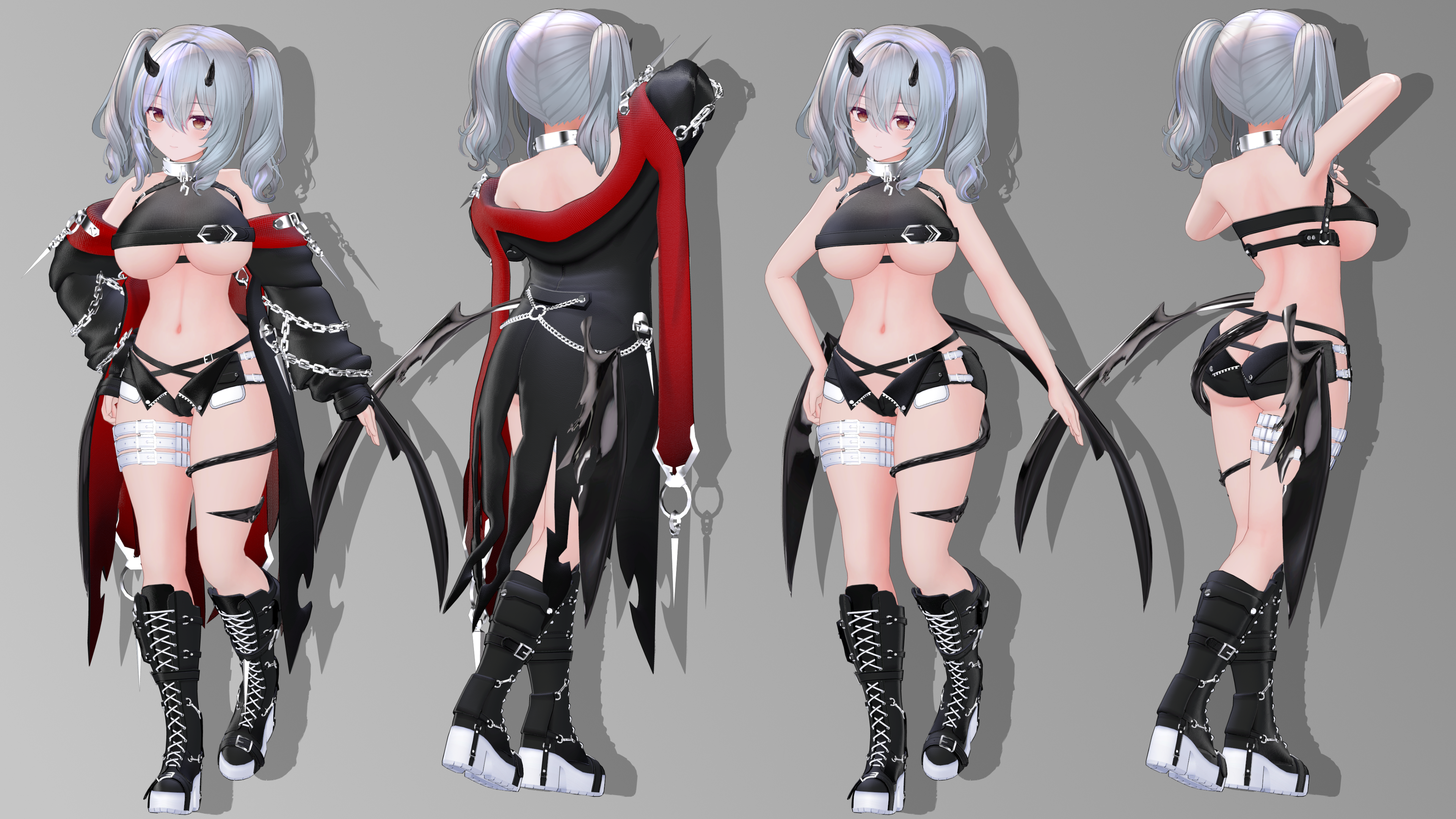
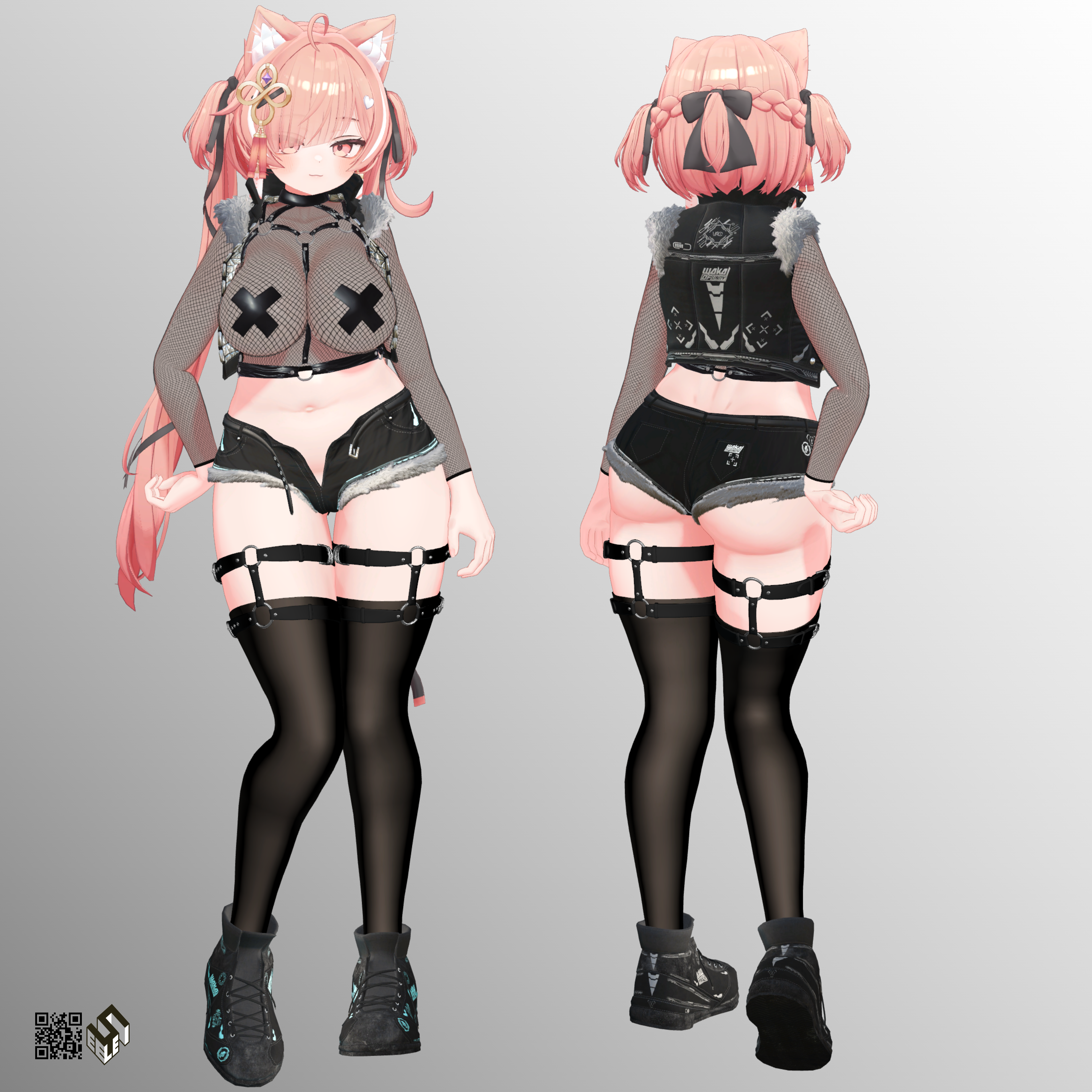
I have been constantly searching for the latest full set of this outfit and am in a bit of a predicament.

If it's not too much trouble, I would be immensely grateful for your help.
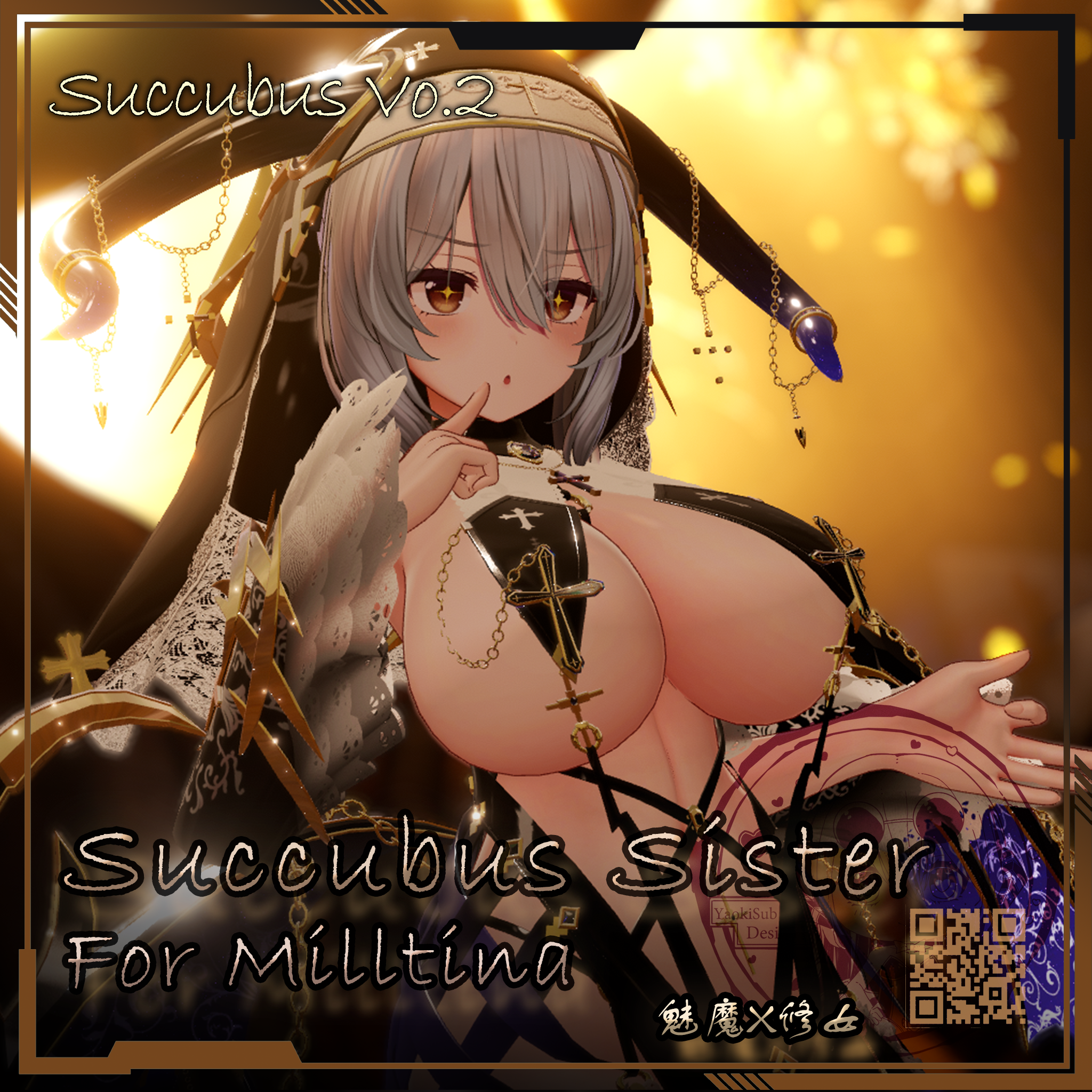
⠀◇SuccubusSister 魅魔X修女 V1.1 【Succubus Vo.2】
◇孽【ギミック付き衣装】
◇ホットパンツ・シュテルン - Hot Pants -Stern
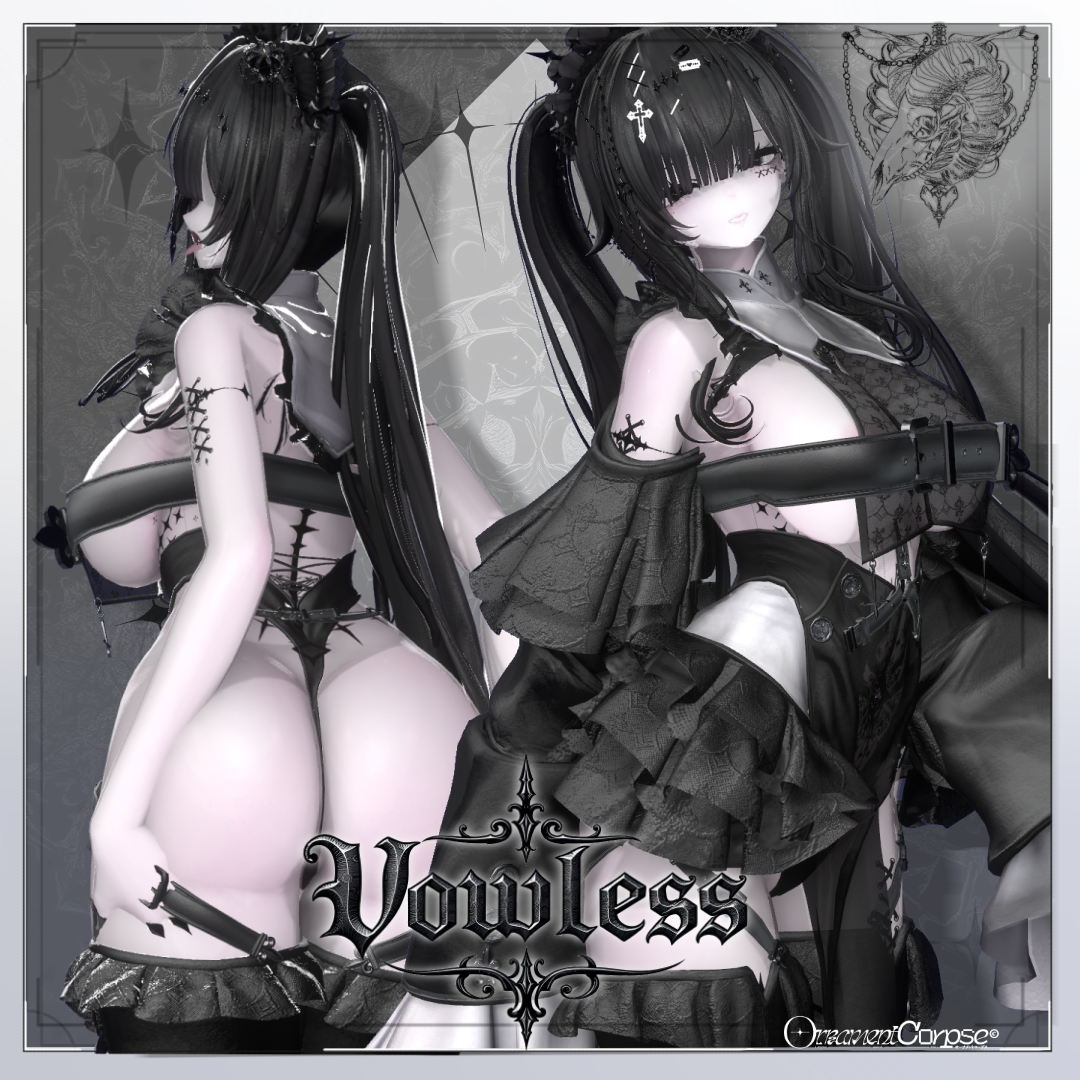
◇Vowless
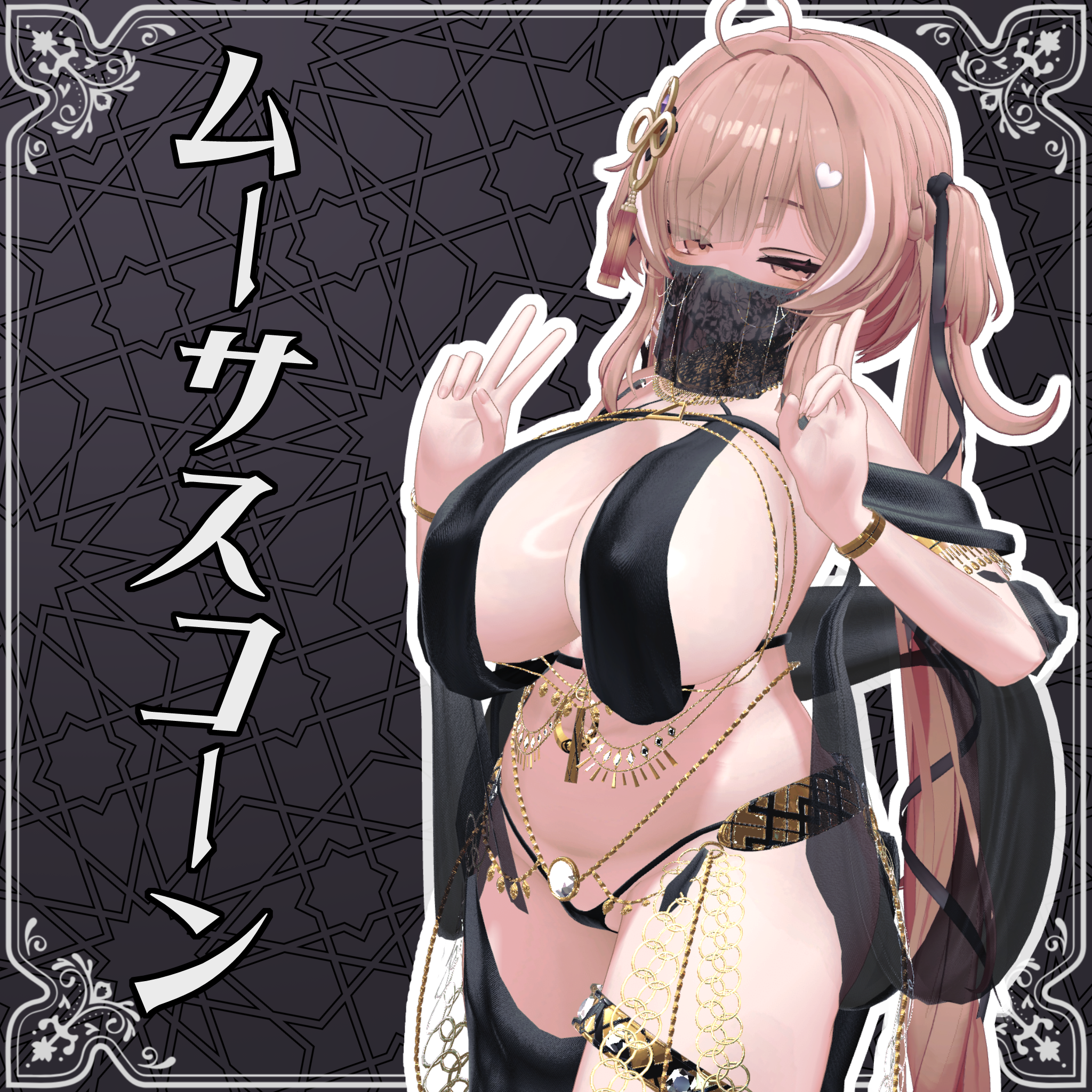
◇ムーサスコーン
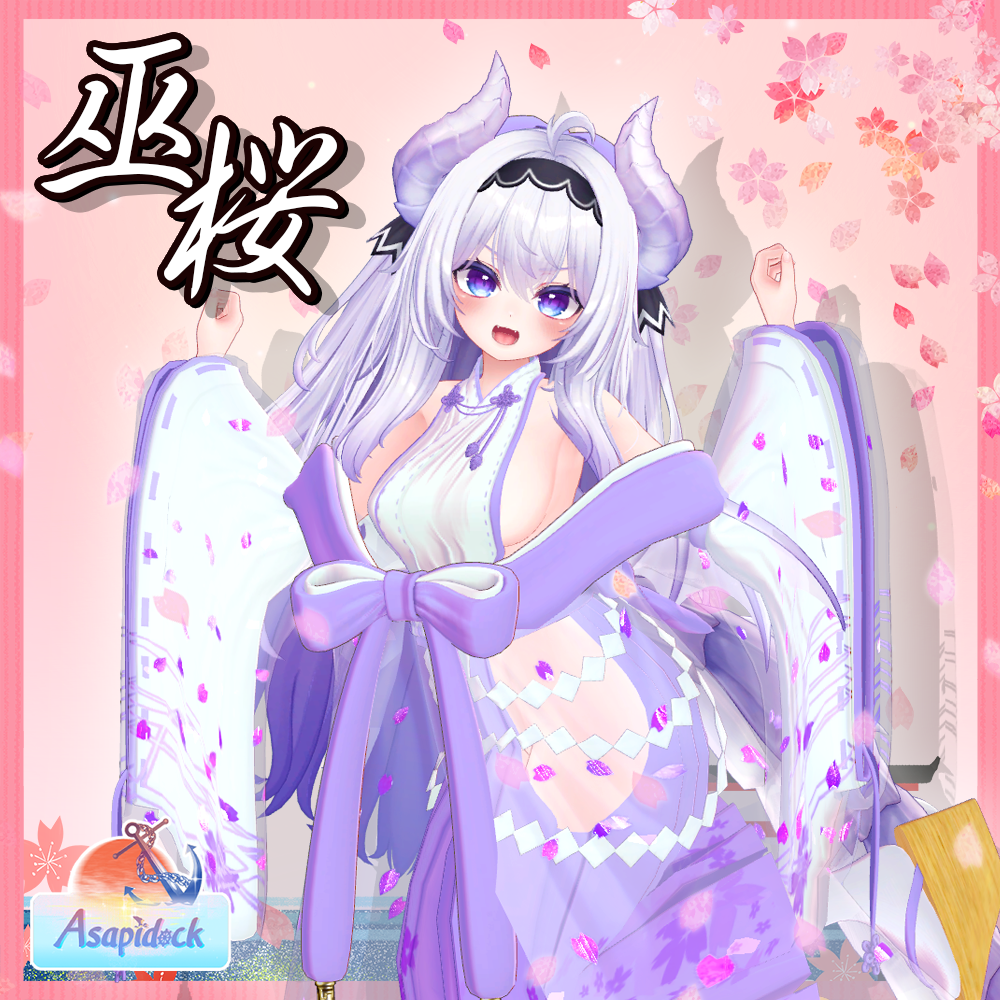
◇巫桜
◇AFW
◇麗猫メイド Victorian Whiskers Maid 猫セット付
Corrupted File After Extraction?💻 Virus Detected?👾
of easy fixes you can try right away. I hope you’ll give it a read!🛠Is Booth avatar's default body type a bit too slender for your taste?
Worry not! You can use Unity alone to transform her into a voluptuous, alluring Venus—plump and perfectly curved! 🥰I eagerly await the benevolent deity who will bless us with the latest version, including the profile picture costume!
I would be delighted if you could take a look at my Profile & Topic List💖 -
i want to leave a note of appreciation, in my time of learning unity i personally discovered that i could edit her proportions using the armature, however it came with many difficulties when trying to make clothing fit, for months i have been trying different solutions and this post here is a complete life saver!! i appreciate you and your contributions to the community, thank you!
-
i hope your pillow always cold thank you
-
-
very good
-
The ICHIGO avatar has become incredibly popular, and after seeing the question,
"How do you put clothes on it?!
"in the forum's mega-thread, I've put together a quick tutorial based on an AI-synthesized document.
I believe that many of us who have developed an interest in Booth-purchased avatars,
starting with Ichigo—myself included—are comrades bound by a certain... calling.
The standard body shape sold by creators never quite satisfies our yearning.You see, we are the ones who have come to understand a fundamental, undeniable truth:
"Our souls demand the form of a goddess with bountiful, graceful curves—nothing less will do!!!
️"⠀
Therefore, I would also like to explain how to use a component called the Scale Adjuster,
which allows you to sculpt such divine proportions directly within Unity itself.
⠀
I have omitted topics like setting up Unity or the upload process via the SDK,
as I believe others have likely already created guides on these subjects.
Furthermore, many creators have also made helpful video tutorials,
so I encourage you to search for them on Google and other platforms.
https://www.google.com/search?q=vrchat+unity+modular+avatar+scale+adjuster
⠀
⠀ How to Use Setup Outfit with Copy Scale Adjuster in Unity (for VRChat)⠀
1. Preparation
- Download and import Modular Avatar into your Unity project.
https://modular-avatar.nadena.dev/ - Install the Copy Scale Adjuster extension (available on GitHub).
https://github.com/Rerigferl/modular-avatar-copy-scale-adjuster
⠀
2. Adjust the Avatar’s Body Shape
- On the avatar’s Armature/bones (e.g., Hips, UpperLeg, Chest), add the MA Scale Adjuster component.
- Enter X/Y/Z values to reshape the body:
- Example: Increase UpperLeg X/Z → thicker thighs
- Example: Increase Chest X/Z → broader chest
*A quick tip: For adjustments where the X/Y/Z values maintain a uniform scale
⠀—such as increasing the Breast_L/R Butt_L/R size while keeping its shape proportional—
⠀you can safely use Unity's built-in Transform > Scale tool without worrying about distortion in VRChat.
⠀It's perfectly fine to use this method in combination with Scale Adjuster compornent.
⠀3. Set Up the Outfit
- Drag the outfit prefab into the avatar’s Armature.
- Instead of the standard Setup Outfit, use Setup Outfit with Copy Scale Adjuster.
- This automatically copies the Scale Adjuster values from the avatar’s bones to the outfit’s corresponding bones.
- Please navigate to the Armature.1 of the outfit, expand the "Reset Position to base Avatar" section,
then check only the three options below the top one (excluding "Adjust outfit overall scale~"), and finally press "Do it!"
⠀4. Important Notes
- Bone names must match between the avatar and outfit for the copy to work.
- If the outfit already has Scale Adjusters, they will be overwritten.
- If you manually scaled bones via Transform, you may need to use MA Merge Armature → Reset to Avatar to sync transforms.
⠀
5. Final Adjustments
- Check in Scene View that the outfit follows the avatar’s new proportions correctly.
- If you changed leg length or added heels, use Floor Adjuster to fix ground contact.
https://booth.pm/ja/items/5756378 - Once satisfied, upload via the VRChat SDK Control Panel.
⠀
Summary- Setup Outfit → merges the outfit with the avatar
- Scale Adjuster → reshapes the avatar’s body
- Copy Scale Adjuster → automatically applies the same scaling to the outfit → Result: The outfit always fits, even after body adjustments
⠀
Reference Links- Modular Avatar (official site)
https://modular-avatar.nadena.dev/ - MA Scale Adjuster documentation
https://modular-avatar.nadena.dev/ja/docs/reference/scale-adjuster - Tips: Using MA Scale Adjuster (Japanese guide)
https://wiki.maud.io/ja/vrchat/tips/scale-adjuster - Copy Scale Adjuster GitHub repository
https://github.com/Rerigferl/modular-avatar-copy-scale-adjuster
@OneShotaVRC Thanks so much for this tut! Lovey dovey for the kind of avis I want to make.<333
- Download and import Modular Avatar into your Unity project.
-
every few months i decide to give booth avatars a try, then i uninstall everything related to it and spit on booth cause why does NOTHING have instructions???? 90% of the problems i can fix but its not worth the effort, not even slightly.
-
every few months i decide to give booth avatars a try, then i uninstall everything related to it and spit on booth cause why does NOTHING have instructions???? 90% of the problems i can fix but its not worth the effort, not even slightly.
@KingHastur ? Booth typically is more setup with instructions than Western models. Western models generally require blender, material/texture/shader setup, and half the time they say have prior Blender knowledge at the bare minimum whilst Booth is almost always preset up with MA or some script. The only issue may be language barrier, but translation tools are free.
I don't have much, but I share what I can <3
I don't do trading, don't bother! -
@KingHastur ? Booth typically is more setup with instructions than Western models. Western models generally require blender, material/texture/shader setup, and half the time they say have prior Blender knowledge at the bare minimum whilst Booth is almost always preset up with MA or some script. The only issue may be language barrier, but translation tools are free.
@Bluuuu It is LITERALLY the opposite, I i have body A then any clothes fitting body A just need to be added, connected and given a toggle. If i wanna do the same to a booth avatar even if the clothes are specifically made for that model i have to do a fuck to of editing, animating and toggle making for the asset to fit. At least in my experience but if it isnt true then i would love an explanation as for why none of the clothes i get for milltina fit, like not as in "i gotcha" its a genuine problem that i cant find a single explanation for.
-
@Bluuuu It is LITERALLY the opposite, I i have body A then any clothes fitting body A just need to be added, connected and given a toggle. If i wanna do the same to a booth avatar even if the clothes are specifically made for that model i have to do a fuck to of editing, animating and toggle making for the asset to fit. At least in my experience but if it isnt true then i would love an explanation as for why none of the clothes i get for milltina fit, like not as in "i gotcha" its a genuine problem that i cant find a single explanation for.
@KingHastur The only thing I can think of is blendshapes. Milltina has received a few updates, and in later versions, the creator added extra bones, such as for her butt. Consequently, outfits made for her earlier versions lacked the necessary bones for proper customisation. Additionally, Milltina has many blendshapes to customise her body. She is a very popular and notable big breast model, and unfortunately, some creators only make outfits to fit her body with large or "cow" breast shapekeys. There is also the dilemma of people only making outfits for FC or flat chest Milltina to achieve that cute, chibi, kawaii look. I had to tweak my own Milltina because creators rarely cater to her small breast shape at all. Lastly, Milltina has several blendshapes for bra, no bra, and shapekey hiders, which remove parts of her body to avoid clipping. You may have to experiment to find which setting suits each outfit. A lot of reputable Booth asset creators make outfits preset with blendshapes synced and auto-configured to match, but some leave it to you to adjust to your own taste. I have been using Milltina for over a year and know her pros and cons. My main issues are her small breast incompatibility and occasional weight painting problems, but aside from that, she is very popular and easy to edit.
I don't have much, but I share what I can <3
I don't do trading, don't bother! -
@KingHastur The only thing I can think of is blendshapes. Milltina has received a few updates, and in later versions, the creator added extra bones, such as for her butt. Consequently, outfits made for her earlier versions lacked the necessary bones for proper customisation. Additionally, Milltina has many blendshapes to customise her body. She is a very popular and notable big breast model, and unfortunately, some creators only make outfits to fit her body with large or "cow" breast shapekeys. There is also the dilemma of people only making outfits for FC or flat chest Milltina to achieve that cute, chibi, kawaii look. I had to tweak my own Milltina because creators rarely cater to her small breast shape at all. Lastly, Milltina has several blendshapes for bra, no bra, and shapekey hiders, which remove parts of her body to avoid clipping. You may have to experiment to find which setting suits each outfit. A lot of reputable Booth asset creators make outfits preset with blendshapes synced and auto-configured to match, but some leave it to you to adjust to your own taste. I have been using Milltina for over a year and know her pros and cons. My main issues are her small breast incompatibility and occasional weight painting problems, but aside from that, she is very popular and easy to edit.
@Bluuuu already fixed the problem, ofc its a problem ive never had with a western avatar lol


Hello! It looks like you're interested in this conversation, but you don't have an account yet.
Getting fed up of having to scroll through the same posts each visit? When you register for an account, you'll always come back to exactly where you were before, and choose to be notified of new replies (either via email, or push notification). You'll also be able to save bookmarks and upvote posts to show your appreciation to other community members.
With your input, this post could be even better 💗
Register Login