
[Chrome/Edge/Firefox supported] Browser Extension Backup | Booth Searcher
-
-
@smolvix69 If you have already installed it, it works fine, but there is a problem with the new installation.
I've been experiencing it not working since I reset my pc. -
@eerie no there isn't if you follow my instructions! i was using chrome before, and when i moved to firefox i was able to install it after following the steps i outlined in the post.
-
@smolvix69 did not work for me on librefox, ended up going to policies.json (on the distribution folder) to force install it and leave the .xpi in the extension folder that can be found on about:support and then go to profile folder, hope this helps!
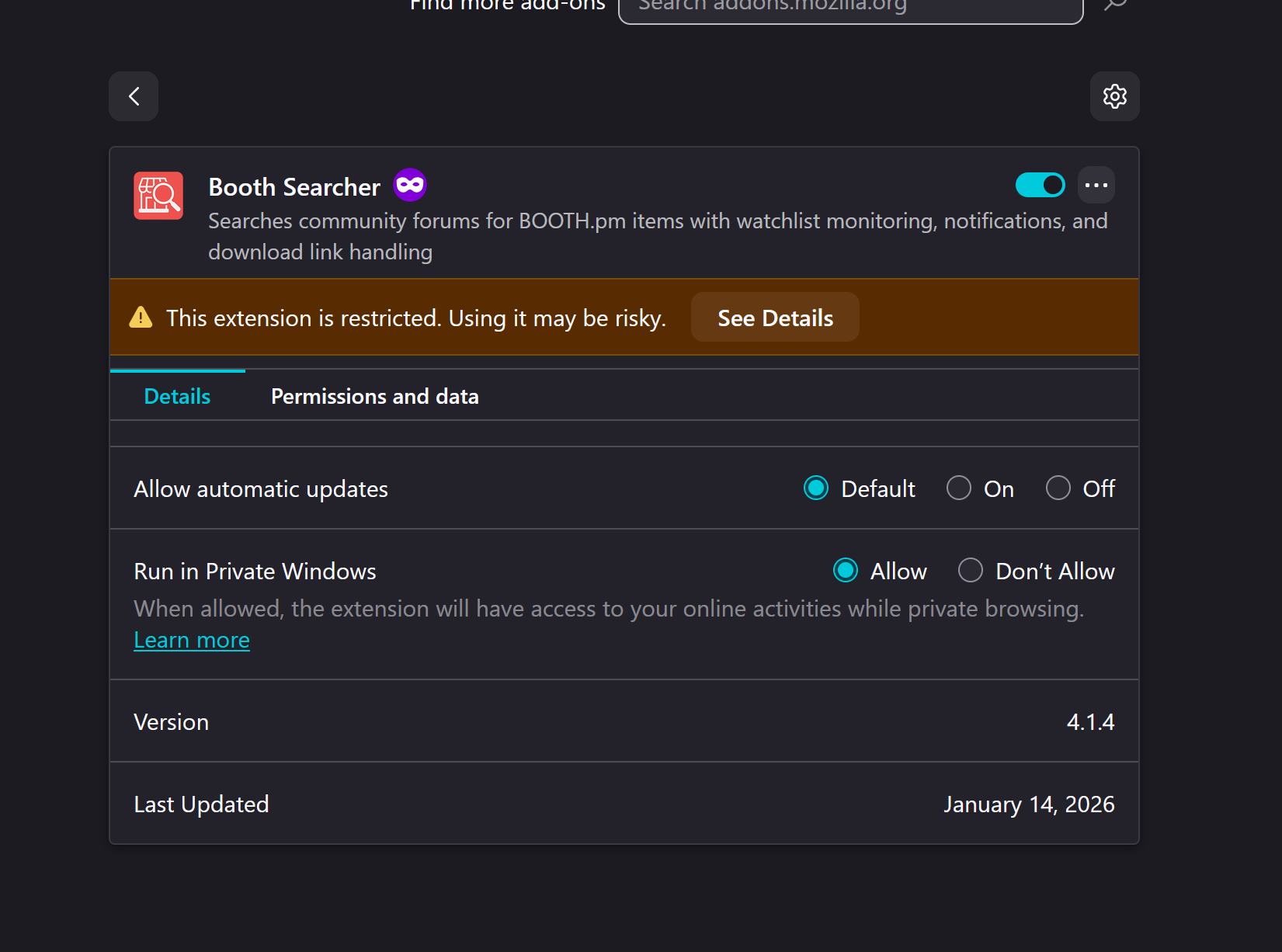
@Crises how did you force it to install exactly?
-
Guys, I was trying to install it on Firefox and followed @smolvix69 guide, but it wasn't working. After looking into it a bit, I found a line in about:config that activates a blocklist. I disabled it, and along with what @smolvix69 mentioned in his post, it installed without problems.

-
-
boothplorer opens booth links, so
-
-
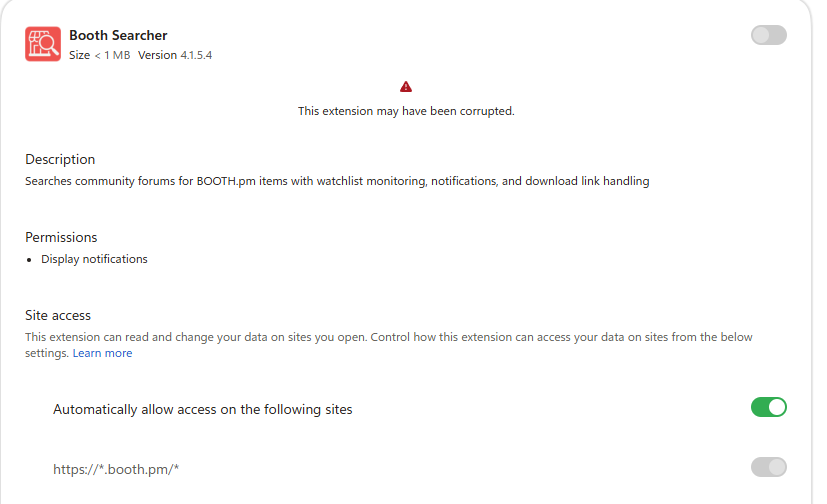
Great Chrome THE GREATEST BROWSER OF ALL TIMES! decided to "fuck you" to its users deleting all extensions AGAIN!!! and made it impossible to have the Booth Searcher Active anymore. Guess thats the most fucked up thing this year next to fucking GONSO -.-
-
alternative --> https://forum.ripper.store/post/1806831
-
-








Hello! It looks like you're interested in this conversation, but you don't have an account yet.
Getting fed up of having to scroll through the same posts each visit? When you register for an account, you'll always come back to exactly where you were before, and choose to be notified of new replies (either via email, or push notification). You'll also be able to save bookmarks and upvote posts to show your appreciation to other community members.
With your input, this post could be even better 💗
Register Login