
RIPPED CRYPTIA AVATARS MEGATHREAD + EXTRA
-
boost.
-
@LilMissPsycho69 yk if there named vibalady and vibapop?
-
@PLOOF vibalady maybe, send the file
@LilMissPsycho69 dmd
-
-
-
https://ko-fi.com/s/f1b1b4a57f
bump for this pleaseee -
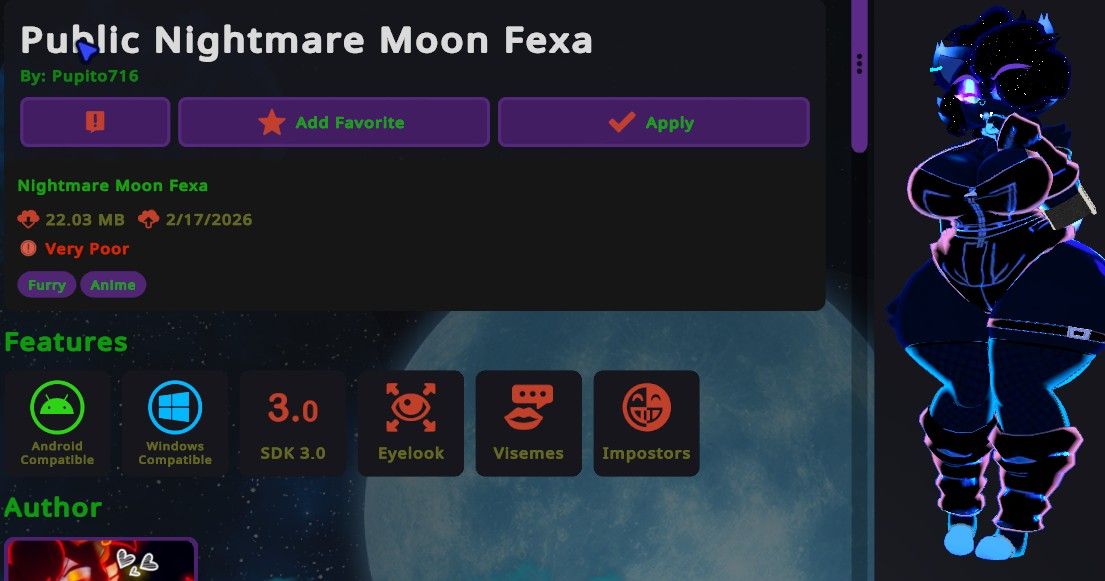
Hey guys! Who have this textures for Goth Fexa? And I need a tutorial on how to do it just like in the picture -
-
-
-
hello ok How can I make A breast slider exactly?
@tommy.1234 Are you doing it with a Vrcfury toggle or a fx controller? If with a Vrcfury toggle, if the model doesn't already have a blendshape for increasing the breasts size on the body and clothes, you can go to the breast's bones or the breastbone root (if there is one) and increase the scale. You might have to play around with the position and rotation a bit to make it look good if it looks wrong/bad. After you make the animation, create a vrc fury toggle on whatever game object on your avi, or the avi itself, click on "Add action", and click "Animation clip." Drag the animation you made into the slot, click on options, and then click on "Use Slider (Radial)", and "Saved between worlds." Then in the empty space where it says, "Menu path", write where you want it to go. Alternatively, and easier, you can click on the options button again and click on "Select Menu Folder." After that, just name the toggle and you're done, and no I will not be explaining the FX controller, as it is more complicated and I already have said enough
-
@tommy.1234 Are you doing it with a Vrcfury toggle or a fx controller? If with a Vrcfury toggle, if the model doesn't already have a blendshape for increasing the breasts size on the body and clothes, you can go to the breast's bones or the breastbone root (if there is one) and increase the scale. You might have to play around with the position and rotation a bit to make it look good if it looks wrong/bad. After you make the animation, create a vrc fury toggle on whatever game object on your avi, or the avi itself, click on "Add action", and click "Animation clip." Drag the animation you made into the slot, click on options, and then click on "Use Slider (Radial)", and "Saved between worlds." Then in the empty space where it says, "Menu path", write where you want it to go. Alternatively, and easier, you can click on the options button again and click on "Select Menu Folder." After that, just name the toggle and you're done, and no I will not be explaining the FX controller, as it is more complicated and I already have said enough
@EmpressMango I'm doing it with a Vrcfury toggle and yes I have the blendshape for increasing the breasts size on the body and clothes.
-
@EmpressMango I'm doing it with a Vrcfury toggle and yes I have the blendshape for increasing the breasts size on the body and clothes.
@tommy.1234 Perfect, then just follow the same steps, but instead of clicking on and making an Animation Clip, when you click on "Add Action", then "Blendshape" click on search and find the blendshape for the breasts growth and it should apply to all of the objects on your avatar, clothes, body, etc. (considering that it's named the same across all the objects. Other than that, the process is the same minus you having to do the animation
-
@tommy.1234 Perfect, then just follow the same steps, but instead of clicking on and making an Animation Clip, when you click on "Add Action", then "Blendshape" click on search and find the blendshape for the breasts growth and it should apply to all of the objects on your avatar, clothes, body, etc. (considering that it's named the same across all the objects. Other than that, the process is the same minus you having to do the animation
-
@EmpressMango but how can I do the animations exactly?
@tommy.1234 If you're doing the blendshape you don't have to
-
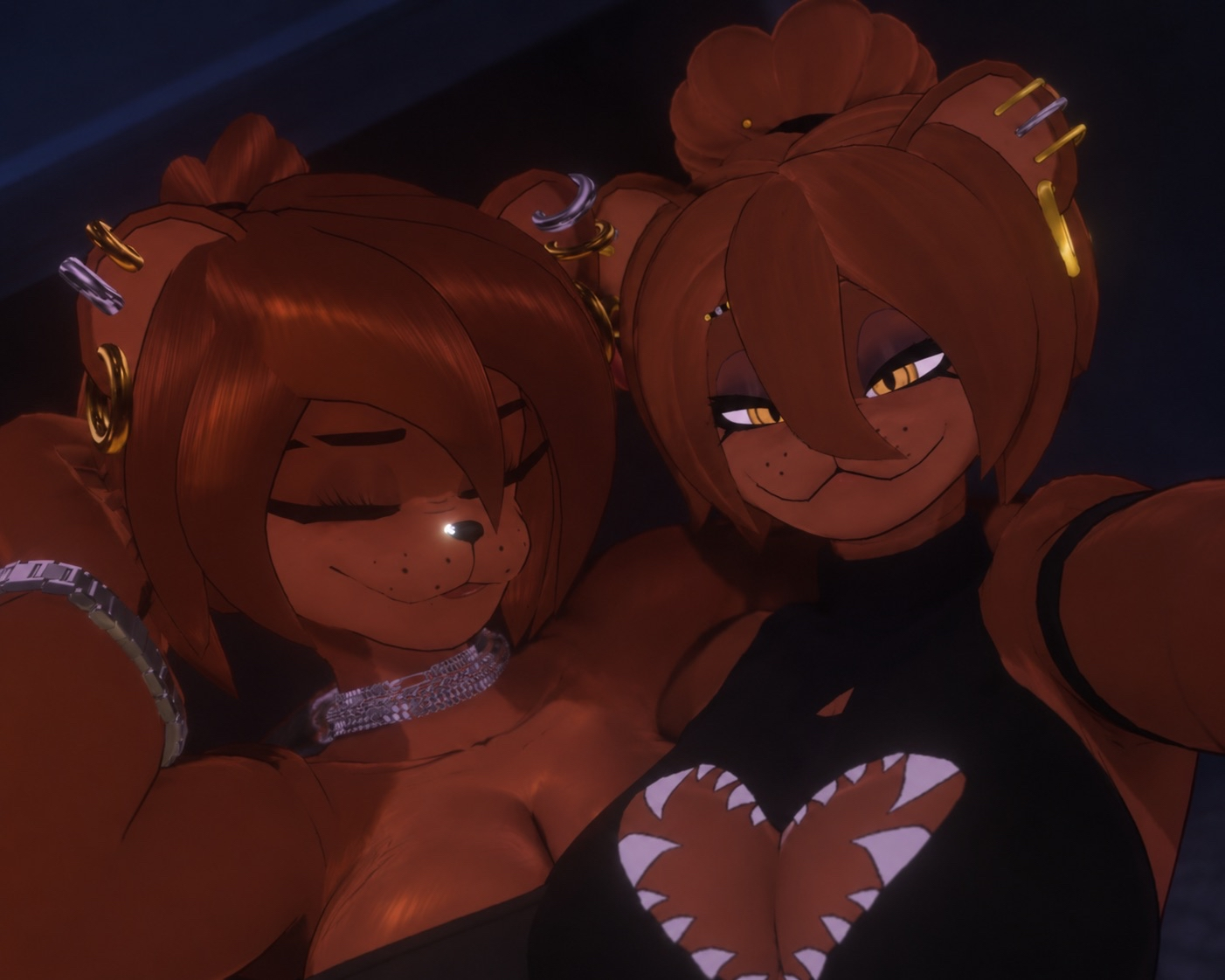 does anyone have the file for this-
@yokai22111 someone in this thread made this one but im not sure of what the name is right now, i think they are willing to release it
-
lf for thosehttps://ko-fi.com/s/c7a641d9bc
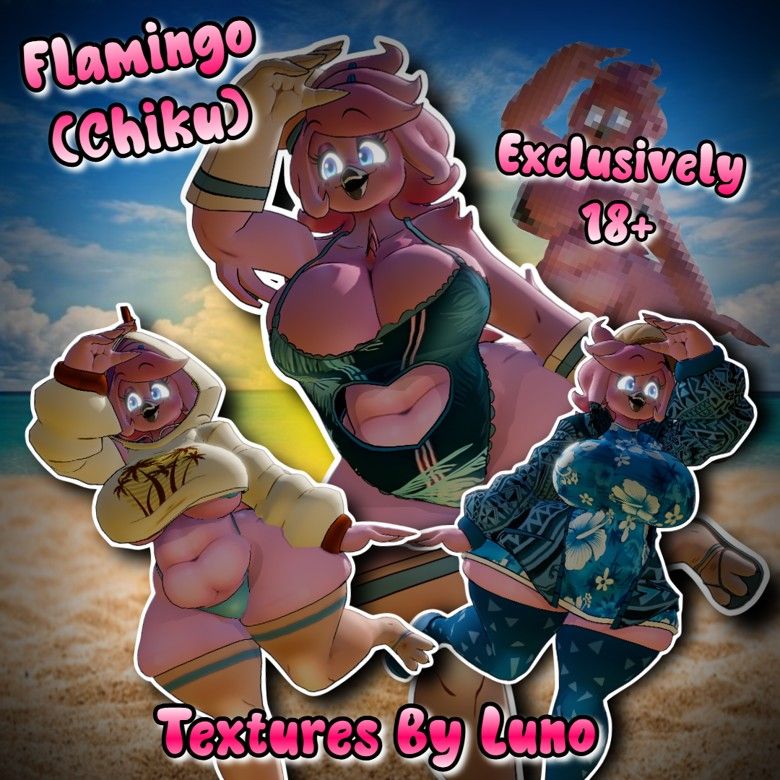
@FexaCollect OMGGG cute!! Bump for flamingo texture
-
Here to ask if anyone can make a chunky type 0 edit using the new model, would be so epic
-
Bump funtime chiku!
-










Hello! It looks like you're interested in this conversation, but you don't have an account yet.
Getting fed up of having to scroll through the same posts each visit? When you register for an account, you'll always come back to exactly where you were before, and choose to be notified of new replies (either via email, or push notification). You'll also be able to save bookmarks and upvote posts to show your appreciation to other community members.
With your input, this post could be even better 💗
Register Login