
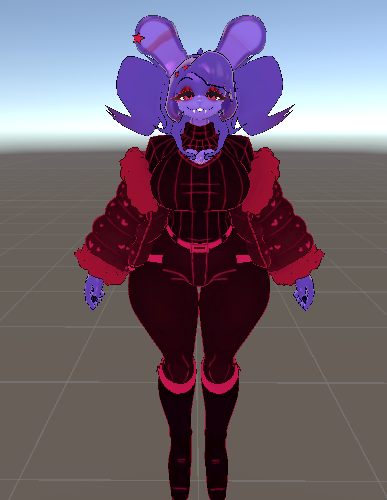
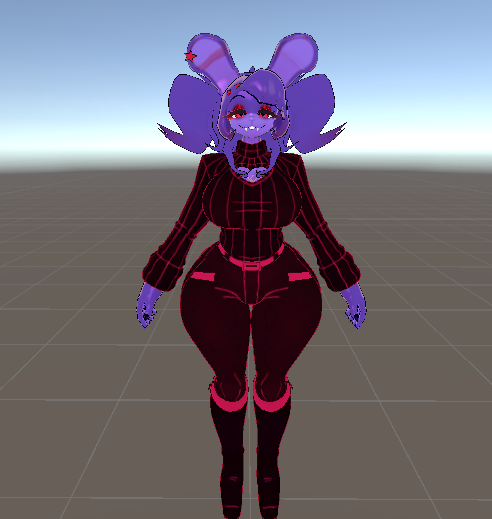
Leader bonfie edit Replica
-
-
@Ros Using VRCQuestTools Is a good way to convert it, But most of the Things IN the project
You have to delete because it uses too much of the space, I would also reccomend removing the goloco that it came with entirley and reimporting the new one
-
-
Working on a Quest version!
@EmpressMango pppls send it
-
Welp that was extremely easy LMAO! Ig it made it easier that I made the og package to begin with, welp, here ya go guys, here's an updated package that includes the quest version!!! (PLEASE NOTE!) If you wanna not overwrite anything that you've done (edit wise or whatever), either backup your project FIRST, or open the package in a new project. Also I used google drive this time :3
Feelin..bleh
-
Welp that was extremely easy LMAO! Ig it made it easier that I made the og package to begin with, welp, here ya go guys, here's an updated package that includes the quest version!!! (PLEASE NOTE!) If you wanna not overwrite anything that you've done (edit wise or whatever), either backup your project FIRST, or open the package in a new project. Also I used google drive this time :3
@EmpressMango teach me ur ways lwk
-
-
@Bifiddle You can just take the FBX file from unity and put it into Blender
-
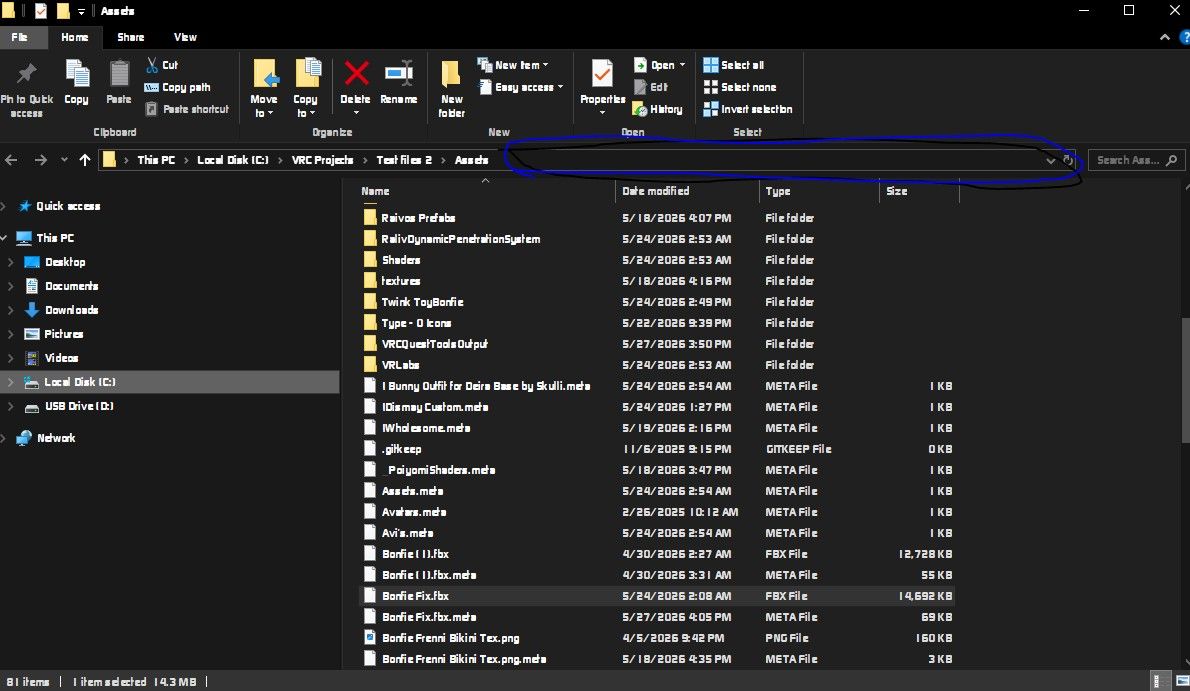
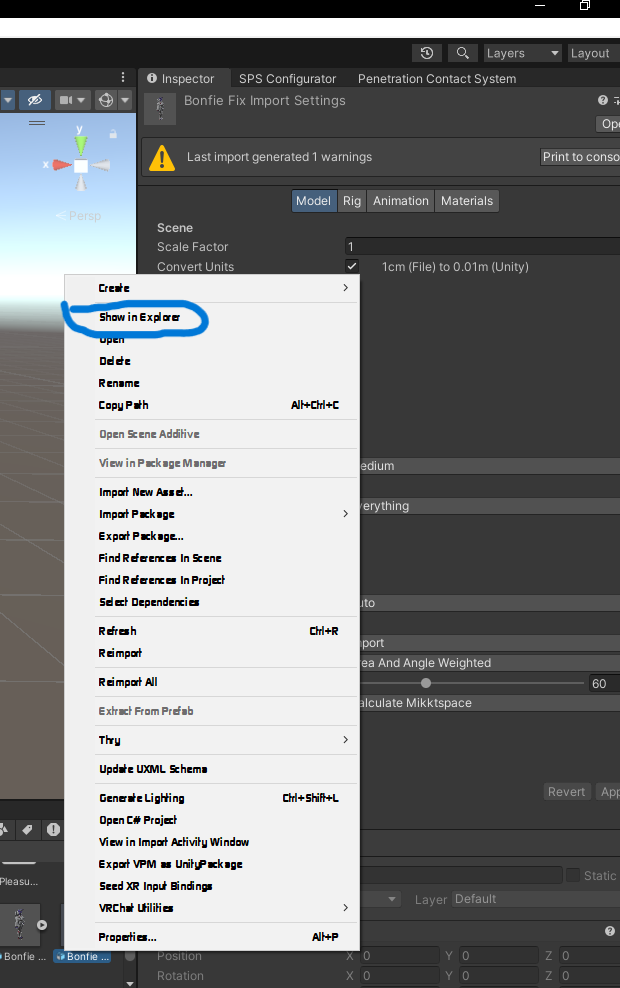
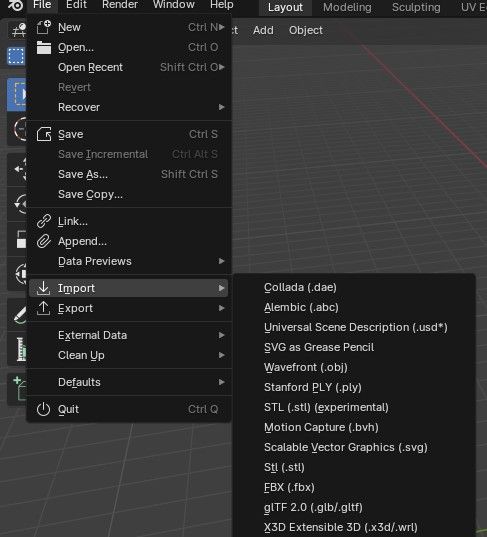
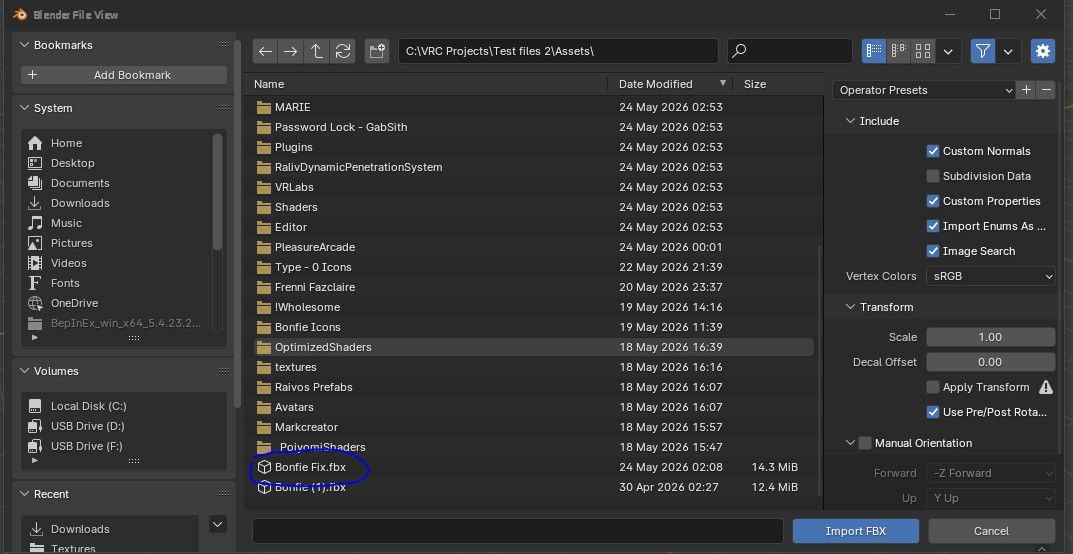
@bifiddle Right click on the FBX that says "Bonfie Fix" in the assets folder, and click on "Show in Explorer". In file explorer click on the top part of file explorer hat contains the path to the assets folder (Make sure to click on an empty space on the right of the part that says "Assets." Once you do that hit control c on your keyboard and open blender. In blender at the top left click on "File, Import, FBX." Once in the File Explorer screen for blender, click on the file path that shows up in the top bar, and then hit control v on your keyboard to paste the path to the fbx file. Scroll all the way down and open the FBX that says "Bonfie Fix.fbx"
Feelin..bleh
-
@bifiddle Right click on the FBX that says "Bonfie Fix" in the assets folder, and click on "Show in Explorer". In file explorer click on the top part of file explorer hat contains the path to the assets folder (Make sure to click on an empty space on the right of the part that says "Assets." Once you do that hit control c on your keyboard and open blender. In blender at the top left click on "File, Import, FBX." Once in the File Explorer screen for blender, click on the file path that shows up in the top bar, and then hit control v on your keyboard to paste the path to the fbx file. Scroll all the way down and open the FBX that says "Bonfie Fix.fbx"
@EmpressMango thanks
-
-
@Cʜɪᴋᴜ-Tʜᴇ-Cʜɪᴄᴋ Got this amazing retexture from my best friendo, really like the yellow and blue design they went for!
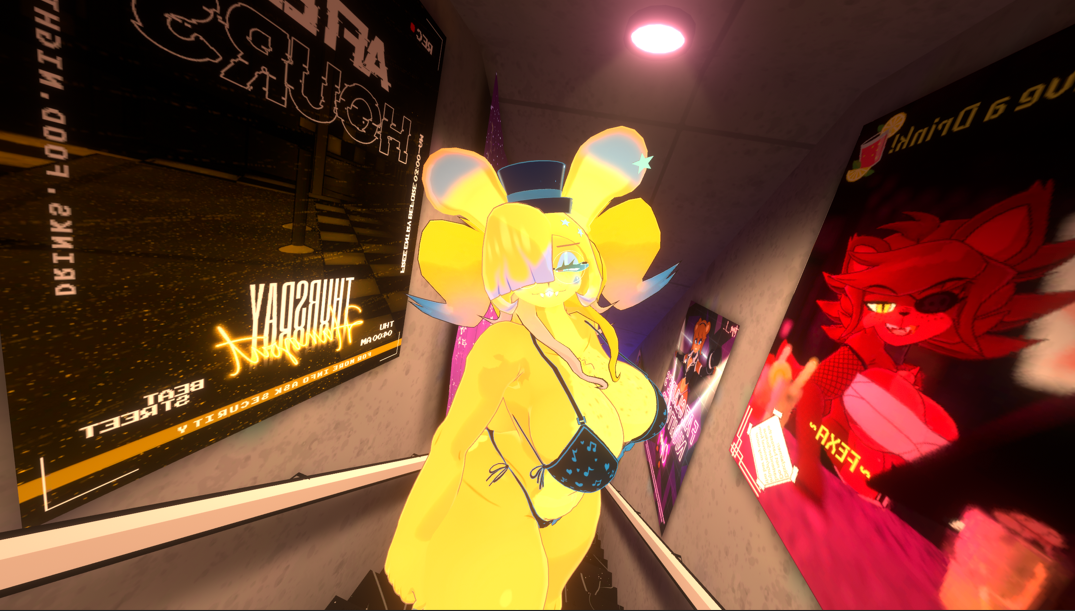
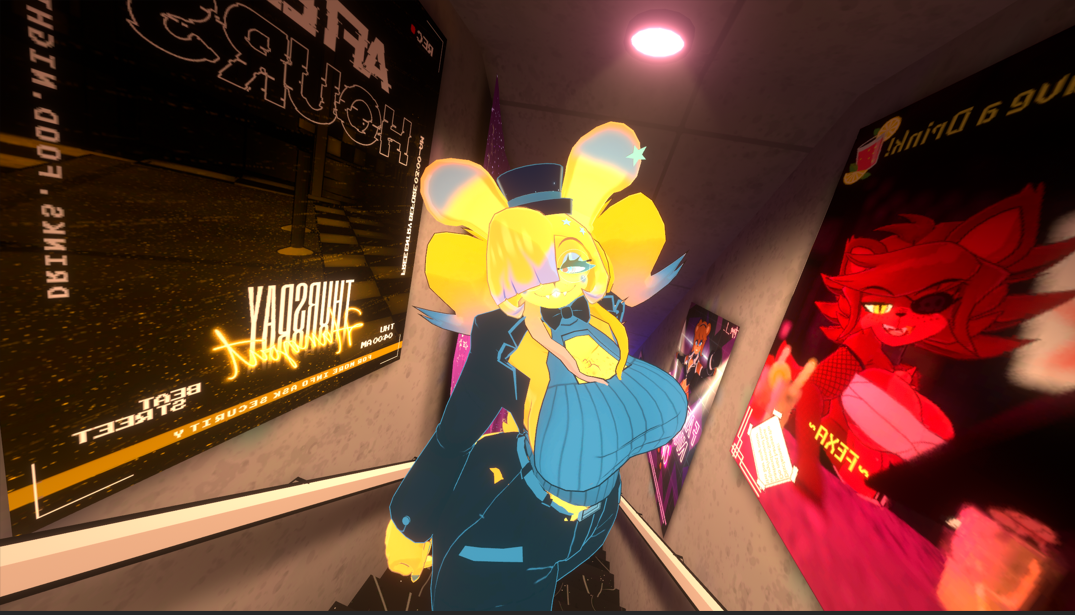
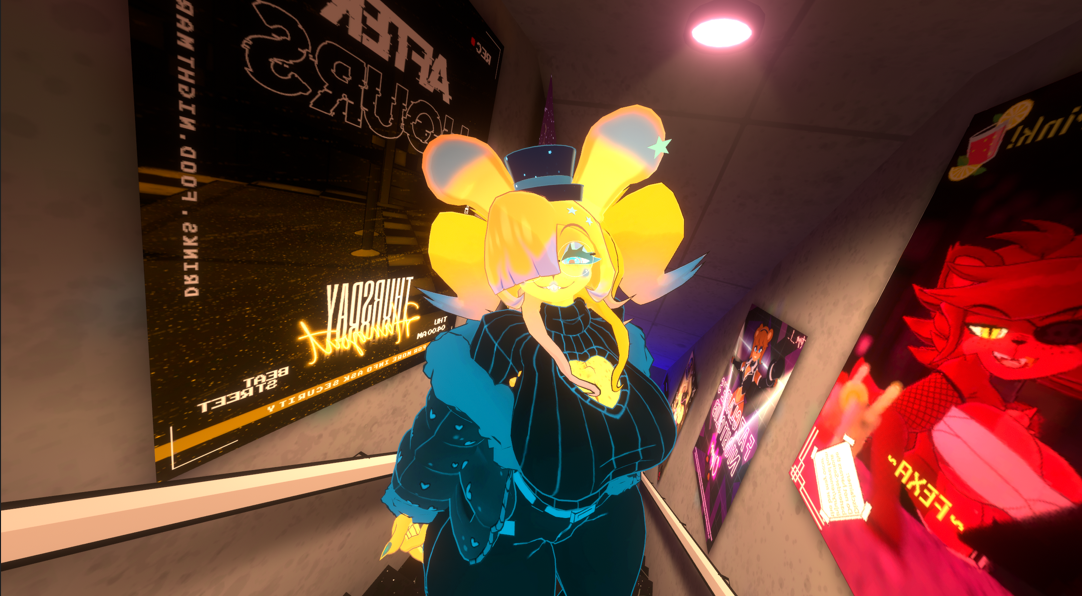

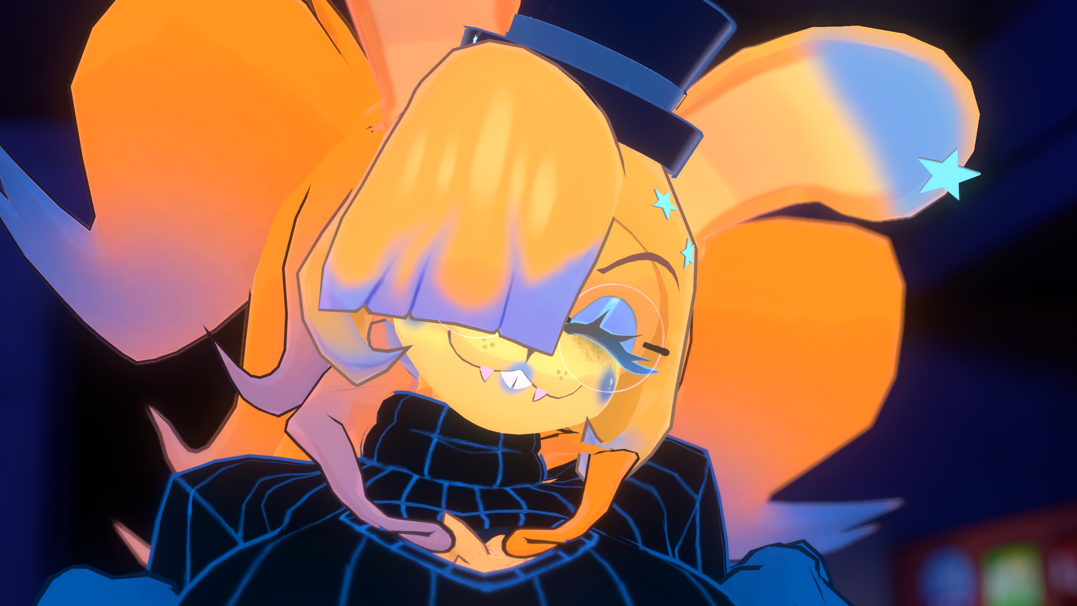
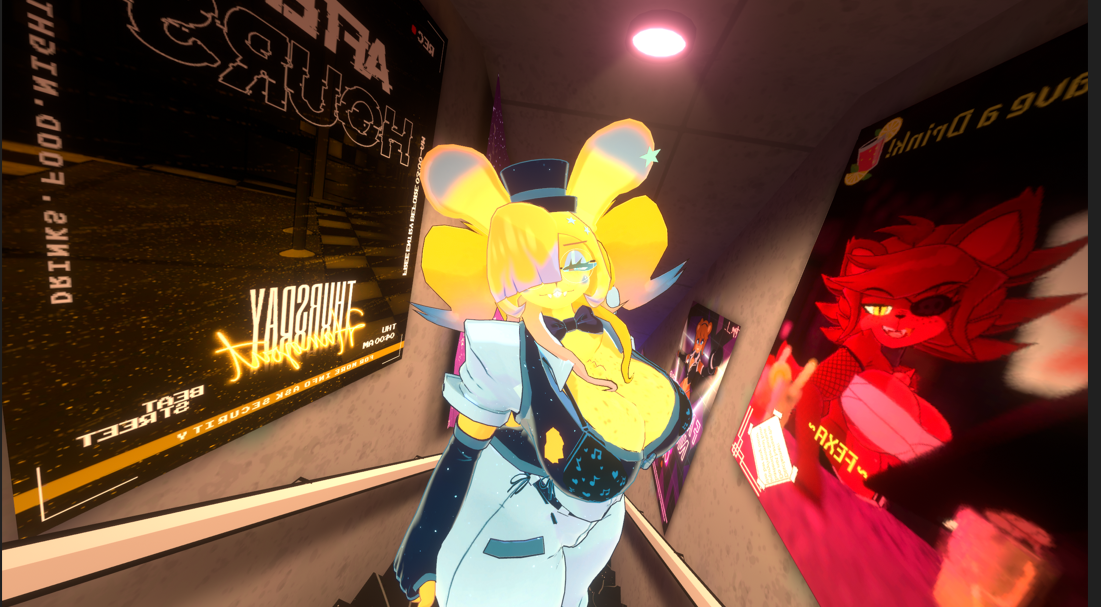 )
)@Bifiddle what world is that?
-
-
@Cʜɪᴋᴜ-Tʜᴇ-Cʜɪᴄᴋ Got this amazing retexture from my best friendo, really like the yellow and blue design they went for!
)@Bifiddle Need this texture It looks so cute!!
-
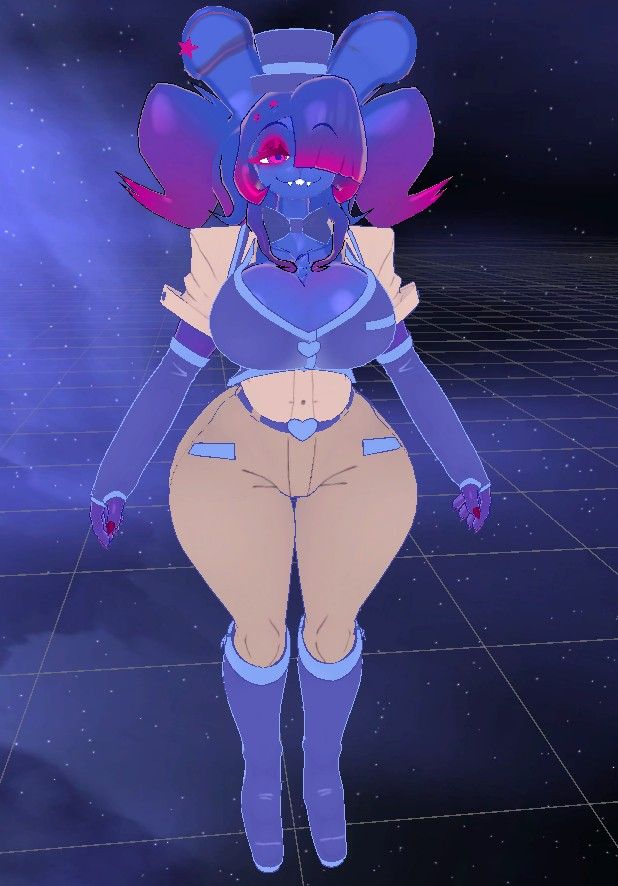
hehehehehe (priv edit BUT SHES SO CUTEE)
 This post is deleted!
 -
Welp that was extremely easy LMAO! Ig it made it easier that I made the og package to begin with, welp, here ya go guys, here's an updated package that includes the quest version!!! (PLEASE NOTE!) If you wanna not overwrite anything that you've done (edit wise or whatever), either backup your project FIRST, or open the package in a new project. Also I used google drive this time :3
@EmpressMango do u have pc and quest variant of the fembois?
-
Just double checking, any packages that oughta be installed before upload? (Apart from the usual Fury & Poiyomi-) Currently getting some errors.
-
-
-
I got Poiyomi toon and VRCF and it gives me errors do I need anything else for it?





Hello! It looks like you're interested in this conversation, but you don't have an account yet.
Getting fed up of having to scroll through the same posts each visit? When you register for an account, you'll always come back to exactly where you were before, and choose to be notified of new replies (either via email, or push notification). You'll also be able to save bookmarks and upvote posts to show your appreciation to other community members.
With your input, this post could be even better 💗
Register Login