
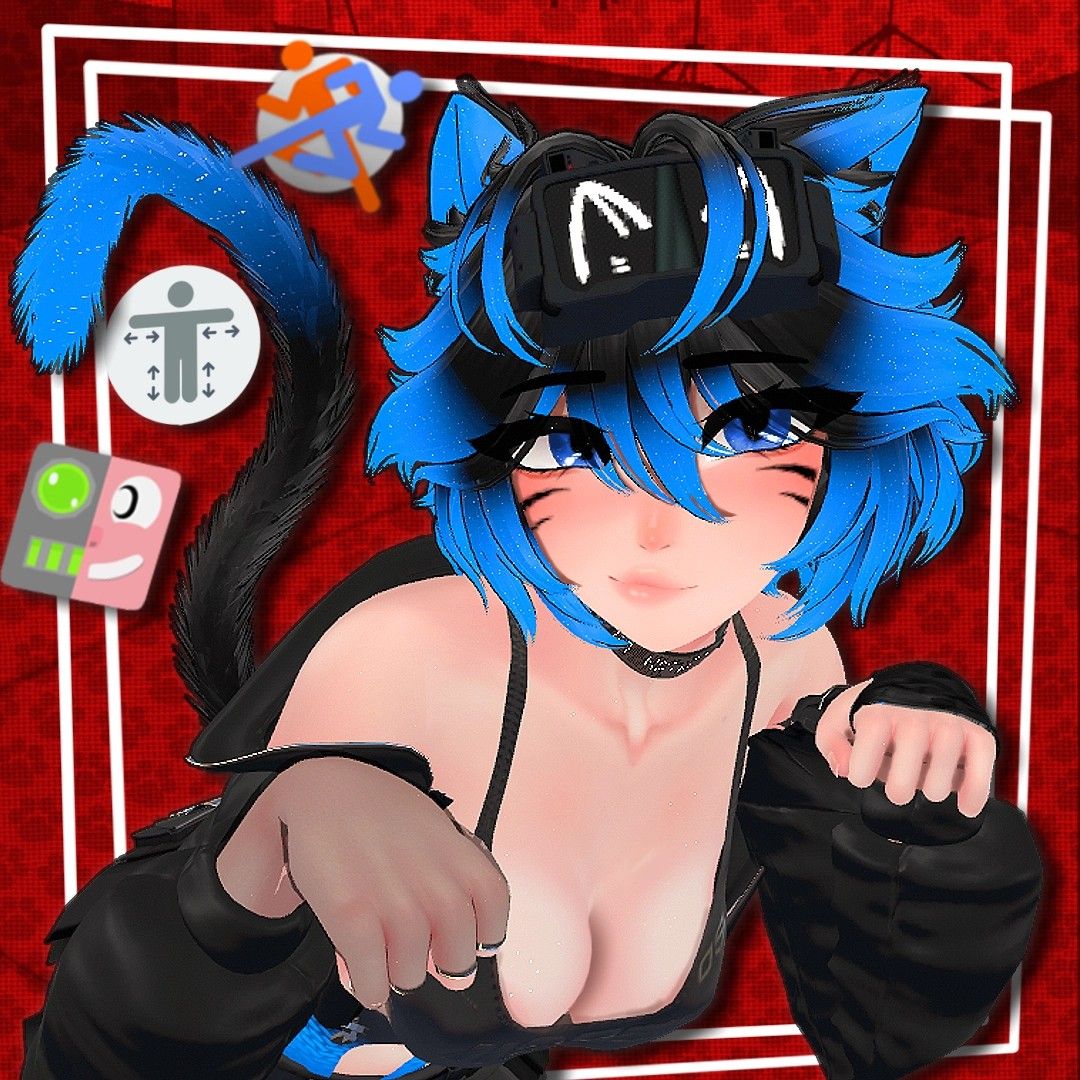
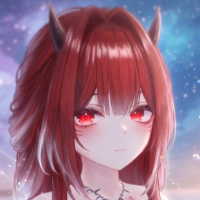
Naiko by NetPet
-
My lil disclaimer:
- Please support the original creator (NetPet) if you enjoy this avi.
- If there are updates to the avi let me know and I'll update.
Workupload
Google Drive
(If you need/want them uploaded elsewhere due to region or download limitations let me know)Required Packages:
VRCFury
Jerry's Facetracking template (if you want facetracking)Thingies:
Change Choker Text@NotQrof tyty!
-
i love you
-
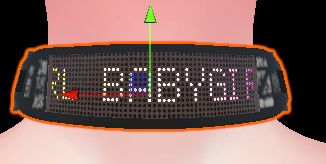
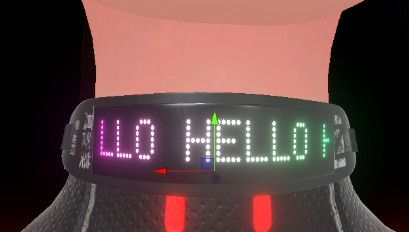
I'm still kinda learning how to mess around with avis, so can someone tell me if it's possible to change the scrolling text on the choker?
-
-
I'm still kinda learning how to mess around with avis, so can someone tell me if it's possible to change the scrolling text on the choker?
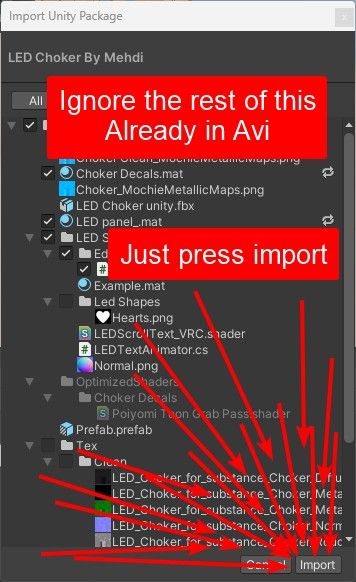
To change choker text please upload the unitypackage in this zip. Then follow the tutorial video included. Don't worry about replacing/removing anything there's just a couple missing scripts that add the editor.
You need to move Assets>LED Choker>LED Shader>LEDTextAnimator.cs into the "Editor" folder. The folder should be in the LED Shader folder legit just drag it in, it's not meant to ship with the "finished" avi so it bugs out if it's not in the Editor folder.
Just incase my instructions above weren't super clear to others:
Willing to pricesplit on things that interest me.
-
-
To change choker text please upload the unitypackage in this zip. Then follow the tutorial video included. Don't worry about replacing/removing anything there's just a couple missing scripts that add the editor.
You need to move Assets>LED Choker>LED Shader>LEDTextAnimator.cs into the "Editor" folder. The folder should be in the LED Shader folder legit just drag it in, it's not meant to ship with the "finished" avi so it bugs out if it's not in the Editor folder.
Just incase my instructions above weren't super clear to others:
This post is deleted! -
To change choker text please upload the unitypackage in this zip. Then follow the tutorial video included. Don't worry about replacing/removing anything there's just a couple missing scripts that add the editor.
You need to move Assets>LED Choker>LED Shader>LEDTextAnimator.cs into the "Editor" folder. The folder should be in the LED Shader folder legit just drag it in, it's not meant to ship with the "finished" avi so it bugs out if it's not in the Editor folder.
Just incase my instructions above weren't super clear to others:
@NotQrof I tried this and I'm getting these errors. Is there something I'm missing that wasn't shown in the video?

-
To change choker text please upload the unitypackage in this zip. Then follow the tutorial video included. Don't worry about replacing/removing anything there's just a couple missing scripts that add the editor.
You need to move Assets>LED Choker>LED Shader>LEDTextAnimator.cs into the "Editor" folder. The folder should be in the LED Shader folder legit just drag it in, it's not meant to ship with the "finished" avi so it bugs out if it's not in the Editor folder.
Just incase my instructions above weren't super clear to others:
-
@NotQrof I tried this and I'm getting these errors. Is there something I'm missing that wasn't shown in the video?
@HardenedAvocado Not my tutorial but I'll update my post to reflect this change. You need to move Assets>LED Choker>LED Shader>LEDTextAnimator.cs into the "Editor" folder. The folder should be in the LED Shader folder legit just drag it in, it's not meant to ship with the "finished" avi so it bugs out.
Willing to pricesplit on things that interest me.
-
@NotQrof A couple questions about the tutorial. How did you get your unity to be a complete black background? I've also noticed that if I don't have a camera or light the colors don't work. Any help would be greatly appreciated!
@Jimblondski Not my tutorial but the unity black background can be done by going to edit > preferences > colors > Background and setting the color to black. Once you do that in the top left of your scene window

Also colors on what, the choker? You should leave the Main Camera and the Directional Light from the original unity package and/or the default unity scene.
Willing to pricesplit on things that interest me.
-
@Jimblondski Not my tutorial but the unity black background can be done by going to edit > preferences > colors > Background and setting the color to black. Once you do that in the top left of your scene window
Also colors on what, the choker? You should leave the Main Camera and the Directional Light from the original unity package and/or the default unity scene.
-
-
-
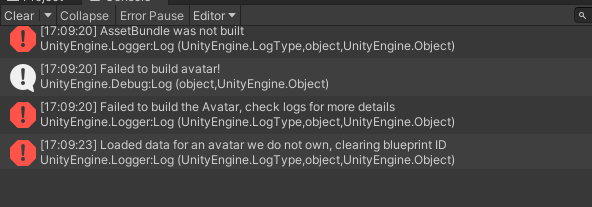
So I tried to upload it from the project and ended up with these errors. I downloaded the choker fix and used both links.
The last one is the most concerning,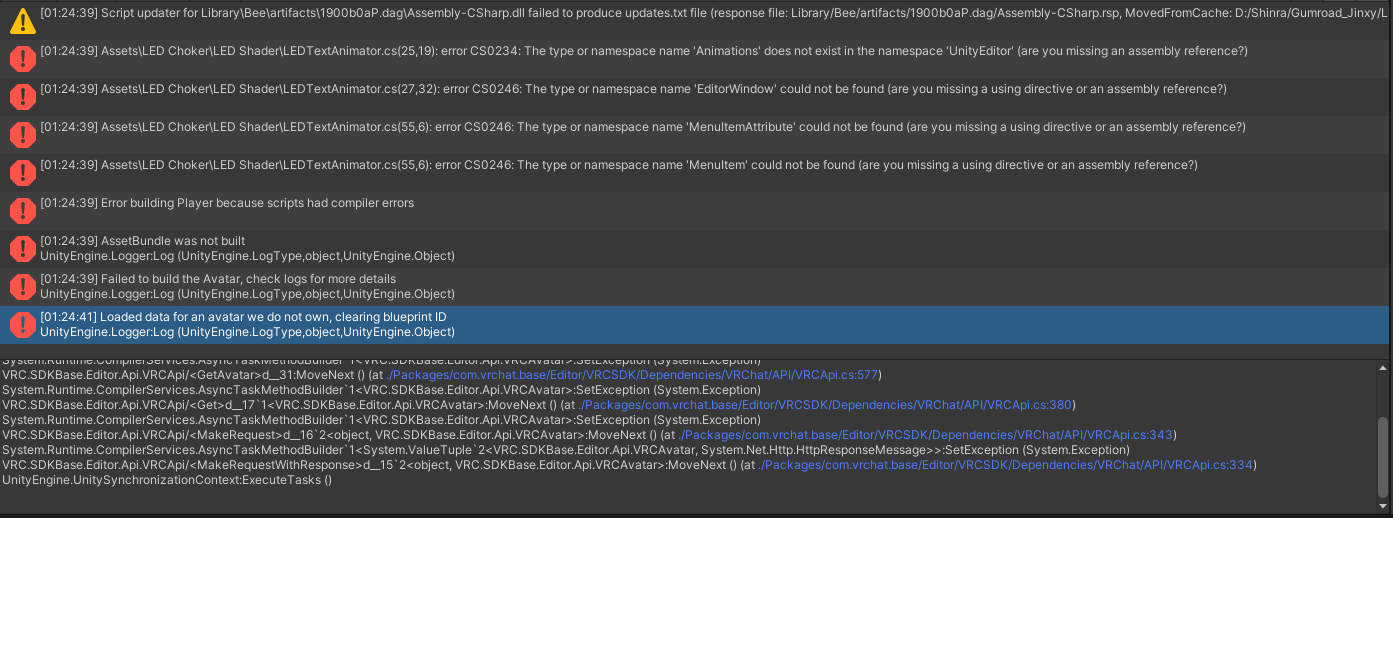
-
@Okiluj Got it fixed by following NotQrofs instructions.
Post #12."You need to move Assets>LED Choker>LED Shader>LEDTextAnimator.cs into the "Editor" folder."
@TheVoidCalls Thank you very much. I'm blind
-
it wont let me fully upload her it keeps saying she has too many parameters and even when it does the compress option, it fails. someone help please!
-
it wont let me fully upload her it keeps saying she has too many parameters and even when it does the compress option, it fails. someone help please!
-
Bump for a quest convert
-
@tinykissies Please make sure to install VRCFury. If the error occurs even with VRCFury please show the console errors.






Hello! It looks like you're interested in this conversation, but you don't have an account yet.
Getting fed up of having to scroll through the same posts each visit? When you register for an account, you'll always come back to exactly where you were before, and choose to be notified of new replies (either via email, or push notification). You'll also be able to save bookmarks and upvote posts to show your appreciation to other community members.
With your input, this post could be even better 💗
Register Login