
Gift: Umbra by kainet and meowiie
-
idk if they did fix it or not, but with the white skin for quest is still black with white paws on the bottom feet on the the pc skin is fixed just the quest side.
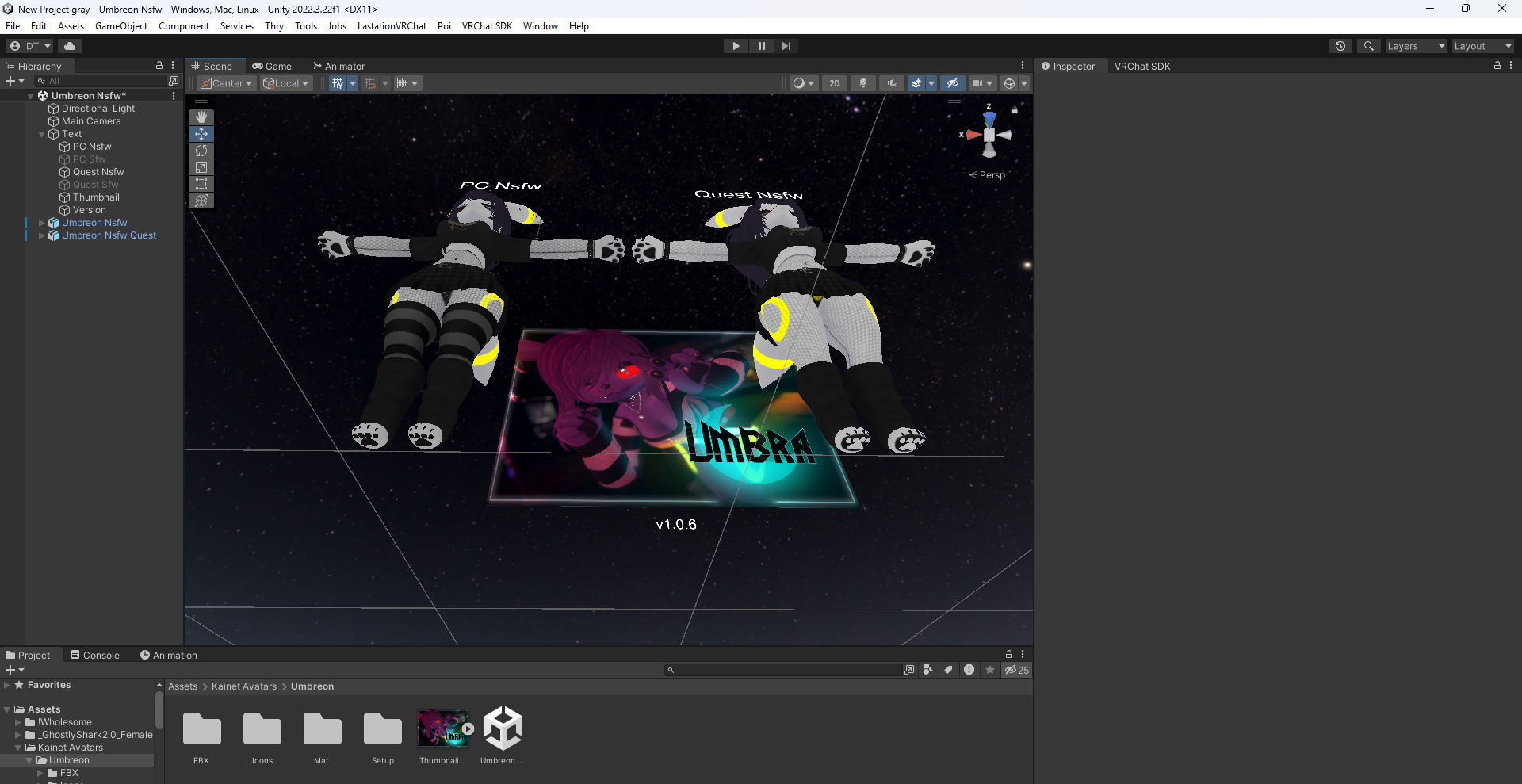
this is using the new version of the white textures.
-
okay for the guitar.... anyone know the exact scale I should shrink it down to? it spawns in hella huge
-
okay for the guitar.... anyone know the exact scale I should shrink it down to? it spawns in hella huge
@Torph-the-Floof are you attaching the guitar to the model when you put it into the scene or are you just putting it into the scene?
-
@Torph-the-Floof are you attaching the guitar to the model when you put it into the scene or are you just putting it into the scene?
@laggindragon dragging the prefab into the model package then it shows up in the scene huge. idk what im doing
-
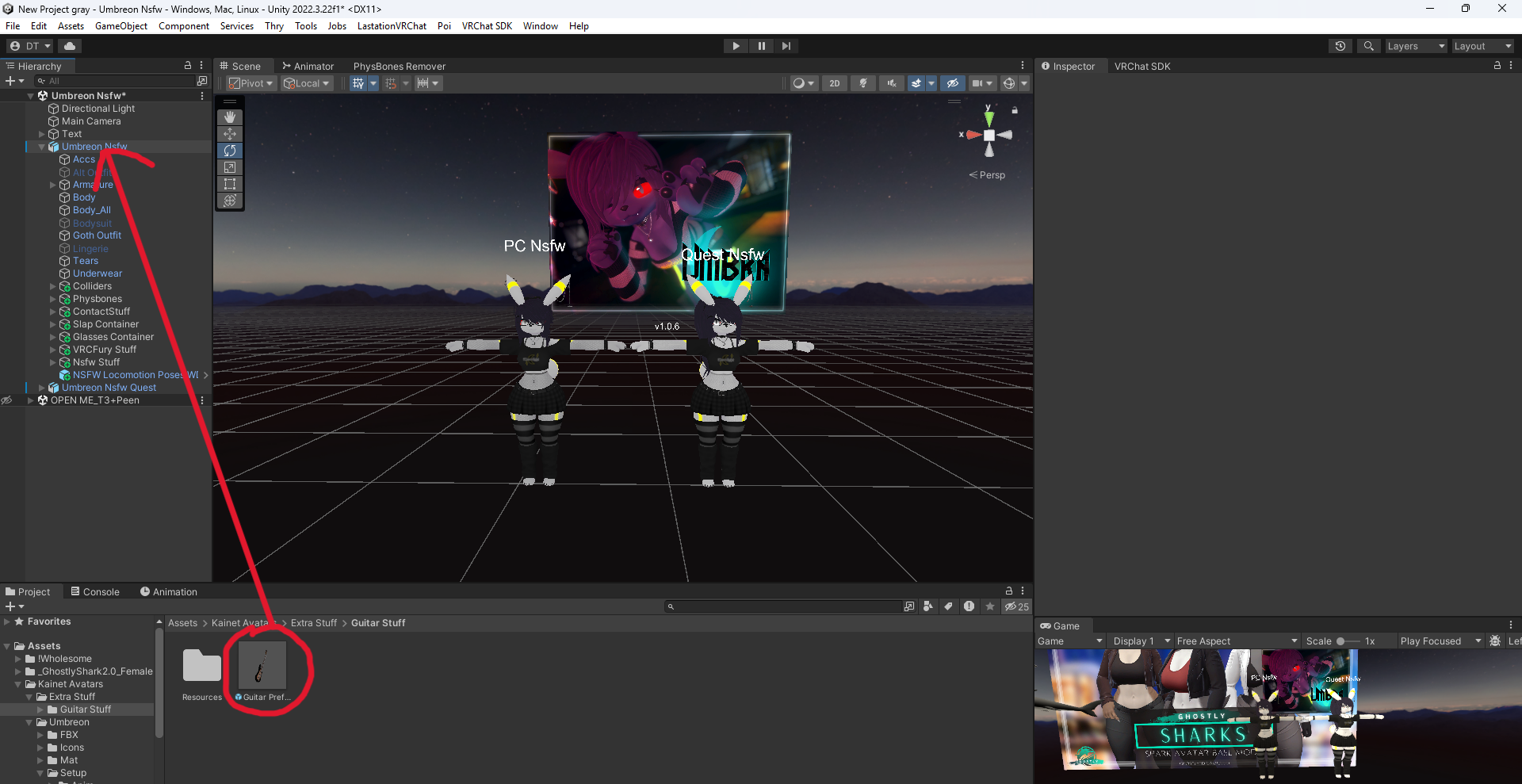
try removing the guitar from the scene and then putting the guitar on model by dragging the guitar onto the model in the hierarchy that normally will scale it down completely like you would with clothing. i am not to good with unity knowledge but i will try my best to assist you in any way i can.
-
try removing the guitar from the scene and then putting the guitar on model by dragging the guitar onto the model in the hierarchy that normally will scale it down completely like you would with clothing. i am not to good with unity knowledge but i will try my best to assist you in any way i can.
@lag
gindragon I di it the way you described, its just a huge guitar being dragged into view. -
it also is flat face up on the floor of the scene. is there a way to show me a visual of what youre talking about?
-
it also is flat face up on the floor of the scene. is there a way to show me a visual of what youre talking about?
-
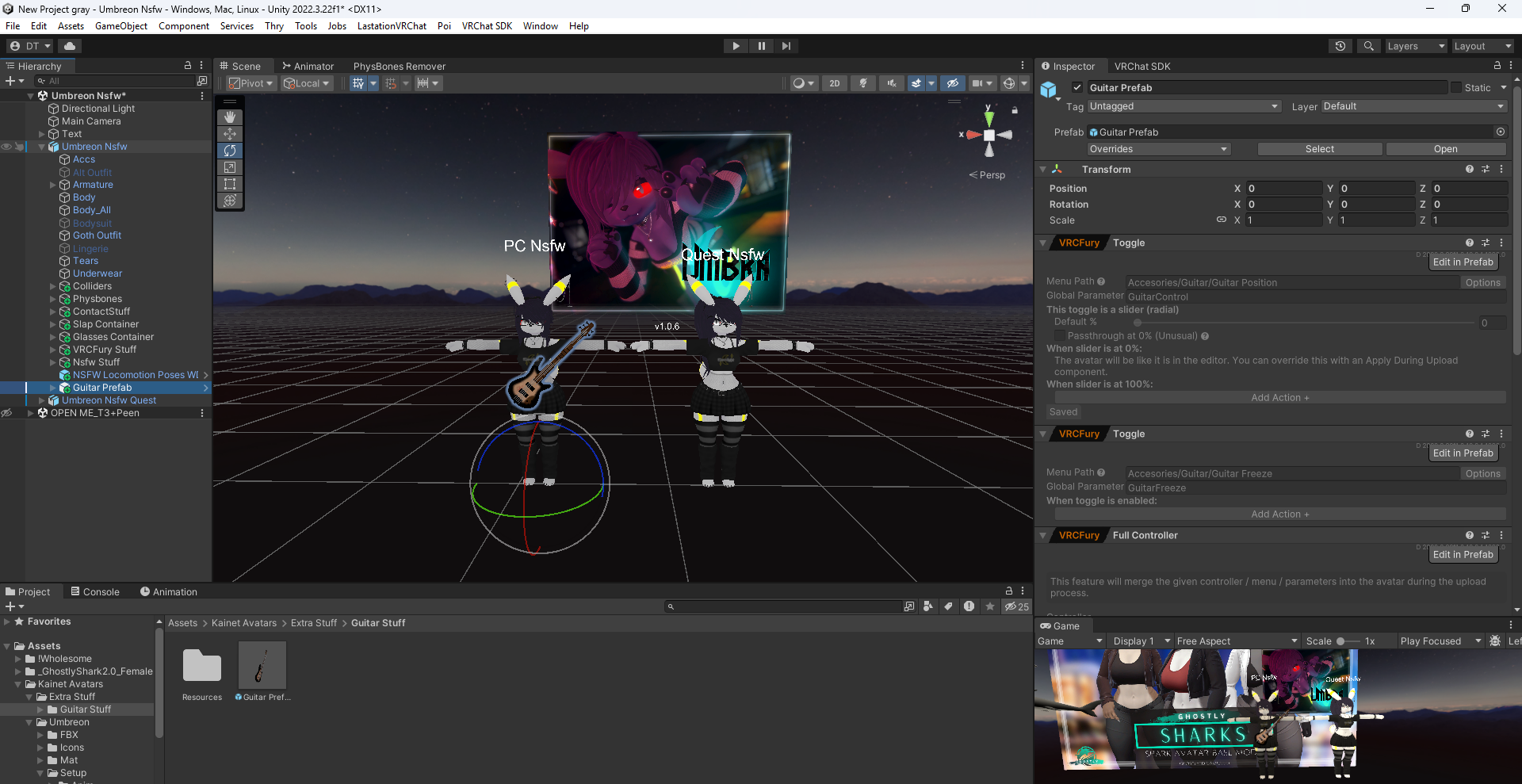
click and drag the prefab onto the model from the hierarchy
-
click and drag the prefab onto the model from the hierarchy
@laggindragon Oooooh okay I was doing it wrong before. Thank you so much I appreciate the help XD
-
-
Does anyone have the fbx files?
-
Is it possible to remove the hue shift? I tried to custom color my rings and when I logged in after uploading the hueshift was still overloading it

-
Is it possible to remove the hue shift? I tried to custom color my rings and when I logged in after uploading the hueshift was still overloading it
@Poseidon_Shark hue shift is under decals on the body from what i seen
-
@Poseidon_Shark hue shift is under decals on the body from what i seen
@Andrew20678 thankful we got it all fixed
-
-
@Dragonfuckerqwq im sorry WHAT!? I need that
-
@Dragonfuckerqwq bumpp
-
-
@Dragonfuckerqwq BUMP!




Hello! It looks like you're interested in this conversation, but you don't have an account yet.
Getting fed up of having to scroll through the same posts each visit? When you register for an account, you'll always come back to exactly where you were before, and choose to be notified of new replies (either via email, or push notification). You'll also be able to save bookmarks and upvote posts to show your appreciation to other community members.
With your input, this post could be even better 💗
Register Login