
Female Tails VRC Port Solved (RIGGED By Rott)
-
That was quicker than I thought. So... I am unsure how to fix the issue with the blinking conflicting with the expressions. Its NOT suppose to do that. It might be a Unity issue, not sure because I know its not the blendshapes, I just checked.
I added a new shapekey "PussClipFix" you can find it in "Modifications".
You can now use the eye bones as intended. Don't be freaked out if you can't find them. They're a bit further away from the face now so that way you can get that eye movement you wish. Its gonna be a bit wonky at first, but once you get where you want the eyes to be it should work just fine.Link: https://drive.proton.me/urls/1E1VMQVQWM#l44STcihkJc4
If you already worked on the model to a good degree, I suggest you replace the FBX file you have on hand with this one. THEY MUST HAVE THE SAME NAME. If you do not want to delete the original FBX you don't need to.
Just put in a folder and save it just in case.To replace the model in Unity without having to redo EVERYTHING, just delete the prefab (the model) in the assets folder in Unity and then drag and drop the new FBX with the same name as the OG FBX name.
(I also fixed some bones that weren't parented before. I didn't realize they weren't until I shoved the model into Unity for eye testing)
-
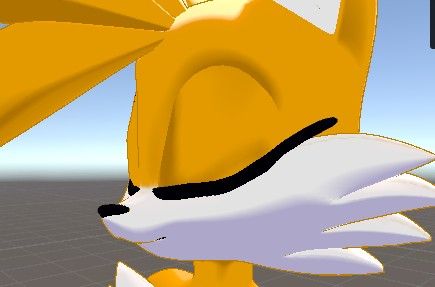
I dont know if someone encounter this error but for some reason, everytime i upload the avatar to vrchat, the blendshape por the expresions just got fucked up, but for some other reason when i check the same expresions in unity it seems fine. i need help.
Image in VRCHAT

Image in Unity
-
I dont know if someone encounter this error but for some reason, everytime i upload the avatar to vrchat, the blendshape por the expresions just got fucked up, but for some other reason when i check the same expresions in unity it seems fine. i need help.
Image in VRCHAT
Image in Unity
-
@TheFumoPlush Yea this was the issue I was mentioning. Seems like the shapekeys need to be adjusted more
@Sonic6908 got it fixed. i adjusted the blendshapes with blender on the parts that where cliping and there, it got fixed

-
@Sonic6908 got it fixed. i adjusted the blendshapes with blender on the parts that where cliping and there, it got fixed
-
Here i drop my edit for the Tailsko Avatar, Hope yall enjoyed it cus i took me a while.
-
Here i drop my edit for the Tailsko Avatar, Hope yall enjoyed it cus i took me a while.
-
Here i drop my edit for the Tailsko Avatar, Hope yall enjoyed it cus i took me a while.
-
-
-
-
-
@Sonic6908 i used liltoon for the shaders
prob that was the issue -
Some Photos i took with the help of a friend with Fullbody
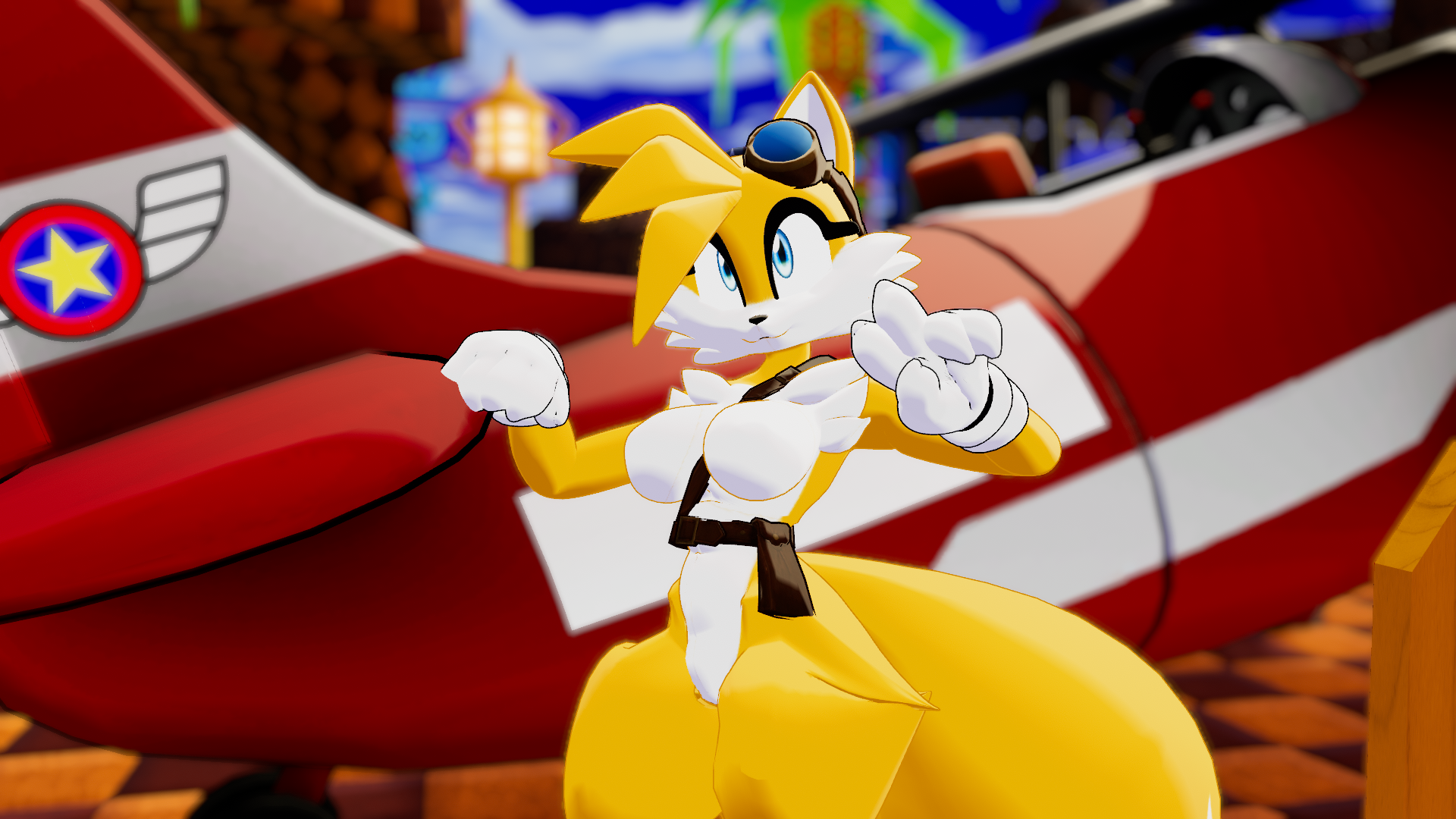
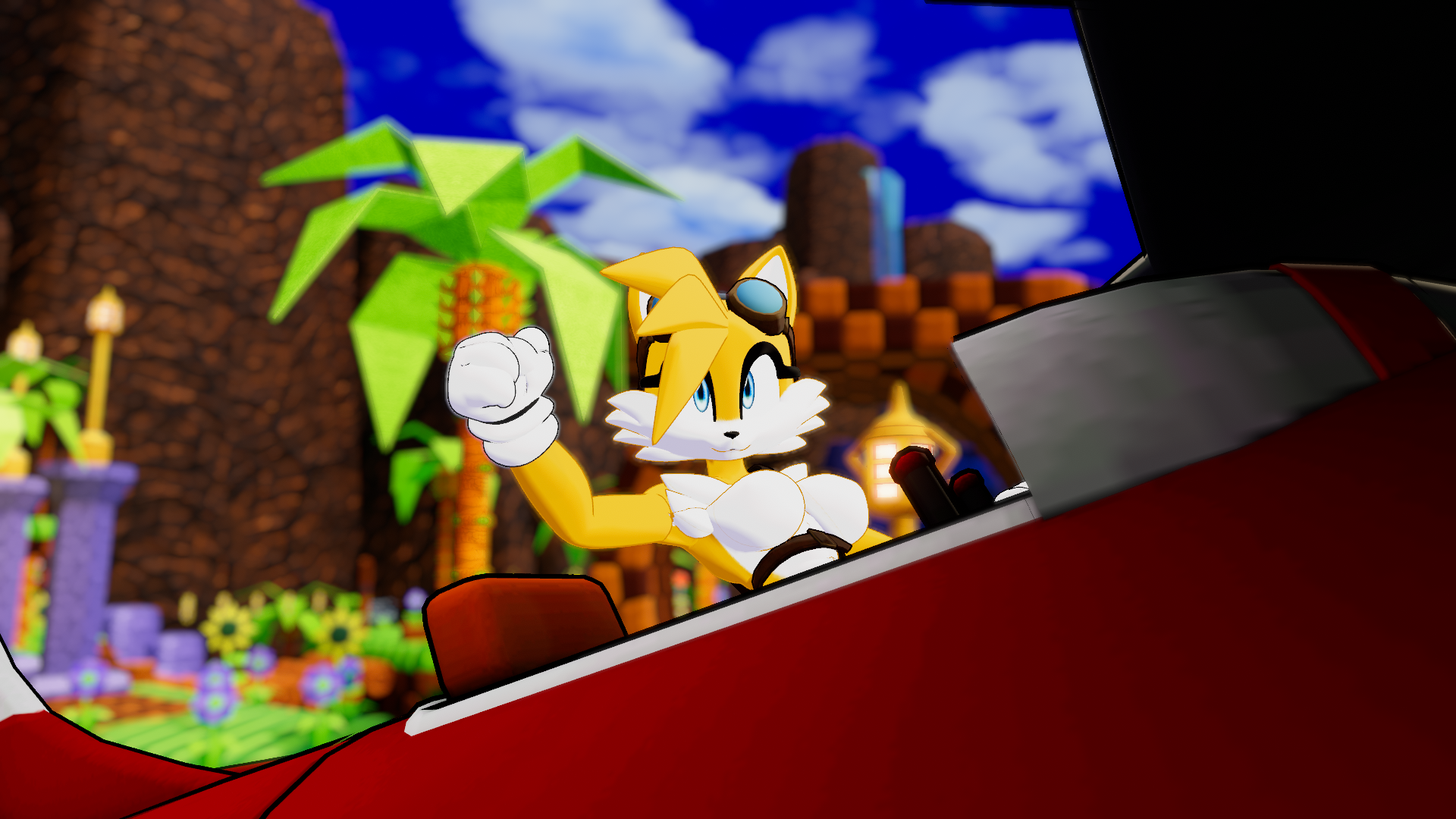
@thefumoplush
Where did you get that plane in the photo?? -
@thefumoplush
Where did you get that plane in the photo?? -
-
-
@ClosetGhost I feel like they just got it from sketchfab or model resources
@Sonic6908
If they did, I would LOVE a link! ^^ -
@Sonic6908
If they did, I would LOVE a link! ^^Nevermind!! I think I found it.
https://sketchfab.com/3d-models/sonic-lost-world-tornado-86fbd89a969f4e28879235645ad76b5b
-



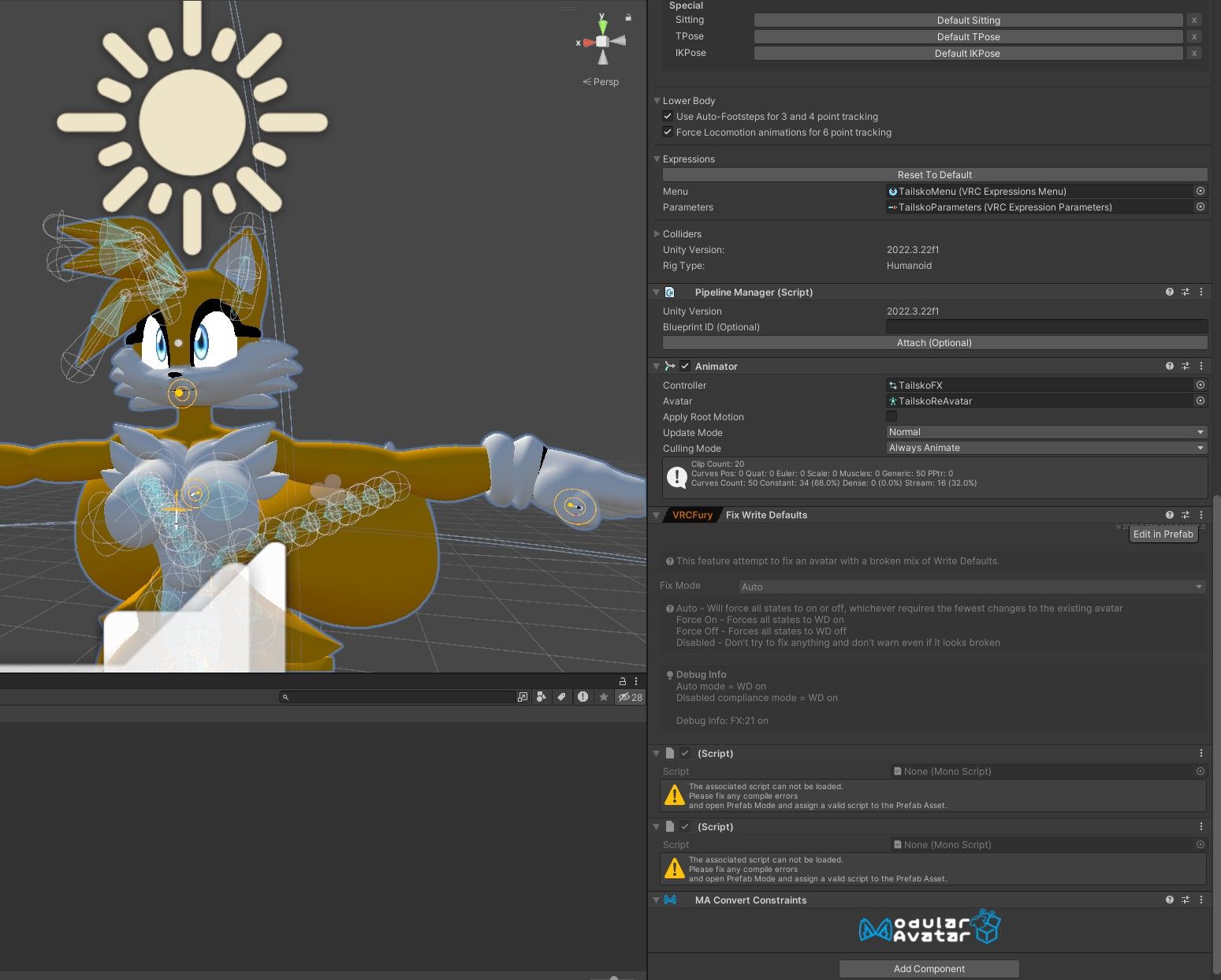
 There's also this which I can't find. Its preventing me from testing it with Gesture Manager

Hello! It looks like you're interested in this conversation, but you don't have an account yet.
Getting fed up of having to scroll through the same posts each visit? When you register for an account, you'll always come back to exactly where you were before, and choose to be notified of new replies (either via email, or push notification). You'll also be able to save bookmarks and upvote posts to show your appreciation to other community members.
With your input, this post could be even better 💗
Register Login