
RIPPED CRYPTIA AVATARS MEGATHREAD + EXTRA
-
Should've exported with all my fixes I did..
(Just bonfie btw)Edit: Just uploaded a fix for when the shirt clips while bottom nude is on.
-
@WhiffleBallBat looks pretty good
-
@WhiffleBallBat so wait, what needs to be done with said parameter in order to fix the clothing toggles..?
-
@SlimeGurl delete the director thats there or whatever it is
***driver
-
@SlimeGurl delete the director thats there or whatever it is
-
@WhiffleBallBat ok and this is in unity correct? where would i find said director (sorry im a visual learner)
@SlimeGurl no ur totally ok, let me set my stuff up to take screenshots for you
-
Should've exported with all my fixes I did..
(Just bonfie btw)Edit: Just uploaded a fix for when the shirt clips while bottom nude is on.
@ZXN40 lowkey how do i fix the clipping issue with her pussy when using the bottom slider....
-
-
-
import project and look in the files for the 'FX' layer (usually in the folder labled 'Animations' and click it. (ignore that it says frenni)
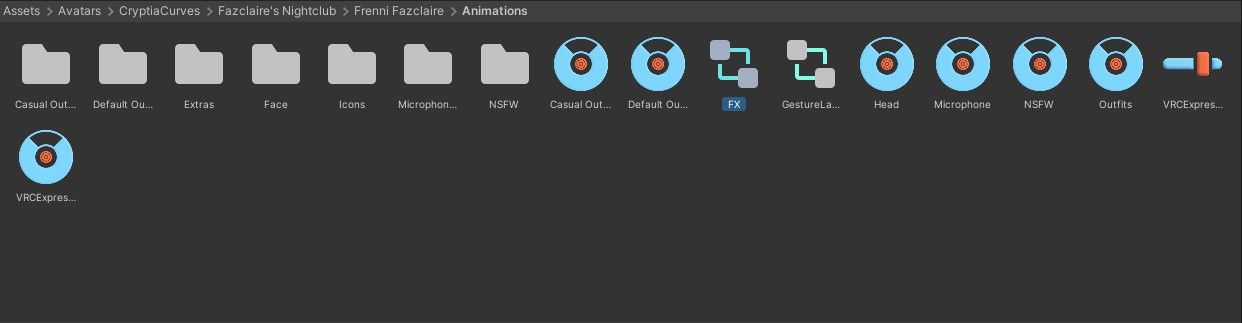
then, look toward the top of the scene window, these will be there. go to animator
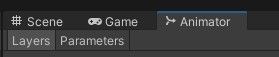
scroll and find the bottoms tab and click it, should look like this

click the "bottom nude on", and delete the 'Avatar Parameter Driver' entierly.
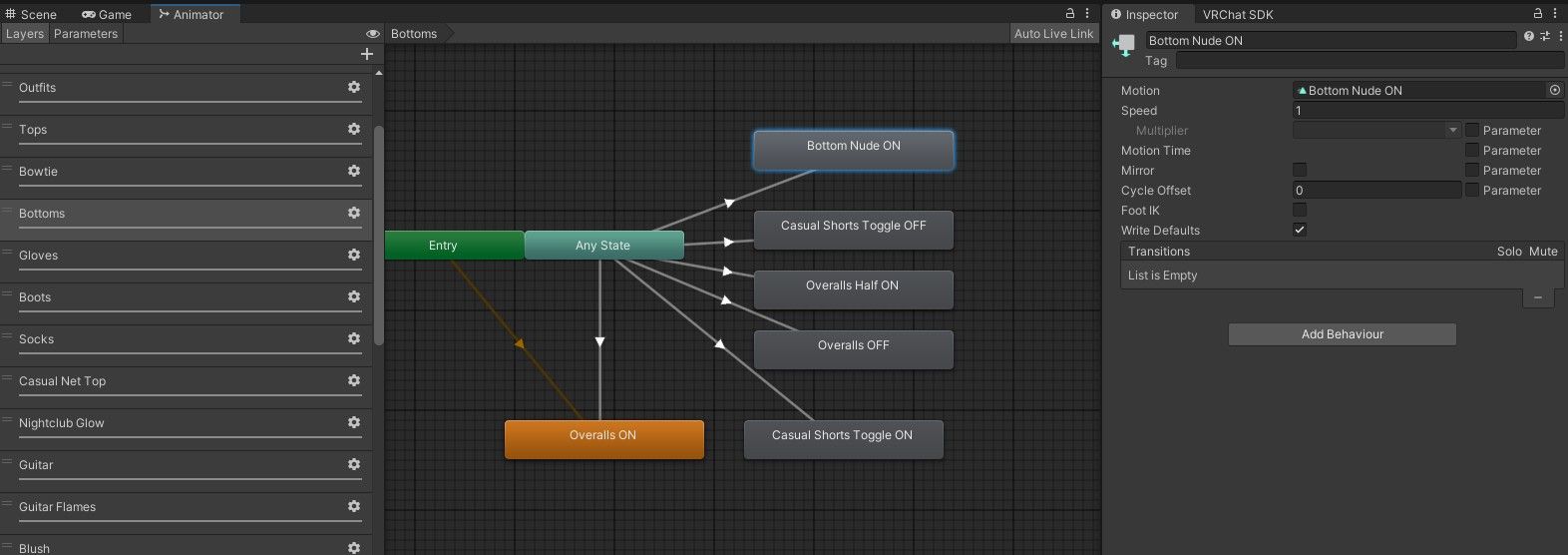
you should be good after that. i hope this helps!
Here for a good time, not a long time.
-
import project and look in the files for the 'FX' layer (usually in the folder labled 'Animations' and click it. (ignore that it says frenni)
then, look toward the top of the scene window, these will be there. go to animator
scroll and find the bottoms tab and click it, should look like this
click the "bottom nude on", and delete the 'Avatar Parameter Driver' entierly.
you should be good after that. i hope this helps!
-
@WhiffleBallBat omggg ur a saint tysm
@SlimeGurl you're welcome ^^
-
import project and look in the files for the 'FX' layer (usually in the folder labled 'Animations' and click it. (ignore that it says frenni)
then, look toward the top of the scene window, these will be there. go to animator
scroll and find the bottoms tab and click it, should look like this
click the "bottom nude on", and delete the 'Avatar Parameter Driver' entierly.
you should be good after that. i hope this helps!
@WhiffleBallBat Thanks for the solution and the visual aid did help
-
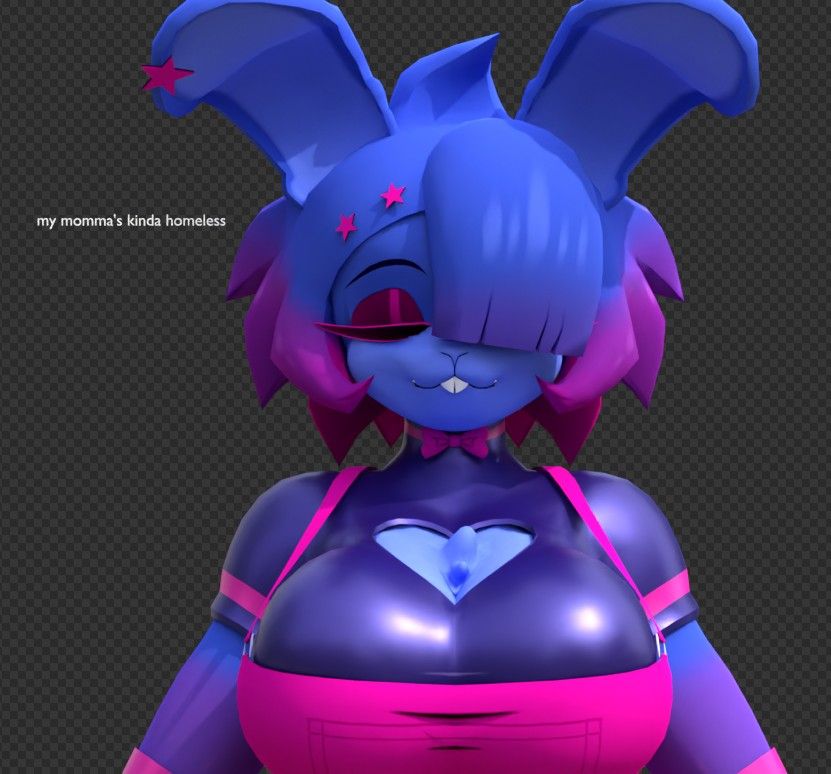
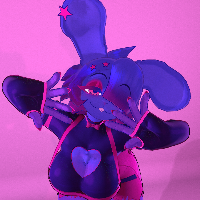
@Eigniht OH MY GOD??????? I LOVE THIS RENDER

@WhiffleBallBat it's a screenshot, really, if it were a render it'd be better (and actually transparent) but thanks anyway lmao
-
@WhiffleBallBat it's a screenshot, really, if it were a render it'd be better (and actually transparent) but thanks anyway lmao
-
-
-
@WhiffleBallBat it's a screenshot, really, if it were a render it'd be better (and actually transparent) but thanks anyway lmao
-
@Eigniht either way i love it and wish i could have more of it in my life lol
-
 Download Link (mega.nz)

 link url)




Hello! It looks like you're interested in this conversation, but you don't have an account yet.
Getting fed up of having to scroll through the same posts each visit? When you register for an account, you'll always come back to exactly where you were before, and choose to be notified of new replies (either via email, or push notification). You'll also be able to save bookmarks and upvote posts to show your appreciation to other community members.
With your input, this post could be even better 💗
Register Login