
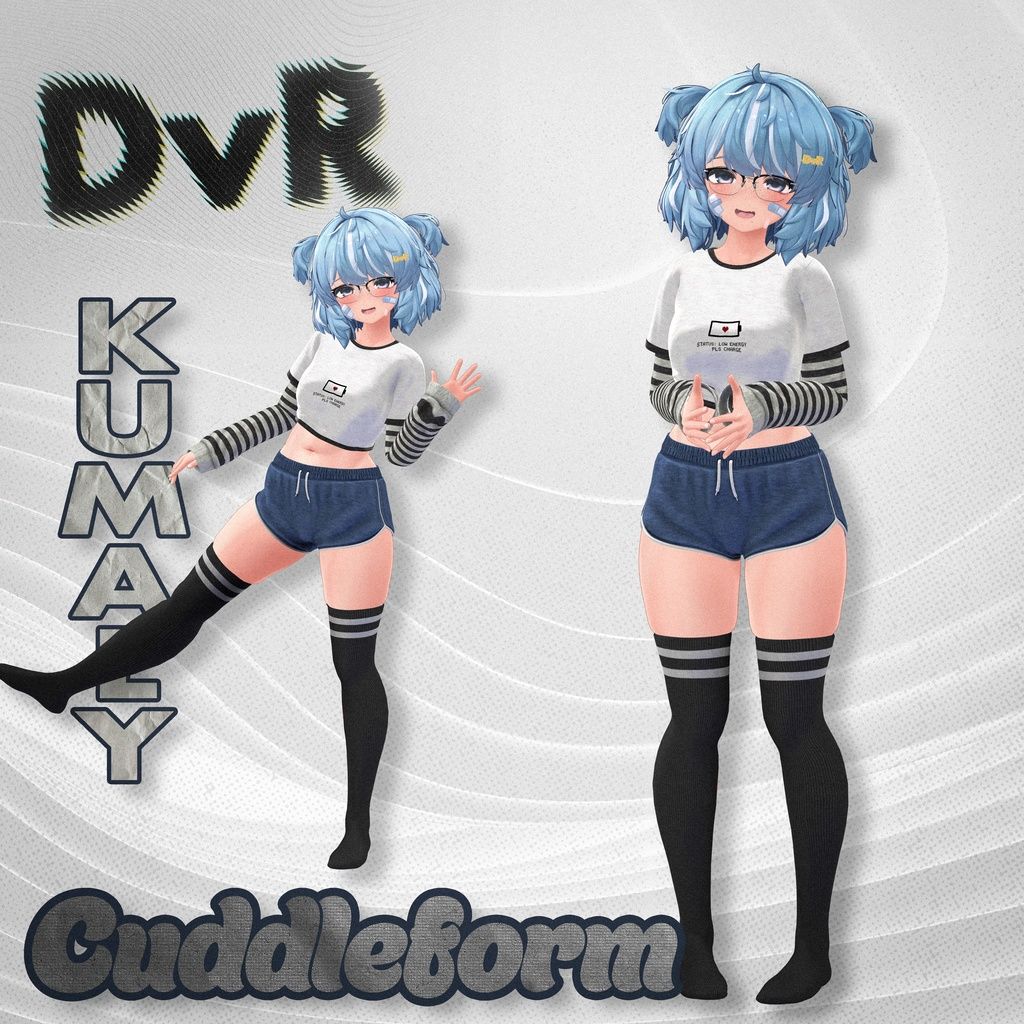
KUMALY THREAD PART 1 [NO LONGER UPDATING]
-
-
https://booth.pm/en/items/7973730
https://booth.pm/en/items/7976420
https://booth.pm/en/items/7967580
Bump for these as well!!!!
-
https://booth.pm/en/items/7968922
Bump for one last one
-
bump for 214!!!!
-
-
-
https://booth.pm/en/items/7973730
https://booth.pm/en/items/7976420
https://booth.pm/en/items/7967580
Bump for these as well!!!!
-
-
 Download Link (workupload.com)
https://kasuyamei.booth.pm/items/5648405 wanted to share pls up vote if you can
@corpseflower Please re upload..!
-
-
does anyone have brazilian kumaly or wonderous kumaly
-
Touch me - Kumaly
https://booth.pm/en/items/7932297
-
Kumaly Winter Sale ~2/21

 Animation 【
 Arowen】
 -
@adonaimelek7 can we bump for textures?
-
-
probably not the place but how do i make the outfit fit when the tummy keeps poking out? i didn't get the shapekey plus and ive tried using diet lower but it don't work
 i love some of these outfits but im limited bc of this
 -
probably not the place but how do i make the outfit fit when the tummy keeps poking out? i didn't get the shapekey plus and ive tried using diet lower but it don't work
i love some of these outfits but im limited bc of this@huryixx you can create your own shapekeys! Most times this method works, and its fairly quick and easy once you do it a few times.
basically:
create a copy of the clothing fbx to begin. backups are important.
new blender project, delete the light and cube and stuff
import the clothing fbx into blender (blender 4.2 seems to work most of the time. 5 has been weird for me), dont change any settings on import
import the avatar fbx in the same workspace, dont change any settings on import
hide the armatures so the bones arent blocking the view
hide the default clothing from the avatar base
select the clothing mesh you want to add a shapekey to, navigate to the "data" tab (upside down green triangle icon), expand the Shape Keys section; and if there are no shapekeys, or "basis", create a blank shapekey to act as the basis. basis is the default shape of the mesh.
once you have a basis/default state shapekey on your mesh, navigate to the "modifiers" tab. (blue wrench icon, slightly above the data icon); add a modifier. deform > surface deform.
in the surface deform settings, select the eyedrop tool under the Target setting. Select the body mesh as a target. click "Bind" after that.
now that the surface deform on the clothing is bound to the body mesh, it will deform alongside it.select your body mesh, go to the data tab, shapekeys, and activate the shapekey you want to record for the clothing mesh. you should see the clothing move with the body shape. if it looks correct, or semi correct, leave the shapekey intact; and go back to the clothing mesh modifier menu. on the surface deform menu you will see a downward pointing arrow/chevron, it is between a camera icon and the X. click the arrow, select "apply as shapekey". and you now have a shapekey to match the body. If it has clipping from there out, set the shapekey to 1, stay clicked on the shapekey, then go into sculpt mode and use the grab tool with an x axis mirror to make adjustments.
after you have a working shapekey, make sure to remove the avatar from the project, and export the clothing with default settings aside from setting Apply Scalings set to FBX All, and be sure to uncheck "add leaf bones" from the Armature settings in export.
as long as you export over the original FBX it should keep prefabs intact. if it breaks them (mesh disappears), you can manually select the new fbx in prefab edit mode.
good luck!
-
https://booth.pm/en/items/8011114
Bump for Kumaly
-
im also looking for this one for kumaly https://booth.pm/en/items/6437842
-












Hello! It looks like you're interested in this conversation, but you don't have an account yet.
Getting fed up of having to scroll through the same posts each visit? When you register for an account, you'll always come back to exactly where you were before, and choose to be notified of new replies (either via email, or push notification). You'll also be able to save bookmarks and upvote posts to show your appreciation to other community members.
With your input, this post could be even better 💗
Register Login