Skip to content
  • Categories
  • Recent
  • Tags
  • Popular
Skins
  • Light
  • Brite
  • Cerulean
  • Cosmo
  • Flatly
  • Journal
  • Litera
  • Lumen
  • Lux
  • Materia
  • Minty
  • Morph
  • Pulse
  • Sandstone
  • Simplex
  • Sketchy
  • Spacelab
  • United
  • Yeti
  • Zephyr
  • Dark
  • Cyborg
  • Darkly
  • Quartz
  • Slate
  • Solar
  • Superhero
  • Vapor

  • Default (Zephyr)
  • No Skin
Collapse
RipperStore Logo
  1. Home
  2. Guides
  3. New User Help
  4. Need help uploading this avatar (Comissar by JallerArts)

Need help uploading this avatar (Comissar by JallerArts)

Scheduled Pinned Locked Moved New User Help
idkunityhelp needed
5 Posts 2 Posters 657 Views 4 Watching
  • Oldest to Newest
  • Newest to Oldest
  • Most Votes
Reply
  • Reply as topic
Log in to reply
This topic has been deleted. Only users with topic management privileges can see it.
  • That1memeguyT
    That1memeguyT
    That1memeguy
    wrote on last edited by
    #1

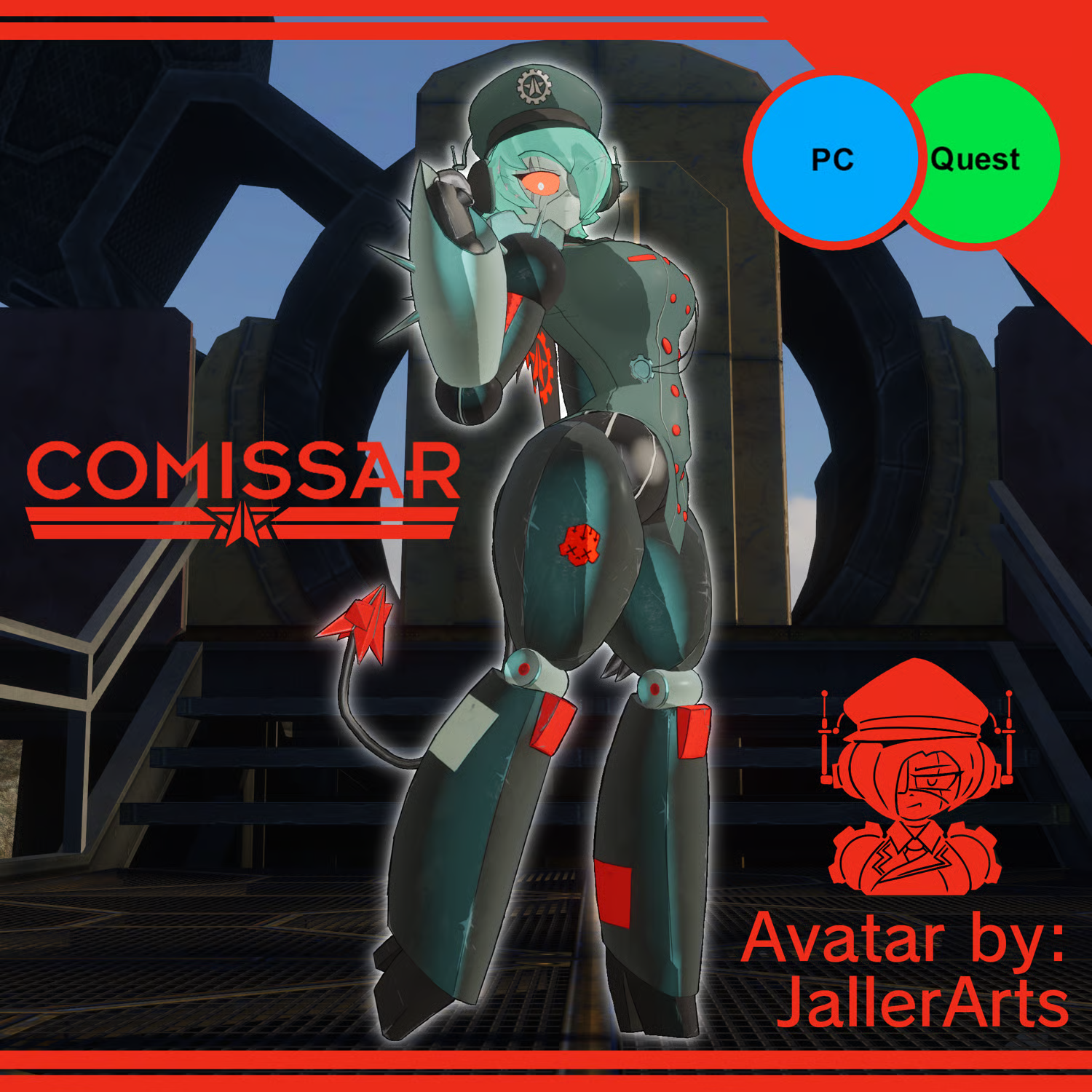
    I'm not very experienced with unity and, as the name of this post states, I have no idea how to get this avatar properly working. Unlike other avatars I've uploaded, this one doesn't seem to have a package that came with it (or its there and I didn't know). When i did try to upload the avatar, it was stuck in a t-pose, none of the toggles were there, the avatar was the size of a three-story building, and i was seeing from where the lower legs were. Idk if there not being a package is the problem or what. I really like this avi and I really want this to work .The avatar is by JallerArts and can be found here: https://payhip.com/b/kNSgZ
    55599d8f-150b-4859-838d-c07ccfdfeb75-image.png

    1 Reply Last reply
    0
    • shark boiS
      shark boiS
      shark boi
      wrote on last edited by
      #2

      did you check the links that was in the txt file for the unitypackage

      1 Reply Last reply
      0
      • shark boiS
        shark boiS
        shark boi
        wrote on last edited by shark boi
        #3

        btw here is the REQUIERMENTS for it

        Poiyomi's Toon Shader v9.1+
        VRCFury
        WholesomeSPS
        NSFW Locomotion

        1 Reply Last reply
        0
        • That1memeguyT
          That1memeguyT
          That1memeguy
          wrote on last edited by
          #4

          I found out what i was doing wrong. Turns out, I was being a lil dumb and though I had to open the file explorer and drag the avatar file from there, to the project. What I was ACTUALLY supposed to do is just right click the blank space at the bottom and import it that way.

          1 Reply Last reply
          0
          • shark boiS
            shark boiS
            shark boi
            wrote on last edited by
            #5

            ah okay that's good you got it fixed

            1 Reply Last reply
            0

            Hello! It looks like you're interested in this conversation, but you don't have an account yet.

            Getting fed up of having to scroll through the same posts each visit? When you register for an account, you'll always come back to exactly where you were before, and choose to be notified of new replies (either via email, or push notification). You'll also be able to save bookmarks and upvote posts to show your appreciation to other community members.

            With your input, this post could be even better 💗

            Register Login
            Reply
            • Reply as topic
            Log in to reply
            • Oldest to Newest
            • Newest to Oldest
            • Most Votes


            • Login

            • Login or register to search.
            • First post
              Last post
            0
            • Categories
            • Recent
            • Tags
            • Popular