
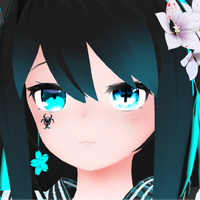
『なのでび -Nanodevi-』オリジナル3Dモデル
-
-
-
-
-
-
-
-
-
@Hitoro
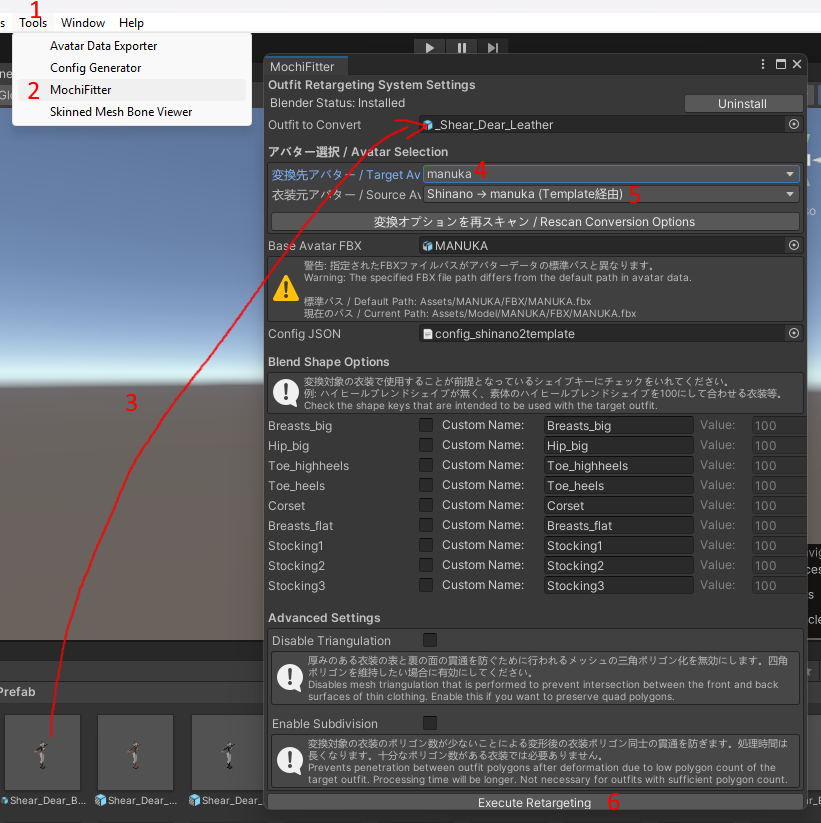
after drag and dropping the mochifitter unitypackage into unity follow these steps:1 open tools
2 press on mochifitter
3 drag the outfit prefab from the project tab (NOT the hierachy) into the field
4 choose the profile for the avatar you want to fit it to (if the base avatar fbx field doesnt show the right avatar you either need to get the newest version of mochifitter or move the avatar fbx to the orginal location)
5 choose the profile which the outfit was originally made for
6 press execute retargeting(depending on your pc this could take a long time to finish)
-
@ezrek123 enjoy it -
@Hitoro
after drag and dropping the mochifitter unitypackage into unity follow these steps:1 open tools
2 press on mochifitter
3 drag the outfit prefab from the project tab (NOT the hierachy) into the field
4 choose the profile for the avatar you want to fit it to (if the base avatar fbx field doesnt show the right avatar you either need to get the newest version of mochifitter or move the avatar fbx to the orginal location)
5 choose the profile which the outfit was originally made for
6 press execute retargeting(depending on your pc this could take a long time to finish)
-
-
Update please.
@FortFoxy99 I'll try to remember when I get home
-
-
-
@Hitoro download is corrupt!! please please reup..
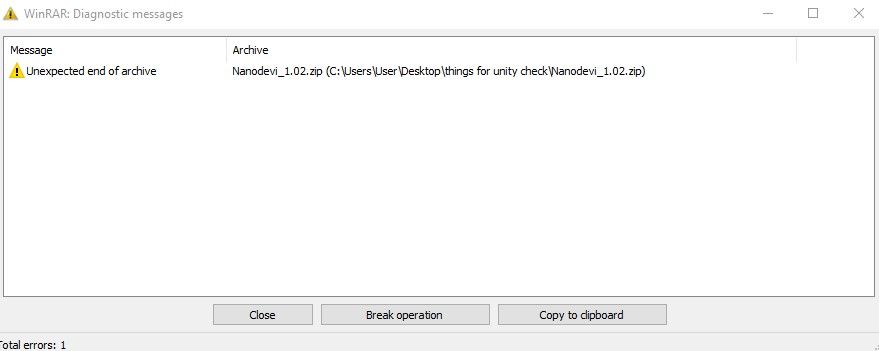 I also keep getting an error, can't unzip it





Hello! It looks like you're interested in this conversation, but you don't have an account yet.
Getting fed up of having to scroll through the same posts each visit? When you register for an account, you'll always come back to exactly where you were before, and choose to be notified of new replies (either via email, or push notification). You'll also be able to save bookmarks and upvote posts to show your appreciation to other community members.
With your input, this post could be even better 💗
Register Login