
Found: ✦ Manuka :: Manuka Compatible ✦ MilkyWay Makeup Texture / ✦ マヌカ :: Manuka 対応 ✦ MilkyWay Makeup Texture (7739731)
-
https://booth.pm/en/items/7739731

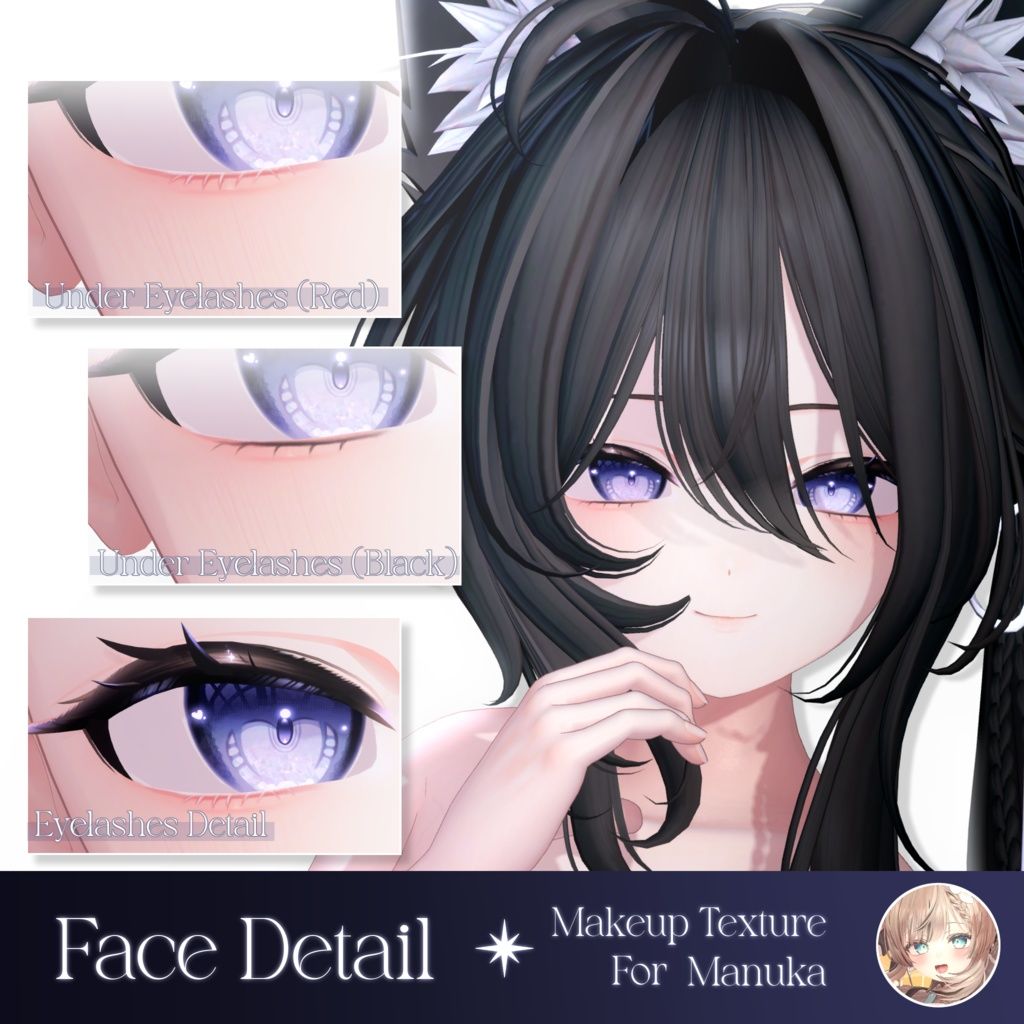
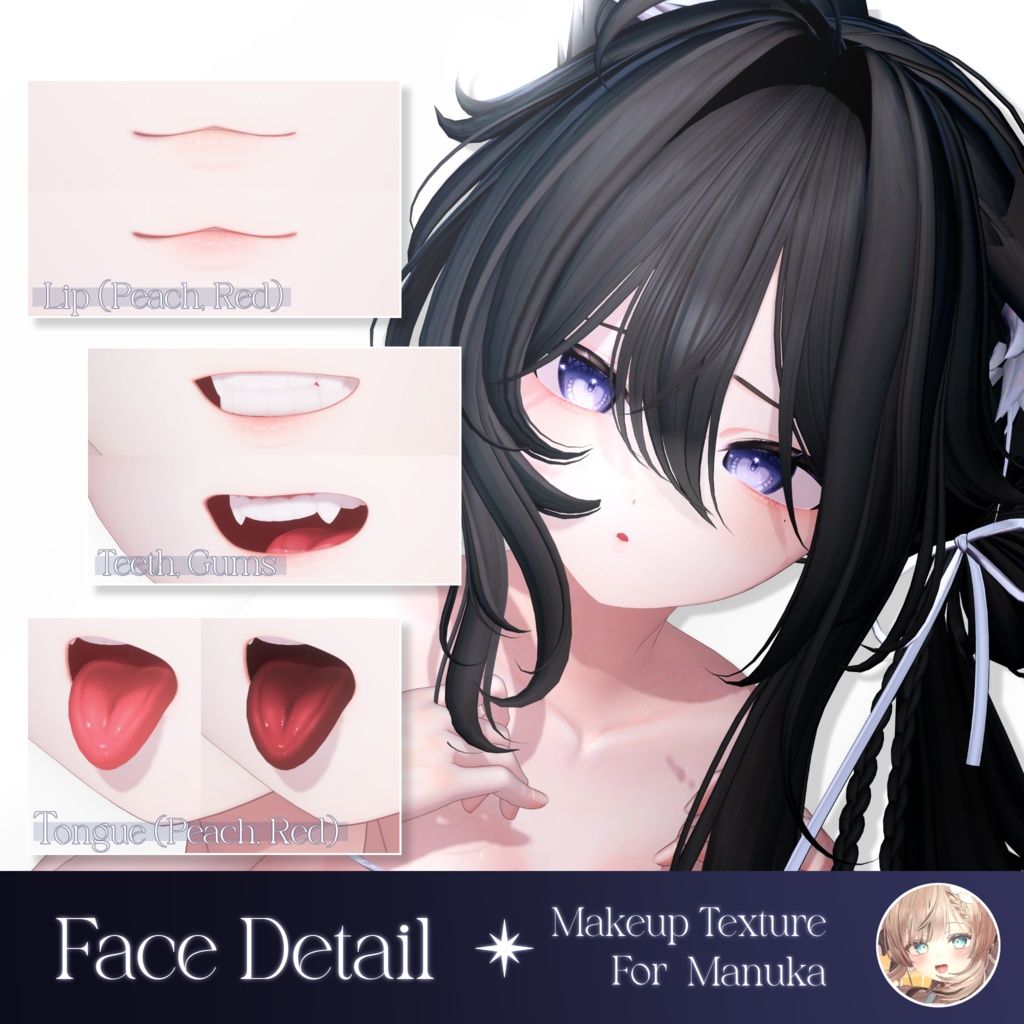
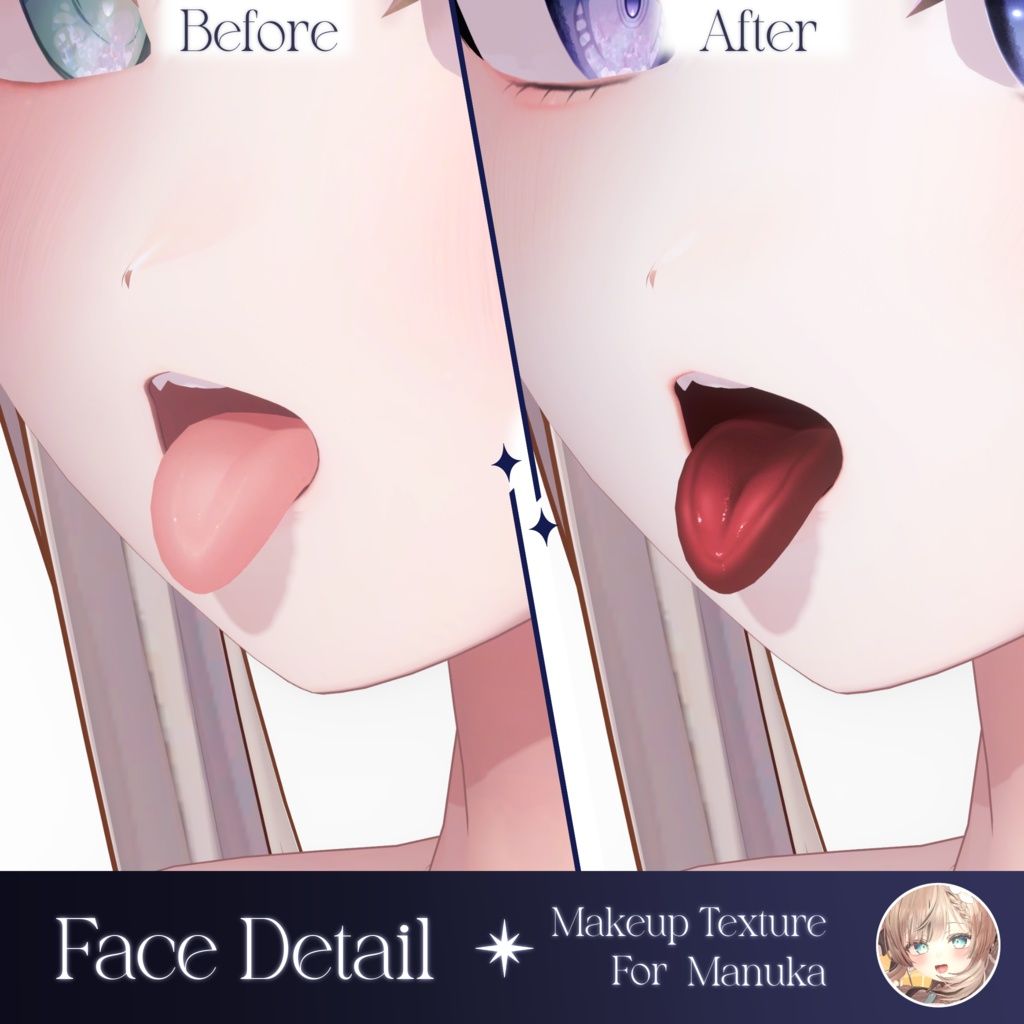
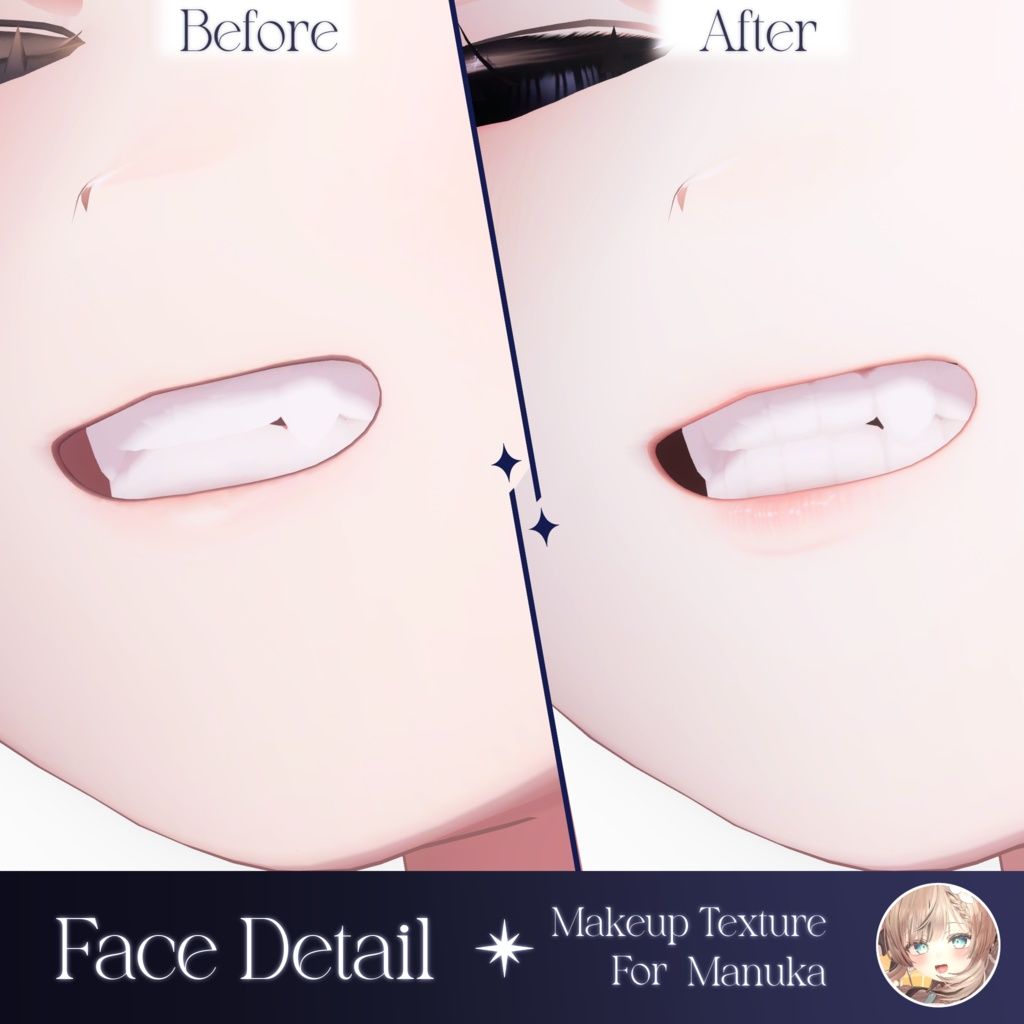
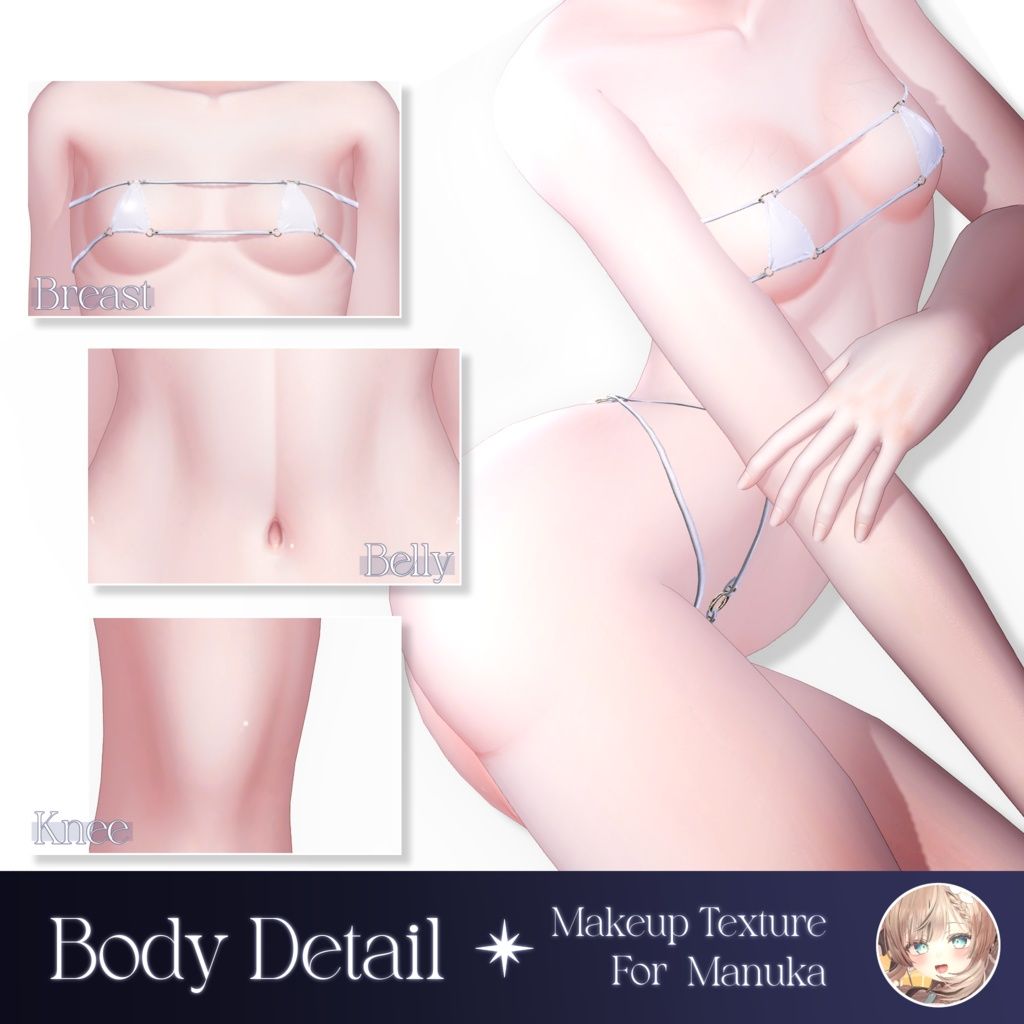
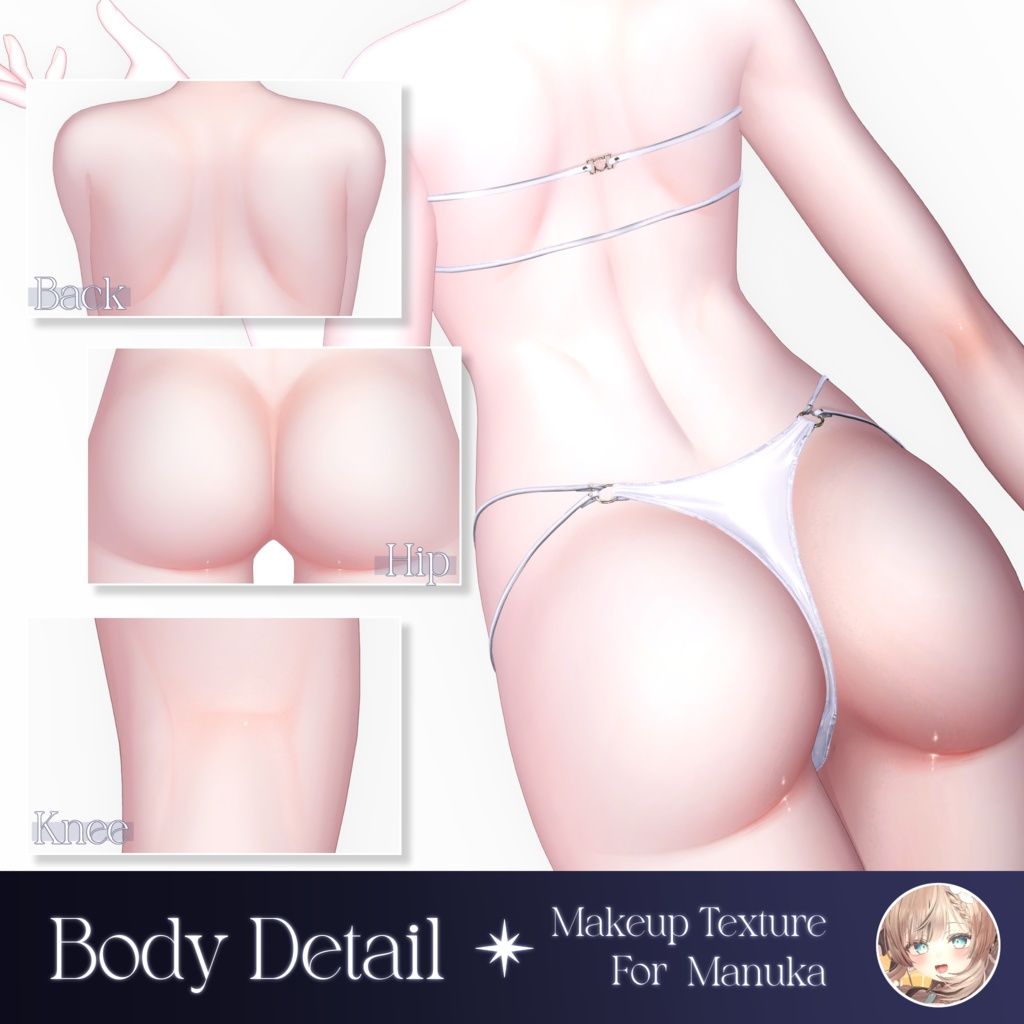
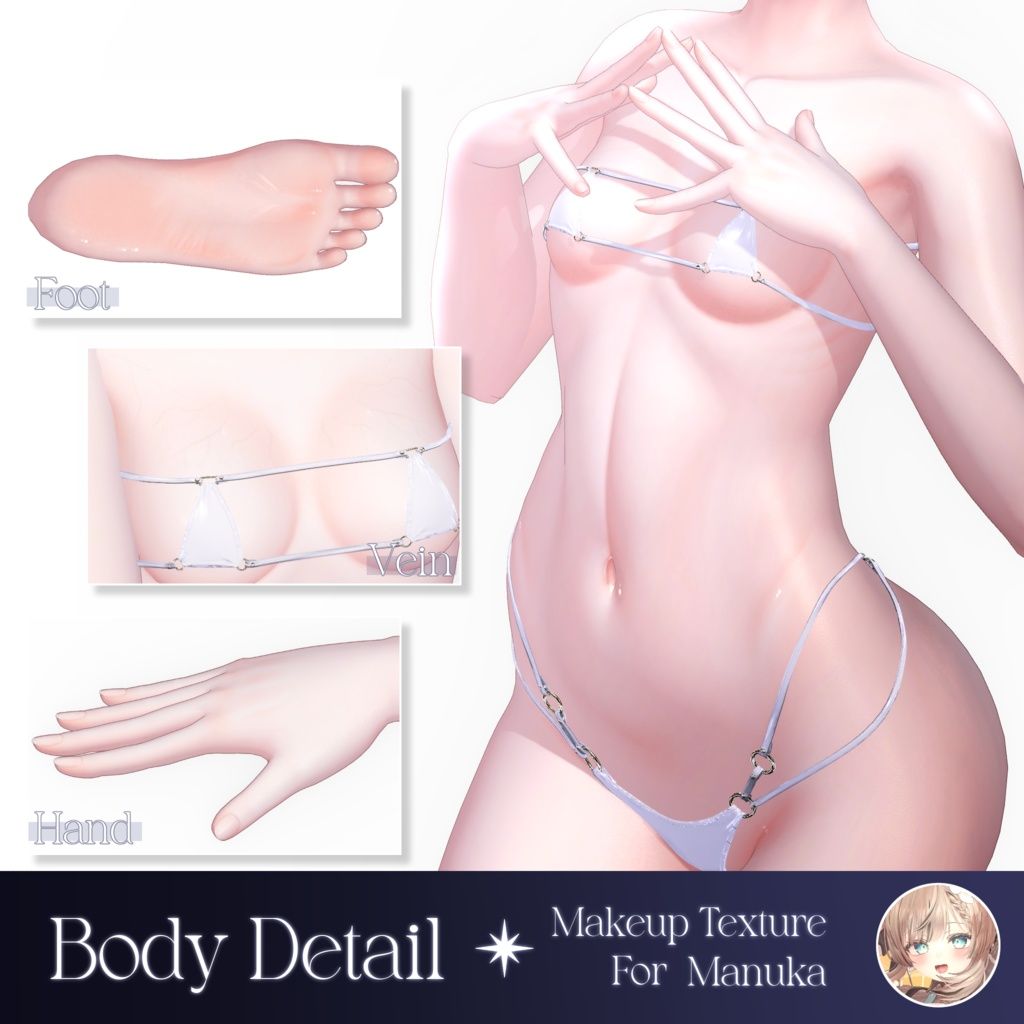
The details are pretty nice, plus, detailed teeth Texture, which is pretty noice.
I would just the makeup in all honesty.
-
-
@username-taken You beauty!~♡
mwah!~♡
-
 E Excaligator has marked this topic as solved on
-
-
@Womp_womp It changes the expressions.
This includes default expression and gestures.
-
-
@SteelDuck You have to have a software like photoshop or clip studio paint.
(Example is for body textures but it's the same exact process for the face textures)Personally I use clip studio paint, firstly you need to throw the PSD file into the program (the file will all the layers) then open a new tab in the art software. Next import your original base body texture, then copy the layer. Go to the tab with your PSD of Milky Way and paste the original base body texture on the bottom layer so all the extra layers are overlaying it. Lastly export the texture as a PNG and import it into your project and just replace the base body texture, then select the mask for the corresponding texture (really easy to do in Liltoon shader). You should be all set!
Hopefully this helps, upvotes are appreciated, sharing is caring




Hello! It looks like you're interested in this conversation, but you don't have an account yet.
Getting fed up of having to scroll through the same posts each visit? When you register for an account, you'll always come back to exactly where you were before, and choose to be notified of new replies (either via email, or push notification). You'll also be able to save bookmarks and upvote posts to show your appreciation to other community members.
With your input, this post could be even better 💗
Register Login