
Looking for this Milltina Edit
-
@ilovegiyuunsabi omg, you're not understanding what im saying, its not using lil toon, this is poyiomi, and its NOT just just missing a normal map, if you look at the first screenshot you can see that it has a lot of stuff enabled, like "rim lighting", "reflections and specular", "glitter / sparkle" and so on, but the material i got from facs only has the texture on the first slot and everything else is default
what im asking is if there is a way to get the proper materials or if i have to re-do every single one by hand
-
-
-
@ilovegiyuunsabi omg, you're not understanding what im saying, its not using lil toon, this is poyiomi, and its NOT just just missing a normal map, if you look at the first screenshot you can see that it has a lot of stuff enabled, like "rim lighting", "reflections and specular", "glitter / sparkle" and so on, but the material i got from facs only has the texture on the first slot and everything else is default
what im asking is if there is a way to get the proper materials or if i have to re-do every single one by hand
@Peachii sorry bro I cant help with you that:/ I tried but I believe in ya, you got this
-
-
@ilovegiyuunsabi there is nothing wrong with the shaders, its looks fine, just doesnt look the same as the original
do i really have to remake every single material?
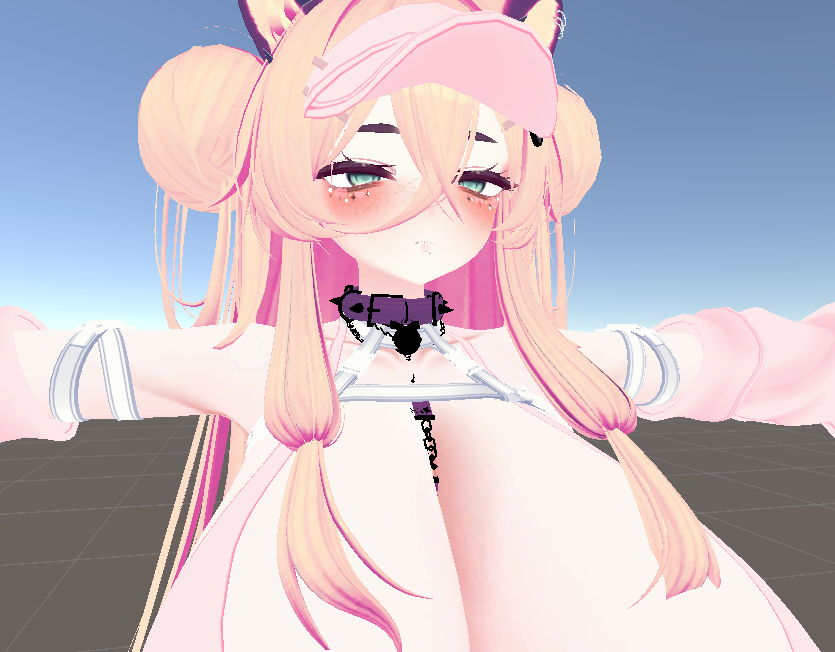
here is an example
this is one of the screenshots i posted
and this is how it looks in unity
@Peachii it might be using this shader https://booth.pm/en/items/5430295
-
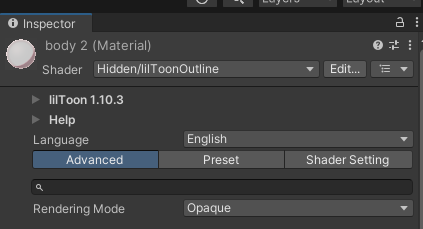
okay, i think i figured it out, it does actually use liltoon, but i had the option "reassign all shaders to poiyomi" selected, so when switching to poiyomi it lost all properties
i re did it with that option disabled and it uses an old version of liltoon, but now there is another issue
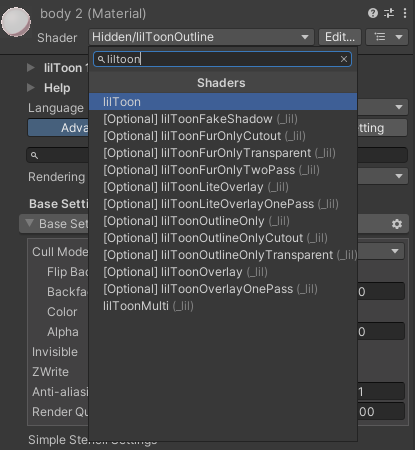
i have another material thats using this old version of liltoon and uses the lilToonOutline, it shows up when i select the material, but when i try to change the materials to the same lilToonOutline, it doesnt show up in the list
-
okay, i think i figured it out, it does actually use liltoon, but i had the option "reassign all shaders to poiyomi" selected, so when switching to poiyomi it lost all properties
i re did it with that option disabled and it uses an old version of liltoon, but now there is another issue
i have another material thats using this old version of liltoon and uses the lilToonOutline, it shows up when i select the material, but when i try to change the materials to the same lilToonOutline, it doesnt show up in the list
-
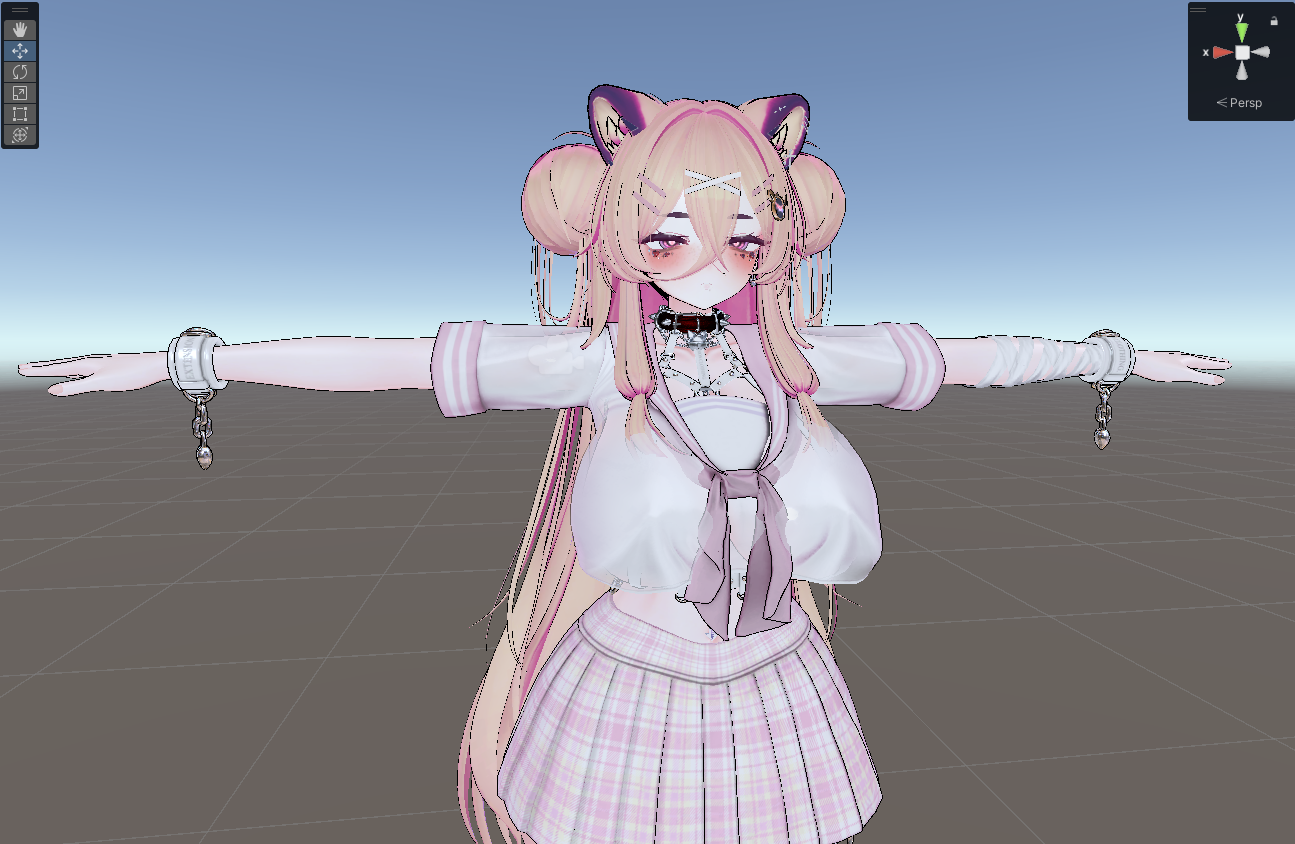
i figured out a workaround, i had to edit every shader to make it not hidden, then reassigned the correct one to each material
ill finish editing the avatar to make all the toggles available and also add some new ones like toggling off individual parts of each outfit
will be posting the unity package here when im done
-
i figured out a workaround, i had to edit every shader to make it not hidden, then reassigned the correct one to each material
ill finish editing the avatar to make all the toggles available and also add some new ones like toggling off individual parts of each outfit
will be posting the unity package here when im done
-
-
I wish you well man. I'm fixing a rip too and holy hell. Let alone the fact most of it is in Chinese
-
-
bumperooni! can't wait to see her done

-
bulto
-
-
bump :c
-
BUUMMMPPP
-
oh my just cam back to this thread and theres already so much progress done, bump!
-
huge bumperooni






Hello! It looks like you're interested in this conversation, but you don't have an account yet.
Getting fed up of having to scroll through the same posts each visit? When you register for an account, you'll always come back to exactly where you were before, and choose to be notified of new replies (either via email, or push notification). You'll also be able to save bookmarks and upvote posts to show your appreciation to other community members.
With your input, this post could be even better 💗
Register Login