
LF: Zy0n7's Vrchat Supported Avatars (37/42)
-
-
-
-
-
-
-
-
-
@sus but what do you want the model to do? are you trying to pose it, make it dance or other lewd animations? If you have no knowledge of modeling or animation, mmd might be better as there are a ton of premade animation files you can download and then drop the model into mmd and choose the animation you want.
However the file has to be in pmx format first, so you have to convert them. There are instructions in this thread: https://forum.ripper.store/topic/11201/booth-model-to-mmd/3 -
@sus but what do you want the model to do? are you trying to pose it, make it dance or other lewd animations? If you have no knowledge of modeling or animation, mmd might be better as there are a ton of premade animation files you can download and then drop the model into mmd and choose the animation you want.
However the file has to be in pmx format first, so you have to convert them. There are instructions in this thread: https://forum.ripper.store/topic/11201/booth-model-to-mmd/3 -
@sus but what do you want the model to do? are you trying to pose it, make it dance or other lewd animations? If you have no knowledge of modeling or animation, mmd might be better as there are a ton of premade animation files you can download and then drop the model into mmd and choose the animation you want.
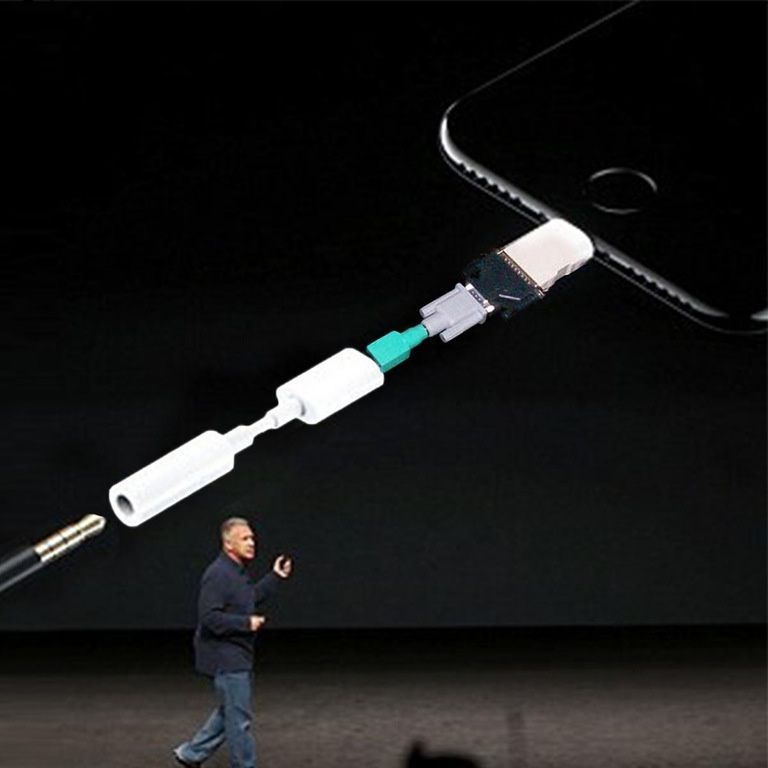
However the file has to be in pmx format first, so you have to convert them. There are instructions in this thread: https://forum.ripper.store/topic/11201/booth-model-to-mmd/3@eiron Anyway i dont get the point of your instructions. Zy0n7 Henrietta model already have .pmx file, but MMD dont want to open it, because that file is not in .pmm format. Where is logic? In your link i need use Unity to something and everywhere it says that MMD work with .pmx, but it wont. Entire situation looks like i deen adapter for adapter to just simply get these $60 files moving
-
@SuS that was just general instructions for converting vrc models. forgot that some of zy0n7's models are already in pmx format. All you need to do is drag and drop a pmx files into mmd. pmm are save files for mmd projects. you can also just drag and drop pose files (vpd) or motion/animation and camera files (vmd) onto a model and the press press play button
-
This post is deleted!
-
[[topic:post-is-deleted]]
@ibushigin84 could be that they need dynamicbones?
-
@ibushigin84 could be that they need dynamicbones?
This post is deleted! -
-
@ibushigin84 could be that they need dynamicbones?
This post is deleted! -
[[topic:post-is-deleted]]This post is deleted!
-
-
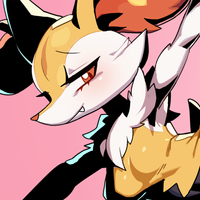
Here I share Braixen, got her to repay to everyone who helped and give to those who can't afford her
 @Flippy @SylveonRibbons @Samurai427 @SoFreshSoClean @Willow



Hello! It looks like you're interested in this conversation, but you don't have an account yet.
Getting fed up of having to scroll through the same posts each visit? When you register for an account, you'll always come back to exactly where you were before, and choose to be notified of new replies (either via email, or push notification). You'll also be able to save bookmarks and upvote posts to show your appreciation to other community members.
With your input, this post could be even better 💗
Register Login