
✔ (FOUND By NaughtyKitten) Crystal By Briella 𖹭
-

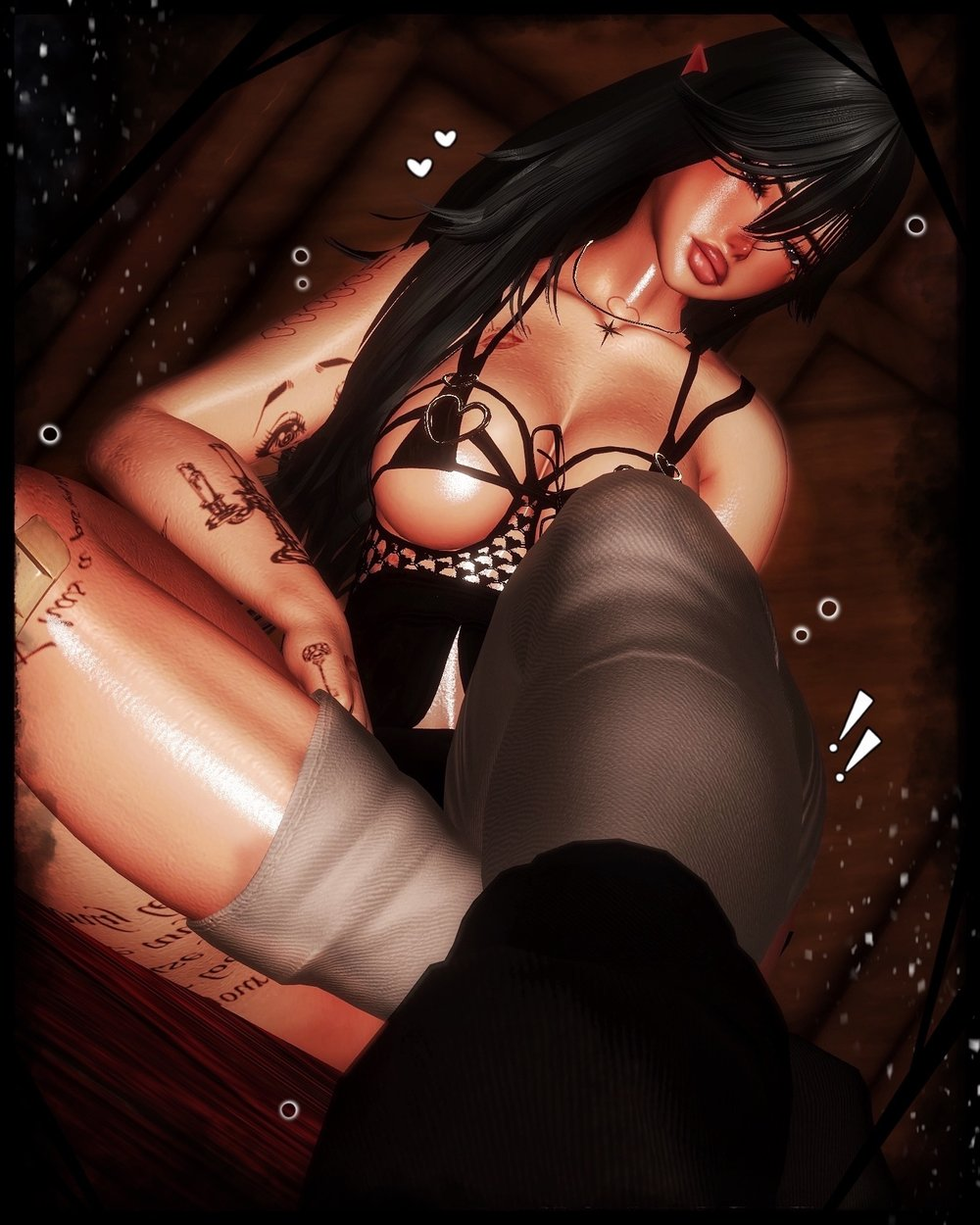
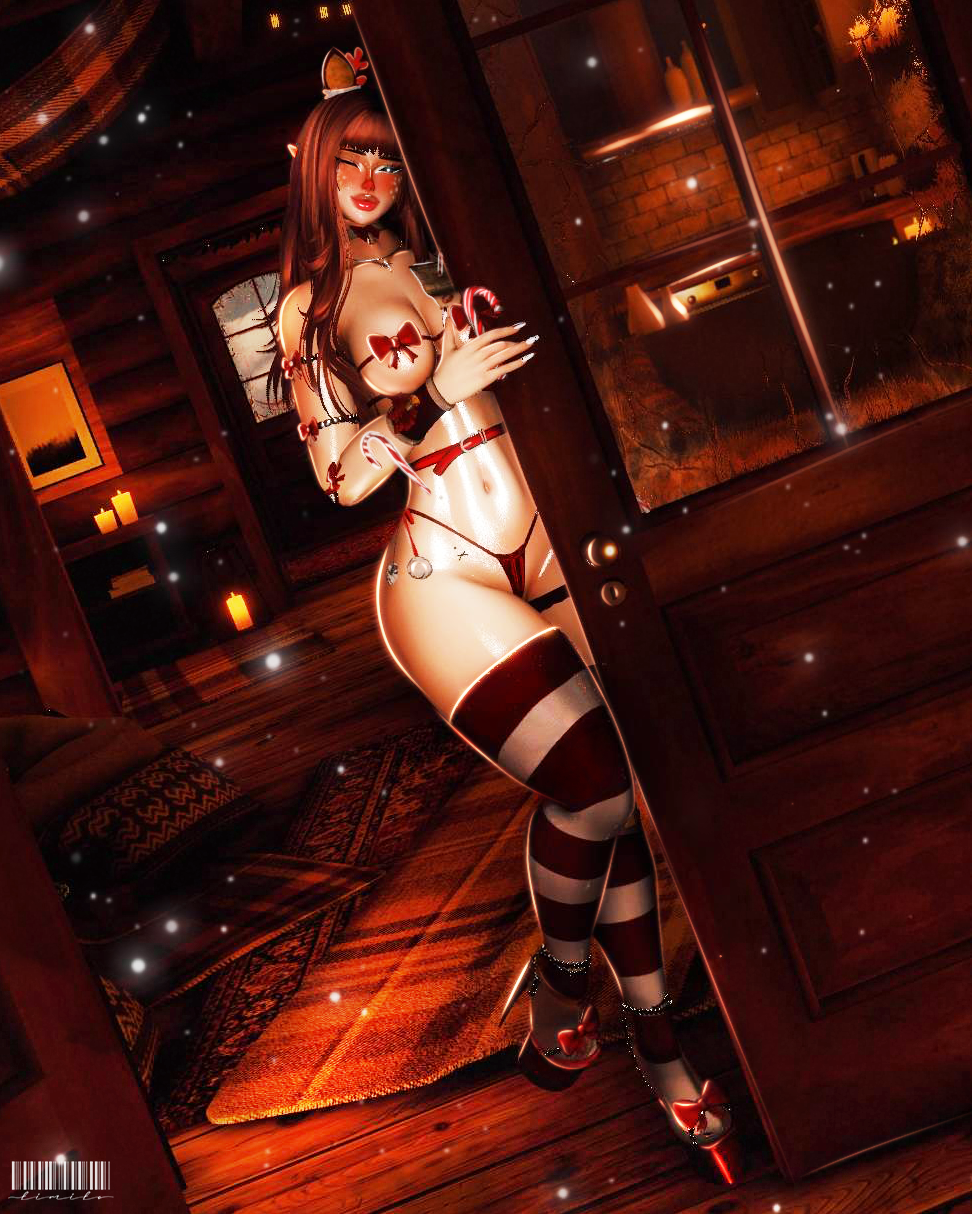

°❀⋆.ೃ࿔:・°❀⋆.ೃ࿔:・°❀⋆.ೃ࿔:・°❀⋆.ೃ࿔:・°❀⋆.ೃ࿔:・°❀⋆.ೃ࿔:・°❀⋆.ೃ࿔:・°❀⋆.ೃ࿔:・°❀⋆.ೃ࿔:・°❀⋆.ೃ࿔:・
https://payhip.com/b/eRSOk
°❀⋆.ೃ࿔:・°❀⋆.ೃ࿔:・°❀⋆.ೃ࿔:・°❀⋆.ೃ࿔:・°❀⋆.ೃ࿔:・°❀⋆.ೃ࿔:・°❀⋆.ೃ࿔:・°❀⋆.ೃ࿔:・°❀⋆.ೃ࿔:・°❀⋆.ೃ࿔:・
Help Me Look For Her Pleasee!!! Bump As Well 𖹭
°❀⋆.ೃ࿔:・°❀⋆.ೃ࿔:・°❀⋆.ೃ࿔:・°❀⋆.ೃ࿔:・°❀⋆.ೃ࿔:・°❀⋆.ೃ࿔:・°❀⋆.ೃ࿔:・°❀⋆.ೃ࿔:・°❀⋆.ೃ࿔:・°❀⋆.ೃ࿔:・ -
bmp n reply
-
-
https://payhip.com/b/5YLBb?ref=jinxxy anyone got dis
@lucky_suta make a post for it if your looking for it
-
@lucky_suta make a post for it if your looking for it
-
@NaughtyKitten yk i would if ik how
@lucky_suta ill do one for u
-
@NaughtyKitten yk i would if ik how
-
@lucky_suta i made u a post for her 𖹭
@NaughtyKitten
 ty boo
 -
-
putting her in a link rn
This post is deleted! -
-
@mars101 the blue hidden prefab in the hierarchy, but it says its waaay over the uncompressed size...
-
@mars101 the blue hidden prefab in the hierarchy, but it says its waaay over the uncompressed size...
-
@Rare_Kind_ do uk how to fix this

Hi! I just fixed this on my avatar. To lower the Phys Bone Components under 256, follow these steps:
- Go to your avatar's Armature in the Hierarchy.
- Look into the Head, Chest, and Hips bones.
- Search for bones ending in .merge (like hair or accessory duplicates).
- In the Inspector, find the VRC Phys Bone script on those bones and click Remove Component.
- If you still can't upload, check the Console for errors and clear them. Also, reduce your Texture Max Size to 1024 in the Inspector if your file size is too large (over 500MB).
Hope this helps!"
-
@mars101 the blue hidden prefab in the hierarchy, but it says its waaay over the uncompressed size...
@Rare_Kind_ Thank you so much i was confuse which one
-
Hi! I just fixed this on my avatar. To lower the Phys Bone Components under 256, follow these steps:
- Go to your avatar's Armature in the Hierarchy.
- Look into the Head, Chest, and Hips bones.
- Search for bones ending in .merge (like hair or accessory duplicates).
- In the Inspector, find the VRC Phys Bone script on those bones and click Remove Component.
- If you still can't upload, check the Console for errors and clear them. Also, reduce your Texture Max Size to 1024 in the Inspector if your file size is too large (over 500MB).
Hope this helps!"
@avi-2025 i removed the components off the hips underneath the armature but where is the head an chest ones or are they all the ones under the armature because i removed the components an lowered the texture size to 1024 an it still wont load for me :((











Hello! It looks like you're interested in this conversation, but you don't have an account yet.
Getting fed up of having to scroll through the same posts each visit? When you register for an account, you'll always come back to exactly where you were before, and choose to be notified of new replies (either via email, or push notification). You'll also be able to save bookmarks and upvote posts to show your appreciation to other community members.
With your input, this post could be even better 💗
Register Login