
LF: Hololive, Vtuber, Mihoyo, etc models!
-
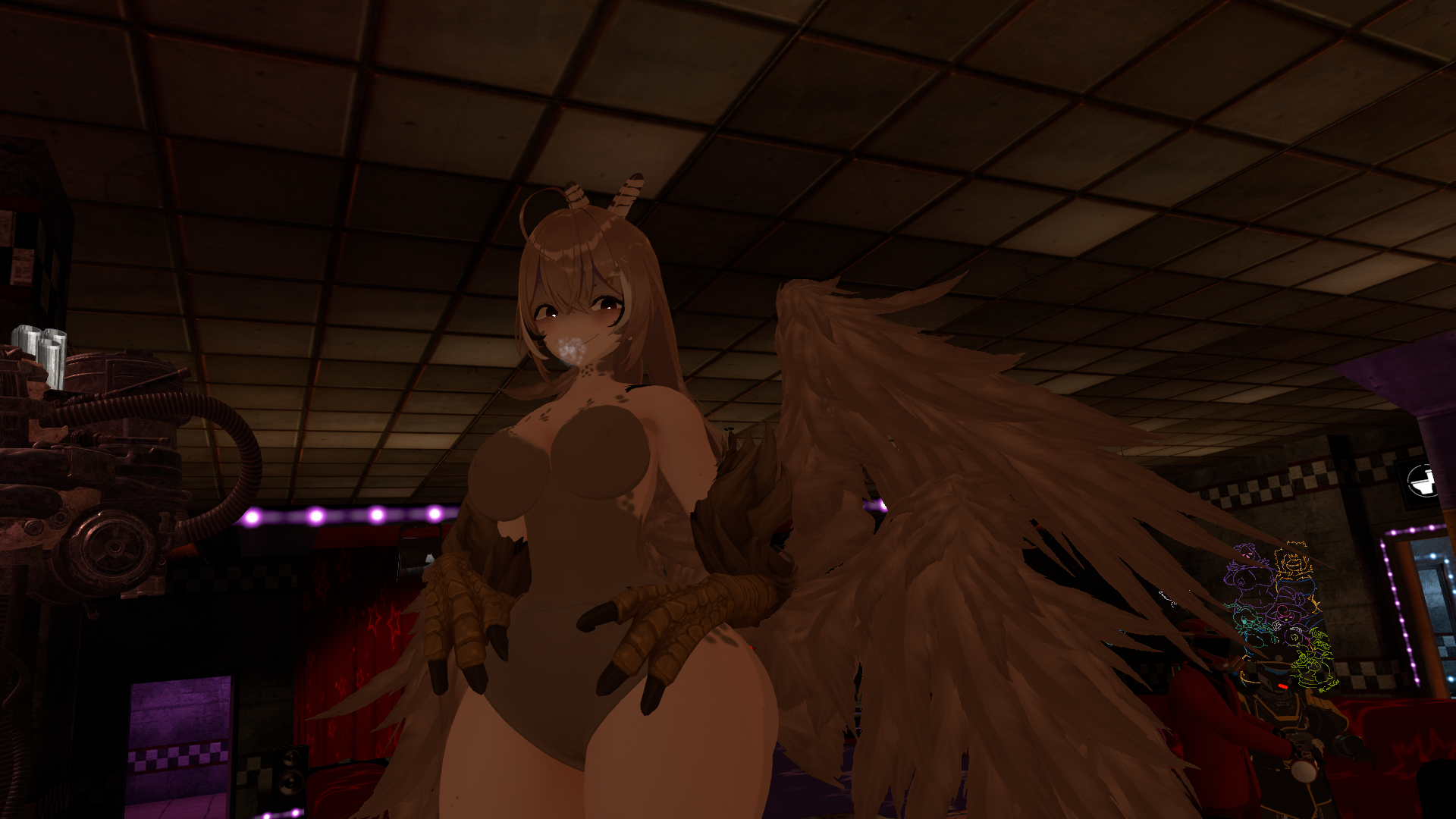 adding to the search
@A-horny-V-Tuber
 I had a screenshot of that avatar back when I was ripping like crazy, which means there's a possible chance I have that VRCA file sitting somewhere
 -
@A-horny-V-Tuber
I had a screenshot of that avatar back when I was ripping like crazy, which means there's a possible chance I have that VRCA file sitting somewhere@mr.touhou If you bump into the file again, please let us know! (bump!)
-
@A-horny-V-Tuber
I had a screenshot of that avatar back when I was ripping like crazy, which means there's a possible chance I have that VRCA file sitting somewhere@mr.touhou send it my way if you can, or I'll have you just upload it for me
-
@Xeno00 bump
-
I was looking to make a Pekomama avatar using the TVF base that I believe 3nder uses but every time I try to export it to unity her eyes are backwards...


I used a head from a VRM model since I don't know any sources of a different head... Maybe I should've stuck to a different holo character... Can anyone help me out here? -
I was looking to make a Pekomama avatar using the TVF base that I believe 3nder uses but every time I try to export it to unity her eyes are backwards...
I used a head from a VRM model since I don't know any sources of a different head... Maybe I should've stuck to a different holo character... Can anyone help me out here? -
@Seaport636 Go to blender and "Flip normals", if you zoom in from the back of the face, you'll see that her textures are turned around, it's quite the error that happens with Suyasuya models.
@Makkun i don't understand. i try to do it but nothing happens. just makes whites of the eyes disappear or the entire face disappears.
edit: okay, i did it. i selected just the vertex groups for the eyes and flipped them. the backs were still showing as a ring around the eyes, but i fixed this by changing the material to a transparent type and applying it to that part of the eye. the only thing wrong now is the extra bits of the eye aren't showing up, but that's not all too concerning

-
@Makkun i don't understand. i try to do it but nothing happens. just makes whites of the eyes disappear or the entire face disappears.
edit: okay, i did it. i selected just the vertex groups for the eyes and flipped them. the backs were still showing as a ring around the eyes, but i fixed this by changing the material to a transparent type and applying it to that part of the eye. the only thing wrong now is the extra bits of the eye aren't showing up, but that's not all too concerning
@Seaport636 Looks great, and sorry, I needed to be more specific, that this happens around the eyes, but for what you've shown, you did a great job, however its better to check in Unity or with the VRM shaders if you have the addon in blender which gives an approximate view.
-
@ChaoticJester
 Download Link (drive.google.com) Ellen Joe Bottom HeavyThis post is deleted!
 -
Does anyone have the IRyS model? I need it so bad lol


-
Does anyone have the IRyS model? I need it so bad lol
@kitkatsukitt bump
-
https://kemono.cr/patreon/user/18306016/post/139812422
https://kemono.cr/patreon/user/18306016/post/140956277
https://kemono.cr/patreon/user/18306016/post/140958182
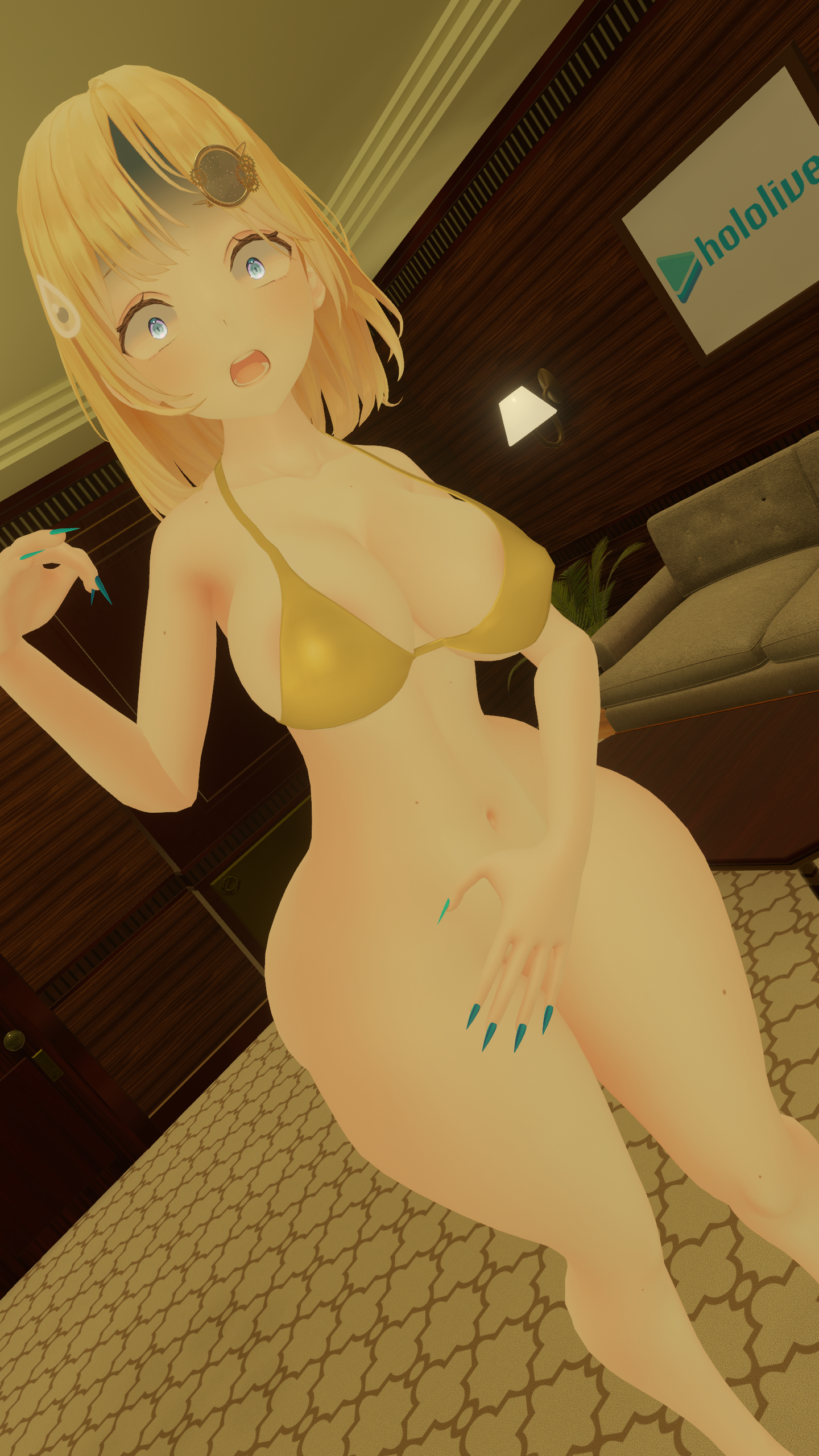
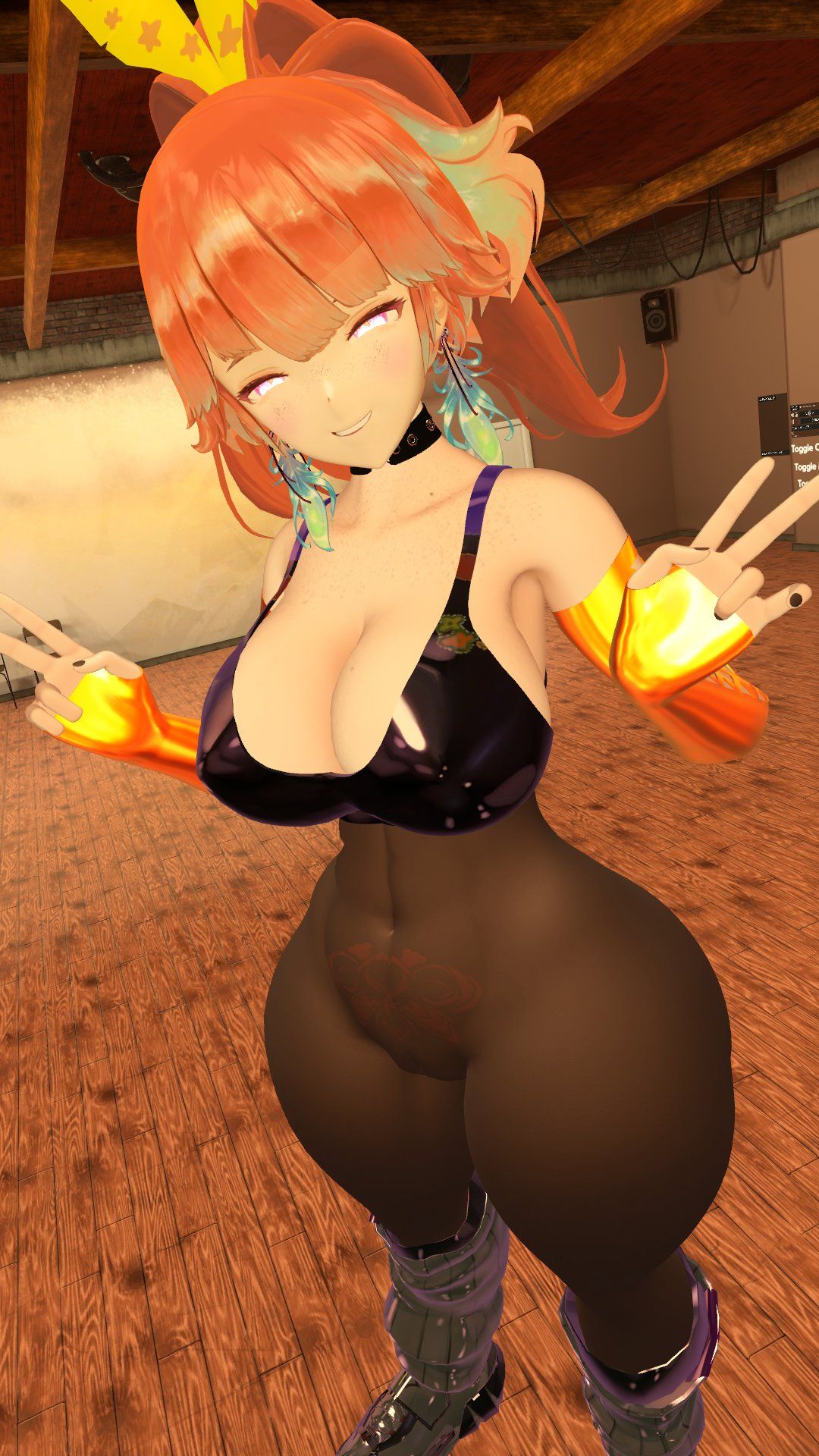
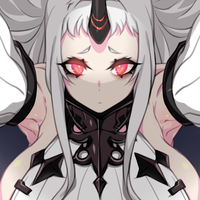
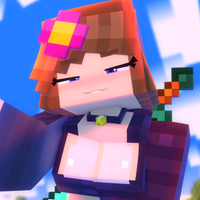
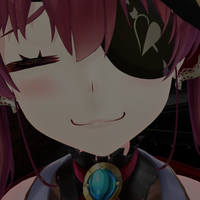
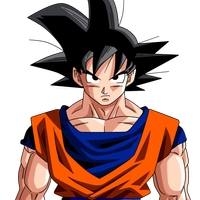
new model pics to take inspirations from









Hello! It looks like you're interested in this conversation, but you don't have an account yet.
Getting fed up of having to scroll through the same posts each visit? When you register for an account, you'll always come back to exactly where you were before, and choose to be notified of new replies (either via email, or push notification). You'll also be able to save bookmarks and upvote posts to show your appreciation to other community members.
With your input, this post could be even better 💗
Register Login