
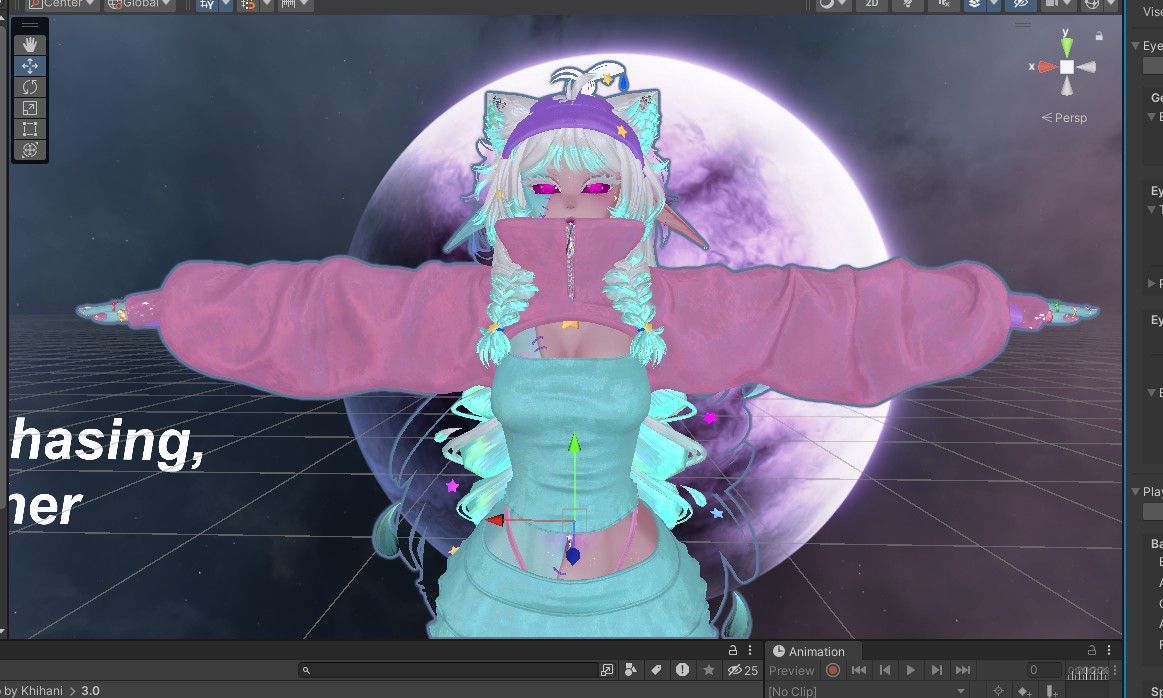
LF: Meep by Khihani
-
This post is deleted!
-
@sleepy-stormi dm me the key plsss
-
This post is deleted!
-
@smber how do you do it do you have to add everything back again? Or not considering it has a license key
-
@smber when you get it completely working can you send the file? if no it’s ok!
-
can they see who uses the license key?
-
[[topic:post-is-deleted]]
-
@StomachSlushie it says its invalid!
@smber is it? must be different for everyone..
I copied it straight from my download page -
anyone have the upload instructions?
@stopcussin
copied and pastedI. Make sure to have the following installed
- Unity 2022.3.22f1
- Creator Companion
- Android support for unity 2022.3.22f1
II. Have your Licensekey ready (you can find the key in your Payhip Email receipt for Meep or in your Payhip Library)
III. Then follow these Steps:
- In the creator companion click on "Create New Project"
- Click on Unity 2022 Avatar Project, Give the Project a Name (Meep by Khihani for example)
- Create a Project. You dont need to install anything else. After that click "Open Project"
- Wait until the Unity Project opens and either double click on Meeps unityfile or drag and drop it into the project
- After everything is imported and loaded, you should see a Scene in unity called "CLICK ME - MEEP". Double Click that.
- Now the avatar setup tool opens and asks you to verify with your licensekey. You can Copy it straight from payhip and paste it into the field. Click "Verify"
- Now the tool offers to install all necessary dependencies needed for Meep and removed the ones that interfere with her! I recommend pressing "I understand, add dependencies"
-
tho Im not sure. It worked for me
-
@stopcussin
copied and pastedI. Make sure to have the following installed
- Unity 2022.3.22f1
- Creator Companion
- Android support for unity 2022.3.22f1
II. Have your Licensekey ready (you can find the key in your Payhip Email receipt for Meep or in your Payhip Library)
III. Then follow these Steps:
- In the creator companion click on "Create New Project"
- Click on Unity 2022 Avatar Project, Give the Project a Name (Meep by Khihani for example)
- Create a Project. You dont need to install anything else. After that click "Open Project"
- Wait until the Unity Project opens and either double click on Meeps unityfile or drag and drop it into the project
- After everything is imported and loaded, you should see a Scene in unity called "CLICK ME - MEEP". Double Click that.
- Now the avatar setup tool opens and asks you to verify with your licensekey. You can Copy it straight from payhip and paste it into the field. Click "Verify"
- Now the tool offers to install all necessary dependencies needed for Meep and removed the ones that interfere with her! I recommend pressing "I understand, add dependencies"
-
@TokeiNeko ahh i see! I thought it would be a like everyone thing lol
-
@Onikama68 wdym?






Hello! It looks like you're interested in this conversation, but you don't have an account yet.
Getting fed up of having to scroll through the same posts each visit? When you register for an account, you'll always come back to exactly where you were before, and choose to be notified of new replies (either via email, or push notification). You'll also be able to save bookmarks and upvote posts to show your appreciation to other community members.
With your input, this post could be even better 💗
Register Login